
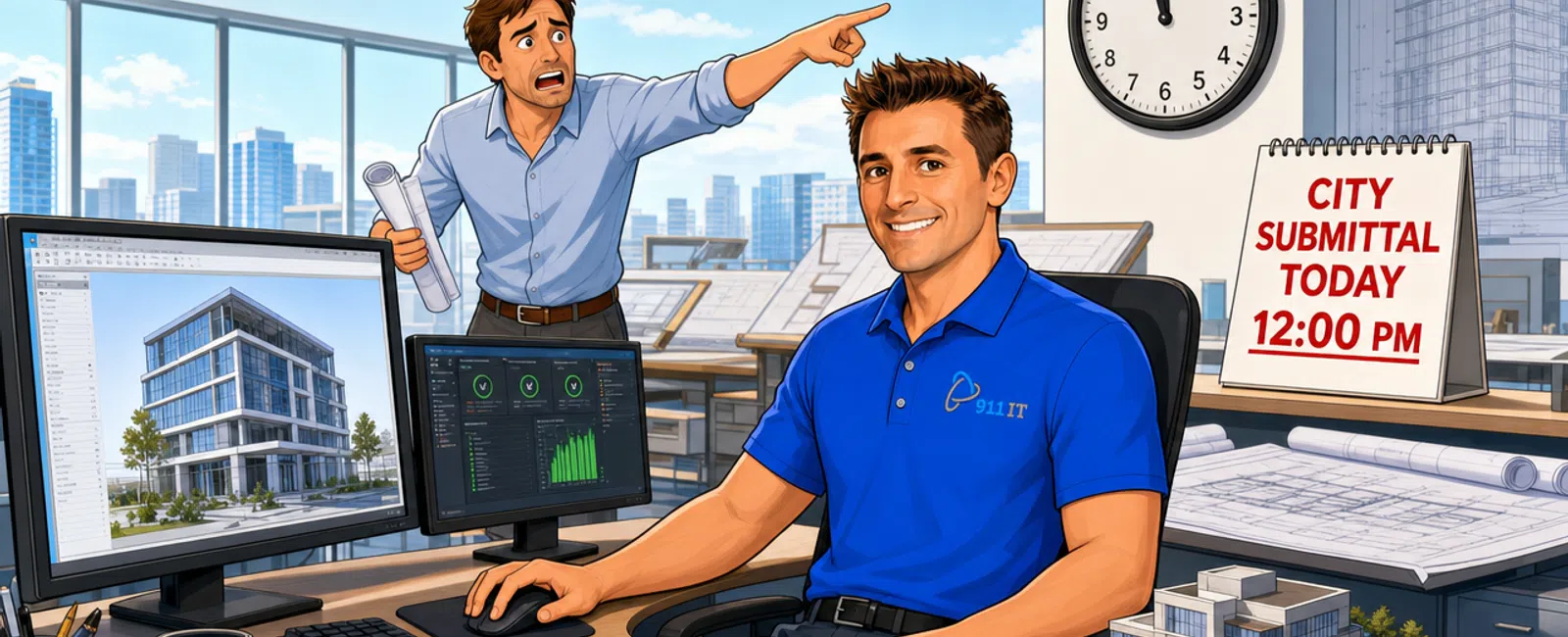
911 IT guarantees an emergency response time of one hour or less when your CAD, BIM, or design software crashes during a critical deadline. Our 24-7 live helpdesk connects you to real technicians - not voicemail or ticket queues - who understand architecture software performance issues and can diagnose problems immediately, often resolving crashes remotely within minutes of your call.
Why Does Response Time Matter More for Architecture Firms Than Other Businesses?
When Revit freezes during a final rendering or AutoCAD crashes two hours before a city submittal deadline, every minute of downtime translates directly to missed deadlines, client frustration, and potential project delays. Architecture firms operate in a uniquely time-sensitive environment where software crashes don't just interrupt work - they can derail entire project timelines.
Phoenix's competitive architecture market makes deadline performance even more critical. Firms competing for commercial projects across the Valley can't afford the reputation damage that comes from late submissions or rushed work caused by unresolved IT emergencies.
Generic IT providers often treat design software crashes as standard help desk tickets, routing them through multi-tier support queues where your emergency sits behind password resets and printer issues. By the time a technician with CAD expertise becomes available, you've already blown past your deadline.
Architecture firms lose an average of 3-5 billable hours per software crash when using standard IT support with 4-8 hour response times.
Kevin, who manages IT for a Phoenix construction firm, experienced this difference firsthand: "When I call for assistance, the response is instantaneous. I'm on the phone with a real person right away, and they're able to assist me with whatever issue I'm having. I've never been told that I need to call back, talk to someone else, or find a different solution."
Specialized support for architecture software requires both speed and expertise - technicians who understand rendering engines, file corruption patterns, and the specific ways CAD applications fail under memory pressure.
What Actually Happens When You Call During a Software Emergency?
The moment you contact 911 IT with a software crash, you reach a live technician - not an automated system, not a ticketing portal, and not an offshore call center reading from scripts. This immediate human connection is the first critical difference in emergency response.
Within the first two minutes of your call, the technician begins active troubleshooting. They can remotely access your workstation to see exactly what you're seeing, review error logs, check system resources, and identify whether the crash stems from software conflicts, hardware limitations, corrupted files, or network issues.
For common architecture software emergencies - Revit memory errors, AutoCAD fatal errors, or SketchUp GPU crashes - experienced technicians often resolve the issue within 10-15 minutes. They can restart services, clear temporary files, adjust memory allocation, or recover autosaved versions while you're still on the phone.
More complex issues that require deeper investigation still receive continuous attention. If the problem needs hardware replacement or software reinstallation, the technician coordinates immediate parts delivery or schedules an on-site visit, keeping you informed of progress every step of the way.
Ryan, working in construction IT, noted this proactive approach: "They're incredibly skilled at diagnosing problems and narrowing down solutions quickly, which saves us time and stress. They even went the extra mile to confirm everything was functioning properly to prevent future issues."
The one-hour guarantee means a qualified technician is actively working on your problem within 60 minutes - not that you'll receive a callback to schedule an appointment or that your ticket will be assigned to a queue.
How Does 24-7 Support Work for Phoenix Architecture Firms?
Architecture deadlines don't respect business hours. Renderings run overnight, teams work weekends before major presentations, and international clients schedule reviews across time zones. A software crash at 9 PM on Saturday is just as critical as one at 2 PM on Tuesday.
911 IT's 24-7 live support means actual technicians staff the helpdesk around the clock - not an answering service that takes messages for Monday morning callbacks. This infrastructure requires significant investment: rotating shifts of qualified staff, redundant monitoring systems, and documented procedures that ensure consistent expertise regardless of when you call.
Most Phoenix IT providers offer "24-7 monitoring" but not 24-7 human support. Their systems detect problems and generate alerts, but actual troubleshooting waits until business hours. For architecture firms, this distinction is critical - automated monitoring can't recover a crashed Revit session or restore a corrupted project file.
Phoenix's extreme summer heat creates additional after-hours risks. Workstations running intensive rendering operations in 115-degree weather face higher hardware failure rates, particularly in older buildings with inadequate cooling. Evening and weekend crashes are statistically more common during Arizona's hottest months.
True 24-7 support also enables proactive weekend maintenance. Software updates, system optimizations, and hardware upgrades can be scheduled during your firm's downtime rather than interrupting billable hours, with technicians available immediately if any issues arise during the maintenance window.
The cost difference between business-hours support and genuine 24-7 coverage reflects the infrastructure required. Firms paying for managed IT services receive this round-the-clock access as part of their flat-rate agreement, eliminating the anxiety of calculating emergency overtime charges during a crisis.
What Causes Most Architecture Software Crashes and How Quickly Can They Be Fixed?
Understanding common crash patterns helps set realistic expectations for resolution times. The following breakdown shows typical causes and their resolution timeframes:
- Memory exhaustion (40% of crashes): Revit or AutoCAD consuming all available RAM during complex operations. Resolution: 5-10 minutes through service restarts and memory reallocation.
- Graphics driver conflicts (25% of crashes): Particularly after Windows updates that overwrite specialized GPU drivers. Resolution: 15-20 minutes for driver rollback or reinstallation.
- File corruption (15% of crashes): Project files become corrupted during save operations. Resolution: 20-45 minutes using autosave recovery or file repair utilities; success depends on acting within 30 minutes.
- Network issues (10% of crashes): Connectivity problems during collaborative BIM sessions. Resolution: 10-60 minutes depending on whether it's a simple network reset or complex routing issue.
- Hardware failures (10% of crashes): Overheating GPUs, failing RAM modules, or dying hard drives. Resolution: Same-day hardware replacement for Phoenix clients, typically 2-4 hours for emergency situations.
File corruption represents the most time-sensitive category. When a project file becomes corrupted, immediate action is critical - continued save attempts can worsen the damage. Experienced technicians can often recover recent autosave versions or use file repair utilities, but success depends on acting within the first 30 minutes of recognizing corruption.
Mitch, managing IT for a manufacturing firm with similar software demands, appreciated this reliability: "911 IT is able to resolve all of our IT issues, even if the problem has been intermittent. They have a quick response time and are honest with all of our problems."
The combination of rapid response and architecture-specific expertise means most software crashes are resolved before they significantly impact project timelines.
How Do Phoenix Architecture Firms Currently Handle Software Emergencies?
Many Phoenix architecture firms still rely on reactive IT approaches that weren't designed for deadline-driven creative work. Common patterns include the internal "tech-savvy" employee who handles IT "on the side," hourly break-fix providers who respond when available, or national help desk services with no architecture software expertise.
The internal IT person model fails during emergencies because that employee has primary responsibilities. When your project manager is troubleshooting a Revit crash instead of coordinating with consultants, you're losing productivity in two roles simultaneously. These employees also lack the specialized training and tools that professional IT providers maintain.
Hourly break-fix providers create perverse incentives during emergencies. When you're paying per hour, there's no guarantee of rapid response - your emergency competes with other clients' issues, and the provider has no contractual obligation to prioritize your deadline. Extended troubleshooting sessions can cost thousands of dollars with no resolution guarantee.
National IT providers and large MSPs offer 24-7 support infrastructure but treat small and mid-size architecture firms as low-priority accounts. Your software crash enters a ticket queue behind enterprise clients with larger contracts. When you finally reach a technician, they often lack architecture-specific software knowledge and follow generic troubleshooting scripts.
Amy, transitioning her healthcare practice from casual IT support to professional management, described the frustration: "We started using 911 IT when we tired of waiting for our issues to get resolved. Having a dedicated IT team, not a tech person that does it 'on the side' has saved me time and money."
Phoenix's geography compounds these problems. A provider based in Scottsdale might quote 4-6 hour response times for on-site visits to firms in Tempe or downtown Phoenix. During summer traffic or monsoon weather, even local providers struggle with timely physical presence.
The gap between what architecture firms need and what typical IT arrangements provide creates the chronic anxiety that many principals feel about technology reliability.
What Should Phoenix Architecture Firms Look for in IT Emergency Support?
Evaluating IT providers for emergency response requires looking beyond marketing promises to contractual guarantees and operational infrastructure. Start by asking for specific, written response time commitments - not "we prioritize emergencies" but "guaranteed response within X hours."
Verify that 24-7 support means live technicians, not answering services. Ask who answers the phone at 2 AM on Sunday and what their qualifications are. Request examples of after-hours emergencies they've resolved for architecture or engineering firms.
Architecture-specific expertise is non-negotiable. The provider should demonstrate experience with Revit, AutoCAD, SketchUp, Lumion, Enscape, and other tools your firm uses daily. Ask about their largest CAD/BIM file recovery, their approach to rendering workstation optimization, and how they handle software licensing during emergencies.
Local presence matters for hardware issues. A provider with Phoenix-area offices and parts inventory can deliver replacement components the same day. Remote-only providers may offer fast phone support but leave you waiting days for physical repairs.
Understand the pricing model during emergencies. Flat-rate managed services agreements should include emergency response without additional charges. If a provider quotes separate emergency rates or after-hours premiums, calculate what a midnight software crash before a Monday deadline would actually cost.
Request client references from other Phoenix architecture or construction firms. Ask those references about actual emergency experiences - how quickly the provider responded, whether the issue was resolved satisfactorily, and if they felt confident calling for help during crises.
Review the provider's monitoring and prevention capabilities. The best emergency response is preventing emergencies through proactive maintenance, performance monitoring, and early warning systems that catch problems before they cause crashes.
For firms working on municipal projects or government contracts, verify the provider's understanding of cybersecurity requirements and data protection standards that may apply to your project files.
Why 911 IT Is the Right Fit for Phoenix Architecture Firms
911 IT combines the specialized expertise architecture firms need with response guarantees that protect project deadlines. The company has built its reputation on proactive, deadline-aware IT support for creative and technical businesses across Arizona, Utah, and Wyoming.
The one-hour emergency response guarantee is backed by genuine 24-7 live support infrastructure - not marketing language but contractual commitment. Architecture firms calling at any hour reach experienced technicians who can immediately begin troubleshooting CAD, BIM, and rendering software issues.
Specific expertise in CAD, BIM, and engineering software performance means technicians understand the unique ways design applications fail and the fastest paths to recovery. They've optimized rendering workstations, recovered corrupted project files, and resolved software conflicts under deadline pressure for firms across multiple industries.
Phoenix-area presence through the company's Phoenix IT support operations means hardware issues receive same-day attention. When remote troubleshooting reveals a failed component, replacement parts arrive in hours rather than days.
Flat-rate, transparent pricing eliminates the anxiety of calculating costs during emergencies. Architecture firms know their monthly IT investment covers emergency response, after-hours support, and unlimited help desk access without surprise charges when they need help most.
For architecture firms managing multiple projects with overlapping deadlines, this combination of speed, expertise, and reliability transforms IT from a source of anxiety into a competitive advantage. When software crashes happen - and they will - your team knows help is one phone call and less than one hour away.
Frequently Asked Questions
What happens if my CAD software crashes at 3 AM before a morning deadline?
You call 911 IT's 24-7 helpdesk and reach a live technician immediately who can remotely access your workstation and begin troubleshooting within minutes. The one-hour response guarantee applies around the clock, including weekends and holidays. Most common CAD crashes are resolved within 10-20 minutes through remote support, getting you back to work before your deadline.
Do you charge extra for after-hours emergency support?
No. Flat-rate managed services agreements include 24-7 emergency response without additional charges or after-hours premiums. Whether you call at 2 PM Tuesday or 2 AM Saturday, you receive the same rapid response and expert support as part of your monthly service agreement, eliminating cost anxiety during crises.
How quickly can you replace failed hardware during an emergency?
For Phoenix-area clients, same-day hardware replacement is standard for emergency situations. 911 IT maintains local parts inventory and can deliver replacement components within hours of diagnosing hardware failure. Critical components like workstation RAM, hard drives, or power supplies are typically replaced the same business day, often within 2-4 hours for true emergencies.
What if the problem is with our Revit or AutoCAD software itself?
911 IT technicians have specific expertise in CAD and BIM software troubleshooting, including Revit, AutoCAD, SketchUp, and related design applications. They can diagnose software-specific issues like corrupted files, licensing problems, plugin conflicts, or memory allocation errors. If the issue requires vendor involvement, they coordinate directly with Autodesk or other software providers while keeping your project moving.
Can you prevent software crashes before they happen?
Yes. Proactive monitoring identifies performance issues, memory constraints, and failing hardware before they cause crashes. Regular maintenance includes software updates, driver optimization, disk cleanup, and workstation health checks. 911 IT's approach focuses on preventing emergencies through continuous monitoring and scheduled maintenance, significantly reducing the frequency of deadline-threatening crashes.


