
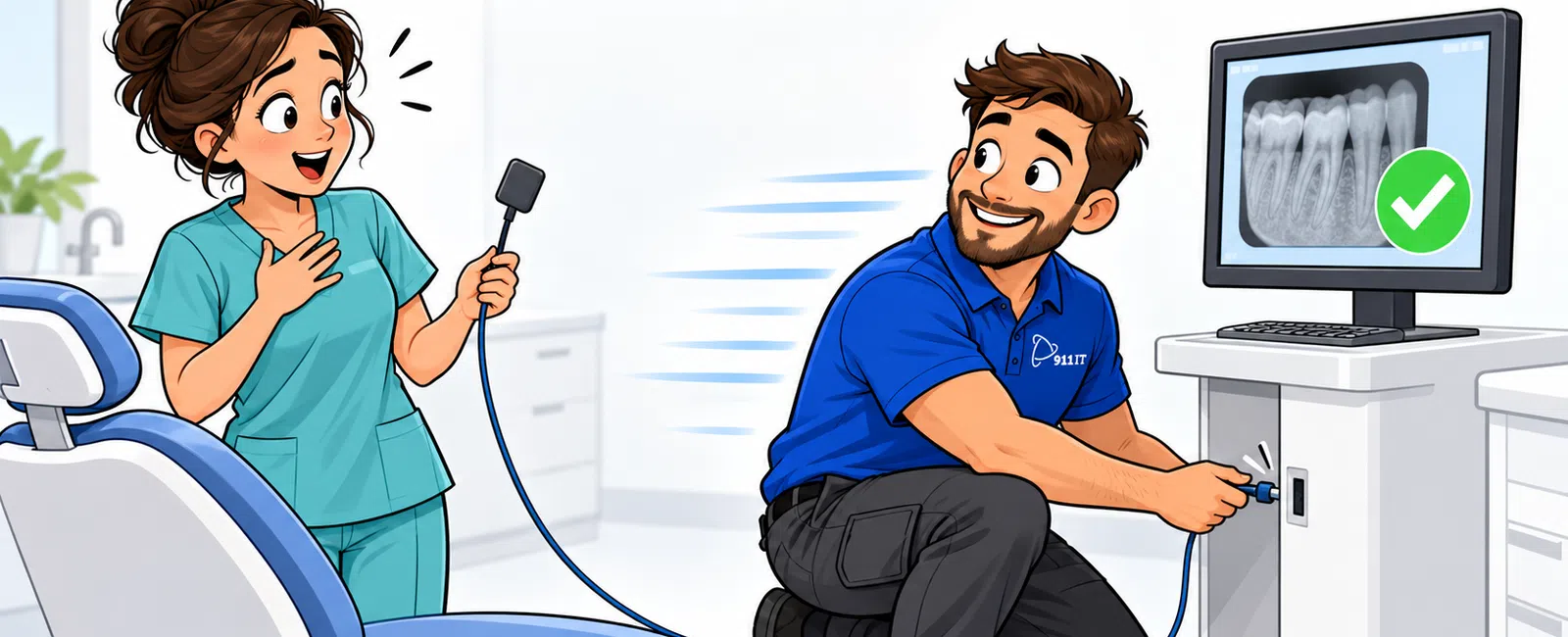
911 IT responds to digital X-ray system failures within 2-4 hours during business hours for Salt Lake City dental practices, with 24/7 live helpdesk support available immediately by phone. Critical patient-facing technology receives priority treatment, and our South Jordan location at 1124 South Jordan Parkway enables rapid on-site deployment when remote troubleshooting cannot resolve the issue. Response times vary based on severity and whether the problem requires physical hardware replacement or software/network fixes.
What determines the response speed for dental imaging system failures?
Response speed depends on three primary factors: the severity of the outage, the type of failure, and your service agreement level. A complete digital radiography system failure that prevents patient treatment receives immediate priority escalation, while intermittent connectivity issues follow standard support queues.
Hardware failures requiring physical component replacement take longer than software or network configuration problems that can be resolved remotely. When your PACS system won't communicate with your practice management software, technicians can often diagnose and fix the issue through remote access within the first hour of your call.
Geographic proximity matters significantly for on-site visits. Salt Lake City practices benefit from 911 IT's South Jordan headquarters location, enabling faster physical response than providers operating from out-of-state call centers. Utah's concentrated dental practice market along the Wasatch Front means shorter drive times during emergencies.
Sarah, a healthcare provider in the Salt Lake area, experienced this firsthand: "911 IT was phenomenal to work with! After calling tech after tech to come out to find out the issues with our phone lines, Adam came out within a few hours and FIXED our phones immediately!" The same rapid response applies to digital X-ray emergencies.
Service level agreements with managed IT services typically guarantee faster response than ad-hoc support arrangements, with defined escalation paths for practice-critical systems.
How does 24/7 support work for after-hours imaging emergencies?
Dental emergencies don't follow business hours, and neither does critical technology support. 911 IT maintains 24/7 live helpdesk support staffed by actual technicians, not answering services that take messages for next-day callbacks.
When you call after hours with a digital X-ray failure, you reach a qualified technician who can immediately begin remote diagnostics. Many imaging system problems stem from network connectivity issues, software crashes, or workstation configuration errors that don't require physical hardware access to resolve.
For problems requiring on-site intervention during evening or weekend hours, the support team dispatches available technicians based on severity. A Saturday morning emergency that prevents you from seeing scheduled patients receives priority over issues that can wait until Monday without impacting operations.
Remote access tools allow technicians to view your imaging workstation screen, check network connectivity to your X-ray sensors, verify PACS server status, and restart services without requiring you to understand complex technical procedures. This capability resolves an estimated 60-70% of digital radiography issues without on-site visits.
24/7 live phone support means you never wait until the next business day to start troubleshooting critical imaging system failures.
What happens during the first hour after you report an X-ray system failure?
The first hour determines whether your practice experiences minor inconvenience or major operational disruption. When you contact 911 IT about a digital X-ray failure, the support team immediately logs a priority ticket and begins systematic troubleshooting.
Initial diagnostics focus on quick wins: verifying network connectivity, checking whether the imaging software is running, confirming sensor recognition by the workstation, and reviewing recent system changes that might have triggered the failure. These steps take 10-15 minutes and resolve many common issues.
If remote diagnostics don't identify an obvious fix, the technician escalates to specialists familiar with dental imaging systems. This escalation happens within the first 30 minutes for critical failures, not hours or days later. Specialists review error logs, examine PACS server health, and determine whether the problem requires hardware replacement.
Simultaneously, the support team assesses workaround options. If one operatory's digital sensor fails but others work, they can guide you through temporarily routing patients to functioning rooms. If your entire PACS system is down, they evaluate whether you can capture images to local storage for later upload.
By the end of hour one, you have either a resolution, a clear diagnosis with estimated repair time, or a technician en route for on-site service.
Why does local presence matter for dental imaging support?
Digital X-ray systems combine hardware, software, and network components that sometimes require hands-on troubleshooting. Remote support has limitations when dealing with physical sensor failures, USB connectivity problems, or imaging server hardware issues.
Salt Lake City dental practices working with 911 IT benefit from the company's South Jordan office location, which enables technicians to reach most Wasatch Front practices within 30-45 minutes during business hours. This proximity advantage becomes critical when you have a full schedule of patients and can't afford hours of downtime.
National IT providers often dispatch contractors from third-party networks with inconsistent availability and familiarity with dental-specific technology. Local teams build institutional knowledge about your specific practice management system, imaging software version, and network configuration, reducing diagnostic time during emergencies.
Utah's growing population and competitive dental market mean practices can't afford extended technology outages. Patients expect modern digital imaging, and delays create negative experiences that drive them to competitors. Local support teams understand this market pressure and prioritize accordingly.
The Salt Lake City IT support model also facilitates preventive maintenance visits that reduce emergency frequency. Technicians who regularly service your equipment spot potential failures before they cause operational disruptions.
What proactive measures prevent digital X-ray system failures?
The fastest response to a system failure is preventing it from happening. Proactive monitoring detects early warning signs before complete outages occur, giving you time to schedule repairs during non-patient hours.
Network monitoring tracks connectivity between imaging workstations, sensors, and PACS servers. When packet loss or latency increases, technicians investigate before it escalates to image transfer failures. Storage monitoring alerts teams when your PACS server approaches capacity, preventing the "disk full" errors that crash imaging systems.
Regular software updates and security patches keep imaging systems stable and compliant with HIPAA requirements. Outdated software versions contain bugs that cause crashes, and unpatched systems face ransomware risks that can encrypt your entire image database.
Ying, a healthcare provider, noted this benefit: "What really sets them apart is their proactive approach. They don't just fix problems; they prevent them, which gives us real confidence in our IT operations." This philosophy applies directly to dental imaging infrastructure.
Scheduled maintenance includes testing backup and disaster recovery systems. When a hardware failure does occur, verified backups mean you can restore patient images quickly rather than discovering backup failures during an emergency. Practice management software integration testing ensures X-ray images properly attach to patient records.
Proactive replacement of aging components before failure reduces emergency service calls. A three-year-old imaging server showing performance degradation gets scheduled replacement during a weekend, not emergency replacement on a busy Tuesday morning.
How do service agreements affect emergency response times?
Service level agreements define response time commitments and priority levels for different types of issues. Dental practices with managed IT agreements receive faster response than those purchasing ad-hoc support because their systems are already monitored and documented.
Managed service agreements typically include priority queuing for critical system failures. When multiple clients need support simultaneously, practices with comprehensive agreements receive preference over break-fix customers. This prioritization matters most during widespread issues affecting multiple organizations.
Pre-established remote access and network documentation eliminate the setup delays that slow ad-hoc support. Technicians don't waste time requesting credentials, configuring VPN access, or mapping your network topology - they already have this information and can begin troubleshooting immediately.
Flat-rate pricing models remove the hesitation to call for support. When you're not watching the clock worrying about hourly charges, you report problems earlier when they're easier to fix. This early intervention often prevents minor issues from becoming major outages.
[OWNER: What are 911 IT's specific SLA response time guarantees for critical system failures under managed service agreements? For example: "Critical system failures receive on-site response within X hours" or "Priority 1 tickets receive initial response within X minutes."]
The business continuity services component of comprehensive agreements includes documented recovery procedures specific to your practice. When disaster strikes, technicians follow tested playbooks rather than improvising solutions under pressure.
What typical response scenarios can dental practices expect?
Understanding common failure scenarios helps you set realistic expectations for resolution timelines. Different problems require different approaches and response speeds.
- Software crashes or freezes: Remote resolution typically within 15-30 minutes. Technicians restart services, clear temporary files, or update drivers without on-site visits.
- Network connectivity issues: Diagnosis within 30-60 minutes remotely. Resolution depends on whether the problem is practice-specific or involves your internet service provider.
- Sensor recognition failures: Initial troubleshooting remote (30-45 minutes), but may require on-site service if USB ports or sensor hardware failed. Total resolution 2-4 hours including travel time.
- PACS server failures: Critical priority with immediate remote diagnostics. Hardware component failures require on-site service with 2-4 hour response. Software issues often resolve remotely within the first hour.
- Complete system outages: Highest priority with immediate escalation. Technicians begin remote diagnostics while simultaneously dispatching on-site support. Resolution timeline depends on root cause but typically 2-6 hours.
These scenarios assume business hours response. After-hours emergencies follow similar patterns but may have slightly extended timelines depending on technician availability and travel distance.
Frequently asked questions
What should I do immediately when my digital X-ray system stops working?
Call your IT support provider immediately and document what happened right before the failure - recent software updates, Windows updates, or error messages. Check basic connectivity: ensure the sensor USB cable is firmly connected, verify the imaging workstation has network access, and confirm other operatories still function. Don't attempt complex troubleshooting yourself, as this can complicate diagnosis. Your support team will guide you through systematic checks while beginning remote diagnostics.
Can most digital X-ray problems be fixed remotely without an on-site visit?
Approximately 60-70% of digital radiography issues resolve through remote support, including software crashes, network configuration problems, driver conflicts, and PACS connectivity failures. Remote technicians can restart services, update drivers, reconfigure network settings, and verify sensor recognition without physical access. Hardware failures like damaged sensors, failed USB ports, or imaging server component failures require on-site service. Remote diagnosis still accelerates resolution by identifying the exact problem before dispatching technicians with appropriate replacement parts.
How much does emergency IT support cost for dental practices in Salt Lake City?
Emergency support costs depend on your service agreement structure. Practices with managed IT services pay flat monthly rates that include emergency response, eliminating per-incident charges. Ad-hoc support typically costs $150 - $300 per hour for break-fix service. However, comprehensive managed agreements provide better value for practices requiring reliable uptime, as they include proactive monitoring, preventive maintenance, and priority response that reduce emergency frequency. The cost of a single extended outage often exceeds monthly managed service fees.
Will my patient images be safe if the X-ray system crashes?
Patient images remain safe if you have proper backup systems in place. Modern PACS servers should back up to both local and cloud storage, creating redundant copies of all radiographic images. When systems crash, technicians restore from recent backups, typically losing only images captured since the last backup cycle (often hourly). Practices without proper backup face catastrophic data loss during hardware failures. HIPAA compliance requires documented backup and disaster recovery procedures for protected health information, including diagnostic images stored in digital format.
Do you support all types of dental imaging software and hardware?
911 IT supports major dental practice management systems and imaging platforms including Dentrix, Eaglesoft, Open Dental, and other common solutions used by Salt Lake City practices. Support extends to digital sensor systems, panoramic units, CBCT scanners, and intraoral cameras from various manufacturers. Technicians receive training on dental-specific technology and maintain relationships with imaging equipment vendors for complex hardware issues. During initial onboarding, the team documents your specific hardware and software configuration to ensure faster troubleshooting during emergencies and seamless integration support.
What happens if my X-ray system fails during a patient appointment?
When failure occurs mid-appointment, contact support immediately while the patient is still in the chair if possible. Technicians can often resolve software issues within minutes through remote access. If immediate resolution isn't possible, they'll help you determine whether to reschedule the patient or use alternative diagnostic methods. For practices with multiple operatories, support teams can guide you through temporarily routing to functioning rooms. Document the failure for the patient record and follow up with definitive repair. Priority response ensures minimal disruption to your schedule and patient experience.


