
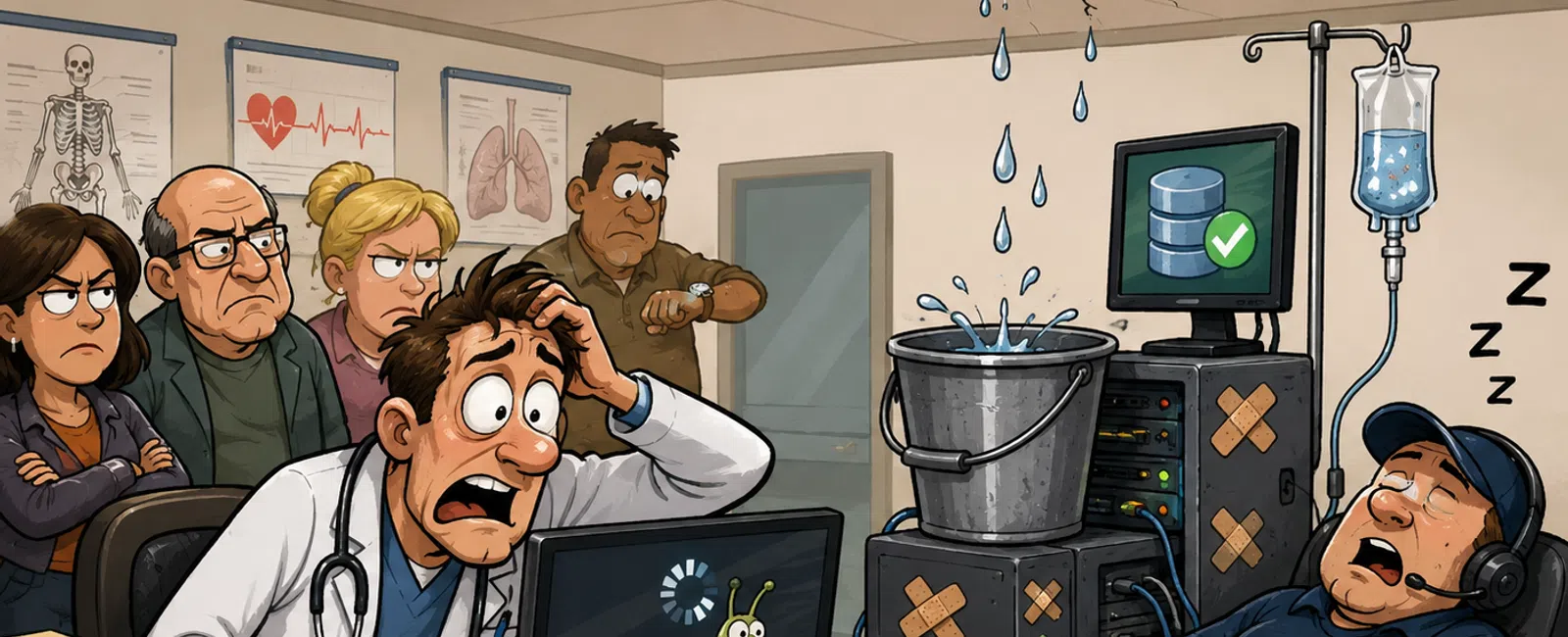
How "We'll Fix It Later" Turns Into Clinical Downtime
If you run clinic operations, you already know this pressure.
When a system fails, they do not call the vendor first. They call you.
That is why small IT issues in a medical practice are never really small.
A delayed patch, a backup that has not been tested, a login that keeps dragging
every morning, a printer that drops off the imaging workflow for the third time
this week. None of those feel urgent in the moment. But they are exactly how
routine friction turns into provider disruption, patient delays, compliance
exposure, and one more day where you are stuck reacting instead of leading.
We see this constantly in healthcare environments. The issue is rarely
that no one cares. The issue is that too many teams mistake "not down yet" for
"under control."
What This Actually Looks Like in the Real World
A common pattern looks like this:
A clinic's backups were completing every night. On paper, everything
looked fine. The problem was that no one had tested a restore in 21 days. When
a file server issue hit, the restore failed because the backup set was
corrupted. What should have been a short recovery became six hours of downtime.
That six-hour window did not show up as an IT problem. It showed up as:
- patient visits
delayed or rescheduled
- staff moving
back to manual workarounds
- providers
waiting on records
- front desk
teams explaining the same problem over and over
- leadership
asking why no one knew sooner
That is how this works in the real world. The backup "worked" right up
until it mattered.
Another common pattern is patching. A clinic misses one patch cycle
because the week is too busy. Then another because an upgrade is coming. Then a
third because no one wants to interrupt providers. By the time action happens,
the team is no longer choosing a maintenance window. They are responding to
instability.
Think of Small IT Issues Like Interest
A small technical problem acts like interest on a balance.
It compounds quietly.
A few seconds here. A few repeated tickets there. One missed patch cycle.
One backup test pushed to next week. None of it feels expensive on its own. But
over time, those delays build into one large operational cost that hits all at
once.
That is why reactive IT feels manageable until the exact moment it does
not.
When a Small Issue Becomes a Real Risk
Minor issues should not stay in the "watch it" category forever. There
has to be a line where recurring friction becomes an operational risk.
Use these escalation triggers:
- The same issue
is reported 3 or more times in one week
- Login times
exceed 15 seconds consistently
- File or chart
loading delays exceed 5 seconds across multiple users
- Backups have
not been restore-tested in 30 or more days
- Updates have
been missed for more than one patch cycle
- A critical
alert has remained open without clear ownership
- Staff have
created a workaround that is now considered "normal"
If one of those is happening, it is no longer a nuisance. It is a problem
that needs ownership, a deadline, and a documented next step.
What Most Teams Get Wrong
Most teams do not fail because they ignore every issue. They fail because
they normalize the wrong ones.
Here is what usually goes wrong:
- They assume no
outage means no risk
- They treat
updates like optional maintenance instead of operational protection
- They assume a
successful backup job means a successful recovery
- They rely on
user complaints instead of system visibility
- They wait for
multiple symptoms before escalating a repeated pattern
In healthcare, this is especially costly. By the time clinicians feel the
issue, the problem has usually been building for days or weeks.
What's Monitoring This, If You're Doing It Right
A mature setup does not wait for a provider to say the system feels off.
It should already have visibility into the environment.
At minimum, you should expect these three layers:
1. Automated Alert Systems
These should be watching:
- internet
circuits
- firewalls
- switches
- servers and
storage
- key
applications
- EHR
connectivity
- backup job
failures
- unusual
activity that suggests access or security issues
If your team only finds out something is wrong because staff call the
front desk or submit a ticket, visibility is too late.
2. Patch Management Visibility
You should be able to see:
- what updates
were scheduled
- what failed
- what was
deferred
- what
third-party apps are behind
- how long any
system has been outside the patch cycle
Patching is not just about installation. It is about verifying that the
cycle actually completed.
3. Backup Verification Logs
This is where many teams get exposed.
You need to know:
- did the backup
complete
- was the backup
intact
- when was the
last successful restore test
- what systems
were actually tested
- who reviewed
the result
"Show me the restore logs" is not overkill in a clinic. It is basic
readiness.
What Operator-Grade Execution Looks Like Week to Week
This is the part most blogs skip. Here is what real execution looks like.
Every Week
- Review repeated
tickets for the same symptom
- Check login
time and chart/file open delays
- Review
unresolved monitoring alerts
- Confirm failed
updates were remediated
- Confirm backup
jobs completed without errors
- Escalate
anything that crossed the repeat threshold
Every Month
- Perform at
least one restore test on a critical system or dataset
- Review patch
compliance by system type
- Validate
endpoint protection and device encryption status
- Review
recurring issues by department, not just by ticket count
- Confirm there
is a current owner for every open risk
Every Quarter
- Test the
downtime recovery sequence for your most critical systems
- Review RPO and
RTO against actual clinical operations
- Evaluate aging
hardware, unsupported software, and high-friction workflows
- Review whether
your current help desk and escalation path reflect clinical urgency
That is what proactive IT actually looks like. Not theory. Not promises.
Repeated operational discipline.
Who Owns This Even If You Don't Have Internal IT
One reason small issues keep sliding is that nobody owns the middle.
Here is the clean version:
- Operations
leadership owns escalation, visibility, and business priority
- IT partner owns
monitoring, patching, backup verification, and technical remediation
- Department
leads own reporting repeated workflow disruption
- Leadership owns approval
for maintenance windows and risk decisions
If ownership is vague, delay is guaranteed.
The Cost Shows Up Long Before the Outage
You do not need a full outage to lose time.
If 15 staff members each lose 10 minutes a day to slow logins, lagging
charts, repeated restarts, or file delays, that is 150 minutes a day. That
becomes 12.5 hours a week of lost staff time before you even count provider
frustration, delayed patient flow, or after-hours cleanup.
Now add one six-hour downtime event:
- appointments
get pushed
- the front desk
works backlog instead of current patients
- providers lose
momentum and confidence in the workflow
- your team burns
staff hours rebuilding the day manually
The financial cost matters. But for most clinics, the bigger cost is
trust. Once providers feel like systems are unpredictable, every future change
becomes harder to roll out.
How the Practice Gets Judged
Patients do not know you missed a patch cycle.
Providers do not care whether the backup job said "completed."
Auditors do not accept good intentions instead of documentation.
From the outside, people only see outcomes:
- Was the clinic
ready
- Was downtime
contained
- Was recovery
documented
- Did leadership
know what was happening
- Could the
practice prove control
That is the external lens that matters. Not whether your environment felt
"mostly fine" the week before.
Red Flags That Mean You're Already Behind
If any of these are true, your risk is already building:
- staff say "it's
always been a little slow"
- no one can
quickly show the last restore test result
- updates keep
getting moved to next week
- after-hours
issues depend on voicemail or guesswork
- recurring
tickets are being closed without a root cause
- your team
notices friction first and tooling notices it later
The point is not to panic. The point is to stop calling these normal.
Your Next Week Action
Next week, pick three issues your clinic has quietly adapted to.
For each one, answer:
- Who owns it
- What system is
detecting it
- What event
would force escalation
If you cannot answer all three questions, that issue is already a risk.
Schedule your 10 minute discovery call
Schedule your 10 minute discovery call to review your current escalation
triggers, patch status, and restore testing gaps. We will help you confirm
which issues are still manageable and which ones are already building into
operational risk. 911 IT will give you a short, practical priority list you can
act on immediately.


