
Midyear Drift Reset™: What Quietly Broke in Your Systems Since January
By July, most businesses aren't running on what they built at the start
of the year.
They're running on everything that's been added, granted, integrated, and
never revisited since.
New hires needed access quickly. Vendors were brought in to solve
immediate problems. Tools were layered in across departments to keep momentum
going.
None of those decisions were wrong.
But together, they create something most businesses never formally
evaluate:
A system that still works—but no longer reflects reality.
That's where risk builds.
Not in what's broken. In what's drifted.
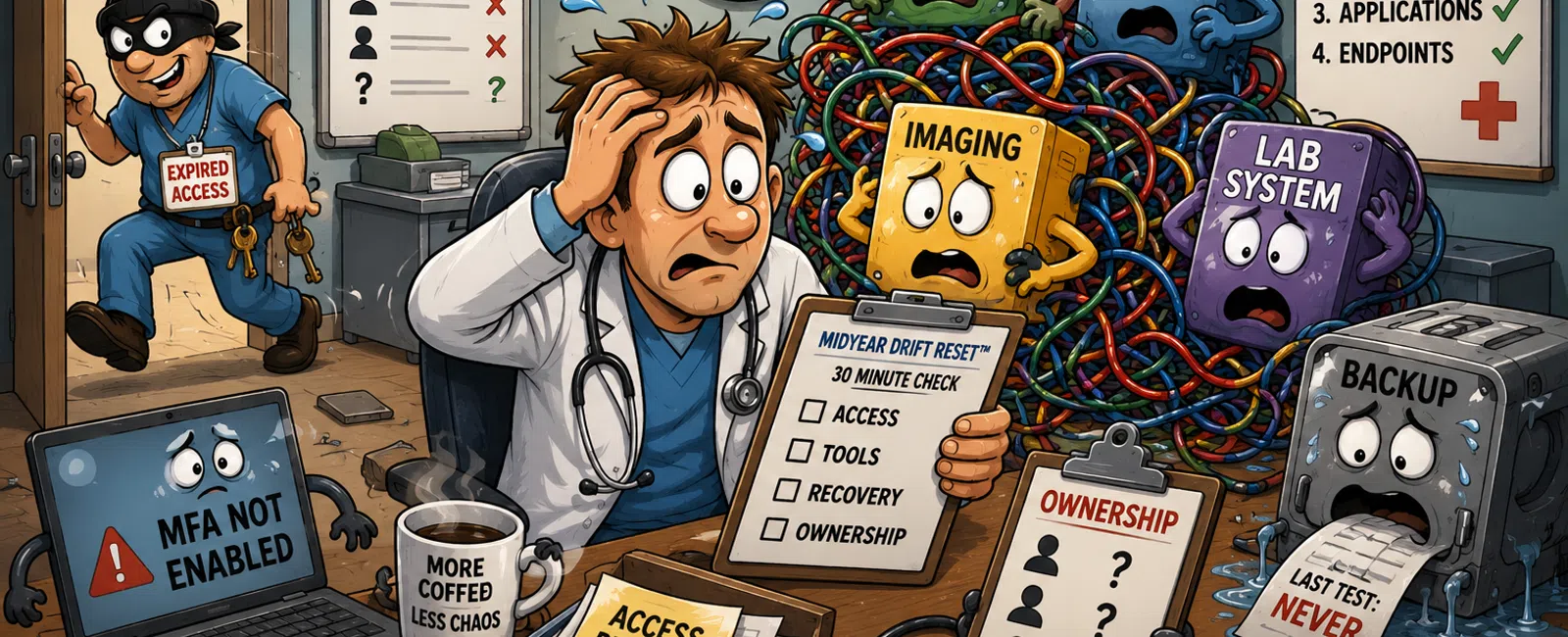
The Midyear Drift Reset™
This is a practical framework to realign your systems in under an hour.
It focuses on four areas where drift shows up first:
1. Access
Who can access what—and whether that still makes sense today.
2. Tools
Whether your systems actually work together, or your team is compensating
manually.
3. Recovery
How predictable your recovery process is if something fails.
4. Ownership
Who is responsible when something breaks or crosses systems.
These areas align with core CIS controls around account management,
access control, and recovery validation.
If even one of these is unclear, you're operating on assumptions—not
control.
Run This in 30 Minutes
This is a live validation, not a project.
Pull this immediately:
Systems to check
- Microsoft 365
admin center (users and roles)
- CRM, billing,
and project tools
- Backup and
recovery dashboard
Reports to pull
- Active user
list (including guest accounts)
- Admin role
assignments
- MFA status
- Backup
success/failure logs
What to flag
- Users you don't
recognize or no longer need
- More admin
accounts than expected
- Any user
without MFA
- Backup jobs
that exist but haven't been tested
- Duplicate data
across systems
If it takes longer than 30 minutes to answer basic questions, that's the
finding.
Midyear Systems Scorecard
Use this to quickly assess your current state:
Access Visibility
✅ Full user and permission visibility
in one view
❌ Requires multiple systems or manual
checks
MFA Coverage
✅ 100% coverage—no exceptions
❌ Partial rollout or admin gaps
Ownership Clarity
✅ Every system has one accountable
owner
❌ Responsibility unclear or situational
Data Consistency
✅ Data aligns across systems
❌ Manual reconciliation required
Recovery Readiness
✅ Tested, timed, and owned
❌ Assumed but not validated
This is your Midyear Systems Scorecard. Treat it as a baseline—not a
report.
What "Good" Looks Like (Benchmarks That Matter)
- Fewer than 3-5
global administrators in Microsoft 365
- 100% MFA
coverage across all users and admins
- Zero former
employees with active access
- Backup recovery
tested at least once—not just configured
- One named owner
per system, no shared ambiguity
If you're outside these ranges, you're not unusual—but you are exposed.
Operational Deep Dive: Access (Highest Impact Area)
Run this exactly:
- Export all
active users
- Export admin
role assignments
- Compare both
lists side by side
You're looking for:
- Users with
unnecessary admin privileges
- Accounts tied
to former employees or vendors
- Shared or
generic accounts without clear ownership
Expected output of a controlled system:
- Every admin
role has a clear reason
- No inactive or
legacy accounts remain
- Access matches
current responsibilities—not past projects
Example
A company added a CRM vendor and two contractors in Q1.
By July:
- One contractor
still had admin access
- Two employees
retained elevated permissions from onboarding
- No one could
confirm who owned access reviews
Nothing broke.
But they expanded risk silently—and lost visibility in the process.
Recovery Reality: Restore Order (Simple Sequence)
Most businesses assume recovery works. Very few have validated it.
If systems failed today, recovery should follow this exact order:
Restore Order
- Identity (users
can log in)
- Core data
(files and shared storage)
- Business
applications (CRM, billing, communication tools)
- Endpoints
(workstations and devices)
If this sequence is unclear—or untested—you don't have a recovery plan.
You have a backup assumption.
Vendor Access Rules (The Missing Control Layer)
Vendors are one of the most common sources of drift—and rarely governed
well.
Set these rules:
- Temporary
access must have an expiration date
- Vendors never
retain standing admin privileges
- Access is
reviewed quarterly, not "as needed"
Without this, your environment expands without oversight.
Fix Priority Order (What Actually Reduces Risk Fastest)
Don't fix everything at once. Fix what matters most:
1. Reduce access exposure
Remove inactive users and unnecessary admin roles
2. Enforce MFA completely
No gaps—especially for privileged accounts
3. Assign ownership clearly
Every system has one accountable owner
4. Validate recovery
Confirm you can restore—not just back up
5. Clean up tool overlap
Eliminate duplicate data that creates inconsistency
Start here, and you reduce real risk—not just activity.
What Drift Is Costing You
Even small inconsistencies add up.
Most businesses lose hours each week to:
- Manual
reconciliation between systems
- Delayed
decisions due to conflicting data
- Internal time
spent figuring out ownership
It's not dramatic—but it's constant.
How This Is Judged Externally
An external assessor or auditor won't start by looking for major
failures.
They'll look for:
- Too many
privileged accounts
- Incomplete MFA
enforcement
- Untested
recovery processes
- Undefined
system ownership
These are early indicators of control gaps—not final outcomes.
Drift is visible here first.
Your Next-Week Action
Block 45 minutes next week.
Have your IT provider or internal team walk you through who has access
to your systems in real time—no prep, no reports, no follow-up.
If the answers aren't immediate, drift is already affecting you.
Take Action
Schedule your 10 minute discovery call with 911 IT to run your Midyear
Systems Scorecard and validate where drift exists. This gives you a clear view
of access, recovery, and ownership without assumptions. It only takes 10
minutes to confirm where attention is needed.


