
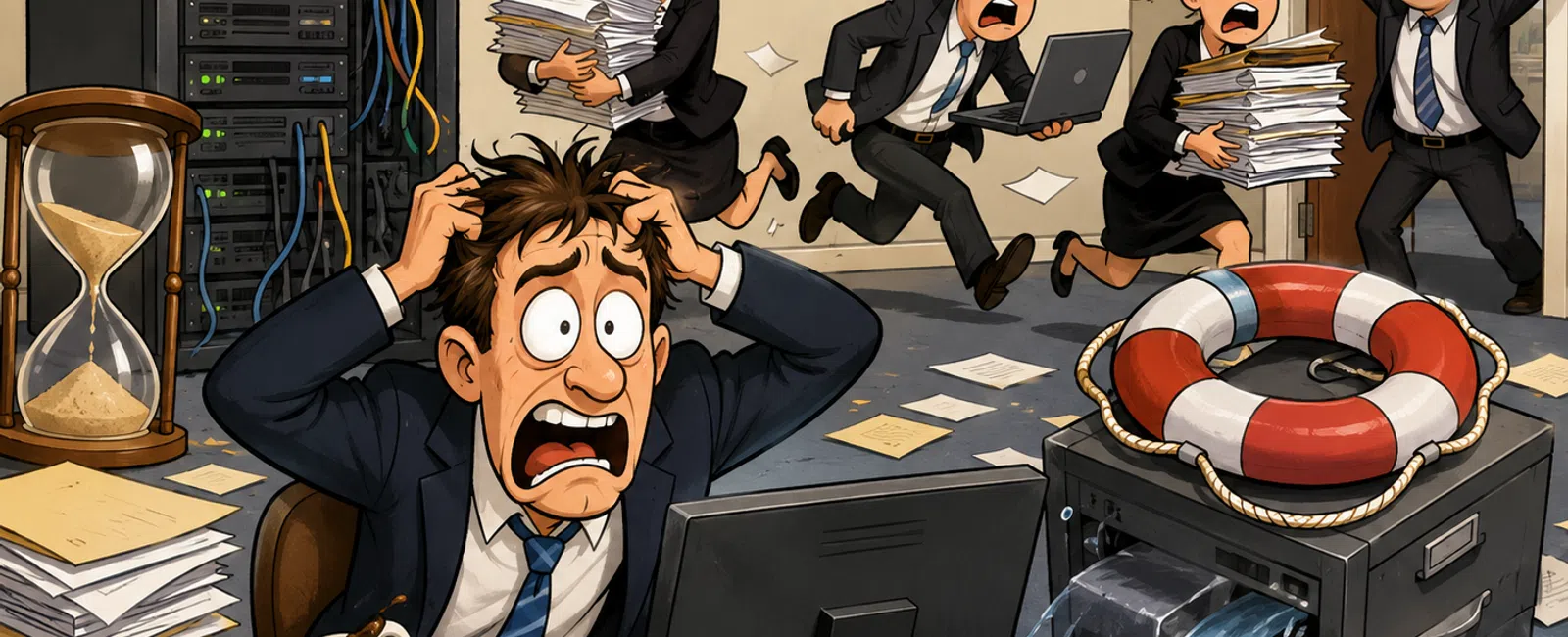
When "We'll Fix It Later" Turns Into a Case-Week Fire Drill
Most law firm disruptions do not start with a dramatic failure.
They start with something small that still technically works.
A matter file takes a few extra seconds to open.
A billing entry hangs once, then goes through on the second try.
A backup report says successful, so no one asks deeper questions.
And because nothing is fully down, it gets pushed.
That is the mistake.
In most environments we assess, the real problem is not one broken
system. It is a stack of small issues that no one validates because the firm is
still getting through the day. Then the day gets busier, a second issue hits,
and the whole thing stops feeling manageable.
That is when "we'll fix it later" becomes a fire drill.
For a law firm, that does not just mean inconvenience. It means delayed
billing, lost time, client pressure, trust exposure, and the kind of disruption
that makes people ask why no one caught it earlier.
What This Cost a Firm Like Yours
Here is a failure pattern we see often.
A firm was relying on backup reports that showed everything had completed
successfully. No one had run a real restore test in months.
Then a matter-critical folder disappeared during invoice finalization.
What failed:
- The backup
existed, but the latest copy was incomplete
- No one had
validated the restore steps
- No one clearly
owned recovery
What was expected:
- A quick restore
in about 20 minutes
What actually happened:
- Recovery
stretched past 6 hours
What it cost:
- Attorneys lost
most of a billable day
- Billing had to
be delayed and partially recreated
- Staff were
pulled off normal work into recovery and vendor coordination
This is the most common failure pattern we see. Not permanent data loss.
Process failure under pressure.
And that is why backup dashboards create false confidence. They tell you
something ran. They do not prove you can recover fast enough when the file
actually matters.
When Multiple Issues Hit at Once
This is where firms get blindsided.
Your document management system is already slow. A matter in NetDocuments
or iManage is taking too long to load, but people are working around it.
At the same time, your billing platform is lagging during invoice review.
Then a missing file forces a restore.
Now three things happen at once:
- Staff cannot
move quickly inside the DMS
- Billing work
stalls while time entries and supporting documents are checked
- The restore
takes longer than expected, and the software vendor says the delay is not
on their side
This is the stacking effect most firms underestimate.
A slow DMS on its own is frustrating.
An untested restore on its own is risky.
Vendor delay on its own is annoying.
Together, they stop work in real time.
That is why most environments move from minor friction to real disruption
faster than expected. Once two issues overlap inside a deadline-driven
workflow, the firm is no longer managing a small problem. It is reacting to a
compound failure.
What Happens When This Breaks at the Worst Moment
This is the part that matters most.
Before a filing deadline
A key matter file does not load from your document management system. Staff
retry, refresh, and wait. Minutes disappear. Pressure rises.
During trust reconciliation
Your billing or accounting workflow freezes mid-process. Now you are not just
delayed. You are unsure whether the numbers in front of you are final.
During invoice finalization
A document tied to a matter is missing, corrupted, or inaccessible. You expect
a quick restore. Instead, you find out you have never tested one under real
conditions.
At that point:
- Attorneys stop
billing work
- Staff start
creating manual workarounds
- Vendors get
pulled in
- No one owns the
clock
This is why slow systems are dangerous in legal environments. The pain is
not the slowdown itself. It is what that slowdown does to timing, confidence,
and control once real pressure shows up.
Where It Usually Breaks First
The warning signs are almost always visible before the outage.
They usually show up in one of three places:
Document Management System
Files take 8 to 10 seconds to open. Search feels inconsistent. Staff
start saving documents locally because the DMS feels slow.
Billing Platform
Time entries hang. Invoice reviews take longer than they should. Trust or
reconciliation steps feel fragile because people are double-checking the system
instead of trusting it.
Remote Attorney Access
Everything works well enough during the day, then slows down after hours
when attorneys are reviewing documents from home.
Those are not random annoyances.
They are early signals that your environment is drifting away from
"stable" and toward "survivable until it isn't."
Fire Drill Risk Score
Give yourself 1 point for each "yes."
- Systems are
described as slow, unreliable, or "a little off"
- Updates have
been postponed more than once
- Backups are
monitored, but not tested with real restores
- One person
carries too much of the firm's IT knowledge
- Vendors still
point fingers when issues happen
- Staff have
built workarounds into normal routines
- Ownership of
backups, updates, alerts, or escalation is unclear
Score Interpretation
0-1 = Stable
You likely have isolated issues, but not a visible disruption pattern.
2-3 = Moderate Risk
There are hidden gaps in control, and they will show up under pressure.
4+ = High Risk
This pattern is already in motion. You just have not felt the full impact yet.
If your score is 4 or higher, delay is not neutral. It increases the odds
that the next problem shows up during billing, document review, or deadline
work instead of during a quiet hour.
What to Fix First If You Only Do One Thing
Do not try to clean up everything at once.
Use this order.
Tier 1: Backups and Restore Validation
If recovery is slow or uncertain, everything else becomes urgent the
moment a file goes missing.
Tier 2: DMS and Billing Performance
If your document system or billing platform is dragging, you are already
losing time every day whether you notice it or not.
Tier 3: Update Scheduling
Still important, but only after recovery readiness and daily workflow
stability are under control.
This matters because firms get overwhelmed when every issue sounds
equally important. They are not.
The first priority is the issue that becomes business-wide the fastest.
How to Validate a Backup in Under 30 Minutes
Most firms check for a green status. Very few test whether the restore
actually works.
Use this process.
Step 1: Pick One Real System
Choose something your team actually depends on:
- A live matter
folder
- A recent
billing export
- A pleading or
signed document that would create immediate stress if it disappeared
Step 2: Restore to a Separate Location
Do not overwrite anything. Restore it somewhere safe so the result can be
reviewed without creating more risk.
Step 3: Define Success Before You
Start
Success is not "the restore button worked."
Success means:
- The file opens
- The file is
current enough to use
- The restore
finishes inside a timeframe the firm can live with
- Someone on the
business side signs off that the result is usable
Step 4: Record the Time
Measure how long it actually takes from request to usable file.
Step 5: Assign Sign-Off
One person confirms: if this were a real loss, we could keep working.
Acceptable Thresholds
If you want a useful standard, use this:
- Restore time
should be measured in minutes, not hours
- Matter files
should open fast enough that staff do not build workarounds
- Alerts should
be reviewed the same day, not left in backlog
- Ownership
should be obvious before the problem, not discussed during it
If you cannot meet those thresholds, the firm is operating on assumption,
not proof.
If This Test Fails, Do This
This is where many firms lose another week.
Do not just rerun the same test and hope for a different outcome.
Do this instead:
1. Assign an Owner Immediately
If no one owns backup readiness, assign one now.
2. Identify the Type of Failure
Was the issue:
- Missing or
incomplete data
- Restore speed
- Unclear process
- Vendor
dependency
- A combination
of all four
3. Fix the Highest-Risk Gap First
If data is incomplete, correct backup scope.
If restore time is too slow, review the recovery path and infrastructure.
If no one knew what to do, document the exact steps and who signs off.
If a vendor is part of the restore path, define who escalates and when.
4. Re-Test Quickly
Do not wait until next quarter. A failed recovery test should trigger a
controlled retest after the fix, not a note to revisit it later.
What Not to Do
Avoid these mistakes:
- Relying on
backup dashboards alone
- Assuming a
successful job means a successful restore
- Leaving
performance complaints unexamined because users are "still getting by"
- Delaying
retests after a failed recovery drill
- Waiting until a
vendor problem appears to decide who owns escalation
Those habits are exactly how small issues become deadline problems.
Minimum Ownership Model
If you want fewer fire drills, make these three roles non-negotiable:
Backup Owner
Responsible for restore readiness, test frequency, and sign-off
Update Owner
Responsible for patch scheduling, delays, and completion tracking
Vendor Escalation Owner
Responsible for coordinating software providers, internal support, and
timelines when multiple systems are involved
Without this model, even simple failures drag on because no one is
holding the whole process.
The External Evaluator Lens
Imagine this question coming from a client, an insurance review, or a
managing partner meeting:
How fast can we restore a matter file we actually need today?
If the answer is based on a dashboard, a guess, or "we should be able
to," that is not readiness.
If the answer is based on a recent test, a known owner, and a clear
time-to-recover, that is control.
Law firms do not get judged by whether systems usually work. They get
judged by what happens when they do not.
What To Do Next Week
Keep this simple.
- Run one real
restore test
- Identify one
DMS or billing issue your team has normalized
- Assign one
owner for backup readiness and one owner for vendor escalation
That is enough to reduce real risk without launching a giant internal
project.
The Decision Point
If your score is low, good. Confirm it with one real test and keep it
that way.
If your score is 4 or higher, this is not hypothetical anymore. The
pattern is already forming. Waiting does not make it less likely. It just
increases the chance that you find out during a filing, a billing cycle, or a
day when no one has room for failure.
That is the real cost of delay.
Schedule your 10 minute discovery call
Schedule your 10 minute discovery call with 911 IT. We'll walk through
your Fire Drill Risk Score, pressure-test the weak points in your DMS, billing
workflow, and backup process, and show you what needs attention first. You've
already started the diagnostic by reading this. This is the next step that
confirms whether the risk is real in your firm.


