
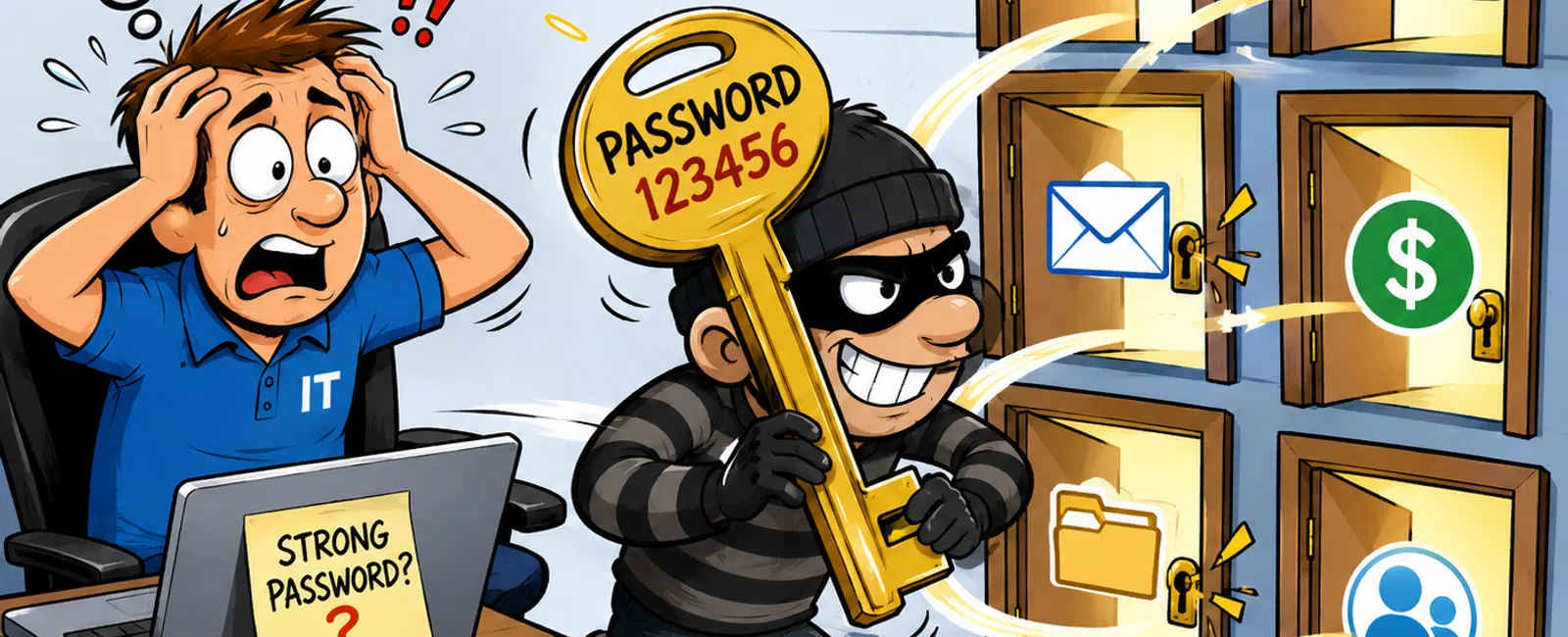
Your Password Policy Isn't Weak. It's Exposed.
You've already done more than most.
You've required complex passwords. You've reminded your team not to share
them. You've pushed updates and maybe even enforced rotations.
And yet the real question isn't, "Are passwords strong?"
It's this:
If one login gets exposed… how far does it go?
Because in most insurance agencies, the honest answer is: farther than
anyone is comfortable admitting.
And that's exactly what auditors, carriers, and regulators are starting
to focus on.
The Real Risk: One Credential, Multiple Systems
Your environment isn't isolated.
It's interconnected by design:
- Microsoft 365
- AMS360 or
Applied Epic
- Email
encryption and document systems
- Vendor portals
- Client data
workflows
Now connect that to one reused password.
That's not a user mistake.
That's a structural problem.
If a single credential unlocks multiple systems, it becomes a control
failure—not an isolated incident. And that's how it's judged under GLBA
expectations and the NAIC cybersecurity model.
The Credential Exposure Audit
Run this exactly as written:
Credential Exposure Audit
- Do employees
reuse passwords across business and personal accounts?
- Are passwords
stored in browsers instead of a secure vault?
- Do shared
logins exist in AMS, CRM, or vendor platforms?
- Is MFA missing
from any critical system (email, AMS, financial tools)?
- Are credentials
manually created instead of system-generated?
- Could one
account be used to access multiple systems?
Your result:
- 0-1 "yes" → Low
exposure
- 2-3 "yes" →
Moderate risk (likely audit findings)
- 4+ "yes" →
Systemic exposure (fails under review)
This is how an external evaluator would score it.
Not based on intent. Based on structure.
How Agencies Actually Enforce Unique Credentials
This is where most policies break.
Because enforcement doesn't happen in a document—it happens inside your
systems.
Here's what real enforcement looks like:
- Microsoft 365
conditional access controlling login behavior
- MFA enforced
across all identity points, not just email
- Single sign-on
reducing duplicated credentials across systems
- A password
manager generating and storing every credential
- Browser
password storage turned off completely
If your approach depends on users remembering rules, it's already
inconsistent.
Enforcement removes the decision.
Where Password Policies Fail (Even When You Think You're Covered)
Even well-run agencies have hidden gaps:
- Shared AMS or
vendor logins with no individual accountability
- Legacy systems
that don't support MFA but still hold sensitive data
- Producers
accessing systems from personal, unmanaged devices
- Vendors reusing
credentials across multiple clients
- Standalone
tools that sit outside your identity system but still connect to client
data
These are not edge cases.
They are the most common failure points—and the ones auditors look for
first.
How You'd Know This Is Already Happening
Most credential exposure doesn't look dramatic.
It shows up in patterns:
- Login attempts
across multiple systems tied to one account
- "Impossible
travel" alerts from separate locations within minutes
- A chain of
password resets across platforms
- Vendor accounts
accessing systems at unusual times or volumes
If you don't have visibility into this behavior, you don't know your
exposure.
You're guessing.
A Real Example From an Agency Like Yours
A 40-person agency had MFA on email—but nowhere else.
One producer reused their email password on a personal account.
That account was breached.
Within hours:
- Their email was
accessed
- Password resets
were triggered across systems
- Vendor portals
connected to that email were opened
No internal breach. No malware.
Just one credential doing exactly what your environment allowed it to do.
That incident becomes a documented failure of access control—not a
one-off mistake.
The 7-Day Fix Plan
This does not take months.
It takes a week of focused action:
Day 1-2: Deploy a password manager across all users
Day 3-4: Replace all existing credentials with unique, generated
passwords
Day 5-6: Enforce MFA across every critical system
Day 7: Audit for shared logins, legacy gaps, and unsupported systems
This is the difference between policy and enforcement.
The External Lens You Can't Ignore
If your agency is reviewed tomorrow, the questions will be simple:
- Can one
credential access multiple systems?
- Are shared
logins eliminated?
- Is MFA enforced
consistently?
- Can you see and
track login behavior?
And most importantly:
Can you prove it?
Because in a regulated environment, security isn't what you believe.
It's what you can demonstrate.
The Bottom Line
Password policies don't fail because they're written poorly.
They fail because they aren't enforced across your systems.
And once one credential becomes a master key, everything connected to it
becomes exposed.
What to Do Next Week
Run the audit. Score it honestly.
Then execute the 7-day fix—starting with eliminating reuse and enforcing
MFA.
Treat it as a control, not a suggestion.
CTA
Schedule your 10 minute discovery call with 911 IT.
We will map whether one credential in your agency can access more than one
system.
You will leave knowing exactly where you pass or fail under audit.


