
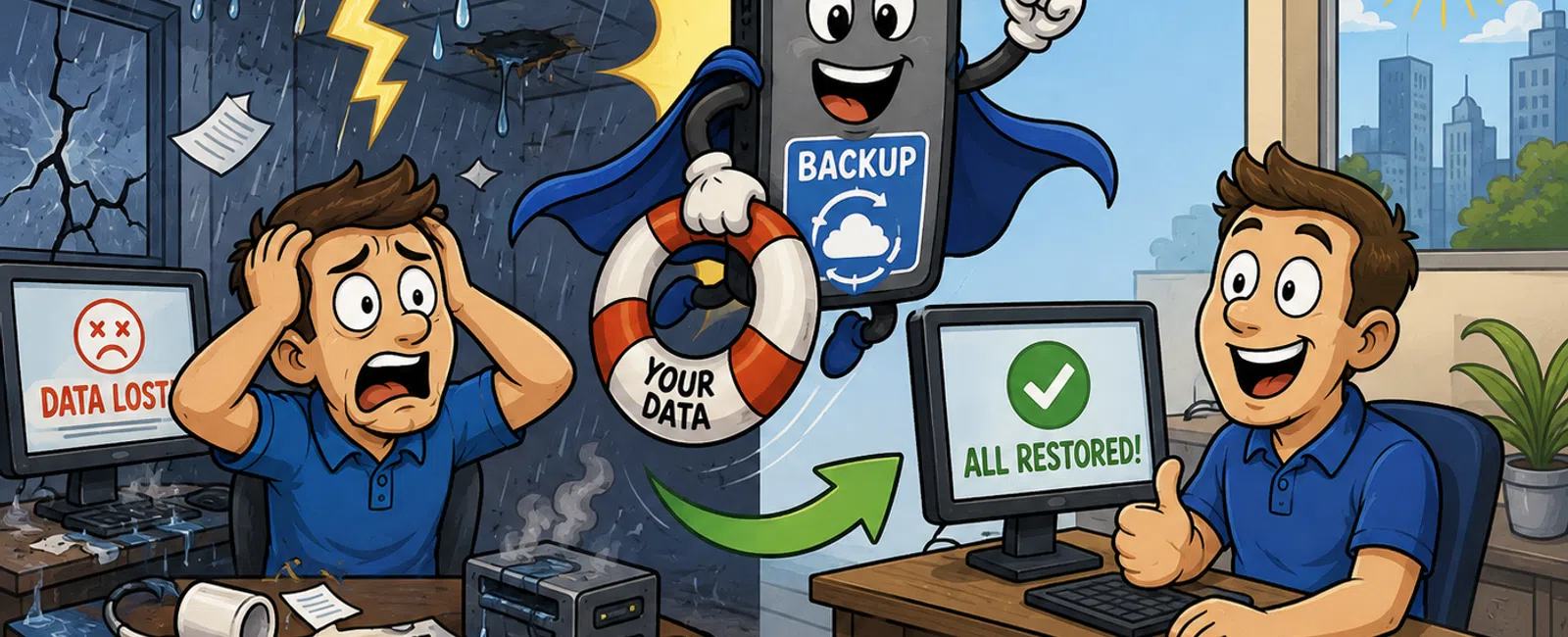
Backup and disaster recovery solutions for small businesses typically cost between $50 and $500 per month, depending on data volume, recovery speed requirements, and infrastructure complexity. Construction firms often fall in the $150-$350 range due to large CAD files, BIM models, and project documentation needs. The investment protects against data loss from ransomware, hardware failure, or natural disasters common in Utah's winter weather.
What Factors Determine Backup and Disaster Recovery Pricing?
Data volume is the primary cost driver. A construction company with 500GB of project files, blueprints, and submittal documents will pay significantly less than a firm managing 5TB of BIM models and as-builts across multiple active projects.
Recovery time objectives (RTO) and recovery point objectives (RPO) directly impact pricing. If your firm needs systems back online within one hour with minimal data loss, you'll pay more than if you can tolerate a 24-hour recovery window. Construction firms bidding on time-sensitive projects typically need faster RTOs.
The number of protected devices matters. A 10-person construction office with workstations, a file server, and project management software requires less infrastructure than a 50-person firm with multiple site offices, mobile devices for field crews, and specialized CAD workstations.
Retention requirements affect storage costs. If you need seven years of project documentation for legal compliance or warranty purposes, you'll pay more for long-term archival storage than a business keeping 30 days of backups.
Local versus cloud backup strategies create different cost structures. On-premises backup appliances require upfront hardware investment but lower monthly fees, while cloud-based solutions spread costs over time with predictable monthly billing.
Construction firms operating across Utah, Wyoming, and Arizona face unique challenges. Remote job sites in mountainous terrain require reliable connectivity for data replication, and winter weather conditions demand robust failover capabilities to prevent weather-related downtime.
Disaster recovery pricing depends on whether you need full business continuity or just data restoration. Full continuity with virtualized failover environments costs more but keeps your entire operation running during outages.
How Do Different Backup Solutions Compare in Price?
| Solution Type | Monthly Cost Range | Best For | Key Limitations |
|---|---|---|---|
| Basic Cloud Backup | $50-$150 | Small offices with under 500GB, simple file recovery needs | Slower recovery times, limited application support |
| Hybrid Backup (Local + Cloud) | $150-$300 | Construction firms with large CAD/BIM files needing fast local recovery | Requires on-site hardware maintenance |
| Business Continuity Platform | $250-$500 | Firms that cannot tolerate downtime, multi-site operations | Higher complexity, requires professional management |
| Enterprise Disaster Recovery | $500+ | Large contractors with compliance requirements, 24/7 operations | Overkill for most small businesses |
Construction companies in Salt Lake City typically benefit most from hybrid solutions. Large project files recover quickly from local appliances, while cloud replication protects against site-level disasters like fire or theft from trailer offices.
The growth of Utah's construction market means firms are managing more concurrent projects. As data volumes increase with each new development, scalable backup solutions prevent costly infrastructure replacements.
A ransomware attack costs small businesses an average of $84,000 in downtime, recovery, and lost productivity - far exceeding annual backup investment.
Hybrid backup delivers the best balance of speed and protection for construction firms managing large project files.
What Hidden Costs Should Construction Firms Watch For?
Bandwidth consumption for cloud backups can surprise firms with limited internet at job sites. Uploading terabytes of BIM models over rural Wyoming connections may require bandwidth upgrades or strategic backup scheduling during off-hours.
Recovery testing often carries additional fees with some providers. You should test disaster recovery procedures quarterly, but vendors charging per test make this prohibitively expensive. Look for business continuity services that include unlimited testing.
Egress fees apply when retrieving large data volumes from cloud storage. If disaster strikes and you need to download 2TB of project files, some providers charge hundreds of dollars in data transfer fees during your crisis.
Software licensing for disaster recovery environments can double costs. If you're running specialized construction software like Procore, Sage, or Autodesk products, ensure your disaster recovery plan includes licensing for failover systems.
Professional services for setup and configuration typically run $500-$2,000 as a one-time cost. Complex environments with multiple servers, databases, and construction-specific applications require expert configuration to ensure reliable recovery.
Compliance requirements add costs for construction firms in regulated sectors. If you're working on government projects requiring CMMC compliance or handling sensitive client data, you'll need backup solutions with encryption, audit trails, and documented retention policies.
Hidden costs emerge when backup solutions fail. Cheap providers may lack the redundancy and monitoring needed to guarantee data protection, creating false security until disaster strikes.
Understanding total cost of ownership prevents budget surprises and ensures adequate protection.
How Can Construction Firms Reduce Backup and Disaster Recovery Costs?
Right-size your data protection by identifying critical versus non-critical data. Not every file needs the same protection level. Project documentation and client blueprints require aggressive backup schedules, while temporary files and cached data don't.
Implement data lifecycle policies that archive completed projects to lower-cost storage tiers. Once a building is completed and final as-builts are delivered, move that project data to long-term archival storage at a fraction of active backup costs.
Consolidate backup vendors rather than using different solutions for different needs. A unified platform managing workstations, servers, and cloud applications costs less than three separate point solutions with overlapping coverage.
Negotiate based on growth projections. If you're a 15-person firm planning to hire 10 more employees this year, negotiate pricing that accommodates growth without renegotiating contracts mid-year.
Leverage managed service provider expertise through managed IT services with flat-rate pricing. Predictable monthly costs include backup management, monitoring, testing, and recovery support without surprise bills during emergencies.
Choose providers with local presence in Salt Lake City who understand construction workflows. Remote-only providers may not grasp the urgency of recovering bid documents before a submission deadline or the importance of mobile access for field crews.
Invest in prevention alongside backup. Robust cybersecurity services reduce the likelihood of ransomware attacks that necessitate recovery, lowering your total cost of data protection.
Utah's competitive construction market rewards efficiency. Firms that optimize IT spending without sacrificing reliability can bid more competitively while maintaining the technology infrastructure needed for complex projects.
Strategic optimization reduces costs while improving protection and reliability.
What Backup Strategy Do Salt Lake City Construction Companies Need?
The 3-2-1 backup rule remains the gold standard: three copies of data, on two different media types, with one copy off-site. For construction firms, this typically means local backup appliances at your main office, workstation-level protection, and cloud replication.
Project-based backup scheduling aligns with construction workflows. Active projects require hourly or continuous backup, while completed projects can move to daily or weekly schedules before eventual archival.
Mobile workforce protection is critical. Field crews accessing project plans on tablets and laptops create data outside your office network. Ensure your backup solution protects remote devices, especially when workers are at job sites across Utah's mountainous terrain with intermittent connectivity.
Application-aware backup captures not just files but entire system states. Construction software like project management platforms, estimating tools, and CAD applications require specialized backup that can restore the entire application, not just data files.
Multi-site replication protects firms operating across Utah, Wyoming, and Arizona. If your Salt Lake City office experiences disaster, having data replicated to a Wyoming location ensures business continuity. This geographic diversity matters in regions prone to weather events.
Version control for blueprints and plans prevents costly mistakes. When subcontractors work from outdated drawings, rework costs thousands. Backup solutions with robust versioning let you retrieve any previous version of project documentation.
Automated testing validates that backups actually work. Many firms discover backup failures only during disasters. Monthly automated recovery tests confirm your data is restorable before you need it in an emergency.
Integration with construction IT support ensures your backup strategy aligns with industry-specific needs like protecting submittals, RFIs, and change orders that drive project profitability.
Construction firms in Utah's growing market cannot afford data loss. With commercial development accelerating and project complexity increasing, reliable backup and disaster recovery transitions from optional to essential.
When Should You Upgrade Your Backup Solution?
Recovery time exceeding four hours signals inadequate infrastructure. If restoring your systems takes half a workday or more, you're losing productivity and potentially missing project deadlines. Modern solutions should restore critical systems within one to two hours.
Backup failures or incomplete backups indicate your current solution can't handle your data volume. Construction firms adding BIM modeling or expanding project portfolios often outgrow entry-level backup tools.
Manual backup processes create risk. If someone must remember to initiate backups or swap drives, failures are inevitable. Fully automated solutions eliminate human error.
Lack of testing capability means you're gambling with your data. If your provider charges extra for recovery tests or makes testing difficult, you need a solution that encourages regular validation.
Compliance gaps emerge as you take on new project types. Government contracts, healthcare facility construction, or financial institution builds may require documented backup procedures and encryption that consumer-grade solutions don't provide.
Geographic expansion requires distributed backup infrastructure. If you've opened offices in Phoenix or Casper, your Salt Lake City-only backup strategy needs updating to protect all locations.
Ransomware attacks in your industry should trigger immediate review. Construction firms are increasingly targeted because of valuable project data and often-lax security. Immutable backups that attackers cannot encrypt provide critical protection.
Upgrading backup infrastructure is an investment in business resilience, not just an IT expense.
Frequently Asked Questions
What is the minimum backup solution a small construction company needs?
At minimum, construction firms need automated daily backups of all project files, blueprints, and financial data with both local and cloud copies following the 3-2-1 rule. This typically costs $100-$200 monthly and includes workstation protection, file server backup, and 30-day retention. Monthly recovery testing ensures backups work when needed. Anything less creates unacceptable risk of project data loss.
How long does disaster recovery take for a construction company?
Recovery time depends on your solution and data volume. Basic file restoration takes 2-4 hours for typical construction firms. Full server recovery ranges from 4-8 hours with standard solutions. Business continuity platforms with virtualized failover can restore operations within 1-2 hours. Large BIM model recovery may take longer depending on internet bandwidth. Professional Salt Lake City IT support ensures fastest possible recovery.
Do construction companies need different backup than other businesses?
Yes, construction firms have unique requirements including large CAD and BIM files requiring more storage, version control for blueprints and submittals, mobile device protection for field crews, and project-based retention schedules. Remote job site connectivity challenges require hybrid local and cloud strategies. Multi-year retention for warranty and legal purposes exceeds typical business needs. Construction-specific backup solutions understand these workflows.
Can I use free backup software for my construction business?
Free backup tools lack critical features construction businesses need: automated scheduling, application-aware backup, professional support during disasters, encryption, compliance documentation, and testing capabilities. Free solutions also limit data volume and recovery speed. The risk of losing project data, missing bid deadlines, or experiencing extended downtime far exceeds the cost of professional backup solutions. Business-grade protection is essential.
How often should construction companies test disaster recovery?
Test disaster recovery quarterly at minimum, with full recovery tests annually. Monthly automated verification confirms backups complete successfully. Before major project milestones or bid submissions, validate that critical data is recoverable. After any infrastructure changes like new servers or software updates, test recovery procedures. Regular testing identifies problems before emergencies occur and ensures your team knows recovery procedures when disasters strike.
What happens if my backup provider goes out of business?
Choose backup providers with data portability guarantees and standard formats that other providers can read. Reputable providers include exit procedures in contracts ensuring data access if they cease operations. Hybrid solutions with local backup appliances you own provide protection even if cloud providers fail. Ask potential providers about their financial stability, how long they've operated, and their data retrieval guarantees before committing.


