
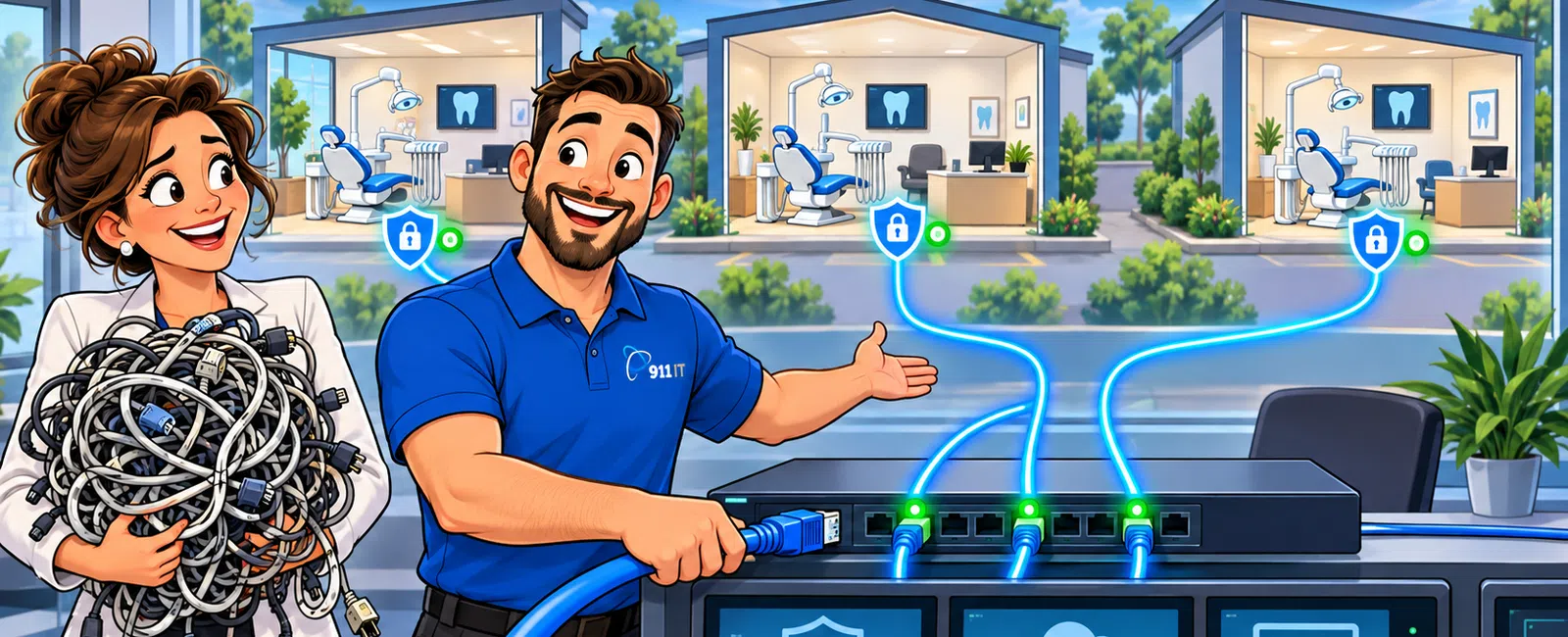
911 IT manages IT infrastructure for multi-location dental practices across Utah, Wyoming, and Arizona, providing centralized support for practice management systems, HIPAA compliance, and chair-side technology at every office. Our 24/7 helpdesk ensures consistent support regardless of location, with rapid on-site response from our South Jordan headquarters serving the Salt Lake metro area and surrounding regions. Most IT issues are resolved remotely within 15 minutes, minimizing patient appointment disruptions.
How do you maintain consistent IT standards across multiple dental offices?
Multi-location dental practices face a unique challenge: ensuring every office delivers the same patient experience while maintaining centralized control over data security and compliance. Inconsistent technology between locations creates operational friction and compliance gaps.
We implement standardized technology stacks across all practice locations. Each office receives identical configurations for practice management software, digital imaging systems, and network security protocols. This eliminates the "it works differently at the other office" problem that frustrates staff and creates training headaches.
Centralized monitoring allows our team to track system health across every location from a single dashboard. When one office experiences a network slowdown or backup failure, we identify and resolve it before staff notices. This proactive approach prevents the domino effect where one location's IT problem cascades into scheduling conflicts and patient care delays.
Our managed IT services include regular technology audits to ensure configuration drift doesn't occur. As practices add new locations or upgrade systems, we maintain consistency while adapting to site-specific needs like varying operatory counts or specialized equipment.
Standardization creates predictable support costs and eliminates per-location IT complexity.
What happens when one location has an emergency during patient hours?
A practice management system failure at one location shouldn't require the entire organization to go into crisis mode. Multi-location practices need support infrastructure that treats each office as mission-critical while maintaining enterprise-level coordination.
Our 24/7 helpdesk provides immediate response regardless of which location calls. Clay from a construction firm shared: "911 IT's response time has been so great! Most of the time they will resolve our issue before we hang up the phone." This same rapid response applies to dental practices where every minute of downtime affects patient care and revenue.
Most IT issues are resolved remotely within 15 minutes, minimizing patient appointment disruptions.
For issues requiring on-site support, our South Jordan location enables rapid deployment to Salt Lake City dental practices. We maintain detailed documentation of each location's network topology, equipment serial numbers, and software configurations, so technicians arrive prepared with the right parts and knowledge.
Business continuity planning includes location-specific disaster recovery procedures. If one office experiences a server failure, we can restore operations using cloud backups while other locations continue normal operations. This isolation prevents single points of failure from affecting your entire practice network.
Emergency response protocols ensure no location waits while we help another office.
How do you handle HIPAA compliance across multiple practice locations?
HIPAA compliance becomes exponentially more complex with multiple locations. Each office represents a potential vulnerability, and the Office for Civil Rights holds the entire organization accountable for any location's breach.
We implement enterprise-wide HIPAA compliance frameworks that cover every practice location. This includes conducting Security Risk Assessments at each office, documenting physical security controls, and ensuring encryption at rest and in transit for all patient data transfers between locations.
Centralized policy management ensures consistent Business Associate Agreements, staff training, and incident response procedures. When regulations change, we update protocols across all locations simultaneously rather than managing compliance office-by-office.
Network segmentation isolates each location's patient data while enabling authorized access for centralized billing and reporting. This architecture prevents a breach at one office from exposing patient records from other locations, limiting potential damage and OCR penalties.
Our compliance monitoring includes regular audits of user access logs across all locations. We identify suspicious patterns like after-hours record access or unauthorized data transfers that might indicate insider threats or compromised credentials.
- Security Risk Assessments conducted at each practice location
- Centralized Business Associate Agreement management
- Network segmentation to isolate patient data by location
- Regular access log audits across all offices
- Synchronized policy updates when regulations change
Multi-location compliance requires centralized oversight with location-specific controls.
Can you support different practice management systems at different locations?
Dental service organizations often acquire practices running different software platforms. Forcing immediate standardization disrupts operations and alienates newly acquired staff, but supporting multiple systems creates complexity.
We provide expert support for major dental practice management systems including Dentrix, Eaglesoft, Open Dental, and Curve. Our team understands the integration requirements between these platforms and digital imaging systems, insurance verification tools, and patient communication software.
When practices operate multiple PMS platforms during transition periods, we maintain separate support protocols for each system. Technicians receive specialized training on each platform's database structure, backup requirements, and common failure modes.
Our business continuity services include platform-specific disaster recovery testing. We verify that backups for each PMS can be restored quickly and that data integrity is maintained across different software versions at different locations.
For practices planning to consolidate onto a single platform, we provide migration project management. This includes data extraction from legacy systems, validation of patient record transfers, and parallel operation support during the transition period to ensure no appointments or billing are lost.
Supporting multiple platforms requires specialized expertise and careful documentation.
How do you manage IT costs for growing dental practice groups?
Multi-location practices need predictable IT budgets that scale with growth. Per-incident billing creates budget uncertainty, while per-user pricing should decrease on a per-location basis as the organization grows.
Our flat-rate pricing model provides predictable monthly costs based on total users across all locations. Industry-standard managed IT services typically range from $100 - $250 per user per month, with economies of scale for larger organizations. This includes 24/7 helpdesk support, proactive monitoring, and regular maintenance across every office.
Centralized infrastructure reduces per-location costs. Cloud-based practice management systems eliminate the need for expensive servers at each office, while centralized backup solutions cost less than managing separate backup infrastructure at every location.
We provide detailed cost breakdowns showing per-location IT expenses. This transparency helps practice managers evaluate the profitability of each office and make informed decisions about technology investments for new locations.
Technology standardization reduces support costs over time. When every location uses identical equipment and software, we maintain smaller spare parts inventories, reduce training time for new technicians, and resolve issues faster due to accumulated expertise.
Scalable pricing and standardized infrastructure control costs as you grow.
What's your approach to adding new dental practice locations?
Opening a new location or acquiring an existing practice requires careful IT planning. Rushed implementations create security gaps, while over-engineered solutions waste capital that should go toward patient care.
Our new location onboarding process begins with a technology assessment of the existing infrastructure. For acquisitions, we inventory all equipment, evaluate security posture, and identify immediate compliance risks that need remediation before the transaction closes.
We develop location-specific implementation plans that align with your opening timeline. This includes network installation, workstation configuration, practice management system setup, and integration with your existing locations' infrastructure. Our project teams coordinate with contractors, equipment vendors, and software providers to ensure everything is ready for the first patient.
Liz, a satisfied client, noted: "911 IT delivers exactly what you hope for in a tech partner - quick, easy service from a team that's genuinely friendly and solution-focused. They've completely changed my perception of IT support." This same partnership approach applies to expansion projects where clear communication prevents costly delays.
Post-opening support includes on-site presence during the first week of operations. This ensures staff receive immediate help with unfamiliar systems and that any configuration issues are resolved before they affect patient care.
- Conduct technology assessment of existing infrastructure
- Inventory equipment and evaluate security posture
- Develop location-specific implementation plan
- Coordinate network installation and workstation configuration
- Integrate with existing practice management systems
- Provide on-site support during first week of operations
We maintain detailed runbooks for new location deployments, incorporating lessons learned from previous openings. This standardized approach reduces implementation time and costs while ensuring consistent quality across all new offices.
Structured onboarding processes minimize disruption and ensure new locations meet your standards from day one.
Frequently asked questions
Do you provide on-site support at all our dental practice locations?
Yes, we provide on-site support across Utah, Wyoming, and Arizona where 911 IT operates. Our South Jordan headquarters enables rapid response to Salt Lake City metro practices, with scheduled on-site visits and emergency dispatch available. Most issues are resolved remotely through our 24/7 helpdesk, but technicians deploy when physical access is required for hardware repairs or installations.
Can you help us consolidate IT vendors across multiple dental offices?
Absolutely. Many multi-location practices inherit different IT vendors through acquisitions. We provide centralized management for all locations, eliminating the complexity of coordinating multiple vendors. This consolidation typically reduces costs through economies of scale while improving service consistency. We handle vendor transitions carefully to avoid service disruptions during the changeover period.
How do you handle after-hours IT emergencies at different locations?
Our 24/7 helpdesk supports all practice locations regardless of time zone or business hours. Evening and weekend emergencies receive the same rapid response as weekday issues. Remote support resolves most problems immediately, while urgent on-site needs are prioritized based on patient impact. Each location has documented emergency procedures and direct helpdesk contact numbers for critical situations.
What reporting do you provide for multi-location practice management?
We deliver executive dashboards showing IT performance metrics across all locations. Reports include system uptime, support ticket resolution times, security incident summaries, and compliance status for each office. This visibility helps practice administrators identify locations needing additional attention and demonstrates IT's contribution to operational efficiency. Custom reports address specific management concerns or regulatory requirements.
Can you support our dental practice expansion into new states?
Yes, 911 IT currently supports practices across Utah, Wyoming, and Arizona. For expansions within these states, we provide full on-site and remote support. Our Salt Lake City IT support and regional presence enables consistent service across the Mountain West region. We evaluate expansion opportunities outside our current service area on a case-by-case basis depending on location and practice size.


