
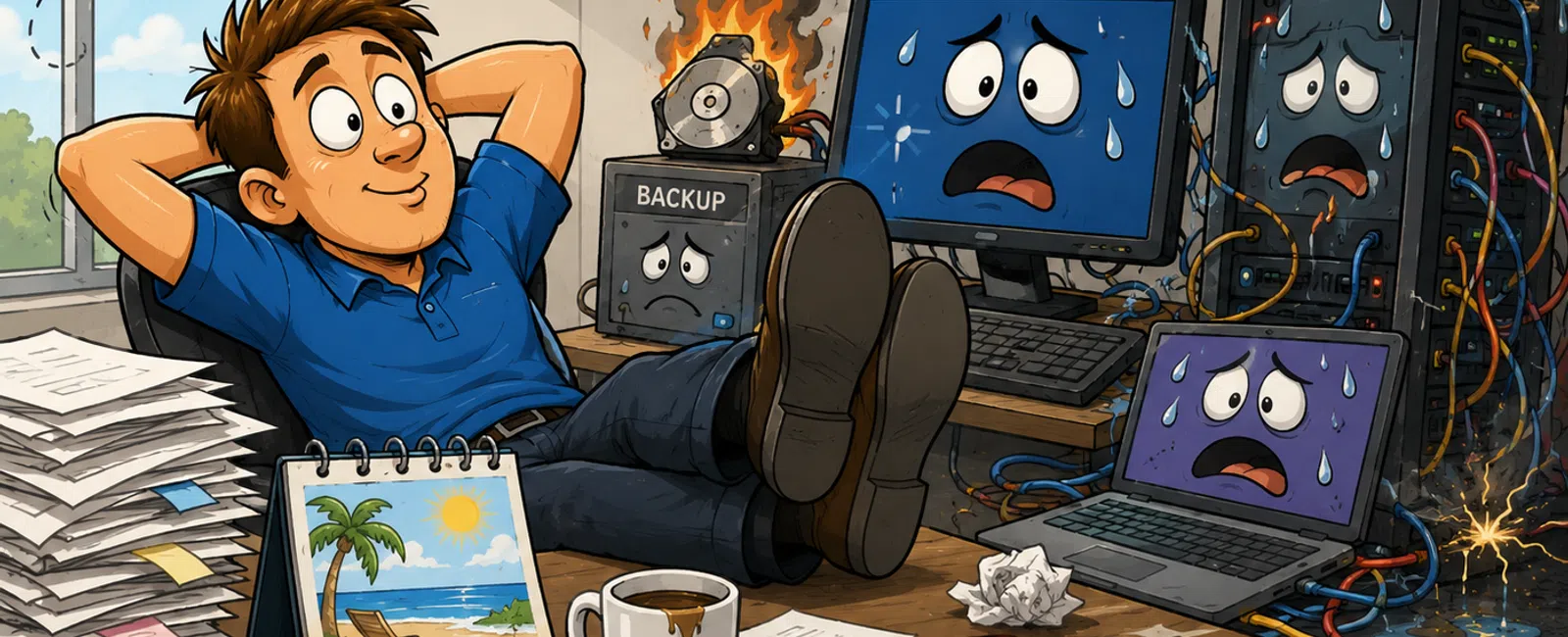
How "We'll Fix It Later" Actually Breaks Your Environment
Most IT failures don't start with outages.
They start with something your team tolerates.
A system slows down. A file takes longer to open. A warning appears once
and disappears. Nothing stops, so nothing gets escalated.
That's the pattern.
Across environments, the issues that cause the most disruption are the
ones that were seen early and deprioritized. In environments without structured
weekly checks, small performance issues, delayed updates, and unverified
backups consistently stack until a single trigger exposes all of them at once.
This isn't unpredictable. It's recurring.
What Actually Breaks in Real Environments
These are not edge cases. These are the failure points that show up
repeatedly.
Slow systems
- Storage fills
and isn't monitored
- Memory leaks
degrade performance over time
- File indexing
breaks, increasing retrieval time
- Endpoint
congestion builds across user devices
Delayed updates
- Operating
systems fall out of compatibility with core apps
- Version
mismatches disrupt sync platforms like SharePoint
- Security
patches remain unaddressed
- Background
services fail after restart due to version conflicts
Backups
- Jobs complete
but skip critical data sets
- Credentials
expire, silently stopping jobs
- Restore points
pass checks but fail on use
- No protected
copy exists when it's needed
Most failures investigated trace back to these three categories—combined
with delay.
A Real Scenario You Would Recognize
A 25-user accounting firm operates on SharePoint with local sync across
devices.
Week 1
File open times increase to 3-5 seconds. Sync warnings appear, then clear.
Week 2
A Windows update is postponed due to workload. Backup logs show success, but no
restore tests are performed.
Week 3
Sync instability begins due to version mismatch. Users rely on cached files.
Failure trigger
A routine restart breaks the sync service.
Outcome
- File version
conflicts across users
- Majority of
staff works with inconsistent data
- Backup restore
reveals last usable recovery point is 9 days old
- Files
reconstructed manually over multiple days
Nothing failed suddenly. Every signal was there.
Where These Metrics Come From
These signals are not guesswork. They come directly from systems already
in place.
- RMM platforms
track endpoint performance trends and patch compliance
- Backup systems
generate job logs, completion status, and restore validation data
- Microsoft 365
admin and SharePoint dashboards surface sync health, latency, and service
issues
The problem is not lack of visibility. It's lack of consistent review.
Weekly IT Stability Checklist (Operational Version)
Run this every Monday. This is your control layer.
System Performance
- If system load
or file-open time increases >20% week-over-week → escalate
- Any file open
delay over 3 seconds → flagged immediately
Patch & Update Status
- Verify patch
compliance across all endpoints (track % weekly)
- Any postponed
update → completed within 5 business days
Backup Integrity
- Review logs for
failed or partial jobs
- Confirm last
successful backup timestamp (within 24 hours for critical systems)
- Run restore
test using file <100 MB → confirm open and integrity
Incident Trigger Rule
- If 2 users
report the same issue OR it repeats within 5 business days → escalate,
ticket, root cause analysis required
Visibility
- Confirm
reporting path for users is clear
- Confirm
monitoring alerts are reviewed weekly
This is enforceable. Without it, issues remain optional.
What Root Cause Analysis Looks Like (In Practice)
This is where most teams stay vague.
In real environments, root cause analysis is structured and repeatable:
- Identify the
affected system or platform
- Review logs
(performance history, sync activity, update history)
- Confirm recent
changes (patches, storage thresholds, config changes)
- Determine if
the issue is isolated or affecting multiple systems
- Define both the
immediate fix and the rule to prevent recurrence
If you are not closing the loop with a prevention rule, you are repeating
the same failure later.
Minimum Backup Standard (Baseline)
Backup isn't one system. It's a structure.
At minimum:
- Primary backup
running daily
- Offsite or
cloud copy maintained separately
- Immutable or
ransomware-protected version in place
- Restore testing
performed monthly at minimum
If any one of these is missing, backup becomes a point of failure instead
of protection.
Who Owns What
|
Task |
Owner |
Frequency |
|
System performance review |
IT provider or internal admin |
Weekly |
|
Patch approval + execution |
Operations + IT |
Weekly |
|
Backup validation (logs + restore
test) |
IT |
Monthly |
|
Incident escalation + review |
IT + leadership |
Weekly |
Ownership gaps are where issues get ignored.
Before vs After: What Actually Changes
|
Scenario |
Without Proactive Control |
With Checklist |
|
System slowdown |
Unnoticed until crash |
Escalated within 1 week |
|
Backup failure |
Discovered during outage |
Identified during weekly review |
|
Update delay |
Causes version conflicts |
Resolved within 5 days |
The difference isn't tools. It's enforcement.
How You're Judged When This Fails
When systems break, no one reviews the small decisions.
They look at outcome.
- Why was this
not identified earlier?
- Why did it
impact multiple users?
- Why did
recovery take longer than expected?
- Who owns
preventing this?
At that point, this is no longer an IT issue.
It is an operational control failure.
Next Week: One Action
Take one system your team has adapted to—slow, inconsistent, or
unreliable.
Measure it against the thresholds in this checklist.
If it crosses them, escalate it immediately and track the resolution.
Run One System Through This Framework
Schedule your 10 minute discovery call with 911 IT to review a single
live issue against this checklist.
You'll confirm whether it's contained or already progressing toward failure.


