
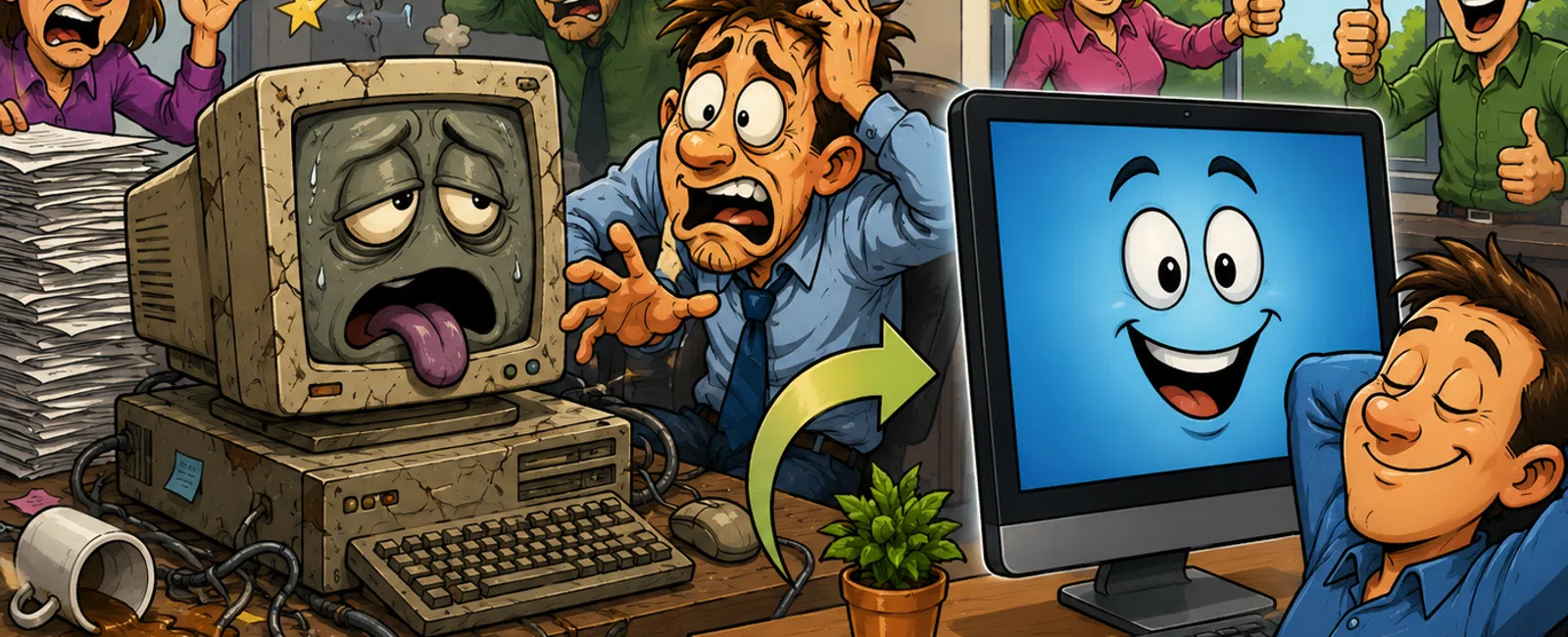
That "It Still Works" Decision Is Quietly Draining Your Business
Most businesses don't replace technology when it starts failing.
They replace it when it becomes impossible to work around.
By the time that happens, the cost has already been sitting inside your
operations for months — hidden in slower workflows, repeated interruptions, and
small adjustments your team has normalized.
This is no longer about IT performance.
It's about business performance.
What This Actually Costs You (Beyond Labor)
Outdated systems don't fail all at once. They create consistent,
low-grade friction across your team.
Here is what that typically translates into:
Productivity loss
• 15-30 minutes per employee, per day
• A 12-person office loses 60-120 hours per month
Downtime impact
• Even minor system interruptions cost 5-10 minutes each
• 6-10 interruptions per day = nearly 1 hour lost per employee
Customer-facing delays
• Front desk lag during check-in or calls
• Sales delays during quoting or onboarding
• Slower response times reduce perceived professionalism
Energy inefficiency
• Older systems draw significantly more power
• Increased heat leads to higher cooling costs
• Compounds during peak usage periods
This is not a technical issue.
This is measurable financial loss that compounds every week.
Client Snapshot: 12-Person Office
Industry: Dental practice
Environment: Front desk system + 12 workstations + imaging software
Before intervention:
• Front desk system froze during peak check-in periods
• Workstations required multiple restarts daily
• Staff adapted workflows to compensate for lag
Measured impact:
• 6-8 interruptions per employee per day
• Patient check-in delays every morning block
• Frequent workflow disruptions during chart access
What was replaced:
• Front desk workstation
• 4 highest-failure workstations
• Aging network components tied to system lag
Timeline:
• Week 1: system assessment and prioritization
• Week 2-3: targeted replacement and configuration
• Immediate improvement after rollout
After replacement:
• Interruptions reduced by over 65%
• Check-in stabilized across all peak periods
• Staff stopped adjusting workflows to compensate
The workload didn't change.
The friction was removed.
When Friction Becomes the System
A front desk computer freezes during a patient check-in.
The employee restarts it. No ticket is logged.
That same delay happens six more times that day. It becomes routine.
Across your business, this creates a pattern:
• Problems occur
• Workarounds replace resolution
• The business adapts instead of fixing
From your perspective, things are "fine."
From an external evaluator — a buyer, auditor, or compliance reviewer —
it looks like:
• Inconsistent system reliability
• Deferred infrastructure decisions
• Operational inefficiencies embedded in daily workflows
This is no longer a technical issue.
It's a credibility issue.
Why This Becomes Risk
Outdated systems don't just slow your team down.
They increase exposure in ways that are harder to see:
Cybersecurity
• Unsupported operating systems become vulnerable
• Security patches fail or stop entirely
Compliance
• Industries like healthcare and finance require supported systems
• Failure to maintain compliant environments creates risk exposure
Data protection
• Aging hardware increases likelihood of failure
• Backup reliability decreases when systems are unstable
Downtime probability
• The older the system, the higher the likelihood of disruption
• Failures become less predictable and more severe
At this point, the question is no longer "should we replace it."
It becomes "what happens if we don't."
Replace vs Repair: How to Decide
Use this to move from opinion to decision.
Replace the system if any of the below apply:
• Repair cost exceeds 30-40% of replacement cost
• Recurring downtime exceeds 3-5 hours per month
• System is out of support or nearing end-of-life
• Multiple employees are impacted by the same issue
Repair may be acceptable if:
• Issue is isolated and infrequent
• System is still within its lifecycle
• No operational impact beyond a single user
Most business-grade workstations operate effectively for 4-5 years.
Beyond that point, performance declines while risk increases.
What Businesses Get Wrong When Replacing Systems
Most mistakes are not technical. They are prioritization errors.
Replacing too much at once
• Delays decision-making
• Creates unnecessary cost and hesitation
Replacing the wrong systems first
• Low-impact systems get upgraded
• High-impact bottlenecks remain unchanged
Choosing price over workflow fit
• Systems meet specs but not operational needs
• Performance issues persist despite new hardware
The goal is not "new technology."
The goal is removing the largest sources of operational drag first.
The System Replacement Scorecard
Use this to quantify whether a system is costing you more than it's
worth.
Assign points:
1 point
• Slightly slower than last year
• Minor delays opening files
2 points
• Daily slowdowns or lag
• Employees complain about it
3 points
• Requires restarts weekly
• Workarounds are part of the process
4 points
• Freezes or crashes weekly
• Impacts multiple employees
5 points
• Interrupts critical workflows
• Impacts customer-facing interactions
Score interpretation:
0-3 → Monitor
4-7 → Plan replacement
8+ → Active cost center — requires action
Your 5-Day System Cost Worksheet
Run this on one system this week:
Day 1-5 tracking:
- Log each delay
or interruption
- Categorize it
(slow, freeze, restart, failure)
- Assign score
using the scale above
- Record time
lost per incident
- Total lost time
per day
End of week output:
• Total interruptions
• Total hours lost
• System score
This converts "it feels slow" into measurable cost.
What You Replace First
Do not guess. Prioritize:
- Customer-facing
systems
Front desk, sales, onboarding - Shared systems
Servers, network-dependent devices - High-frequency
workflows
Systems used all day, every day - Recurring
failure points
Anything requiring regular restarts or workarounds
This removes the highest-impact friction first.
The Decision You're Already Making
Keeping outdated systems is not neutral.
You are accepting slower workflows, repeated interruptions, and
operational inefficiency.
The only thing not decided is how long you continue absorbing the cost.
Schedule your 10 minute discovery call. We will quantify where your
current systems are creating operational drag and where they are still
performing as expected. 911 IT will help you confirm what is actually costing
you right now.


