
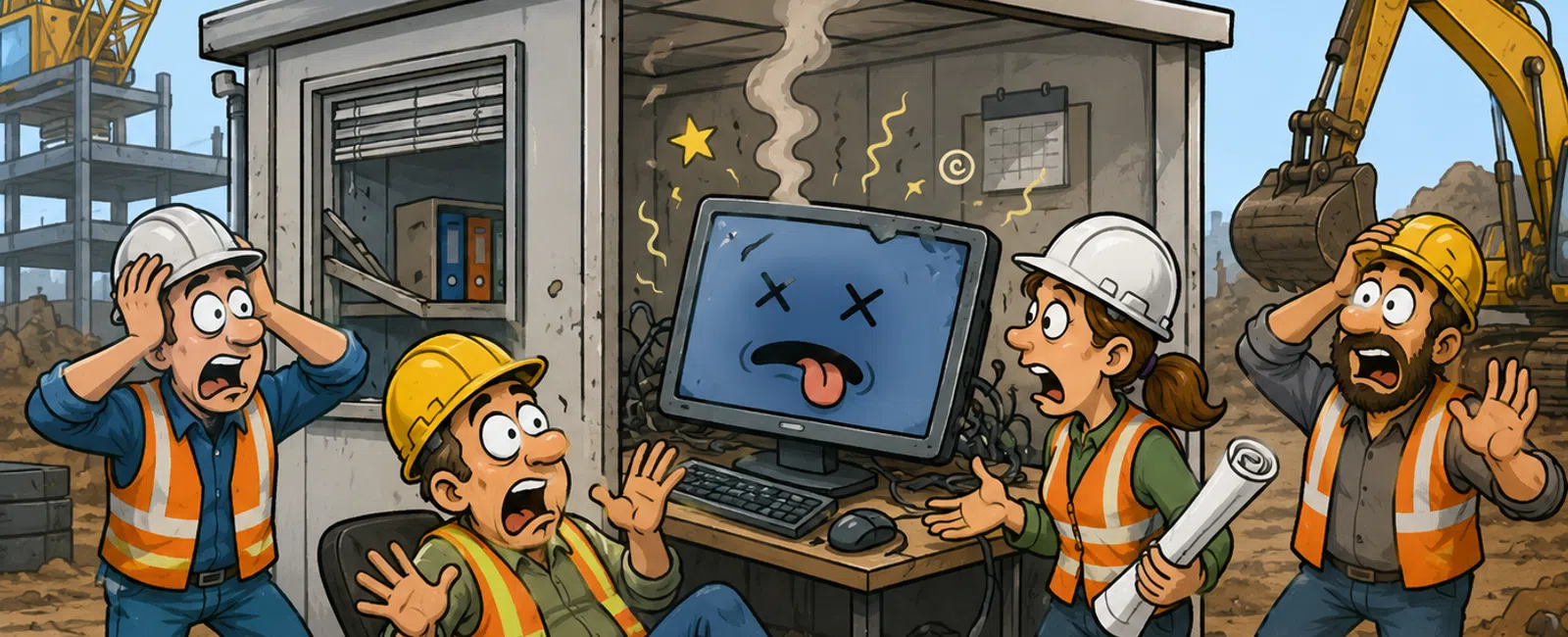
How "We'll Fix It Later" Quietly Becomes a Full-Team Shutdown
Nothing breaks right
away.
A system slows down.
An update gets pushed. A backup throws a warning no one follows up on.
Everything
technically still works, so it stays off the priority list.
Until the day it
doesn't—and now the issue isn't small anymore. It's visible, disruptive, and
happening when your team can least absorb it.
That's the real cost
of "we'll fix it later."
The 3-Control Stability System
Every stable
construction environment operates on three controls:
- Performance
Control
- Update Control
- Recovery
Control
If even one of these
isn't enforced, risk builds quietly in the background.
This isn't theory.
It's where every preventable outage starts.
What This Actually Looked Like for One Contractor
A commercial
contractor with 35 employees and multiple active job sites was running a
centralized file system for plans and documentation.
What failed: System
performance degraded over several weeks
What happened: No one escalated it because files still loaded—just slower
Downtime: Over 4 hours during a live coordination meeting
Impact: Office couldn't access project files, field team stalled, meeting
rescheduled
What caused it:
- Updates had
been postponed twice
- No monitoring
alerts were escalated
- Backups hadn't
been tested in over two months
What changed after:
- Weekly
performance checks were enforced
- Updates were
locked to a monthly schedule
- Backup restore
was tested and validated in under 15 minutes
Result:
- No repeat
downtime the following quarter
- Faster response
when alerts triggered
- Leadership had
visibility into system health
Nothing about this
fix was complex. It was controlled.
Benchmarks That Separate "Fine" From "At Risk"
Most teams don't
realize they're outside acceptable ranges.
Use this as your
baseline:
- System login
time: under 10 seconds
- File or
application load: under 5 seconds
- Backup restore:
under 15 minutes
- Alert response:
within 4 hours
- Critical
updates: completed within 30 days
If you can't confirm
these, you're not stable—you're unverified.
What This Looks Like in Practice
Weekly IT Stability Check (15 minutes)
- Review
performance metrics (CPU, disk, memory trends)
- Check
unresolved alerts in your monitoring system
- Confirm last
successful backup completed
- Flag any system
running slower than expected
- Validate job
site connectivity and remote access
Monthly Update Control
- Apply operating
system patches across all devices
- Update core
platforms (project management, email, accounting)
- Use centralized
patching tools to track completion
- Schedule
after-hours deployment
- Resolve
exceptions within one cycle
Monthly Recovery Control
- Confirm backups
complete without error
- Verify
retention aligns with contracts and records
- Run at least
one full restore test
- Measure and log
recovery time
- Treat any
failed test as an active incident
This is the minimum
standard—not a best practice.
Who Owns What (No Gray Area)
Breakdowns happen
where ownership isn't clear.
- Office Manager
→ Reports slow systems and access issues
- IT Provider →
Monitors alerts, performs updates, validates backups using RMM and backup
systems
- Leadership →
Enforces cadence, approves downtime windows, holds accountability
If no one owns it,
it gets delayed. If it gets delayed, it escalates.
Enforcement: What Happens When Something Breaks the Rules
This is where most
environments fail—they detect issues but don't act on them.
- If a system
exceeds performance thresholds → alert triggers → ticket created within 24
hours
- If updates are
missed → escalation to leadership within that cycle
- If backup fails
or can't restore → immediate fix and retest within 48 hours
Without enforcement,
controls don't exist.
What an Audit Would Actually Say
In a real audit or
legal review, these gaps are not minor.
They are marked as
HIGH RISK:
- Unverified
backups = recovery failure exposure
- Delayed
patching = security and compliance risk
- Performance
degradation without tickets = operational instability
You're not judged on
what you intended to fix.
You're judged on
what you can prove is controlled.
The 3-Control Exposure Check
If you can't answer
YES to all three, you have risk:
[ ] Are all systems
updated within 30 days?
[ ] Has at least one backup been restored this month?
[ ] Are performance slowdowns logged within 24 hours?
Anything unchecked
is where your next disruption starts.
Where This Breaks in Real Life
A team is in a
project review pulling drawings during a client call.
Files stall. Then
freeze.
People restart
machines. Others try workarounds. The meeting drifts.
Behind the scenes:
- The system had
been slowing for weeks
- No alert had
been escalated
- Updates were
delayed
- No one had
verified backup status
This wasn't a
failure that started that day.
That's just when it
became visible.
Your 7-Day Reset Plan
Day 1: Identify
systems that feel slower than normal
Day 3: Confirm update status across all critical tools
Day 5: Run a real backup restore test
Day 7: Document gaps and assign ownership
You don't need to
fix everything. You need to eliminate unknowns.
Run the Check Before It Shows Up
Run your 15-minute
3-Control Stability Check with 911 IT. We'll verify your performance, update
compliance, and whether your backups actually work. Schedule your 10 minute
discovery call and you'll walk away knowing exactly where you're exposed.


