
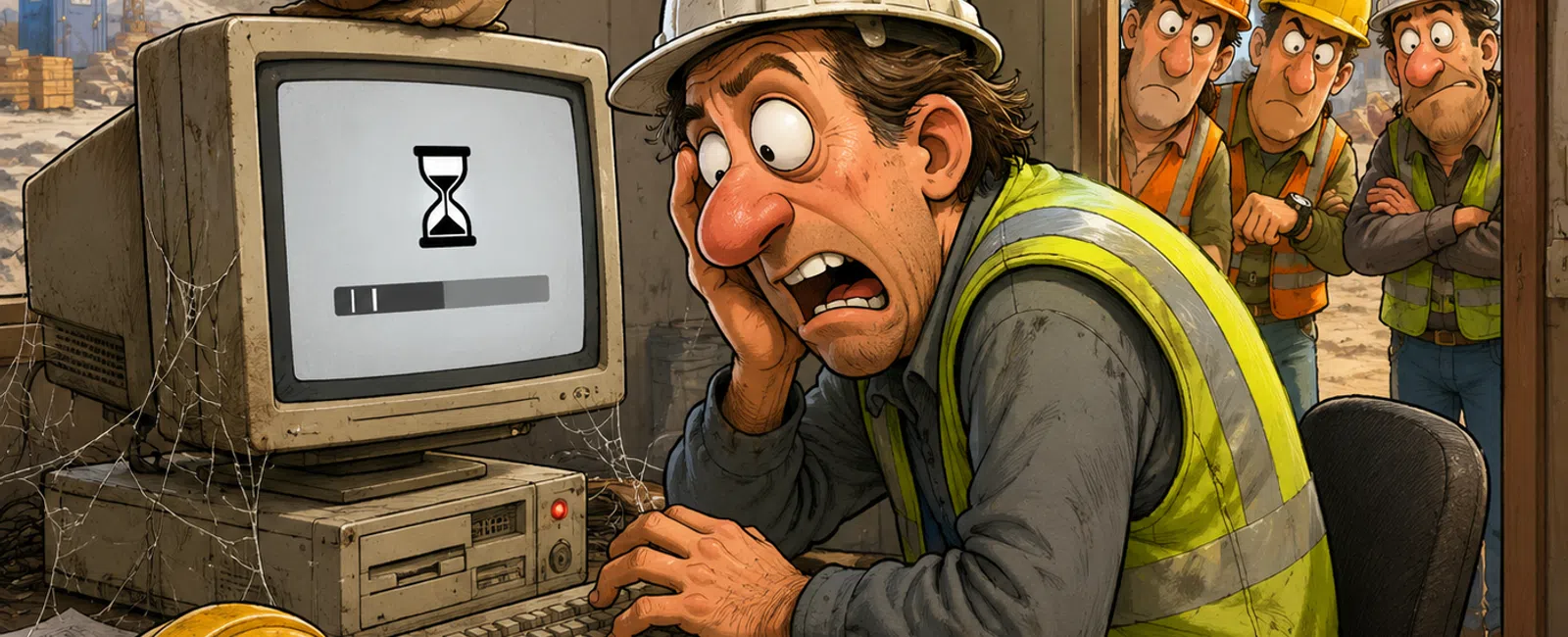
That 'Old' Tech? You're Still Paying For It Every Month
Most systems do not fail all at once.
They drift.
A few extra seconds opening a drawing. A delay saving a file. A restart
your team should not need.
That does not sound like a major problem until you look at where those
seconds land.
In construction, they land in the trailer, on the job site, during a
handoff, before an inspection, or right when someone needs the current plan
set.
That is when "old but still working" turns into lost time, rework, and
risk.
What Counts as Outdated
Outdated does not mean broken.
It means the system is costing more to keep than it is worth.
Use this line:
Workstations older than 4-5 years
Boot times over 60-90 seconds
Drawings taking more than 5-7 seconds to open
Systems freezing more than once per day
Operating systems past support
Shared files lagging when multiple people access them
Field devices struggling to sync between site and office
If your team has changed how they work to avoid delays, the system is
already outdated.
Where This Breaks in Construction
A superintendent needs the latest drawing in the trailer.
The file takes 10 seconds to open. Then it freezes. Then the machine
needs a restart.
Now the crew is waiting.
What should have taken 2 minutes turns into 10 or 15.
That delay does not stay in one spot. It moves to the next decision, the
next trade, the next delivery, the next correction.
And if someone uses the wrong version because the right one would not
load fast enough, now you are not dealing with inconvenience.
You are dealing with rework.
The Real Cost Is Not the Hardware
Most owners ask one question:
"Can we get another year out of it?"
That is usually the wrong question.
The better one is:
"What is this machine costing me every week?"
Here is a simple example:
A $1,200 workstation
An employee loses 20 minutes per day
Labor cost is $30 per hour
That is roughly $5,000 per year in lost time.
At that point, you are not saving money by waiting.
You are paying a recurring penalty to keep a weak system in place.
How Fast Does It Pay for Itself
Use one rule:
If payback is under 6 to 12 months, replace it.
Simple formula:
Replacement cost divided by annual lost time equals payback period
If the machine costs $1,200 and the lost time is worth $5,000 per year,
the payback happens fast.
Once you see it that way, hesitation is usually not about budget.
It is about visibility.
Run a 1-Day System Loss Audit
You do not need a full overhaul to find the problem.
Run this for one day.
Pick three people in different roles
Track every delay longer than 30 seconds
Write down what caused it
Categorize each issue as hardware, network, or software
Add the total minutes lost by system
Use this template:
System
Delays
Minutes Lost
Type
Priority
Workstation A
14
52
Hardware
High
Shared Drive
9
38
Network
High
Field Laptop
6
26
Hardware
Medium
Sort the list by total minutes lost.
That is your priority list.
What Gets Fixed First
Start here:
Shared systems before individual systems
Field devices before admin machines
Revenue-impact roles before low-impact roles
Then apply one filter:
High frequency plus high delay equals immediate action
If multiple people are slowed down every day, it moves to the top.
If the field is waiting on it, it comes before almost everything else.
When to Replace vs Maintain
Replace when:
Lost time exceeds replacement cost
The system affects multiple people
The device is beyond normal lifecycle
The issue slows job progress or document access
The operating system is unsupported
The problem keeps returning after small fixes
Maintain when:
The device is rarely used
The slowdown is occasional and low impact
The role is not tied to active job execution
A small upgrade will clearly remove the bottleneck
This is not about replacing everything.
It is about stopping obvious loss.
Quick Wins vs Full Replacement
Not every problem needs a new machine right now.
Some issues can improve with:
SSD upgrades
RAM increases
Software cleanup
Network bottleneck fixes
File storage cleanup
Better sync and access setup between field and office
Those can buy you time.
But if the system is already past lifecycle, small fixes only delay the
larger decision.
They do not remove the underlying cost.
Two Patterns You Will Recognize
Pattern one: field slowdown
A small team keeps losing time opening plan sets, saving files, and
waiting through freezes. Nobody calls it a major issue because the work still
gets done.
But once the delays are tracked, the lost hours are obvious. Replacing a
few job-critical machines and improving storage usually changes the pace
immediately.
Pattern two: office-side bottleneck
The team blames "slow computers," but the real issue is a shared file or
network bottleneck. Every save takes several extra seconds. Attachments stall.
Cloud tools lag. Nobody notices the pattern until the minutes are added up.
Different causes.
Same result.
Lost time that shows up every day.
What Not to Replace Yet
Leave these alone for now:
Low-use devices
Machines with infrequent delays
Systems tied to non-critical work
Equipment that improves with a small, targeted fix
That matters because trust matters.
If everything goes on the replacement list, the list stops meaning
anything.
The goal is not more spending.
The goal is cleaner operations.
The Risk Layer Most Teams Ignore
Old systems do not just waste time.
They increase exposure.
Unsupported systems create security gaps. Slow systems delay
communication between field and office. File lag increases version mistakes.
Downtime shows up at the worst possible time.
In construction, that does not stay technical for long.
It turns into missed timelines, documentation gaps, change order
confusion, and preventable stress during disputes or audits.
If someone reviewed the job after a problem, they would not care that the
machine was "still working."
They would care that the information was not available when it was
needed.
Stop This From Happening Again
Most companies replace systems too late because they wait for visible
failure.
That is why the same problem keeps coming back.
A better approach looks like this:
Replace workstations every 4 to 5 years
Stagger upgrades so costs do not hit all at once
Budget annually instead of reacting under pressure
Track lifecycle by purchase date and role importance
Review field devices and shared systems before they become job issues
That keeps decisions calm.
It also keeps you out of the expensive cycle where every replacement
feels urgent.
What to Do Next Week
Run the 1-day system loss audit.
Track real delays, not general complaints.
If one system is costing more in lost time than it would cost to replace,
move it to the top of the list.
Is It Time to Stop Paying for It
Schedule your 10 minute discovery call with 911 IT.
We will review your field devices, shared files, and job-critical systems
the same way a project delay or dispute would.
You will leave knowing what could slow a job down, where your exposure
is, and what needs attention first.


