
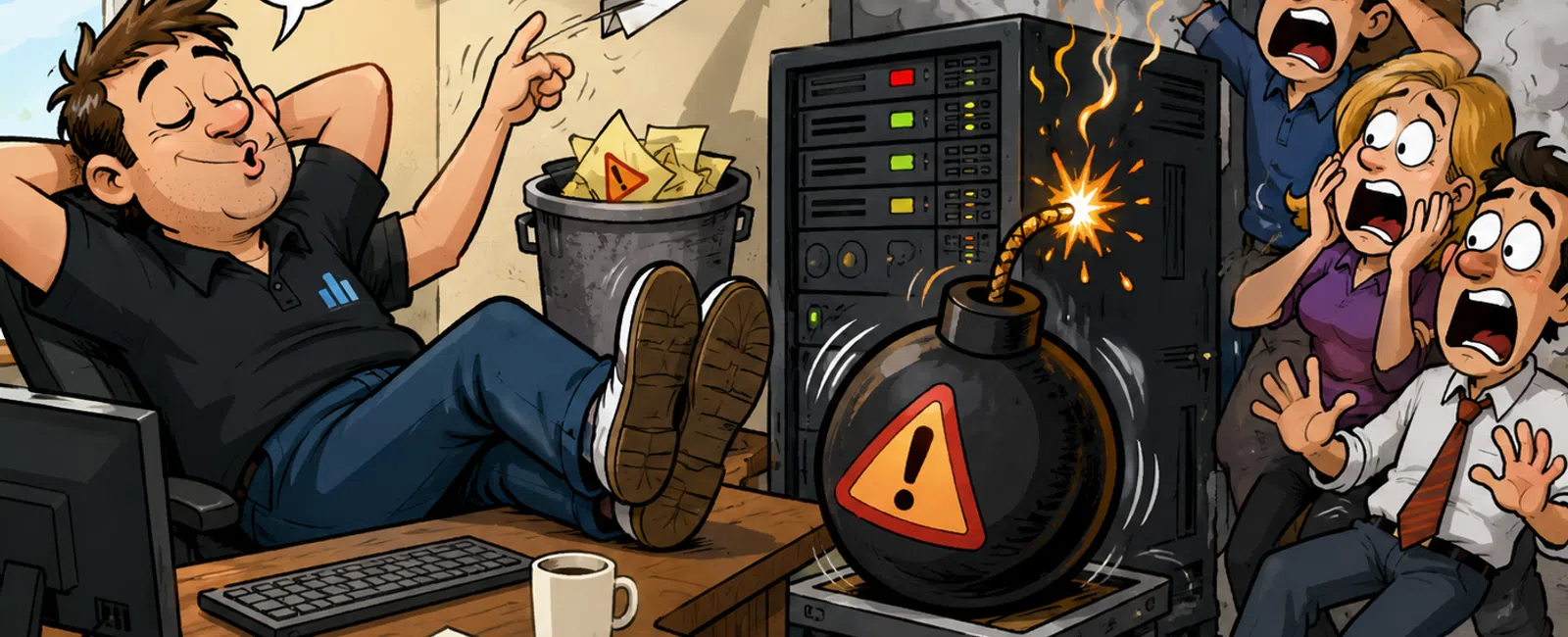
How "We'll Fix It Later" Turns Into an Operational Failure
This is for the person responsible for keeping work moving—but who
doesn't have time to chase every small IT issue.
Because that's exactly where problems start.
Not in major failures. In small signals that feel safe to ignore.
A system slows slightly. An alert shows up once. An update gets postponed
because the timing isn't good.
Nothing breaks. So nothing gets owned.
Until multiple small issues stack and hit all at once—usually when your
team has the least capacity to deal with it.
What This Looks Like in a Real Environment
Accounting firm. 22 users. Monday morning.
8:12 AM — First login fails
8:18 AM — Multiple users report access issues
8:25 AM — Core system down, work stops
Root cause was not a sudden failure. It was a chain of ignored signals:
- Performance
alert 18 days earlier
- Backup errors
10 days earlier
- Critical update
postponed twice
Individually, nothing urgent.
Together, full outage.
Early fix: 15-20 minutes
When ignored: 4+ hours of downtime across 22 employees
What looked like minor friction became a full operational stop.
A Second Pattern You Probably Recognize
Construction firm. Bid deadline, 2:00 PM.
At 1:10 PM, the team can't access a shared file folder. It had been
intermittently "slow but usable" for days.
By the time it's escalated, access is fully down.
The bid goes out late.
No system "failed" unexpectedly. It deteriorated until timing made it
matter.
What Tools This Applies To
This runbook applies whether you're using:
- Microsoft 365
monitoring
- RMM tools
- Built-in system
alerts
- Basic
notification systems
The tool doesn't determine stability.
Consistency of review does.
Why This Keeps Happening
Most teams operate in a gray zone:
- Alerts are
acknowledged but not assigned
- Issues are
noticed but not tracked
- Tasks are known
but not scheduled
So everything sits in "not urgent yet."
Until it is.
From an external evaluator's perspective—auditor, investor, or operations
reviewer—this is not seen as bad timing.
It's seen as a control gap.
Not because something failed, but because there was no system to prevent
predictable escalation.
Weekly IT Stability Review (30-Minute Runbook)
This is the minimum system required to stop small issues from
compounding.
Run it once per week. Same time. Same owner.
Step 1: Check Monitoring Dashboard
Look for:
- Repeated alerts
on the same system
- Performance
degradation trends
- Anything
unclear or unexplained
If an alert repeats or isn't understood, it moves forward.
Step 2: Review Unresolved Alerts
- Any alert older
than 3 days must be escalated
- Group related
alerts into patterns
- Assign
ownership to every unresolved item
No owner = no resolution.
Step 3: Confirm Backup Success Logs
- Verified
completion within the last 24 hours
- Recent restore
test confirmed
- Any failure
treated as urgent
A backup you haven't verified is not reliable.
Step 4: Review Pending Updates
- Critical
updates scheduled within 7 days
- Non-critical
updates assigned a date
- Any update
postponed twice must be escalated
If it's not scheduled, it's being delayed.
Severity Tiers for Small Issues
|
Signal |
Action |
|
Single-user lag |
Monitor for 48 hours |
|
Repeated lag (same system) |
Escalate |
|
Multi-user issue |
Immediate fix |
|
Alert older than 72 hours |
Mandatory escalation |
|
Backup inconsistency |
Treat as urgent |
This removes hesitation. Every signal has a defined response.
Common Failure Patterns We See
Across environments, the same breakdowns repeat:
- Alerts
acknowledged but never assigned
- Backup warnings
dismissed as temporary
- Updates
postponed past safe windows
- Ownership
shifting week to week
- Issues
revisited only after escalation
These are not isolated mistakes. They are system gaps.
False Confidence Signals That Lead to Outages
Most teams don't ignore problems—they misjudge them.
Watch for these:
- "It's slow, but
still usable"
- "The alert
stopped showing"
- "It hasn't
affected multiple users"
- "We'll handle
it after this deadline"
These are the exact conditions where problems grow unnoticed.
Escalation Beyond the Internal Team
Internal handling has limits.
If an issue:
- Remains
unresolved after escalation
- Persists beyond
defined thresholds
- Reappears after
attempted fixes
It must be handed to external IT support within 24 hours.
Delay at this stage is what turns contained issues into outages.
Measurable Standards of a Stable Environment
Stability is not a feeling. It's verifiable.
- All backups
confirmed within the last 24 hours
- No unresolved
alerts older than 72 hours
- All critical
updates scheduled within 7 days
- Monitoring
reviewed weekly without exception
If any of these fail, instability is already present.
The Pattern Behind Most Outages
In most environments, failures are not sudden.
They are preceded.
- Ignored alerts
- Repeated
warnings
- Deferred
actions
The issue is rarely the outage itself.
It's the time between the first signal and the response.
What to Do Next Week
Run this 30-minute review once.
Do not expand it. Do not optimize it.
Just complete all four steps, assign ownership to anything unresolved,
and document what would have otherwise been ignored.
That will show you exactly where risk is building.
Close the Gap Before It Shows Up
Schedule your 10 minute discovery call.
911 IT will walk through your environment against this runbook and confirm
where unresolved issues are already stacking—so you can address them before
they become downtime.


