
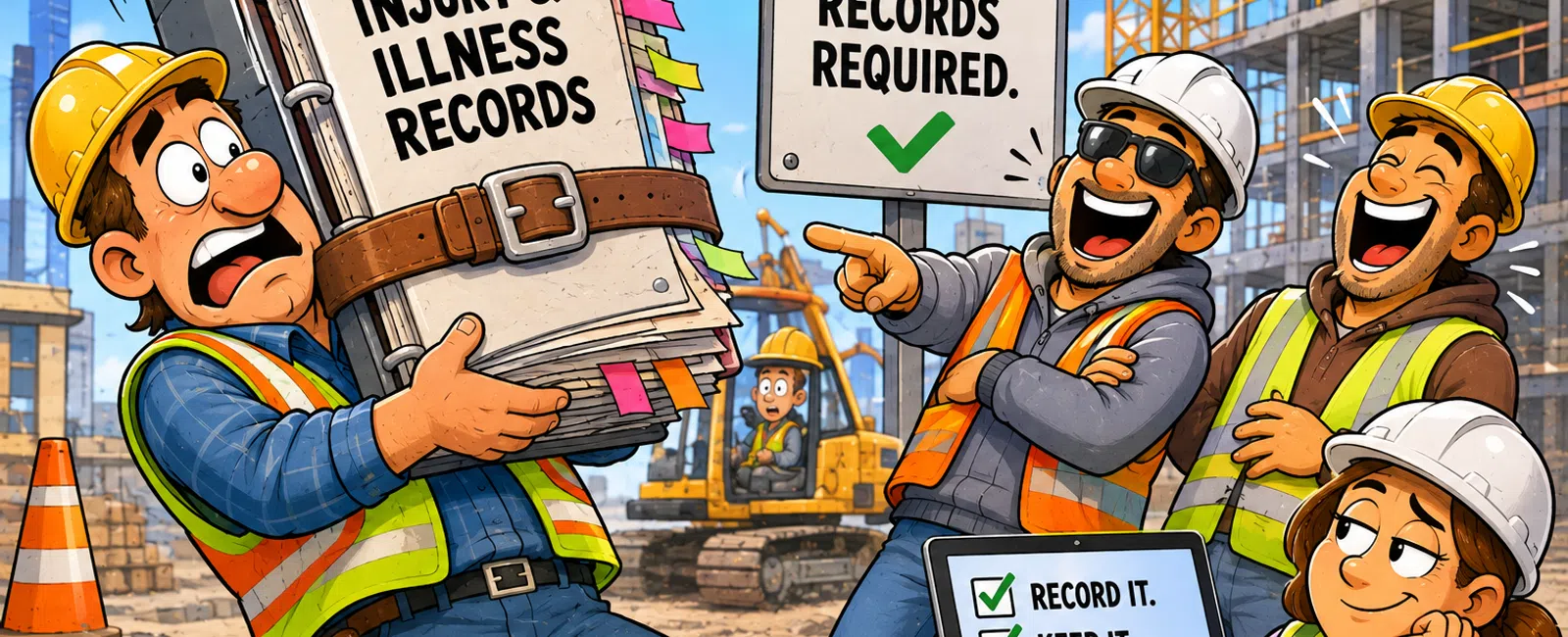
OSHA requires construction businesses to maintain injury and illness records using Form 300 (Log of Work-Related Injuries and Illnesses), Form 301 (Injury and Illness Incident Report), and Form 300A (Summary) for establishments with 11 or more employees. These records must be retained for 5 years and made electronically available to OSHA upon request, requiring secure IT systems with proper backup, access controls, and data integrity safeguards.
What Records Must Construction Companies Maintain for OSHA Compliance?
Construction companies with 11 or more employees must maintain three core OSHA recordkeeping forms. Form 300 logs all recordable work-related injuries and illnesses throughout the year. Form 301 provides detailed incident reports for each recordable case. Form 300A summarizes the annual totals and must be posted in a visible location from February 1 through April 30 each year.
Companies with 10 or fewer employees are generally exempt from routine recordkeeping requirements unless specifically notified by OSHA. All construction employers must report work-related fatalities within 8 hours and in-patient hospitalizations, amputations, or eye losses within 24 hours, regardless of company size.
Beyond injury records, construction businesses must maintain documentation for safety training, equipment inspections, hazard assessments, and exposure monitoring. These records prove compliance during OSHA inspections and protect companies from citations that can reach $15,625 per serious violation.
Digital storage of these records requires IT infrastructure that prevents unauthorized access while ensuring availability during audits. A compromised or lost record can result in penalties equivalent to the original violation.
How Long Must OSHA Records Be Retained and Stored?
OSHA mandates that Forms 300, 301, and 300A be retained for five years following the year they cover. A 2024 injury log must remain accessible until December 31, 2029. During this period, you must update the stored records if you discover an injury or illness was recordable but not initially logged.
Training records must be maintained for the duration of employment plus an additional period depending on the training type. Hazardous material exposure records require retention for 30 years after employment termination. Medical surveillance records follow similar long-term retention requirements.
These extended retention periods create substantial IT storage requirements. Construction firms need backup systems that protect against hardware failures, natural disasters, and ransomware attacks. Cloud-based solutions with geographic redundancy offer protection against regional disasters.
Construction businesses must retain OSHA injury records for 5 years and exposure monitoring records for 30 years after employee termination.
Paper records deteriorate and can be destroyed in trailer office fires or floods at job sites. Digital systems with proper business continuity services ensure compliance even when physical locations are compromised.
What IT Security Measures Protect OSHA-Required Data?
OSHA records contain personally identifiable information (PII) and protected health information (PHI) about employees. Form 301 includes employee names, addresses, injury details, and treatment information. Unauthorized disclosure violates privacy laws and exposes companies to lawsuits from affected employees.
Access controls must limit record viewing to authorized personnel only. Role-based permissions ensure field supervisors cannot access medical details while safety managers can review all required information. Audit logs track who accessed records and when, creating accountability and detecting unauthorized access attempts.
Encryption protects data both in transit and at rest. When safety managers email incident reports or access records from job site offices, encryption prevents interception. Stored records on servers or cloud platforms require encryption to protect against data breaches if hardware is stolen or systems are compromised.
Multi-factor authentication adds a critical security layer. Even if passwords are compromised through phishing attacks targeting construction office staff, attackers cannot access sensitive OSHA records without the second authentication factor. This protection is essential for companies with mobile workforces accessing systems from various locations.
- Role-based access controls limiting record visibility to authorized personnel
- Encryption for data in transit and at rest
- Multi-factor authentication preventing unauthorized access
- Audit logging tracking all record access and modifications
- Regular security assessments identifying vulnerabilities
Cybersecurity services specifically designed for construction operations address the unique risks of job site connectivity and distributed teams.
Which Construction Software Systems Support OSHA Compliance?
Modern construction management platforms include safety modules that digitize OSHA recordkeeping. These systems generate Forms 300, 301, and 300A automatically from incident reports entered by safety personnel. Integration with project management software links incidents to specific job sites and project phases.
Document management systems organize training certificates, equipment inspection records, and safety data sheets. Version control ensures teams always access current information while maintaining historical records for the required retention periods. Search functionality allows rapid retrieval during OSHA inspections.
Time tracking and workforce management software can flag potential OSHA recordkeeping triggers. When an employee misses work following an injury report, the system prompts safety managers to evaluate recordability. This automation prevents overlooked incidents that could result in citation during audits.
Mobile applications enable field supervisors to report incidents immediately from job sites. Photos, witness statements, and environmental conditions are captured in real-time rather than relying on memory hours or days later. This contemporaneous documentation provides more accurate records and stronger legal protection.
The IT infrastructure supporting these applications requires reliable connectivity even at remote construction sites. Redundant internet connections, cellular backup, and offline-capable applications ensure incident reporting continues regardless of connectivity challenges.
Specialized construction IT support ensures these mission-critical compliance systems remain operational across all job sites and office locations.
What Are the IT Requirements for OSHA's Electronic Reporting Rule?
OSHA's electronic reporting rule requires certain establishments to submit injury and illness data electronically through the Injury Tracking Application (ITA) portal. Construction companies with 20 or more employees must submit Form 300A data annually by March 2. This submission covers the previous calendar year's summary information.
The ITA portal requires secure authentication and modern web browsers with current security certificates. Companies must designate authorized users who can submit data on behalf of the organization. IT systems must support the technical requirements for portal access while maintaining security protocols that prevent unauthorized submissions.
Data submitted through the ITA becomes publicly available on OSHA's website, allowing comparison of injury rates across companies and industries. Accurate data submission protects your company's reputation and demonstrates commitment to worker safety. Errors in electronic submissions can be corrected but create additional administrative burden.
API integrations between construction management software and OSHA's systems streamline reporting. Rather than manually transcribing data from internal systems to the ITA portal, automated exports reduce transcription errors and save administrative time. These integrations require IT oversight to ensure data mapping accuracy and maintain security during transmission.
Companies operating across multiple states must track which establishments meet the reporting thresholds. Multi-state operations may have some locations subject to electronic reporting while others remain exempt based on employee counts. IT systems must segment data by establishment to support accurate reporting.
- Verify your company meets the 20+ employee threshold for electronic reporting
- Register authorized users in the OSHA Injury Tracking Application portal
- Ensure IT systems support secure browser access with current certificates
- Configure construction management software to export Form 300A data
- Submit annual data by March 2 for the previous calendar year
- Maintain documentation of submission confirmations for audit purposes
How Do Backup and Disaster Recovery Systems Ensure OSHA Compliance?
Construction companies face unique disaster recovery challenges. Trailer offices at job sites are vulnerable to theft, fire, and weather damage. A ransomware attack or hardware failure at a main office can lock teams out of critical safety records during an OSHA inspection.
Automated daily backups create recovery points that allow restoration of records if primary systems fail. Backups must be stored separately from production systems - preferably in geographically distant locations. A fire that destroys an office shouldn't also destroy backup systems in the same building.
Recovery time objectives (RTO) define how quickly systems must be restored after an outage. During an OSHA inspection, inability to produce required records within a reasonable timeframe can result in citations. Systems designed for rapid recovery minimize this risk and demonstrate good-faith compliance efforts.
Testing backup systems regularly ensures they'll function when needed. Many companies discover backup failures only when attempting recovery after a disaster. Quarterly restoration tests verify that backed-up OSHA records can be successfully retrieved and are complete and readable.
Cloud-based backup solutions offer advantages for construction companies with distributed operations. Records from all job sites and offices automatically replicate to secure cloud storage. Regional disasters affecting one location don't impact data stored in geographically separate data centers.
Managed IT services provide the proactive monitoring and testing that ensure backup systems protect your OSHA compliance documentation when disasters strike.
What Role Does IT Play in OSHA Inspection Preparedness?
OSHA can conduct inspections with little or no advance notice. When an inspector arrives, you must produce required records promptly. Digital systems with proper indexing and search capabilities allow immediate retrieval of specific documents from years of accumulated records.
Document management systems should organize records by job site, date, employee, and incident type. When an inspector requests all records related to a specific project or injury type, staff can generate comprehensive reports within minutes rather than searching through file cabinets or unsorted digital folders.
Access controls ensure only authorized personnel can modify historical records. Audit trails document any changes made to records after initial creation, demonstrating that alterations were legitimate corrections rather than attempts to conceal violations. This transparency builds credibility with inspectors.
Mobile access capabilities allow safety managers to retrieve records from any location. If an inspection occurs at a job site rather than the main office, authorized personnel can securely access the complete record system from tablets or laptops. This flexibility prevents delays that could be interpreted as obstruction.
Regular IT system maintenance ensures compliance tools remain functional. Software updates, security patches, and performance optimization prevent system failures during critical moments. Scheduled maintenance during off-hours minimizes disruption while keeping systems inspection-ready.
Frequently Asked Questions
What are the basic OSHA recordkeeping requirements for small construction companies?
Construction companies with 10 or fewer employees are generally exempt from maintaining OSHA Forms 300, 301, and 300A unless specifically directed by OSHA. All construction employers regardless of size must report fatalities within 8 hours and hospitalizations, amputations, or eye losses within 24 hours. Small companies still benefit from digital incident tracking for insurance and legal protection.
How does OSHA define a recordable injury or illness?
OSHA considers an injury or illness recordable if it results from a work-related incident and requires medical treatment beyond first aid, involves loss of consciousness, days away from work, restricted work activity, or job transfer. Minor injuries requiring only first aid like bandages, ice, or over-the-counter medications are typically not recordable unless they meet other criteria.
Can construction companies use electronic systems instead of paper OSHA logs?
Yes, OSHA permits electronic recordkeeping systems as long as they produce records equivalent to the official forms and are readily accessible to authorized personnel. Electronic systems must allow printing of forms for posting requirements and inspector review. Many construction companies prefer digital systems for easier backup, search capabilities, and integration with other safety management tools.
What happens if OSHA records are lost in a job site disaster?
If records are destroyed by fire, flood, or other disasters, companies should immediately document the loss and reconstruct records to the best of their ability using payroll records, insurance claims, medical records, and witness statements. OSHA may show leniency if you demonstrate good-faith efforts to maintain and recover records. This scenario highlights why off-site backups are critical for compliance.
Do subcontractors need separate OSHA recordkeeping systems?
Yes, each construction company maintains separate OSHA records for its own employees. General contractors do not include subcontractor employee injuries in their OSHA logs. General contractors must report fatalities and serious injuries of all workers on their job sites regardless of employer. Clear IT system boundaries prevent confusion about which company records which incidents.


