
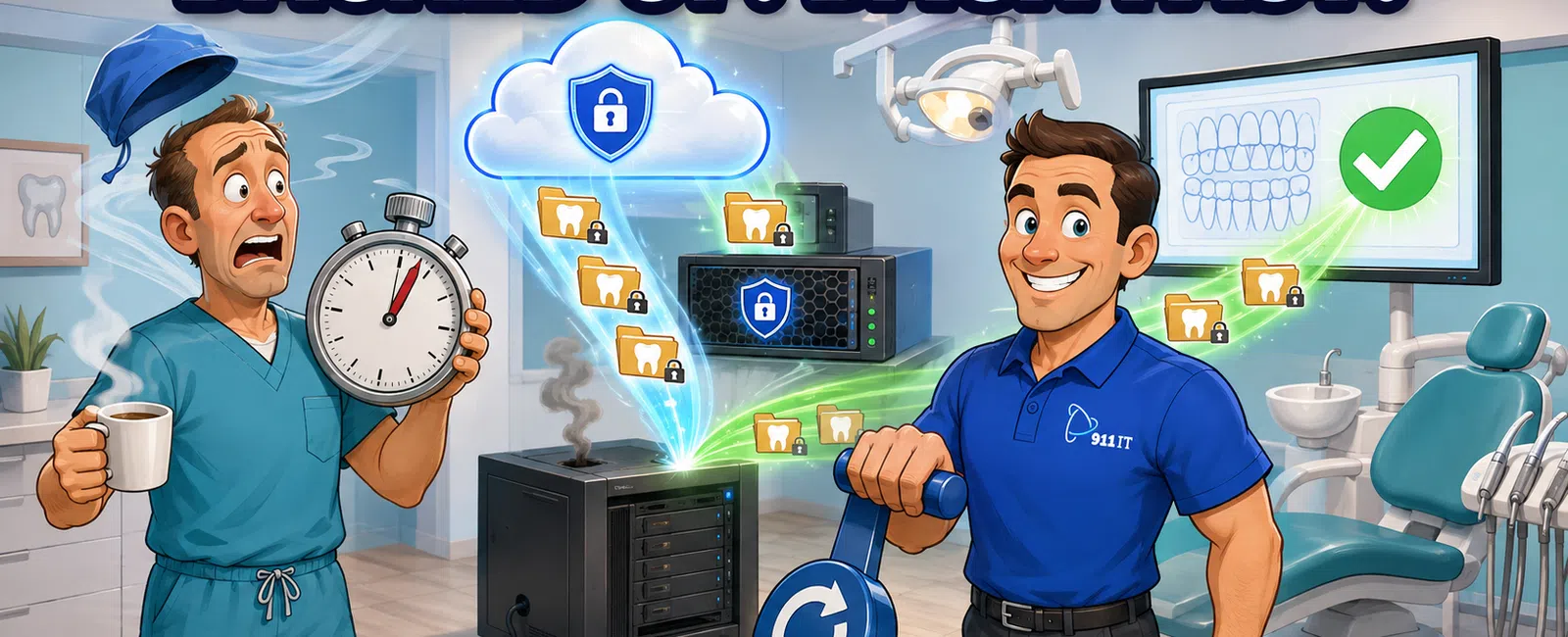
Dental practices need HIPAA-compliant backup solutions that protect patient records with both onsite and cloud redundancy, tested monthly to ensure data integrity. Recovery times for critical systems like practice management software typically range from 1-4 hours for file-level restores and 4-8 hours for complete server restoration, depending on data volume and backup architecture.
What Types of Backup Architecture Protect Dental Patient Records?
Modern dental practice backup follows the 3-2-1 rule: three copies of your data, stored on two different media types, with one copy offsite. Your Dentrix or Eaglesoft database exists on your production server, a local backup appliance in your office, and encrypted cloud storage.
The local backup appliance enables rapid recovery for individual patient files or corrupted databases. When a hygienist accidentally deletes treatment notes or a software update corrupts your schedule, you need those files back in minutes. The onsite copy provides recovery speeds measured in minutes for file-level restores.
Cloud backup serves as your disaster insurance. If ransomware encrypts your entire network or a fire damages your office, cloud copies remain untouched and accessible from any location. For Salt Lake City practices, this matters during winter storms or other events that might prevent physical access to your building.
Image-based backups capture your entire server state, including the operating system, applications, and configurations. You can restore not just data files but your complete practice management environment exactly as it was before failure.
The combination of local and cloud backup provides both speed and security for dental practices.
How Quickly Can You Actually Recover Patient Records During an Emergency?
Recovery speed depends on what failed and how much data needs restoration. A single deleted patient chart might take 5-15 minutes to locate and restore from backup. A corrupted database affecting your entire practice management system typically requires 1-4 hours to restore and verify.
Complete server failure recovery: 4-8 hours for full practice management system restoration
The fastest recovery method uses virtualization technology. Your backup system can boot your practice management server as a virtual machine while you repair or replace the physical hardware. This approach gets staff back to scheduling appointments and accessing patient records within 1-2 hours, even if the physical server is completely dead.
Julie Bigler experienced this firsthand when 911 IT recovered all data from a hard drive that another company deemed too damaged to recover. The difference between a tested backup system and hoping for the best becomes obvious during actual emergencies.
Recovery time objectives (RTO) should be documented in your backup policy. For dental practices, critical systems like practice management and digital imaging typically warrant a 4-hour RTO, while less critical systems like staff email might allow 8-24 hours.
Testing recovery speed matters as much as performing backups. Monthly test restores confirm that your backup files actually work and identify how long recovery takes with your current data volume.
What Backup Features Matter Most for HIPAA Compliance?
HIPAA requires that patient health information remains available even after equipment failure or disaster. The Security Rule specifically mandates data backup plans as part of your contingency planning requirements. Your backup solution must include encryption both in transit and at rest.
Encryption protects patient records if backup media is stolen or a cloud provider experiences a breach. AES 256-bit encryption is the current standard, making data unreadable without the decryption key that only your practice controls.
Access logging tracks who accessed backup files and when. If OCR audits your practice, you need documentation showing that only authorized personnel can restore patient data. Role-based access controls limit backup system access to specific staff members.
Business Associate Agreements (BAAs) are mandatory for any vendor handling your patient data, including backup providers. Cloud backup services must sign BAAs accepting liability for protecting the PHI they store. Without a signed BAA, using that backup service creates a HIPAA violation.
Retention policies must align with state and federal requirements. Utah follows federal guidelines requiring patient records retention for at least six years from the last treatment date. Your backup system should maintain historical versions long enough to meet these obligations.
Regular backup testing demonstrates due diligence in protecting patient information, which matters during compliance audits.
How Do Salt Lake City Dental Practices Choose Between Backup Providers?
Salt Lake City dental practices evaluating backup solutions should compare providers based on dental-specific experience, recovery speed guarantees, HIPAA compliance support, and local response capability. Not all IT providers understand the unique requirements of practice management systems.
Local providers like 911 IT, Executech, and Wasatch I.T. offer the advantage of on-site response when backup systems fail or recovery requires physical hardware replacement. When your server crashes at 8 AM and you have patients scheduled all day, a provider in South Jordan can be on-site within an hour rather than coordinating remote-only support.
National MSPs often route dental practices through tiered support queues where your emergency is one ticket among thousands. A practice with 8 employees represents a small account to a national provider but a valued client relationship to a regional MSP. Response priority reflects this reality.
Dental-specific experience matters because practice management systems have unique backup requirements. Dentrix and Eaglesoft databases require specific backup procedures to maintain data integrity. Providers without dental experience might perform backups that appear successful but contain corrupted data discovered only during recovery attempts.
Ask potential providers about their last dental practice recovery:
- How long did the complete recovery take from initial failure to full system restoration?
- What unexpected complications arose during the recovery process?
- How did they handle staff training and communication during downtime?
- What documentation did they provide for HIPAA compliance purposes?
- How many test restores do they perform annually for dental clients?
Providers with genuine dental experience can describe specific scenarios and solutions.
911 IT provides business continuity services specifically designed for healthcare practices, with 24-7 monitoring and rapid response support. Their team understands that downtime in a dental practice means canceled appointments, lost revenue, and frustrated patients.
What Backup Testing and Monitoring Should Your Practice Expect?
Untested backups are hopes, not plans. Monthly test restores verify that backup files contain usable data and confirm actual recovery times. Your IT provider should document each test with screenshots or reports proving successful restoration.
Automated monitoring alerts your IT team immediately when backups fail, skip, or show errors. Backup failures happen for dozens of reasons: full storage, network interruptions, software conflicts, or hardware problems. Without monitoring, you might discover backup failures only when you need to restore data.
Backup verification goes beyond checking that the backup job completed. Advanced systems compare backed-up files against source files to confirm data integrity. Hash verification detects corrupted files that might restore without errors but contain unusable data.
Matthew and his wife discovered the value of expert recovery when their hard drive failed and their original PC company couldn't recover anything. 911 IT recovered every bit of information from the hard drive in a couple of days, including years of pictures, videos, and songs. The same expertise that recovers consumer data applies to dental practice management databases.
Your backup dashboard should show backup status, storage consumption trends, and recovery point objectives for each system. Practices should receive monthly reports summarizing backup health, test results, and any issues requiring attention.
Storage capacity planning prevents backup failures from running out of space. As your patient base grows and you add digital imaging, backup storage requirements increase. Proactive monitoring identifies capacity trends before they cause problems.
Monitoring and testing transform backup from a background process into a verified disaster recovery capability.
How Does Backup Pricing Work for Dental Practices?
Backup and disaster recovery services for dental practices typically cost between $10 and $30 per user per month as part of comprehensive managed IT services, though pricing varies based on data volume, retention requirements, and recovery speed guarantees. Some providers charge separately for backup storage, software licensing, and support.
Data volume significantly impacts cost. A single-location practice with 8 staff members and 5 years of patient records might need 500 GB of backup storage. A multi-location practice with digital radiography and intraoral camera images might require 5 TB or more. Cloud storage costs scale with volume.
Retention requirements affect pricing because longer retention means more storage. Keeping 30 days of daily backups requires less storage than maintaining 7 years of records for compliance purposes. Tiered storage helps control costs by moving older backups to cheaper archival storage.
Recovery speed guarantees command premium pricing. A backup solution promising 2-hour recovery costs more than one allowing 24-hour recovery because it requires faster hardware, redundant systems, and priority support. Dental practices should match recovery speed to business impact.
911 IT offers flat-rate, transparent pricing that includes backup and disaster recovery as part of comprehensive managed IT services. This approach eliminates surprise bills when you need to perform multiple test restores or recover from an actual disaster.
Comparing backup costs requires understanding what's included: just backup software, or backup plus monitoring, testing, HIPAA compliance support, and recovery assistance? The cheapest backup solution often becomes expensive when you need expert help during recovery.
What Makes 911 IT the Right Choice for Dental Practice Backup?
Salt Lake City dental practices choose 911 IT for backup and disaster recovery because of proven healthcare experience, HIPAA compliance expertise, 24-7 monitoring with rapid response, and local presence for emergency support. The combination of technical capability and genuine client relationships sets them apart.
Their HIPAA compliance services ensure backup systems meet all regulatory requirements, including encryption, access controls, and Business Associate Agreements. This matters during OCR audits when you need documentation proving compliant data protection.
The 100% Satisfaction Guarantee backs their commitment to getting recovery right. When Debbie's law office lost several years of email to deletion and corruption, 911 IT restored most or all of the email despite the severity of the data loss. The same dedication applies to dental practice management databases.
Local presence in South Jordan means on-site response within an hour when backup hardware fails or recovery requires physical server replacement. For dental practices where every hour of downtime costs thousands in lost production, proximity matters.
Their process-driven approach includes monthly backup testing, detailed documentation, and regular review of your disaster recovery plan. You're not just buying backup software; you're partnering with a team that ensures your practice can recover from any data disaster.
With 24-7 live support and proactive monitoring, backup failures get addressed immediately rather than discovered during your next business day. This proactive approach prevents the nightmare scenario of needing backups only to discover weeks of failed backup jobs.
911 IT serves dental practices throughout Salt Lake City and Utah with the same attention whether you're a solo practitioner or a multi-location dental service organization.
Frequently Asked Questions
How often should dental practices test backup recovery?
Dental practices should perform test restores monthly to verify backup integrity and confirm recovery procedures work correctly. Quarterly tests should include full server restoration to validate complete disaster recovery capability. Annual tests should simulate real disaster scenarios with staff participation to identify gaps in your recovery plan and ensure everyone knows their role during actual emergencies.
Can you recover deleted patient records from months ago?
Recovery of older deleted records depends on your backup retention policy and when the deletion occurred. Most dental practice backup systems maintain daily backups for 30 days and weekly or monthly backups for 6-12 months, allowing recovery of records deleted within that timeframe. Records deleted before your oldest backup cannot be recovered, which is why retention policies should align with compliance requirements.
What happens if ransomware encrypts our backups too?
Properly configured backup systems use immutable storage and air-gapped copies that ransomware cannot encrypt. Cloud backups with object lock prevent modification or deletion for specified retention periods. Offline backup copies physically disconnected from your network remain safe from ransomware. This multi-layered approach ensures at least one backup copy survives even sophisticated ransomware attacks targeting backup systems.
How much backup storage does a typical dental practice need?
A typical single-location dental practice with 8-10 staff and 5 years of patient records needs 500 GB to 2 TB of backup storage, depending on digital imaging volume. Practices using CBCT scanners, intraoral cameras, and digital radiography extensively may require 3-5 TB or more. Storage requirements grow 20-40 percent annually as patient bases expand and imaging technology improves, requiring capacity planning.
Do backup systems slow down our practice management software?
Modern backup systems use changed-block tracking and incremental backups that copy only modified data, minimizing performance impact. Scheduling backups during lunch hours or after business hours eliminates any noticeable slowdown during peak patient care times. Continuous data protection systems use minimal resources by capturing changes in real-time rather than scanning entire databases, making performance impact negligible for staff and patients.


