
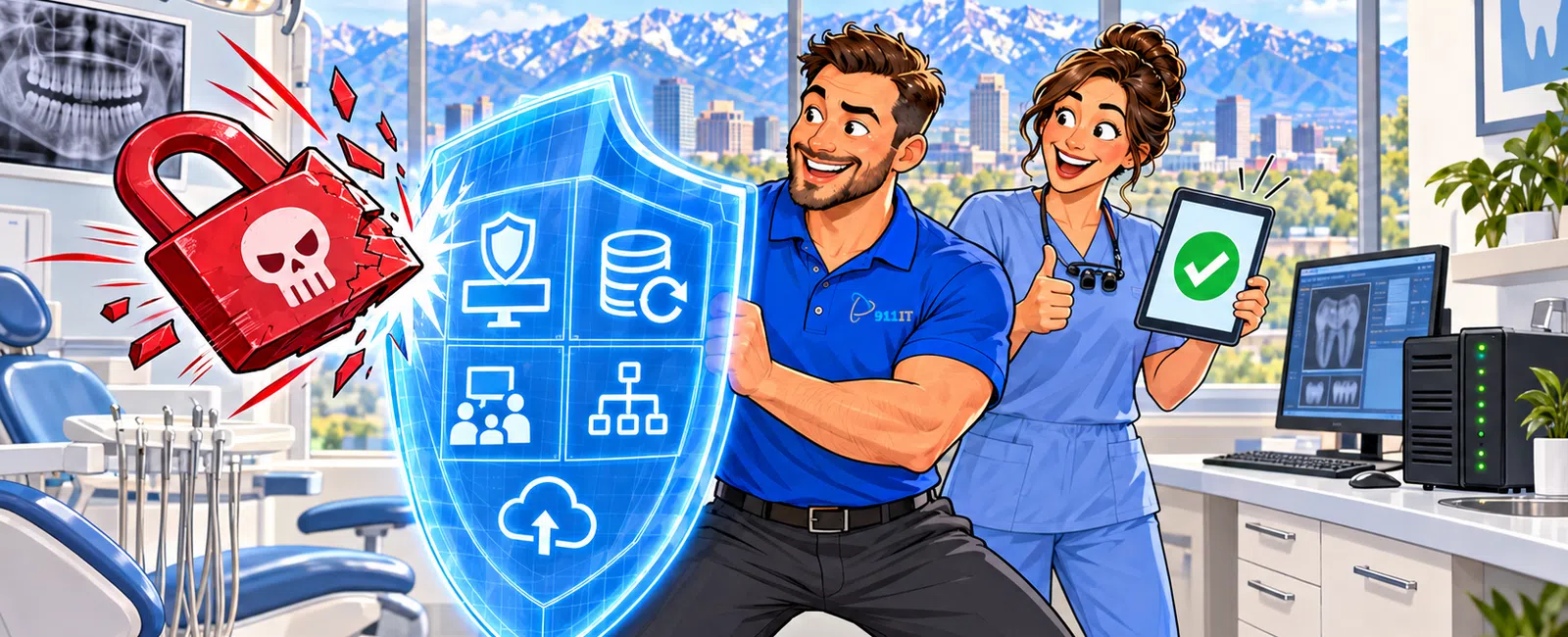
We protect dental offices from ransomware through 24-7 network monitoring that detects threats before they encrypt your patient data, HIPAA-compliant backup systems that restore your practice management software within 4-8 hours, multi-layered endpoint security on every workstation and server, staff security awareness training that stops 90% of phishing attempts, and rapid-response incident protocols that minimize downtime when seconds count for patient care.
What makes dental practices such attractive ransomware targets?
Dental practices store high-value protected health information (PHI) that criminals can ransom or sell on the dark web. A single patient record contains insurance details, Social Security numbers, treatment histories, and payment information - far more valuable than credit card data alone.
Your practice management systems like Dentrix, Eaglesoft, or Open Dental contain the entire operational backbone of your business. When ransomware locks these systems, you cannot access patient schedules, treatment plans, billing records, or digital radiography images. Every minute of downtime means canceled appointments and lost revenue.
Dental offices often run chair-side technology and digital imaging systems on networks with limited IT oversight. Many practices lack dedicated IT staff, making them softer targets than hospitals with full security teams. Attackers know dental practices will pay quickly to restore patient care.
Salt Lake City's growing dental market increases your visibility as a target. Utah's tech-savvy population expects patient portals and online scheduling, which expand your attack surface if not properly secured.
Dental practices face immediate compliance consequences under HIPAA if a breach occurs, adding regulatory pressure to the operational crisis.
How does 24-7 monitoring stop ransomware before it spreads?
Our monitoring systems watch every device on your network around the clock, scanning for the behavioral signatures that indicate ransomware activity. We detect unusual file encryption patterns, suspicious network traffic to known command-and-control servers, and unauthorized access attempts before attackers can deploy their payload.
When our system identifies a threat, it automatically isolates the affected workstation from your network within seconds. This containment prevents ransomware from spreading laterally to your server, other operatory computers, or your backup systems - the difference between one infected machine and a practice-wide shutdown.
We deploy endpoint detection and response (EDR) tools on every device that accesses patient data. These tools analyze behavior in real-time, catching zero-day ransomware variants that traditional antivirus software misses because they have no signature database entry yet.
Our security operations center receives alerts the moment anomalous activity occurs. A live technician investigates immediately - not a ticket queue that waits until morning. For dental practices, this means threats are neutralized during evening hours when many attacks are launched.
Network segmentation separates your clinical systems from administrative workstations. If ransomware enters through a front-desk email, it cannot reach your PACS system or digital radiography equipment without crossing monitored boundaries that trigger immediate lockdown.
Continuous monitoring catches the reconnaissance phase when attackers probe your network for vulnerabilities, often days or weeks before deploying ransomware.
What backup strategy actually works when ransomware strikes?
We implement the 3-2-1 backup rule specifically configured for dental practice management systems: three copies of your data, on two different media types, with one copy stored off-site and offline. This architecture ensures ransomware cannot encrypt all your backups simultaneously.
Your practice management database receives incremental backups every four hours during business days. Full system images capture your entire server configuration nightly. This frequency means you lose at most a few hours of patient records, not days or weeks of appointments and treatment notes.
Immutable backups are write-once, read-many archives that ransomware cannot modify or delete even if attackers gain administrative credentials. These backups live in isolated storage that has no network path from your production systems.
We test restoration procedures quarterly by actually recovering your practice management software to a sandbox environment. Most practices discover their backups are corrupted only when they need them. Our testing verifies you can be operational again, not just that backup jobs completed successfully.
Cloud-based backup replication sends encrypted copies to geographically separate data centers. If ransomware hits your Salt Lake City office and your local backup appliance simultaneously, your data remains safe in a Phoenix or Wyoming facility.
HIPAA-compliant encryption protects backups both at rest and in transit. Business Associate Agreements cover every backup vendor in our stack, maintaining your compliance posture even during disaster recovery.
Dental practices with tested backup systems restore operations in 4-8 hours versus 3-5 days for practices relying on untested or incomplete backups.
How do you train our staff to recognize ransomware attempts?
We deliver monthly security awareness training specifically tailored to dental office scenarios. Your team learns to identify phishing emails disguised as insurance verification requests, fake patient portal notifications, or fraudulent dental supply invoices - the actual lures attackers use against dental practices.
Simulated phishing campaigns test your staff with realistic but harmless emails. When someone clicks, they receive immediate coaching about what red flags they missed. This just-in-time education is far more effective than annual compliance videos.
Front-desk staff receive specialized training on verifying caller identity before discussing patient information or resetting passwords. Social engineering attacks often bypass technical defenses by manipulating helpful employees.
We teach the "hover before you click" rule for email links, showing staff how to preview URLs without activating them. Attackers register domains like "dentrix-update.com" that look legitimate at first glance but lead to credential-harvesting sites.
Training modules cover the specific risks of personal device use, public Wi-Fi connections, and thumb drives. A hygienist checking personal email on a lunch break or a dentist reviewing treatment plans at a coffee shop can inadvertently introduce ransomware to your network.
Quarterly tabletop exercises walk your team through ransomware response procedures: who to call, which systems to shut down, how to preserve evidence. When staff know their roles during a crisis, response time drops dramatically.
Jaren from a construction firm shared: "We have loved the peace of mind using 911 IT has given us. They are great at answering their phone and solving our problems quickly. I really like how quickly they respond to my questions and concerns. We are upgrading our machines with them now. They help us with backup services and with virus protection." This same proactive approach protects dental practices from ransomware threats.
What happens during the first hour of a ransomware attack?
The moment you suspect ransomware - files with strange extensions, ransom notes appearing, or systems becoming inaccessible - you call our 24-7 helpdesk. A live technician answers immediately, not an automated system or voicemail.
We immediately isolate affected systems from your network by disabling network adapters or physically disconnecting cables. This containment happens within minutes to prevent encryption from spreading to additional workstations or your server.
Our team identifies the ransomware variant and encryption scope. We determine which systems are compromised, whether backups are intact, and if the attack is still active or has completed its encryption routine. This assessment guides the recovery strategy.
We preserve forensic evidence for potential law enforcement involvement and HIPAA breach notification requirements. Screenshots of ransom notes, system logs, and network traffic captures document the incident timeline.
If patient care systems are affected, we implement emergency procedures to maintain operations. This might mean switching to paper charts temporarily, routing phones to an answering service, or activating your disaster recovery site if you have multi-location infrastructure.
We never recommend paying ransoms. Decryption keys often fail, payment funds criminal enterprises, and you become a marked target for repeat attacks. Our backup and recovery protocols restore your systems without negotiating with attackers.
Communication protocols notify your key stakeholders - practice owner, office manager, and if necessary, your malpractice carrier and HIPAA compliance officer. Transparent communication prevents the confusion that compounds crisis situations.
Recovery begins from your most recent clean backup. We restore your practice management database first, then imaging systems, then administrative workstations in priority order. Most practices are seeing patients again within the same business day.
Why choose 911 IT for dental ransomware protection in Salt Lake City?
Salt Lake City dental practices need a partner who understands both cybersecurity and the unique operational requirements of patient care. When your Dentrix system goes down at 8 AM with a full schedule, you need someone who answers the phone immediately and knows your exact configuration.
We provide managed IT services with dental-specific expertise. Our team supports the practice management software you actually use, understands HIPAA requirements for dental offices, and has restored dozens of practices from ransomware incidents.
Our South Jordan location at 1124 South Jordan Parkway means we can be on-site at your Salt Lake City practice within 30 minutes for emergencies that require physical access. When ransomware has encrypted your server, remote support has limits - sometimes you need hands on hardware.
We offer flat-rate, transparent pricing with no surprise bills during crisis situations. You know your monthly IT budget, and emergency ransomware response is included in your cybersecurity services, not billed at premium rates when you're most vulnerable.
Large national MSPs treat your practice as ticket number 47,892 in a queue. Your call routes to whoever is available, often junior technicians reading scripts who have never seen dental software. With 911 IT, you work with the same team who knows your network, your staff, and your specific configuration.
We also provide HIPAA compliance services that integrate with ransomware protection. Security Risk Assessments, Business Associate Agreements, and breach notification procedures are coordinated, not separate vendors pointing fingers during an incident.
When comparing Salt Lake City IT providers for dental ransomware protection, consider these local options:
- 911 IT - 24-7 live support with dental practice management software expertise, local presence for rapid response, and proactive security posture
- Executech - Enterprise-scale services with broad technology portfolio
- Wasatch I.T. - Small business support focus with local presence
- Nexus IT Consultants - Cybersecurity consulting and assessment services
- INTELITECHS - Healthcare client specialization with compliance focus
- ProLink IT - Managed services for growing businesses
What sets 911 IT apart is our combination of 24-7 live support, dental practice management software expertise, local presence for rapid response, and proactive security posture rather than reactive break-fix service. We are large enough to handle enterprise-grade security infrastructure but small enough that every client is known by name.
Your dental practice is not just another account in a thousand-client portfolio. When you call at 7 PM because you cannot access patient records for tomorrow's schedule, you reach someone who knows your practice and can restore your systems tonight, not someone reading your account notes for the first time.
Ransomware protection for dental offices requires technical expertise, rapid response capability, and understanding of patient care priorities. 911 IT delivers all three with local accountability and proven results across Utah's dental community.
Frequently asked questions
What is the most effective way to protect against ransomware attacks?
The most effective protection combines multiple layers: 24-7 network monitoring with endpoint detection and response tools, immutable backups tested quarterly, staff security awareness training with simulated phishing campaigns, network segmentation isolating critical systems, multi-factor authentication on all remote access, and patch management keeping software current. No single tool stops all ransomware; defense in depth provides redundancy when one layer fails.
What is the first thing to do in a ransomware attack?
Immediately isolate infected systems from your network by disconnecting network cables or disabling Wi-Fi adapters to prevent encryption from spreading. Do not shut down the computer, as this may destroy forensic evidence. Call your IT support provider's emergency line immediately - every minute counts. Preserve ransom notes and error messages with photos. Do not attempt to decrypt files yourself or pay the ransom before consulting security professionals.
What is the best security prevention for a ransomware attack?
Tested, immutable backups stored offline provide the best prevention insurance. When ransomware strikes, practices with verified backups restore operations in hours without paying ransoms. Combine backups with email filtering that blocks phishing attempts, endpoint protection on every device, principle of least privilege for user accounts, and regular security awareness training. Prevention is ideal, but recovery capability is essential because no defense is 100% effective against determined attackers.
Who do hackers target the most?
Hackers target organizations with valuable data and limited security resources. Healthcare practices including dental offices rank among top targets because they store protected health information worth more than credit cards on dark web markets, face immediate pressure to restore patient care, and often lack dedicated IT security staff. Small to mid-size businesses are disproportionately targeted because they have assets worth stealing but fewer defenses than enterprises with security operations centers.
How quickly can you restore our practice management system after ransomware?
With properly configured backups, we typically restore practice management systems within 4-8 hours from the time you report the incident. Restoration time depends on your database size, backup frequency, and whether the attack affected only workstations or your server. We prioritize getting your schedule and patient records accessible first, then restore imaging systems and administrative functions. Practices without tested backups face 3-5 days or longer downtime while attempting data recovery alternatives.
Does HIPAA require specific ransomware protection measures?
HIPAA requires covered entities to implement technical safeguards protecting electronic protected health information, including access controls, encryption, and audit controls. While HIPAA does not mandate specific ransomware tools, the Security Rule's risk analysis requirement means you must identify ransomware as a threat and implement reasonable safeguards. Ransomware incidents typically constitute HIPAA breaches requiring notification to patients and the Office for Civil Rights if PHI was accessed or exfiltrated during the attack.


