
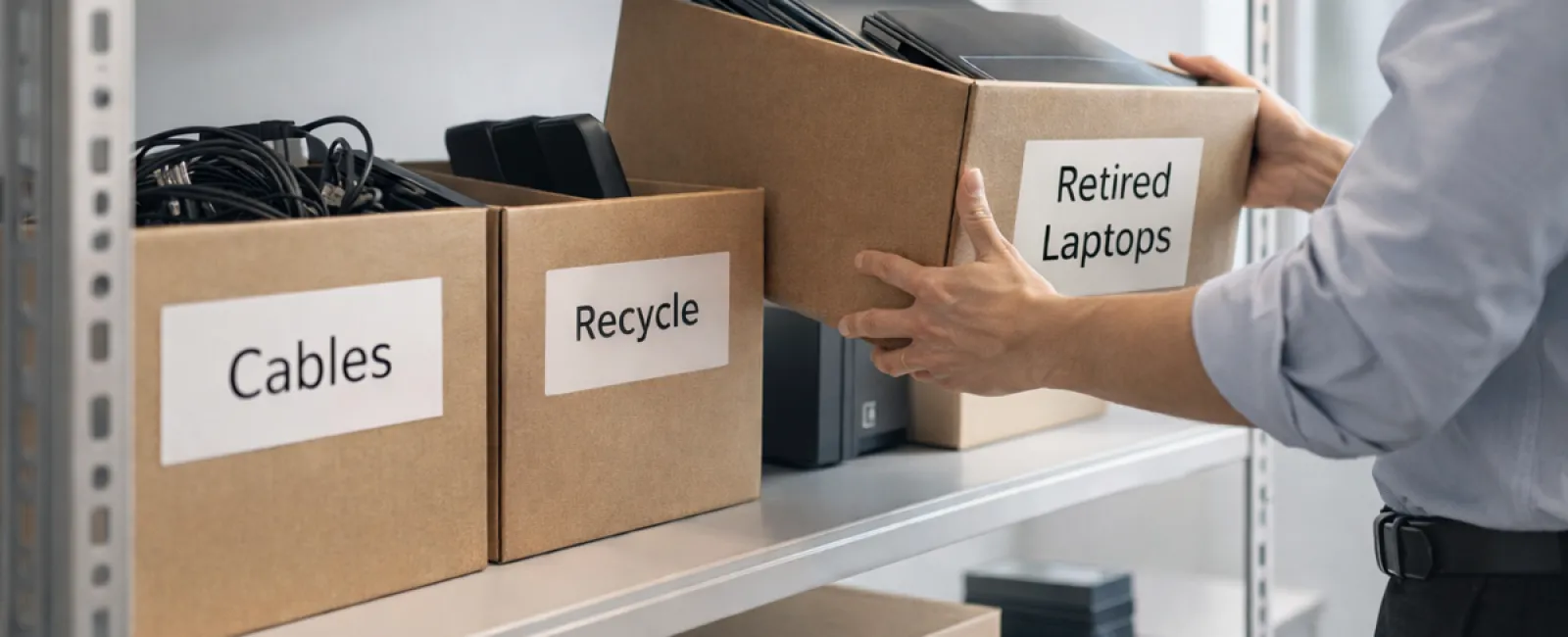
Although spring cleaning often begins with closets, in most businesses, clutter isn't just found on shelves.
It could be housed in server rooms, stored in back offices, or piled up in corners labeled "to handle later."
Outdated laptops, retired printers, backup drives from several software cycles ago, and tangled cables kept "just in case"—these are common accumulations in every business.
The real question is not whether this equipment exists but if you have a well-thought-out plan for its next steps.
The Lifecycle of Technology: More Than Just a Purchase Date
When acquiring new devices, the reasons are usual: improved speed, enhanced security, increased capabilities, and scalability for growth.
While most companies carefully plan technology purchases, far fewer strategize its retirement.
Retiring equipment tends to happen quietly: devices get replaced, set aside, then eventually cleared out.
That's typical.
What's rare is approaching the end-of-life phase of technology with deliberate intent, similar to the purchase process.
Old equipment still holds value—whether reusable parts, recyclable materials, or sensitive data storage. Letting it sit idle can create inefficiencies.
Spring is the perfect moment to evaluate: Which devices are still useful, and which are merely taking up valuable space?
A Straightforward Plan to Organize Your Technology
To move from vague ideas to action, apply this clear four-step method.
Step 1: Conduct an Inventory
Identify what you plan to retire—laptops, mobile phones, printers, network equipment, or external hard drives. You can't manage assets you don't know about, and thorough inspections often reveal more than expected.
Step 2: Determine Each Device's Outcome
Decide if equipment will be reused internally or donated, recycled through certified e-waste programs, or destroyed when data security mandates it. This intentional categorization prevents hardware from languishing in forgotten storage.
Step 3: Prepare Devices with Care
Proper preparation is crucial.
If reusing or donating, unregister devices from management systems, revoke all user access, and perform verified data destruction—not just factory resets or file deletion, which leave data recoverable.
Research from security firm Blancco revealed 42% of drives sold on eBay with supposed data wipes still contained sensitive files like tax returns and passports. Certified erasure tools overwrite all data sectors and provide proof of destruction.
For recycling, always engage certified e-waste handlers rather than disposing of equipment in regular trash or public recycling points. Notably, Best Buy's recycling services are for residential customers only—not businesses.
Business-grade IT asset disposition providers with e-Stewards or R2 certification are recommended; your IT vendor can often assist with coordination.
When destruction is required, opt for certified wiping or physical destruction techniques like shredding or degaussing, and log all details including device serial numbers, destruction methods, dates, and responsible parties.
This process isn't paranoia—it's about closing the security and compliance loop thoroughly.
Step 4: Document the Process and Move On
Keep records showing where equipment went, how it was processed, and confirmation of access removal. This documentation removes any lingering uncertainties.
Devices Often Overlooked in Tech Retirement
While laptops usually get attention, other hardware deserves equal care.
Mobile Phones and Tablets still harbor access to business emails, contacts, and authentication apps. Factory resets cover much, but certified mobile-wiping software ensures deeper security. Many manufacturers, like Apple and Samsung, offer trade-in programs—even for older models—potentially providing credit toward new purchases.
Modern Printers and Copiers often contain internal drives that retain data from every print, scan, copy, or fax. When returning leased equipment, confirm in writing that drives will be wiped or removed before redeployment.
Batteries are hazardous waste according to the EPA, with laws in states like California, New York, and Minnesota forbidding regular trash disposal of rechargeable batteries for businesses. Remove batteries when possible, tape terminals to prevent shorts, and drop them off at certified recycling locations. Call2Recycle.org lists drop-off points; retailers like Staples, Home Depot, and Lowe's accept rechargeable batteries at most locations.
External Drives and Decommissioned Servers often gather dust in closets longer than they should. Though not inherently problematic, these assets require the same attentive retirement process as all other hardware.
Recycling Technology Responsibly
April is synonymous with Earth Day—a perfect reminder that electronics must be disposed of responsibly.
The world produces over 62 million metric tons of electronic waste annually, yet only about 22% is properly recycled. Components like batteries, monitors, and circuit boards require certified recycling programs, which most communities now provide.
Managing technology retirement correctly aligns operational efficiency with environmental responsibility and strategic security. You don't have to sacrifice sustainability for safety—you can achieve both.
This conscientious approach is also a great story for your company's social media; customers appreciate when businesses act responsibly without fanfare.
The Greater Benefit of Tech Cleanup
Spring cleaning is about more than discarding old gear—it's about creating room for progress.
Removing obsolete equipment is just part of the process. It's equally important to reassess whether your technology supports your business's goals and operations.
Hardware cycles in and out, but today, productivity and profitability largely depend on smart software, automated systems, and streamlined processes.
Retiring equipment correctly is good practice; ensuring alignment of your overall tech infrastructure with your objectives keeps your business moving forward.
How We Support Your Tech Journey
If you already have an effective equipment retirement system, that's ideal—it should be straightforward and routine.
However, as you renew your hardware responsibly, it's also smart to evaluate your broader technology landscape. Are your systems fully integrated? Are your tools facilitating growth rather than mere maintenance?
If you want to step back and assess how your technology stack, systems, and processes impact your efficiency and bottom line, we're ready to help.
There's no equipment checklist or pushy sales pitch—just an honest conversation about optimizing technology for your business success.
Click here or give us a call at 801-610-6000 to schedule your free 10-Minute Discovery Call.
If this inspired you, please share it with fellow business owners.
Let spring cleaning extend beyond closets—it includes the foundational systems driving your business.


