
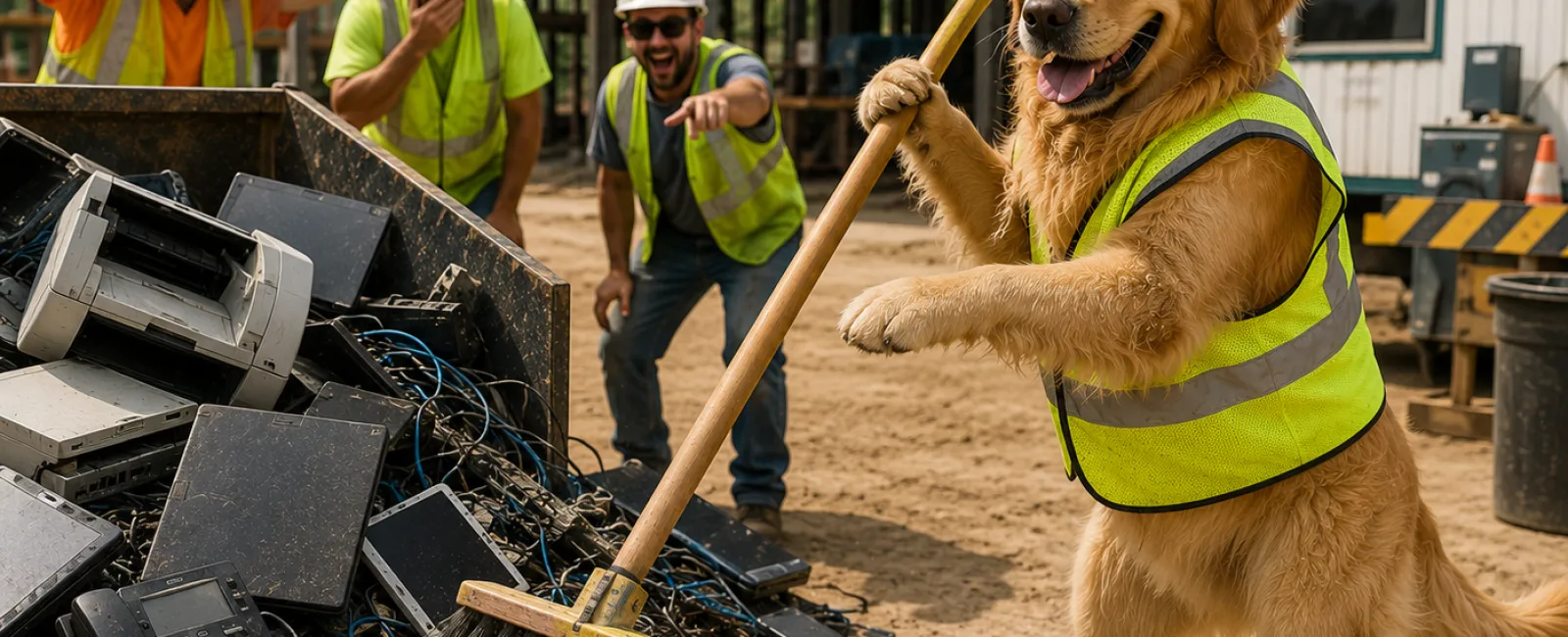
Spring Cleaning Old Construction Technology Without Creating New Liability
On a jobsite, cleanup is obvious. Scrap gets hauled out.
Tools get put back where they belong. Everyone knows who's responsible, and
everyone knows when the job is done.
Technology cleanup is different.
Old laptops don't look dangerous. Retired tablets feel
harmless. That stack of printers in the storage room doesn't raise alarms. But
in construction, forgotten technology doesn't fade away quietly. It sits there
holding access, data, and legal exposure long after its useful life ended.
Most construction companies plan how they buy technology.
Very few plan who owns it when it's time to retire it. That gap is where
problems start.
If No One Owns Retirement, the Risk Owns You
Here's the blunt truth: if there isn't a named owner for
technology retirement, it doesn't actually happen.
IT assumes operations handled it. Operations assumes IT
wiped it. Leadership assumes someone else signed off. Meanwhile, devices drift
into closets, trailers, and storage rooms with credentials still attached.
In construction, defensibility matters. When an insurer,
auditor, or attorney asks, "Who was responsible for this device and what
happened to it?" silence is the wrong answer.
Minimum ownership model: Technology retirement must be owned
by one role, not a committee. Typically this is the IT owner or operations
leader, with authority to approve disposal and sign off on completion. If you
can't point to a name, you don't have a process.
Standards Aren't Bureaucracy. They're Your Shield.
Most leaders don't care about frameworks until someone else
does. The moment an insurer, forensic firm, or opposing attorney is involved,
the question becomes simple: did you follow a recognized standard, or did you
improvise?
For device retirement and data destruction, the baseline
expectations are well established: NIST guidance for media sanitization,
including NIST 800‑88 Documented verification of data erasure or physical
destruction Proof that access was revoked before disposal
This isn't about gold‑plating security. It's about being
able to say, calmly and confidently, "Yes, we followed accepted standards," and
then backing that up with documentation.
Cheap vs. Right Is the Wrong Comparison
Leaders always ask the same question: "What's the cheapest
way to get rid of this?"
That's not the real decision.
The real comparison is inexpensive cleanup versus expensive
explanation later. Recycling a laptop without verified erasure might save a few
dollars today. Explaining why project data, emails, or credentials leaked
months later costs far more in legal time, insurance friction, and reputation.
The right question to ask is this: "If this device becomes
part of a claim, can we defend how we handled it?"
If the answer isn't an immediate yes, the savings weren't
real.
Where This Usually Breaks in Construction
Here's a common near‑miss scenario.
A project manager gets a new laptop. The old one is factory‑reset,
donated, and forgotten. What wasn't realized is that cached email, saved
authentication tokens, and synced project folders were still recoverable.
Months later, documents surface externally during a dispute.
No breach notification was required. No headlines were made.
But the internal scramble to reconstruct what happened and who approved
disposal was painful and avoidable.
Printers and copiers are another frequent failure point.
Modern units store years of scanned contracts, invoices, and plans internally.
When a leased copier is returned without verified drive wiping or removal,
control over that data is gone.
The Minimum Acceptable Tech Retirement Framework
This is not best‑in‑class. This is the floor. If any step is
skipped, the process isn't complete.
Step 1: Inventory What Is Leaving If it stores data
or touches your network, it gets logged. Laptops, phones, tablets, printers,
servers, external drives, GPS units. If it isn't written down, it doesn't exist
when questions get asked later.
Step 2: Assign Ownership and Destination Every device
is intentionally classified: reuse, recycle, or destroy. One accountable owner
signs off. Devices sitting in limbo are a liability, not a neutral state.
Step 3: Remove Access and Eliminate Data Properly
Factory resets are not data destruction. Proper retirement includes revoking
access tied to the hardware, removing it from management systems, and
performing verified data erasure or physical drive destruction.
Step 4: Document and Close the Loop Serial number,
method used, date completed, and responsible party. Then move on. This isn't
paperwork for its own sake. It's future‑you protection.
Print‑Ready Retirement Checklist
Use this exactly as written.
Device identified and logged
Owner assigned and signed off
User and system access revoked
Device removed from management tools
Data erased or drive destroyed using a recognized method
Destination completed
Disposal documented
If every box isn't checked, the job isn't finished.
How This Will Be Judged From the Outside
In an audit, insurance review, or legal discovery, no one
asks how busy you were or how obvious the risk seemed at the time. They ask
what your process was and whether you followed it consistently.
This is one of those areas where quiet discipline prevents
loud problems.
Your Next‑Week Action
Within the next seven days, walk your office, shop, and
storage areas and build a simple list of every device you're no longer using.
No fixing yet. Just visibility and ownership. That step alone usually exposes
more risk than expected.
What to Do Next
Fix this now. Reach out to 911 IT right now and get a clear,
defensible technology retirement plan in place before old equipment turns into
a problem you can't unwind.


