
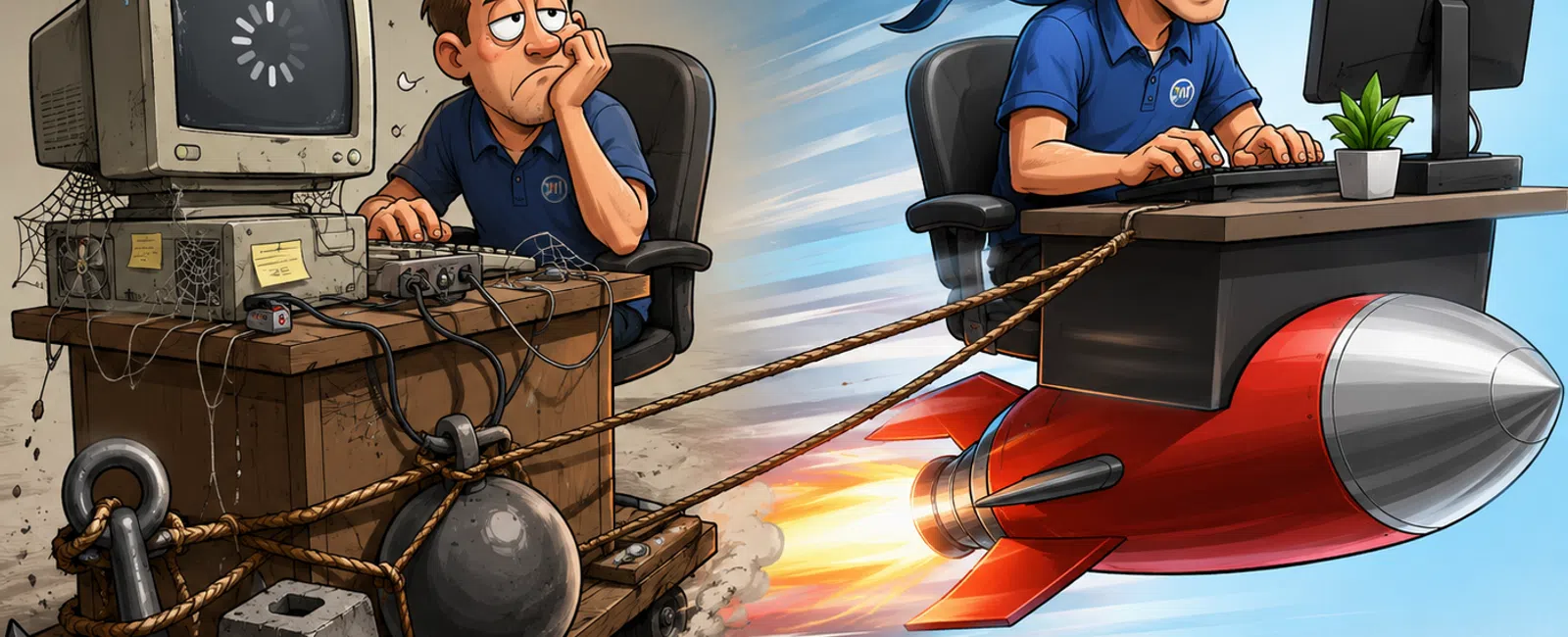
That "Old" Tech Isn't Just Slowing You Down — It's an Operational Cost You Can Measure
Most businesses don't think they have a technology problem.
They think they have small annoyances:
- Slow logins
- Files that
freeze occasionally
- Systems that
"just need a restart"
Individually, those don't justify action.
Collectively, they create something far more expensive: operational
drag.
And once it becomes normal, it stops getting questioned.
The Hidden Cost Score: When Tech Stops Being an Asset
Most teams don't need a technical audit.
They need a clear way to see when "fine" becomes expensive.
Use this:
Hidden Cost Score (Last 2 Weeks)
- Systems take
longer than expected to start or load
- Daily restarts
to fix issues
- File or
application freezing
- Shared systems
slowing multiple users
- Repeated
complaints about slowness
- Tasks regularly
taking longer than expected
- Workflow
interruptions due to tech
- IT reacting
instead of preventing
Score it:
- 0-2: Normal aging
- 3-5: Active
productivity leak
- 6-8: Replacement
priority
Most teams discovering they're at a 4+ realize something quickly:
They are already paying for this.
What We See Across 50+ Environments
When you step across multiple organizations, patterns become consistent
fast:
- Average time
lost per employee: 10-20 minutes per day
- Most common
failure points: login delays, file access lag, app freezing
- Typical device
age when issues spike: 4-6 years
And here's the key:
Almost no one replaces systems when the cost begins.
They replace them when the frustration becomes unavoidable.
That gap is where the money leaks.
Lost Time → Real Money (Quick Calculator)
Take a conservative example:
- 10 employees
- 10 minutes lost
per day
Impact:
- 100 minutes/day
- ~8.3 hours/week
- ~430 hours/year
At $30/hour = $12,900/year
That's not a tech budget issue.
That's a productivity loss you're already absorbing.
When You Should NOT Replace Yet
This is where most vendors lose trust—by pushing upgrades too early.
Here's where you should hold:
- Systems under 3
years old with no measurable slowdowns
- Devices used in
low-impact roles (non-critical workflows)
- Stable machines
not causing interruptions
- Isolated
devices (not affecting shared systems)
If it's not creating drag, it's not a priority.
That's how you avoid overspending.
What to Replace First (Priority Model)
Don't replace everything.
Replace what's costing you.
Order of action:
- Devices causing
daily interruptions
- Shared systems (file access,
servers, network bottlenecks)
- High-usage
roles (operations, admin, revenue-impacting work)
- Everything else
later
This turns upgrades into ROI decisions—not guesses.
Budget vs Impact (What Actually Matters)
|
Issue |
Cost Impact |
Fix Priority |
|
Slow login daily |
High |
Immediate |
|
Shared file lag |
Critical |
Immediate |
|
Frequent restarts |
High |
Immediate |
|
Old but stable device |
Low |
Monitor |
|
Low-use workstation |
Minimal |
Defer |
This is what leadership actually needs—not specs, but impact.
Real Example: 12-Person Operations Team
Before:
- 3-5 minute
login times
- Multiple
restarts daily
- File freezes
during shared work
- ~15 minutes/day
lost per employee
What was replaced:
- 8 workstations
past 5 years
- File access
bottleneck (server upgrade)
Within 30 days:
- Login times cut
to under 30 seconds
- Interruptions
reduced by ~70%
- Lost time
dropped below 3 minutes/day
Result:
- ~600+ hours
recovered annually across the team
- Productivity
regained without adding staff
Contrast: Smaller Team (6 Users)
Before:
- Slower systems,
but no shared bottlenecks
- ~8 minutes/day
lost per user
Action:
- Replaced only 3
high-use devices
Result:
- Immediate
performance improvement
- Remaining
systems deferred (no ROI yet)
Same principle. Different scale.
Common Excuses That Quietly Cost You
"It still works."
Yes—but slower, less reliably, and more expensively than you think.
"We'll wait another year."
That's another year of paying for lost time daily.
"We'll just replace everything later."
That usually turns into reactive, rushed, expensive decisions.
These aren't bad decisions.
They're incomplete ones—because the cost isn't being measured.
The External Lens: How This Looks From the Outside
If an operational consultant reviewed your environment, they wouldn't
ask:
"Is your tech outdated?"
They'd ask:
- Why are
employees waiting on systems?
- Why are
interruptions routine?
- Why isn't lost
time quantified?
Because from the outside, this isn't an IT issue.
It's an efficiency problem.
How to Fix It Without Disruption
This is where most businesses hesitate.
The process should look like this:
- Audit what's
actually causing drag
- Stage replacements
ahead of time
- Roll out in
phases
- Swap
after-hours to avoid downtime
Done right, operations continue uninterrupted.
They just get faster.
What To Do Next Week
Track one role on your team for five days.
Measure:
- Time lost to
slow systems
- Number of
interruptions
- Restart
frequency
Do not estimate. Measure.
That one number will tell you if this is minor—or expensive.
Confirm What's Actually Costing You
Schedule your 10 minute discovery call. We'll walk through your Hidden
Cost Score and quantify where time is being lost.
911 IT will help you determine what needs to be replaced now versus what
can wait.


