
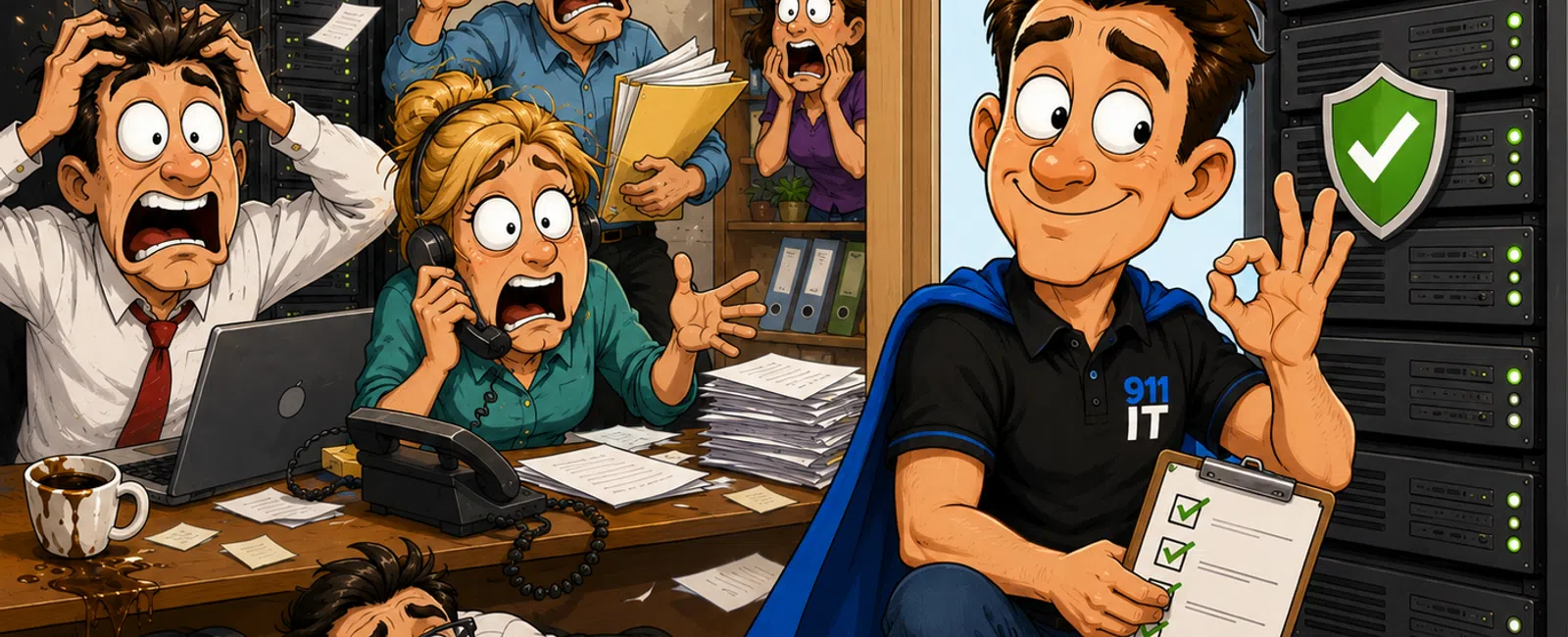
How "We'll Fix It Later" Turns Into Expensive Downtime for 10-50 User Offices
If your office relies on shared systems—file access, line-of-business
apps, or cloud platforms—your biggest risk isn't a major failure.
It's the small issues no one prioritizes.
A system slows down slightly. An update gets pushed. A backup runs
without verification.
Nothing feels urgent.
That's exactly how the disruption starts.
Small issues don't fail individually. They stack—and when they surface,
they hit multiple users at once, forcing your team into reactive mode.
What These "Small Issues" Actually Cost Over 30 Days
Most offices don't track this because nothing is technically "down."
But productivity is.
Example:
- 8 employees
- 10 minutes lost
per day due to slow systems or retries
That equals:
- 80 minutes lost
per day
- ~26 hours lost
per month
Now translate that into output:
- Support team →
26 fewer tickets handled
- Ops team → 26
hours of delayed processing
- Admin team →
backlog that compounds week over week
You don't feel this in one day.
You feel it in missed deadlines, slower service, and reduced throughput.
The 3 Fire Drills That Create Most Downtime
1. The "Just a Little Slow" System
Trigger: Consistently over 5 seconds to load
No one reports it. They adapt.
Then one day it stops working entirely.
What should have been a 10-minute fix turns into a team-wide stoppage.
2. The Update That Keeps Getting
Postponed
Trigger: More than 14 days overdue
There's always something more urgent.
Until compatibility breaks or something fails.
Now you're reacting under pressure instead of maintaining control.
3. The Backup No One Tested
Trigger: No restore test in the last 30 days
Backups feel like protection.
But if they haven't been tested, they're just an assumption.
And assumptions fail when you need them most.
The Weekly 30-Minute System Review That Prevents Downtime
This is what "good" actually looks like in practice.
Once per week. 30 minutes. Repeatable.
Step 1: Check Performance Alerts
- Look for
systems exceeding load thresholds
- Flag anything
consistently over 5 seconds
Step 2: Review Update Status
- Identify
systems >14 days behind
- Schedule
updates immediately
Step 3: Verify Backup Logs
- Confirm
successful backups
- Validate at
least one recent restore test
Step 4: Assign Issues
- Every flagged
issue gets an owner
- Set a clear
resolution expectation
No guessing. No waiting. No accumulation.
Reactive IT Risk Score (2-Minute Check)
- Systems exceed
5-second load times
- Updates are 14+
days overdue
- Backups
untested for 30+ days
- Employees work
around issues instead of reporting them
- No clear system
owner
- No defined
reporting rule
Score:
0-1 = Stable
2-3 = Reactive
4+ = Disruption Risk
Why These Issues Don't Get Reported (And How to Fix That)
Most employees don't ignore problems—they hesitate.
Here's why:
- They don't want
to "overreact"
- They assume
someone else owns it
- There's no
clear reporting process
Fix that with one rule:
If it slows down twice, report it.
And one system:
- One reporting
channel
- One-sentence
description
- One assigned
owner
That's how small issues become visible early.
Real Scenario: When Things Break
A 35-user office noticed small delays:
- Files taking
6-8 seconds longer to open
- Employees
retrying instead of reporting
At the same time:
- Updates were
delayed twice
- Backups hadn't
been verified in over a month
Then the system failed.
Impact:
- 20+ users lost
access
- 4+ hours of
downtime
- Recovery slowed
due to backup uncertainty
The failure wasn't sudden.
It was accumulated.
Real Scenario: When It's Caught Early
A similar-sized office implemented a weekly review:
- Detected a
storage performance issue crossing threshold
- Found updates
delayed by 10+ days
- Identified
backup warnings in logs
All resolved within 48 hours.
Result:
- No user
disruption
- No downtime
- No escalation
Same types of issues.
Different outcome.
What a Stable Environment Actually Looks Like
This is your target:
- Systems
consistently load under 5 seconds
- Updates applied
within 14 days
- Backups tested
every 30 days
- All issues
assigned and tracked
- Clear reporting
process used by staff
Stability isn't perfection.
It's consistency.
What an External Evaluator Sees Immediately
An outside review doesn't ask if things "work."
It looks for:
- Early detection
vs delayed response
- Scheduled
updates vs repeated postponement
- Verified
backups vs assumptions
- Defined
ownership vs unclear responsibility
From that perspective, "we'll fix it later" is not harmless.
It's unmanaged risk.
What You Should Do Next Week
Pick one system your team relies on daily.
Then:
- Check if it
exceeds 5-second load times
- Confirm updates
are within 14 days
- Verify a backup
restore actually works
- Assign
ownership if anything is flagged
You're not solving everything.
You're stopping the next disruption before it builds.
Stop the Next Fire Drill Before It Starts
Schedule your 10 minute discovery call to walk through your current
environment and apply the same checklist used in this article.
911 IT will help you confirm whether your systems are stable—or quietly
at risk.


