
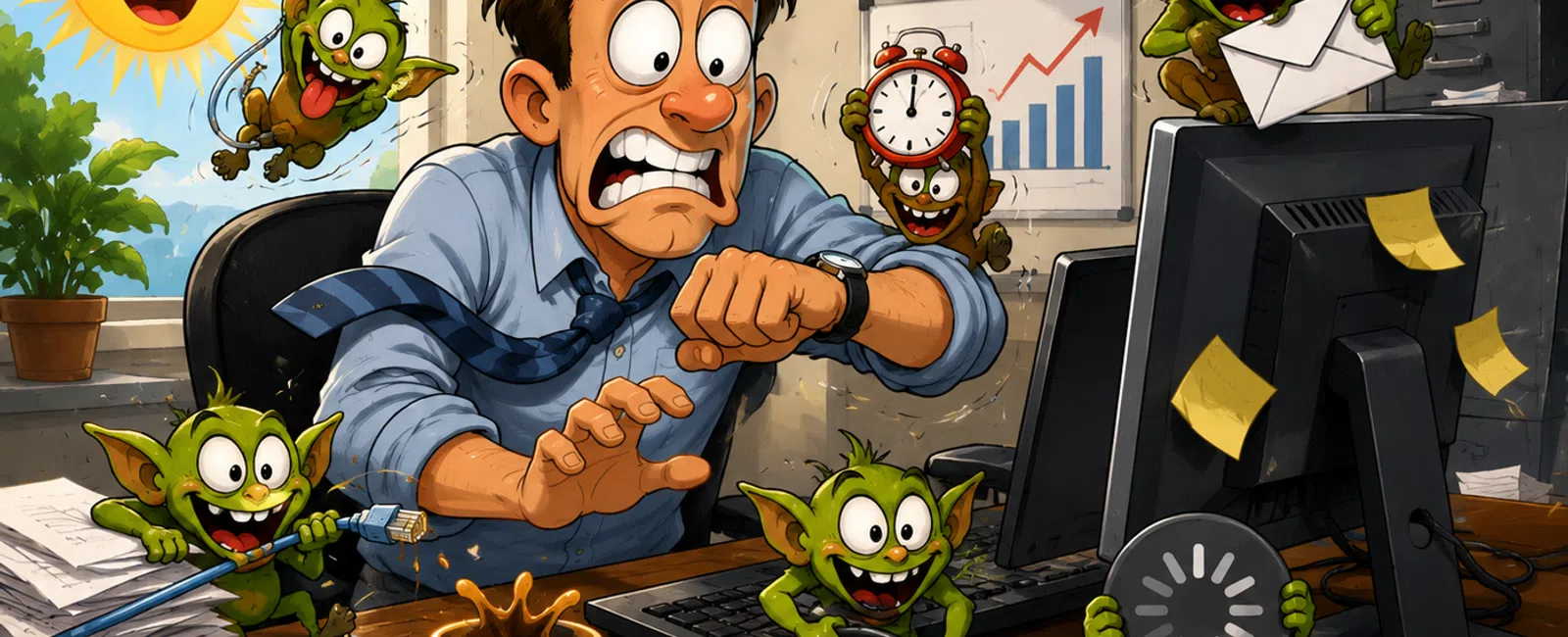
The Longest Day of the Year Doesn't Fix What's Slowing You Down
If you're responsible for keeping work moving—and your day still gets
pulled apart by small issues even when there's more time available—this isn't a
time problem.
It's a system problem.
The longest day doesn't create capacity. It exposes where your operation
is losing it.
Because in most environments, productivity loss doesn't come from major
outages.
It comes from low-level, recurring friction that never gets eliminated.
Where Your Time Is Actually Going
Your day isn't collapsing all at once.
It's fragmenting:
- Small delays in
file access
- Systems that
lag just enough to interrupt flow
- Repeated issues
that pull people off task
- "Quick fixes"
that get handled—but never removed
Each one feels minor. Together, they quietly reduce output across your
entire team.
From an external evaluator's perspective, this pattern is clear:
- Frequent
interruptions = reactive IT model
- Repeated
performance issues = infrastructure gap
- Constant task
switching = systems interfering with execution
At that point, lost time becomes a measurable operational cost.
Scoring Your Time Loss
Before fixing anything, define where you stand.
Daily Time Loss Score
- 0-1 issues →
Normal
- 2-3 issues →
Moderate inefficiency
- 4+ issues →
Systemic operational problem
If you consistently land at 4+, your systems are not neutral.
They are actively reducing your throughput.
What's Actually Causing This
This pattern almost always traces back to a few underlying gaps:
- Outdated or
constrained infrastructure
- No endpoint or
network monitoring systems
- Reactive
support instead of preventative oversight
- Server or cloud
storage latency issues
- Unstructured
help desk workflows
- Disorganized or
over-permissioned file systems
These are not one-time problems.
They are conditions that continuously create new ones.
What a Clean System Environment Looks Like
This is the benchmark most businesses operate below:
- No recurring
issues week to week
- No
user-reported surprises
- Problems
detected before impact
- File and system
access consistently immediate
- Interruptions
handled without pulling users off task
When this is in place, the difference is obvious.
Work moves without obstruction.
Example: A Small Delay That Became a Monthly Loss
A team tolerated 5-7 minute delays when accessing shared files.
It wasn't critical, so it stayed unresolved.
Across:
- 11 employees
- Multiple file
interactions daily
The result exceeded 40 lost hours per month.
The fix was not complicated:
- Resolve
underlying storage latency
- Remove the
infrastructure bottleneck
- Stabilize
server performance
Once corrected, the delays disappeared entirely.
No process changes. No additional staff.
Just recovered time that had been leaking every day.
If You Only Fix 3 Things
Focus here first:
1. Monitoring Systems Endpoint and network monitoring should detect issues
before users ever experience them.
2. File & Server Performance Eliminate storage latency and access
delays. If users notice performance, it's already below standard.
3. Help Desk Structure Use structured workflows so issues
are resolved without disrupting users or pulling in multiple people.
If these three aren't stable, your operation will stay reactive.
How to Verify These Are Actually Fixed
This is where most businesses stop short.
Fixing is not enough. You need confirmation.
Use this validation checklist:
Monitoring
- Do alerts
appear before users report issues?
File Performance
- Are file
actions consistently immediate with no noticeable delays?
Ticket Response
- Are problems
resolved without interrupting employee workflow?
If any answer is no, the issue is not fully fixed.
What "Fixed" vs "Still Broken" Actually Means
Still Broken
- Same issues
return weekly
- Users detect
problems first
- Fixes depend on
availability
- Work stops
during resolution
Fixed
- Recurring
issues are eliminated at the root
- Monitoring
detects problems early
- Resolution
follows a defined process
- Work continues
without disruption
This distinction shows up in your daily output—not in reports.
Next Week: Run a One-Day Interruption Audit
Pick one normal workday.
Track every interruption:
- Cause
- Who was
affected
- Time lost
Don't filter or group anything.
At the end of the day, review the pattern.
You won't find one major failure.
You'll find a system creating repeated loss.
Stop Guessing Whether This Is Affecting You
Schedule your 10 minute discovery call. 911 IT will walk through your
interruption patterns and show whether these issues are creating measurable
loss in your environment.
This gives you a clear way to confirm whether your systems are costing
you time—and whether they're actually fixed.


