
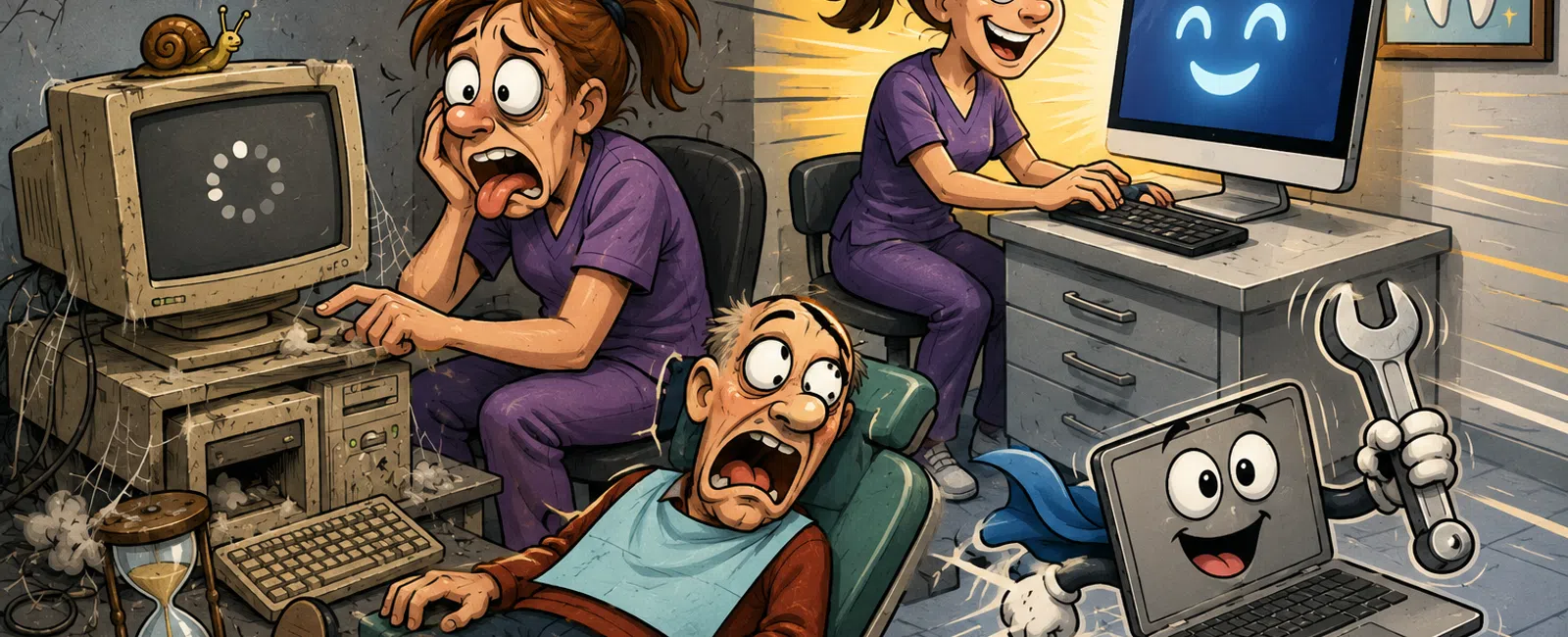
That "Old" Tech? You're Still Paying For It Every Month
It never fails all at once.
It slows down.
It hesitates.
It adds just enough friction that your team adjusts instead of fixing it.
That's how outdated technology survives longer than it should—and quietly
costs more than anyone realizes.
The issue isn't that something is broken.
It's that everything is slightly off.
And in a dental practice, "slightly off" compounds fast.
When Is Technology Actually Outdated?
Most practices don't define this. They guess.
That leads to the most expensive mindset in healthcare operations:
"If it still works, we'll keep it."
Here's the reality:
Technology becomes outdated long before it stops working.
Outdated Tech Baseline
- Boot time over
2 minutes
- EHR actions
take more than 3-5 seconds
- Devices older
than 4-5 years
- Systems
freezing during normal multitasking
- Staff
restarting devices weekly (or daily)
At that point, the system isn't neutral anymore.
It is actively slowing your team down.
The Cost You're Already Paying
The cost of slow systems is rarely visible on a bill.
It shows up in time.
And time adds up quickly.
Simple Cost Example
- 6-person team
- 18 minutes lost
per employee per day
- 108 minutes per
day total
- 36 hours per
month lost
At $50/hour loaded employee cost:
That's over $1,800 per month lost from small delays.
Not from outages. Not from disasters.
Just from normal, everyday inefficiency.
Most offices underestimate this by at least 2-3x because they don't track
it.
A Real Pattern: The Morning Restart Cycle
This is one of the most common patterns across practices.
Every morning:
A workstation doesn't load correctly.
The EHR stalls on login.
The front desk restarts a computer.
Sometimes twice.
During that time:
Patients wait
Phones ring longer
Schedules back up
What That Looks Like in Practice
- 3 employees
affected
- 10 minutes lost
each
- 30 minutes per
day
- 10+ hours per
month
That's before the rest of the day's slowdowns even begin.
This is one of the most common patterns we see—and it's rarely addressed
because it feels "normal."
Where These Problems Usually Come From
Most practices lump everything into "slow systems."
But the root cause matters.
Workstations (Most Common)
- Aging hardware
- Not enough RAM
- Traditional
hard drives instead of SSDs
This is where most daily friction starts.
Network
- Weak Wi-Fi
coverage
- Bottlenecks
during peak usage
- Inconsistent
connection to cloud systems
This shows up as random slowness that's hard to trace.
Servers / Cloud Apps
- Latency issues
- Poor
configuration
- Overloaded
systems
This affects EHR performance, imaging, and file access.
If you don't separate these, you end up fixing the wrong thing—or not
fixing anything at all.
What Should You Fix First?
Not everything needs immediate attention.
But something does.
Here's how to prioritize clearly:
System Priority Score
For each system, rate it on:
- Time lost per
day
- Number of users
affected
- Frequency of
issue (daily, weekly, occasional)
The systems with the highest combined impact go first.
This creates a real ROI order—not guesswork.
Quick Wins vs Full Replacement
You don't need to replace everything at once.
But you do need to recognize when upgrades stop being enough.
Quick Wins
- Add RAM
- Replace hard
drives with SSDs
- Clean up
startup programs
Mid-Level Fixes
- Network
optimization
- Software
cleanup
- Standardizing
configurations
Full Replacement Triggers
- Devices older
than 4-5 years
- Daily slowdowns
or freezing
- Repeated
restarts
- Staff building
workarounds
If your team has adapted to your technology, it's already costing you.
How Often Should You Replace Systems?
Most practices operate without a lifecycle plan.
That's why decisions feel reactive.
Here's a simple baseline:
- Workstations: every 4-5
years
- Servers and
network infrastructure: every 5-7 years
When you follow this, upgrades become predictable instead of disruptive.
Quick Audit Checklist You Can Use Today
Use this with your team this week:
- Boot time under
2 minutes
- EHR loads
instantly or within a few seconds
- No daily
restarts required
- Smooth
multitasking without freezing
- No repeated
"workarounds" to get tasks done
If multiple boxes fail, you're not dealing with an isolated issue.
You're dealing with a system-level inefficiency.
The External Lens: How Your Practice Is Judged
Patients don't see your systems.
They feel them.
- Slower check-in
feels like disorganization
- Delayed
processing feels like inefficiency
- Pauses during
visits feel like lack of preparedness
Staff sees it too:
- "This takes
longer than it should"
- "We always have
to restart this"
Over time, that becomes your standard.
And that standard becomes visible to everyone who interacts with your
office.
What Actually Changes When You Fix It
In one 6-person practice we worked with:
- Average delay
dropped from 18 minutes/day per employee to under 5 minutes
- Morning restart
issues disappeared
- Front desk flow
stabilized immediately
Nothing about their process changed.
Only the systems behind it.
That's the difference between managing around problems—and removing them.
Your Next Week Action
Pick the one system your team complains about most.
Track every delay tied to it for five days.
Total the time lost at the end of the week.
That number will give you a clear answer on whether it needs attention
now.
What to Do Next
Schedule your 10 minute discovery call with 911 IT. We'll walk through
where your biggest hidden time losses are coming from and help you rank what
actually needs to be fixed first. You'll leave with a clear, practical plan
based on your environment—not assumptions.


