
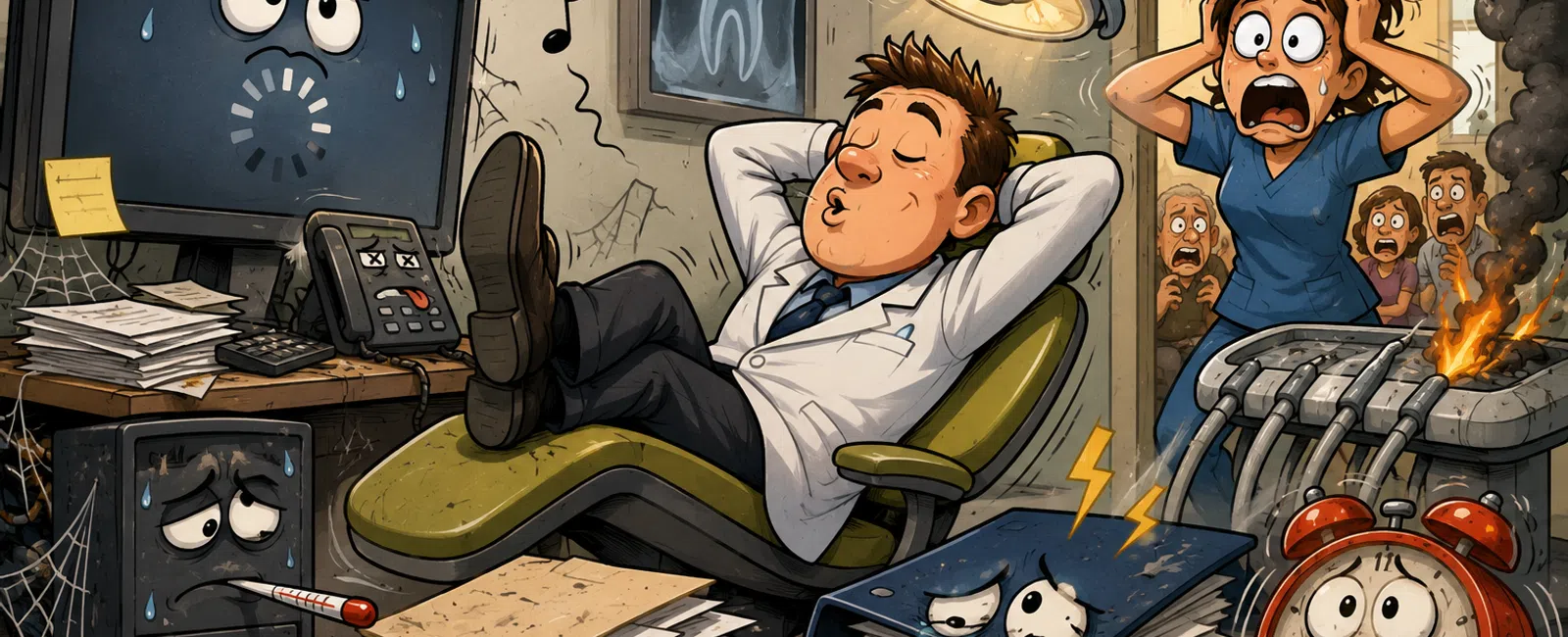
How "We'll Fix It Later" Quietly Turns Into Your Next Summer Fire Drill
Nothing breaks all at once.
It starts with something small that feels manageable. A system slows
slightly. A warning appears. A backup alert comes through but doesn't affect
anything today.
So it waits.
And then one day, it doesn't.
Most system failures in dental practices don't start as failures—they
start as tolerated issues.
The Pattern That Creates Fire Drills
A slow system doesn't trigger action
That slow system becomes normal
Normal becomes dependency
Dependency fails under load
That pattern shows up even in well-run practices.
And when it breaks, it doesn't just affect one person. It hits
scheduling, charting, imaging, and production all at once.
What "Early Warning" Actually Looks Like
The problem isn't that issues exist. It's that no one defines when they
matter.
Here's what real, actionable triggers look like:
- Chart load
times exceed 2 seconds consistently → investigate
- Server CPU or
memory stays above 80% during business hours → review capacity
- Backup success
not confirmed for 24 hours → escalate immediately
- Multiple users
report slowdowns → treat as infrastructure, not a single device
- Updates delayed
more than two cycles → assume elevated risk
Without defined triggers, everything becomes subjective. And when it's
subjective, it gets postponed.
The Slow System You Learned to Ignore
At first, it's just a delay opening charts.
Then it's something everyone mentions casually.
Then it's part of how the practice operates.
Until it stops.
Hyper-specific example:
A practice running Dentrix on a server that consistently operates above 85%
memory usage experiences random slowdowns for weeks. No one escalates it. One
morning, during peak patient check-in, the database locks completely—forcing
the front desk to stop scheduling and delaying patient flow for over an hour.
That failure wasn't sudden. It was accumulated.
The Update That Always Becomes "Next Week"
There's never a perfect time to update.
So it gets pushed.
And pushed again.
Behind the scenes, systems fall out of sync. Software becomes
incompatible. Known issues go unresolved.
What started as a scheduling inconvenience becomes operational
instability.
The Backup You Assume Is Fine
Backups create confidence—but often the wrong kind.
"It's backing up" becomes "we're covered."
But backups only matter if they restore.
Without testing, you don't know:
- If data is
complete
- If systems will
actually come back online
- If recovery
will take minutes or days
That uncertainty doesn't show up until you need it.
What "Good Recovery" Actually Looks Like
A real recovery standard is defined—not assumed.
Every practice should know:
- How long it
takes to restore systems (target recovery time)
- How much data
can be lost without disruption (data tolerance)
- Where recovery
happens (live system or isolated environment)
- What gets
restored first (patient data before secondary systems)
If those aren't clearly defined, recovery becomes guesswork under
pressure.
What a Stable Practice Actually Looks Like
Most teams spend time reacting to problems. Very few clearly define what
"stable" looks like.
A stable practice operates like this:
- Systems respond
consistently without delays
- Updates happen
on a set schedule without disrupting operations
- Backups are
tested and confirmed, not assumed
- Issues are
documented, tracked, and resolved early
That's not advanced IT. That's controlled IT.
Weekly System Stability Check (Dental Practice)
This is where practices move from reactive to controlled.
Owner
Office Manager (visibility)
IT Provider (execution)
When
End of each week, after patient hours
What Gets Reviewed and Documented
Performance
- Server CPU,
memory, and storage health
- Any system
exceeding 80% utilization flagged
User Experience
- Team-reported
slowdowns
- Multi-user
issues escalated immediately
Updates
- Pending updates
reviewed
- Any delays
documented and scheduled
Backups
- Daily backup
success confirmed
- Last test
restore documented
- Recovery time
compared to target
Incidents
- Every issue
logged
- Root cause
identified—not just resolved
If this doesn't happen weekly, your systems aren't being managed—they're
being reacted to.
External Evaluator Lens
If someone evaluated your practice—buyer, auditor, or IT reviewer—they
wouldn't ask if things "usually work."
They would ask:
- Are performance
thresholds defined and monitored?
- Are updates
applied consistently and tracked?
- Can systems be
restored within a set timeframe?
- Are issues
logged and analyzed or just fixed on the spot?
Practices running on workarounds appear stable internally.
Externally, they look exposed.
What Happens When This Is Ignored
Slow system → workaround
Workaround → normalization
Normalization → dependency
Dependency → failure under load
Every fire drill follows that path.
What You Should Do This Week
Pick one system your team depends on daily—Dentrix, imaging, or
scheduling.
Ask:
"When was the last time this was tested, updated, and restored
end-to-end?"
If the answer isn't immediate and clearly documented, that's your highest
risk.
The Real Shift
Fire drills don't come from sudden problems.
They come from delayed decisions.
Define triggers. Track systems. Test recovery.
That's how small issues stay small—and your team stays focused on
patients instead of scrambling around systems.
Schedule your 10 minute discovery call with 911 IT to walk through where
your current risks sit and confirm whether any of these patterns already exist
in your environment. It's a simple way to understand what needs attention
without adding complexity to your day.


