
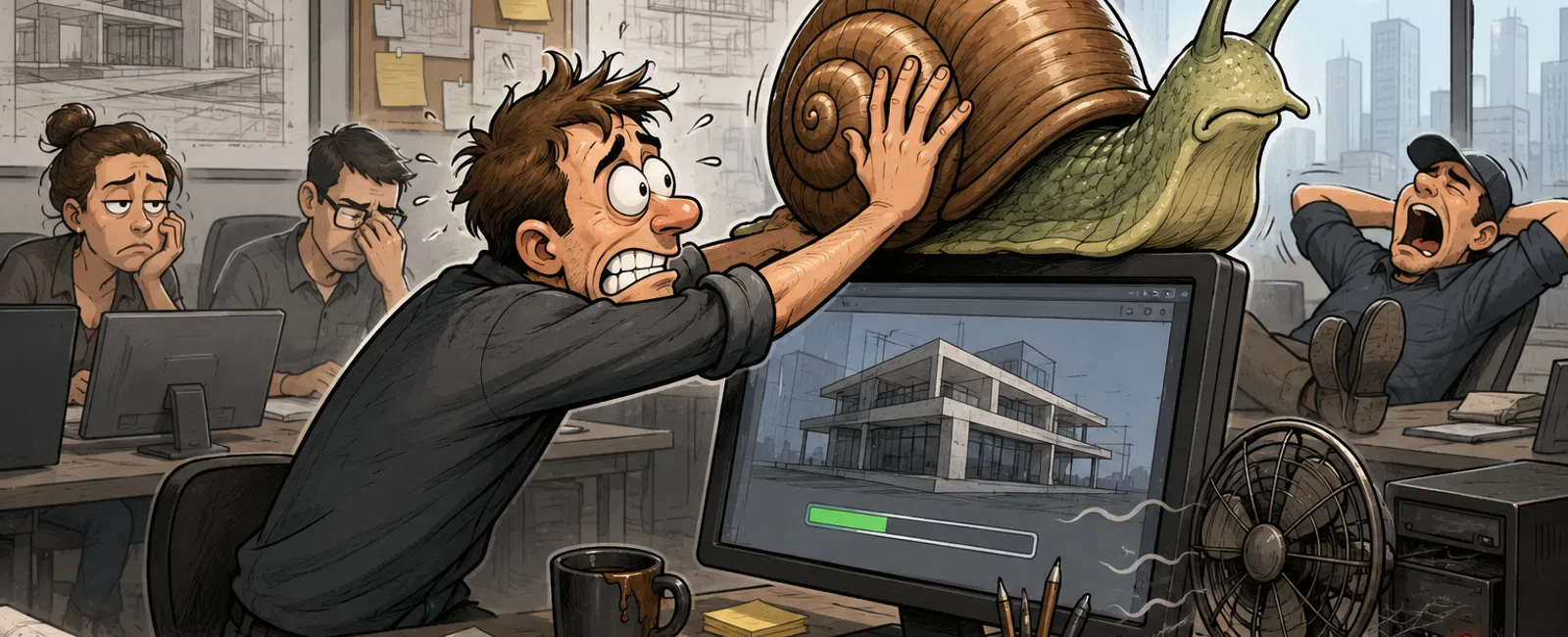
That "Working" System Is Quietly Costing Your Firm More Than You Think
If you're
responsible for IT in an architecture firm, you've probably said this before:
"It's slow, but it
still works."
That assumption is
where the real cost starts.
Because in your
environment, slow systems don't fail loudly. They erode performance
quietly—through delays, restarts, sync issues, and small interruptions that
stack into real operational drag.
And the longer they
stay in place, the more expensive they become.
The Real Problem: You've Normalized Friction
Most systems don't
break all at once.
They degrade.
A model takes longer
to open. A sync hesitates. A restart clears things "just enough." Nobody
escalates it because nothing is technically broken.
But your team
already adapted.
They open files
earlier than needed. They delay saves. They avoid heavy work during certain
times. They work around the system instead of trusting it.
That behavior is the
signal.
You're not
maintaining systems anymore—you're compensating for them.
The Operational Drag Index (ODI)
To remove guesswork,
use the Operational Drag Index.
This is a simple
scoring model that tells you whether a system is still supporting your team—or
quietly taxing it.
Score each system
across these five areas:
- Startup time
- File open speed
- Restart
frequency
- Collaboration
friction (sync delays, file conflicts)
- User
workarounds
ODI Scoring Tiers
- 0-1 = Healthy
- 2-3 = Monitor
- 4-5 = Replace
If users have
changed how they work to avoid issues, that system is already failing in
practice.
When "Slow" Becomes a Decision Trigger
Stop debating "how
bad is too bad." Use hard thresholds:
- Startup time
exceeds 90 seconds regularly
- Standard files
take more than 20 seconds to open
- Users restart
daily to recover performance
- Sync delays
interrupt normal workflows
- One system
slows down shared project work
These are not minor
annoyances.
They are replacement
signals.
What Slow Systems Actually Cost
Run this once—then
use it in every leadership conversation.
Delay per incident ×
incidents per day × employees × 5 days = seconds lost per week
Seconds ÷ 3,600 = hours lost per week
Example:
20 seconds × 40
delays × 5 employees × 5 days = 20,000 seconds
20,000 ÷ 3,600 = 5.6 hours lost per week
At $50 per hour,
that's about $1,200 per month in lost productivity.
That's the cost of
"still working."
How to Run an Operational Drag Assessment This Week
You can do this in
30 minutes.
Step 1: Pick three
systems
Choose ones tied to real work—design machines, shared storage, or heavy users.
Step 2: Run ODI
scoring
Score each system across the five categories.
Step 3: Measure
delays
Time startup, file open, and sync on real tasks. Write down actual numbers.
Step 4: Calculate
cost
Use the formula. Translate time into dollars.
Step 5: Apply
replace rules
Replace high-ODI systems first. Monitor the rest.
This turns a vague
problem into a clear, defensible decision.
Operational Drag Checklist
Use this as-is:
[ ] Startup over 90
seconds
[ ] File open over 20 seconds
[ ] Daily restarts
[ ] Sync hesitation
[ ] Workarounds observed
[ ] Shared workflows affected
[ ] Same issue repeats weekly
If two or more are
checked, review it.
If four or more are checked, replace it.
Replace vs Keep
Replace when:
- It impacts
high-frequency users
- It slows shared
workflows
- Restart
behavior is routine
- Cost of fixing
is approaching replacement
- Performance
issues keep resurfacing
Do not replace when:
- The user is
low-frequency
- The issue is
isolated and non-blocking
- It does not
affect collaboration
- Performance is
stable despite age
Strong environments
don't replace everything.
They protect the
systems that matter most.
What Experienced Teams Watch
By the time users
complain, the pattern is already visible.
Watch:
- Memory pressure
during normal work
- Disk usage
under load
- Thermal
throttling
- GPU instability
- Sync conflicts
- Users building
workarounds
You don't need more
tools.
You need to connect
these signals to actual workflow impact.
A Real Example
A six-person design
team kept older workstations because nothing had failed.
But in practice:
- Model load
times were around 28 seconds
- Users restarted
at least once per day
- Sync activity
was spaced out to avoid slowdowns
After replacing only
the highest-drag systems:
- Model load
dropped to about 9 seconds
- Restarts
disappeared
- The team
recovered roughly 6 hours per week
That's over $1,200
per month in reclaimed productivity—without adding new tools or changing
workflows.
The friction just
disappeared.
What This Looks Like to Leadership and Clients
Leadership doesn't
see "aging hardware."
They see
productivity loss.
Clients don't see
"system limitations."
They see hesitation,
delays, and lack of control.
In architecture
workflows—especially those tied to coordination or compliance—those signals
matter.
Performance is not
just internal.
It's how your firm
presents itself under pressure.
What to Do Next Week
Pick three systems.
Measure:
- Startup time
- File load time
- Sync behavior
Track:
- How often users
restart
- Where
workarounds exist
Then score them with
ODI and make one decision:
Replace, monitor, or
leave alone.
You'll have more
clarity in one week than most teams get in a quarter.
Stop Paying for Friction
Want to see your
Operational Drag Index across your team? Schedule your 10 minute discovery call
with 911 IT. We'll map where your systems are actually costing you and show
exactly what's worth fixing or replacing now.


