
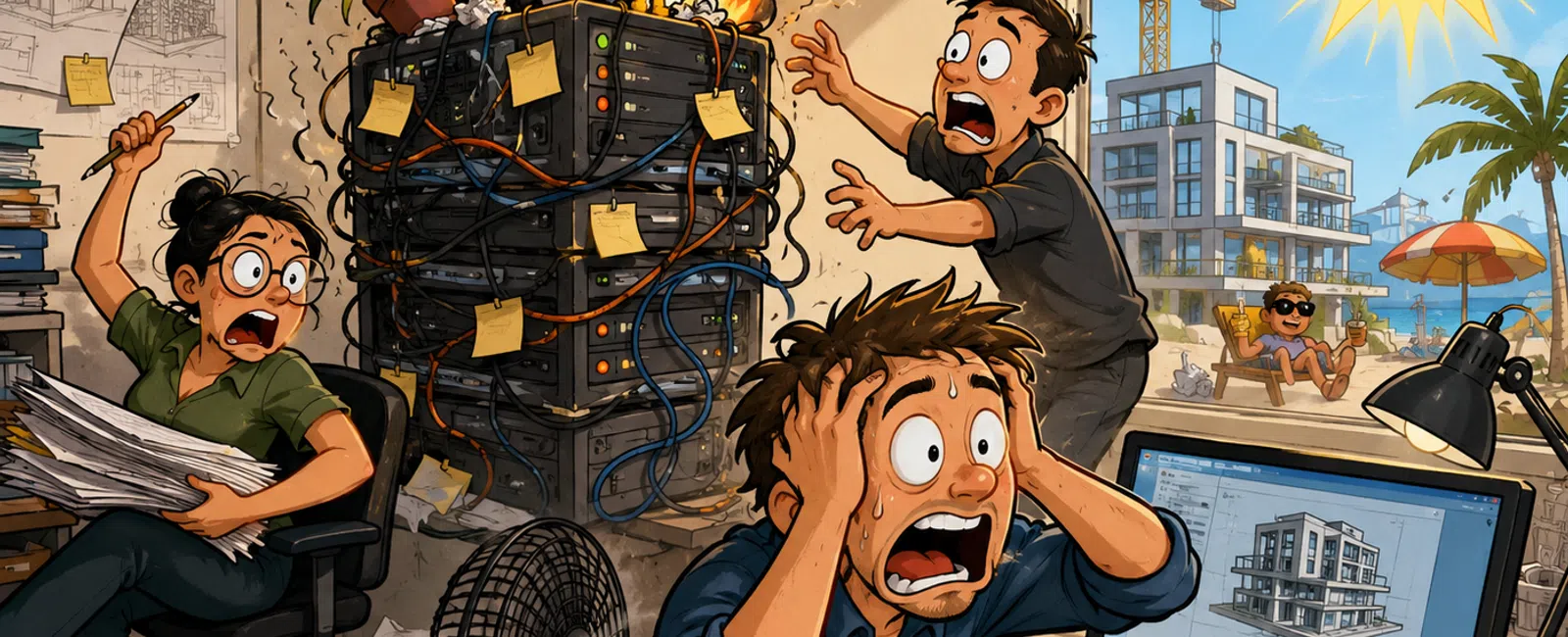
How "We'll Fix It Later" Turns Into a Summer Fire Drill
If you run technology inside an architecture firm, this is the pressure
no one sees.
Nothing is broken.
But something is off.
Revit syncs take a little longer. Storage feels heavier during peak
hours. A driver update gets pushed because no one wants to risk today's
deadline. Backups "should be fine."
So it gets deferred.
Later.
The problem is not that those decisions are wrong.
The problem is that they stack.
And in AEC environments, stacked issues don't stay quiet.
Why These Problems Always Feel "Sudden"
In most architecture environments, outages don't start with a failure.
They start with tolerated friction.
A small delay here
A repeated workaround there
A system that's "a little slower than last week"
We see the same pattern repeatedly: two or three early signals show up,
get ignored, and then collide at the worst possible time.
That's why it feels random.
It's not.
What "Normal" Actually Looks Like (So You Can Stop Guessing)
You cannot manage performance if you don't have a baseline.
Here's what matters in real terms for your environment:
If you're working in Revit and your machines are running below 32 GB RAM
on active production work, performance degradation is expected.
If your team is handling larger models or coordination work and not
running 64 GB RAM, you're already under strain.
If your storage isn't delivering high-speed read/write (roughly in the
range expected from modern NVMe performance), load and sync delays will show up
under pressure.
If your network latency isn't extremely low during worksharing,
synchronization performance will degrade fast.
These are not optimizations.
They are minimum operating conditions for stable BIM workflows.
When a "Slow System" Becomes a Real Risk
Here are the moments where you stop monitoring and start acting:
Revit Sync with Central consistently moving past one minute during active
work
Multiple users experiencing the same slowdown at the same time
Storage slowing specifically during peak model activity
Desktop Connector inconsistencies across users
Backups not restore-tested in the last 90 days
These are not inconveniences.
They are early-stage outages.
What Breaks When You Stay Reactive
Most firms think they're proactive because they "notice patterns."
That's still reactive.
Here's the difference:
Level 1: Problems get fixed after complaints
Level 2: Problems are noticed, but not tracked
Level 3: Problems are reviewed weekly and acted on
Level 4: Problems are prevented before users feel them
If you stay at Level 2, the cost shows up as:
Recurring slowdowns that waste hours
Missed internal deadlines
Unpredictable performance during critical deliverables
Emergency fixes at the worst possible time
Level 3 is where stability begins.
A Real Example (What This Looks Like When It Breaks)
A team was working with a cloud-based Revit model with multiple linked
files.
Some users had updated components. Others hadn't.
The system started pulling updated model data during sync.
What looked like a minor delay turned into a 30-minute sync cycle.
Half the team couldn't work.
This didn't start as a failure.
It started as version inconsistency and went unnoticed long enough to
become a disruption.
The Cost Nobody Tracks
When eight designers lose three hours to a system slowdown, that's 24
billable hours gone.
Not delayed.
Gone.
That doesn't include missed deadlines, client perception, or rework.
The technical issue might be storage, sync conflicts, or version drift.
The business issue is lost output.
The Silent Risk Tracker (Use This Exactly)
Create this and keep it simple.
Issue | Impact | Frequency | Action | Owner
Revit sync lag | 8 users | Daily | Escalate | IT/MSP
Backup not tested | Entire firm | 120 days | Immediate test | MSP
GPU instability | 4 users | Intermittent | Validate drivers | IT
Storage slowdown | 2 teams | Peak hours | Investigate load | IT
If it's not written down like this, it doesn't get managed.
This is the difference between awareness and control.
The Infrastructure Reality Most Teams Miss
Revit performance is not just a workstation issue.
It's an environment issue.
Storage architecture
Network latency
File access patterns
GPU compatibility
Version consistency
Even high-end workstations cannot compensate for weak infrastructure.
That's why teams keep upgrading hardware but still feel slow.
The External Lens You Don't Get Internally
When an experienced evaluator steps into your environment, they are not
looking for outages.
They're looking for buildup.
Where are people waiting longer than last month?
What hasn't been updated but should have been?
When was the last restore actually tested?
Because most outages are not surprises.
They're ignored signals.
What To Do Next Week
Block 20 minutes this Friday.
List three things your team worked around this week.
Not broke.
Just off.
For each one:
How many people were affected?
Did it happen more than once?
What is the action—fix, schedule, or escalate?
Then resolve one before Monday.
That one action is how you stop the next fire drill before it starts.
Schedule your 10 minute discovery call
Schedule your 10 minute discovery call with 911 IT. We'll run your first
Silent Risk Review and identify the top three risks in your environment. This
helps you confirm what's building right now—and what to fix first without
guessing.


