
The 6 Questions That Reveal Whether Your IT Provider Is Actually Protecting You
If you're responsible for technology, compliance, or uptime, you already
know this feeling:
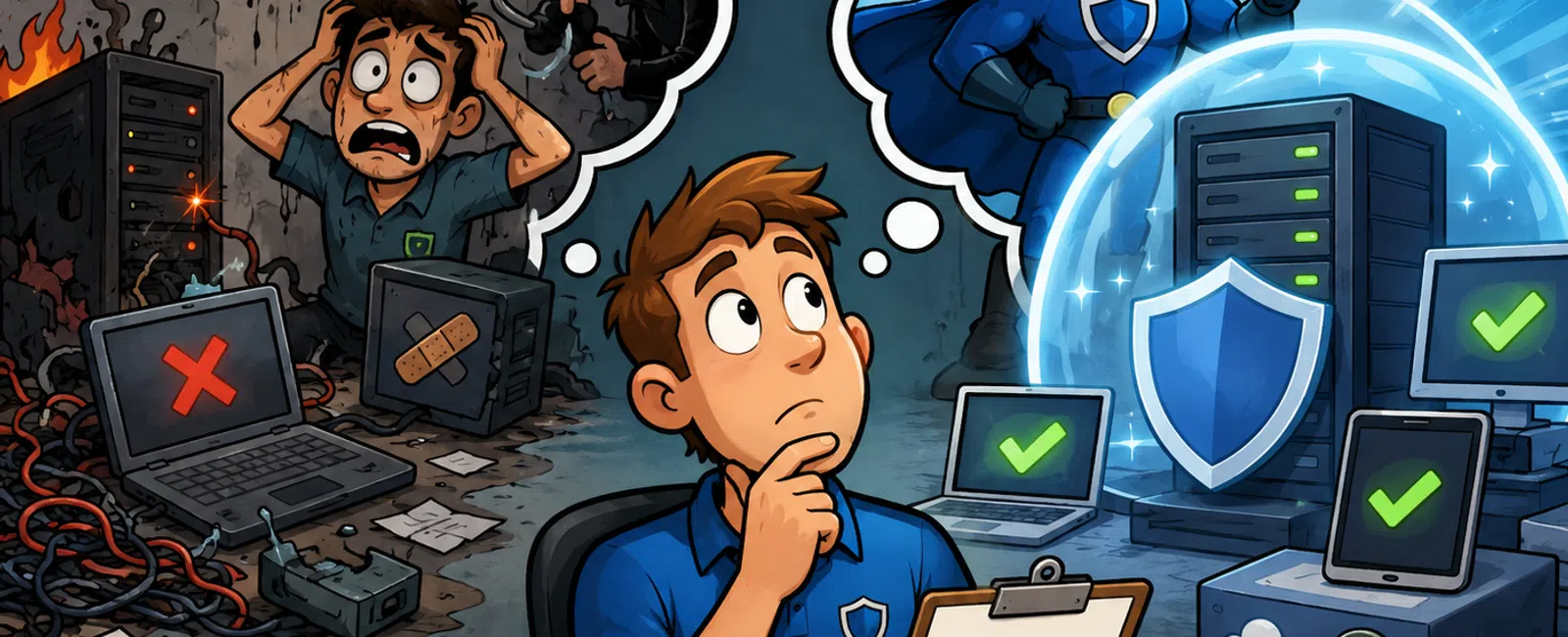
Everything looks fine… until you're asked to prove it.
That's where most IT providers fall apart.
They give you reassurance, not verification. And when a client, auditor,
or incident forces real answers, you're left scrambling.
This is how you fix that.
Not with more tools. With a better way to evaluate what you already have.
The 4 Layers of Real IT Support
Most IT providers operate at the surface level.
That's why issues keep slipping through.
Layer 1: Visibility — You can identify problems
Layer 2: Prevention — Some issues are reduced
Layer 3: Validation — Systems are tested and proven
Layer 4: Planning — Future risks are mapped
Most providers stop at Layers 1-2.
Real partners operate across all four.
If yours doesn't, you're relying on assumptions.
Question 1: What security risks exist right now?
What Good Looks Like
- Patches applied
within 7-14 days
- Active
vulnerability list with severity levels
- MFA enforced on
admin and remote access
- Login
monitoring with alerts
Red Flag Answers
- "Everything
looks good"
- "We monitor
things"
- "You're
protected"
Strong Answer Example
"You currently have 7 unpatched endpoints, 2 high-risk vulnerabilities,
and 3 admin accounts missing MFA. All are scheduled for remediation this week."
Tangible Artifact: Quarterly Risk
Snapshot
You should receive a document showing:
- Current
vulnerabilities
- Severity level
- What's fixed
- What's pending
If you don't have this, you don't have visibility.
Question 2: Have you tested our backups recently?
What Good Looks Like
- Full restore
tested every 90 days
- Recovery time
under 4 hours
- Offsite and
protected backups
- Cloud systems
included
Red Flag Answers
- "Backups run
nightly"
- "We've never
had a problem"
- "We assume they
work"
Strong Answer Example
"Full restore was tested 38 days ago. Complete recovery took 2 hours 11
minutes. One permission issue was identified and corrected."
Tangible Artifact: Backup Test Report
- Date of last
test
- Recovery
duration
- Systems
included
- Any issues
found
Micro Case
A manufacturing firm lost 18 hours of production—not because backups
failed, but because no one had ever tested a full restore. Recovery was slow,
manual, and chaotic.
Question 3: Where is our technology slowing us down?
What Good Looks Like
- Performance
baselines are tracked
- Slow systems
are identified and documented
- Upgrade plans
exist before complaints escalate
Red Flag Answers
- "No major
complaints"
- "It seems fine"
Strong Answer Example
"Your Revit model loads average 12 seconds during peak hours. That's
above acceptable thresholds and impacting project teams daily."
Tangible Artifact: Performance
Baseline Dashboard
- Load times
- System health
trends
- Recurring
issues
If no one is measuring it, it's getting worse—not better.
Question 4: Are we still compliant with required standards?
Compliance is where assumptions get expensive.
Especially if you work with regulated clients.
What Good Looks Like
- Controls mapped
to frameworks like NIST
- Alignment with
cyber insurance requirements
- MFA, logging,
and endpoint protection enforced
- Documented
policies and training
Red Flag Answers
- "You should be
compliant"
- "Nothing has
changed"
Strong Answer Example
"You currently meet 10 of 12 required controls for your cyber insurance.
MFA gaps and log retention need to be addressed to pass renewal."
Tangible Artifact: Compliance Gap
Checklist
- Required
controls
- Current status
- Missing
elements
- Remediation
plan
Micro Case
A law firm lost its cyber insurance eligibility because MFA wasn't
enforced consistently—even though leadership believed they were compliant.
Question 5: What should we budget for next quarter?
What Good Looks Like
- 12-month
lifecycle planning
- Known renewal
timelines
- Forecasted
upgrades
- Planned
security investments
Red Flag Answers
- "We'll let you
know if something comes up"
Strong Answer Example
"You have $22K in predictable upgrades over the next 10 months. Splitting
it across two quarters prevents a budget spike."
Tangible Artifact: 12-Month IT Roadmap
- Upcoming costs
- Priority
- Timing
If costs surprise you, planning isn't happening.
Question 6: Where are we falling behind?
This is the question that separates technical support from strategic
guidance.
What Good Looks Like
- Benchmarking
against similar firms
- Awareness of
evolving security standards
- Clear
identification of gaps
Red Flag Answers
- "You're doing
better than most"
- "Nothing major"
Strong Answer Example
"Firms your size have already implemented endpoint detection and
automated patching. You're currently behind in both."
Tangible Artifact: Strategic Gap
Report
- Peer comparison
- Identified gaps
- Recommended
priorities
Without this, you're operating without context.
Worked Example: Scoring a Real IT Provider
Here's how this plays out in real life.
Question: Backups
Weak answer:
"Backups run nightly." → Score: 0
Strong answer:
"We tested a full restore 30 days ago. Recovery completed in 3 hours,
documented, with one issue resolved." → Score: 2
Question: Security Risks
Weak answer:
"Everything looks secure." → Score: 0
Strong answer:
"You have 3 high-risk vulnerabilities and 2 devices out of compliance. Here's
the remediation timeline." → Score: 2
Final Score Example
Total Score: 4 out of 12
Interpretation: High risk. You are operating on assumptions, not
verification.
Score Your IT Provider
Rate each question:
- 0 = vague or no
answer
- 1 = partial or
unclear
- 2 = specific and
documented
Results
- 0-5 → High risk
- 6-9 → Gaps
- 10-12 → Strong
Self-Diagnosis Shortcut
If you scored below 6, you likely have at least one of these:
- Untested
backups
- Unknown
vulnerabilities
- Compliance gaps
- Surprise costs
coming
External Evaluator Lens
Imagine a healthcare client, auditor, or insurance provider reviewing
your environment today.
Not your intent.
Not your assumptions.
Only your documentation.
Would you pass—or explain?
That answer determines your real risk.
What to Do Next Week
Schedule a 30-minute internal review.
Walk through all six questions and assign a score to each. Require
documented proof for every answer. If it's vague, it's a zero.
That exercise alone will surface more risk than most audits.
The Bottom Line
Most environments fail not because of missing tools—but because nothing
is verified, tested, or clearly documented.
This framework removes that ambiguity.
It gives you a way to see what's real.
Next Step
Schedule your 10 minute discovery call with 911 IT and walk through your
scorecard. You'll get a clear breakdown of where you're exposed and where
you're solid. It's a fast way to confirm your risk without overcomplicating it.


