
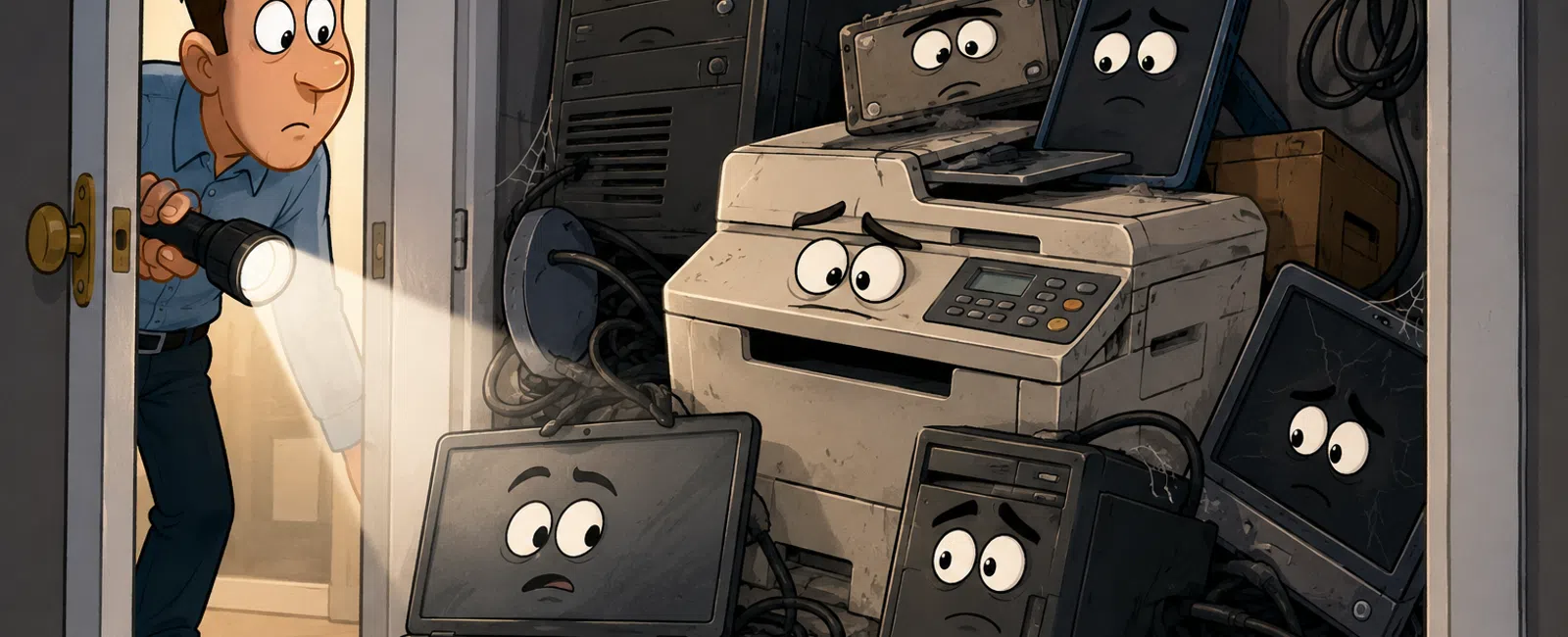
The Engineering Risk Most Firms Still Leave in a Closet
If you run a mid-sized engineering firm, the problem is not
that you have retired devices. The problem is assuming they stopped being part
of your risk the day they left someone's desk. That assumption is common,
quiet, and dangerous. It is exactly the kind of invisible gap that turns into
an ugly client conversation, an audit finding, or a breach report after the
fact.
For engineering firms, this is not an abstract IT issue. Old
workstations, copiers, tablets, servers, and external drives can hold drawings,
bid documents, financial data, client records, credentials, and project files
tied to healthcare, utility, municipal, or defense work. If that equipment
leaves your control without a defensible sanitization process, the failure is
not just technical. It is operational and reputational.
The Real Mistake
The false assumption is simple: "We deleted it, reformatted
it, or sent it to the recycler, so it's handled."
That is not the same as verified erasure.
Digital Copier Data Security: A Guide for Businesses says
deleting data or reformatting a drive does not actually remove the data and
that recovery may still be possible. It also says digital copiers should be
included in information security policies and handled by the same people
responsible for securing computers and servers.
Here's the simple version: if a device ever stored sensitive
information, it needs a documented end-of-life process. Not a guess. Not a
hopeful handoff. A process.
Standards That Define "Proper Erasure"
The standard name that matters most here is NIST SP 800-88.
NIST defines media sanitization as rendering access to target data on media
infeasible for a given level of effort. That is the benchmark most regulated
and audit-sensitive organizations use when they want a defensible answer to
"How do you know the data is gone?" NIST also provides a sample certificate of
sanitization to show the kind of evidence organizations should retain.
In practical terms, NIST SP 800-88 is built around three
outcomes:
- Clear
— logical techniques that sanitize user-addressable storage locations,
generally suitable when media stays within the same security boundary.
- Purge
— stronger logical or physical techniques that make recovery infeasible
even with advanced methods, commonly used when media leaves organizational
control.
- Destroy
— physical destruction that makes the media unusable.
You also asked for DoD 5220.22-M. It still shows up in
legacy procurement language and vendor marketing, but it is no longer the
current governing rule for the NISPOM. DCSA states that 32 CFR Part 117
replaced the earlier DoD 5220.22-M policy. In plain English, it still gets
referenced, but it is not the modern standard you should anchor to.
Verified erasure in practice means more than "the wipe ran."
It means the asset, method, outcome, and responsible party are all documented.
NIST's sample certificate and current enterprise guidance both point in the
same direction: you should be able to tie the sanitization result back to a
specific device and keep a searchable record of what happened.
What Happens When Firms Get This Wrong
This is not theoretical.
CBS News bought used digital copiers and recovered tens of
thousands of documents, including police records, pay stubs, checks, and
medical records. The investigation found that nearly every digital copier built
since 2002 contained a hard drive storing images of documents copied, scanned,
or emailed by the machine.
That investigation led directly to a public breach case
involving Affinity Health Plan. HHS states that Affinity Health Plan settled
potential HIPAA violations for $1,215,780 after returning photocopiers without
erasing the data on the hard drives. HHS also states that up to 344,579
individuals were affected and that the organization failed to include copier
hard drives in its risk analysis and failed to implement disposal procedures.
That is both a breach example and an audit-governance failure tied to asset
disposal.
Hard drives tell the same story. A Blancco study on
second-hand devices found that 48 percent of examined HDDs and SSDs contained
residual data, and a later study on drives bought from eBay found sensitive
data on 42 percent of devices, with 15 percent containing personally
identifiable information. In both cases, sellers believed the data had been
removed.
That is what makes this category of risk so frustrating.
People often think they did the right thing.
What "Prepared" Looks Like
A good process is not complicated. It is owned, repeatable,
and documented.
A Practical Decommission Framework for Engineering Firms
1. Classify the device before you touch the data
Ask one question first: what did this device hold?
- Standard
business data
- Client-confidential
project data
- Regulated
data such as ePHI
- High-sensitivity
design, financial, or contract material
This decision drives whether you choose clear, purge, or
destroy. It also drives who must sign off.
2. Decide whether reuse value matters
If the device is healthy and has resale or redeployment
value, software-based erasure may make sense. If the media is failed, highly
sensitive, or heading off-site with no business reason to preserve value,
destruction is often cleaner.
3. Use the right tool category
There are three realistic categories here:
- Software-based
disk erasure tools for reusable laptops, desktops, servers, and
drives. Blancco Drive Eraser is one example of a product that supports
standards-based erasure and generates digitally signed certificates.
- Manufacturer
or platform erasure features such as overwrite, encryption, or
device-specific secure erase functions offered on some copiers and storage
devices. Federal Trade Commission guidance says many copier manufacturers
offer encryption and overwriting features.
- Certified
IT asset disposition vendors when you need chain-of-custody,
serialized reporting, physical destruction, or large-batch processing.
Audit-ready certificates should connect to serial numbers, methods, dates,
and batch records.
4. Choose overwrite versus destruction deliberately
Use overwrite or purge when:
- the
device is functional
- you
want redeployment or resale value
- the
media type supports reliable sanitization
- you
can produce evidence per asset
Use destruction when:
- the
drive failed sanitization
- the
media is damaged or locked
- the
data sensitivity is high enough that reuse is not worth the residual
uncertainty
- the
device leaves your control and you do not want ambiguity
The tradeoff is straightforward: erasure preserves value but
takes workflow discipline; destruction is operationally simpler for failed or
high-risk media but eliminates remarketing value.
Who Owns This
This is where many firms quietly fail.
A workable ownership model looks like this:
- Engineering
leadership owns data classification and confirms whether a device
touched project-critical or regulated workloads.
- IT
owns asset inventory, sanitization execution, system removal, certificate
collection, and chain-of-custody.
- Security
or compliance owns policy, method approval, exceptions, audit evidence
standards, and escalation thresholds.
- Finance
approves disposal timing for leased equipment, depreciation, and vendor
disposition where needed.
- Legal
or contracts reviews cases involving regulated data, client
commitments, or subcontractor obligations.
If no one owns lifecycle closure end-to-end, the device will
leave your environment before the paperwork catches up. And if the paperwork
catches up later, it is not evidence. It is reconstruction.
What Auditors, Clients, and Boards Will Actually Ask
They usually do not start with "What tool did you use?"
They start with questions like these:
- Show
me the asset record.
- Show
me the disposition decision.
- Show
me evidence the data was removed.
- Show
me where exceptions were escalated.
- Show
me who approved the release of the asset.
This is the external evaluator lens that matters: your
process will be judged by whether it is defensible, not whether someone felt
confident at the time. That is exactly the kind of "defensible posture"
engineering leaders care about when an RFP, audit, or client review lands on
their desk.
The Audit-Ready Operational Artifact
Use this as your minimum acceptable decommission record for
every data-bearing asset:
- Asset
ID
- Serial
number
- Device
type
- Assigned
user or department
- Data
classification
- Final
disposition decision: reuse, recycle, return, destroy
- Sanitization
standard selected
- Sanitization
method used
- Tool
or vendor used
- Wipe
certificate ID or destruction certificate ID
- Date
and location of processing
- Chain-of-custody
reference
- Result:
pass, fail, destroyed, exception
- Sign-off
by IT
- Sign-off
by compliance or security when required
- Final
release approval
Trigger escalation immediately if any of these are true
- The
serial number does not match the inventory record
- The
device cannot be sanitized successfully
- The
certificate does not list the asset clearly
- The
device held regulated or client-restricted data and no compliance reviewer
signed off
- The
device left the facility before the record was closed
- The
batch report gives only counts but no device-level traceability
That is what makes the checklist operational instead of
decorative.
Compliance Mapping Layer
If your firm touches regulated or enterprise-sensitive work,
this process supports more than good housekeeping.
- HIPAA
requires device and media controls, including disposal, media re-use,
accountability, and data backup before movement where needed. HHS also
says covered entities must address final disposition of ePHI and removal
of ePHI before media are reused.
- SOC 2
confidentiality control C1.2 requires organizations to dispose of
confidential information to meet confidentiality objectives and maintain
evidence such as logs or certificates of destruction.
- ISO
27001 Annex A control 7.14 requires secure disposal or re-use of equipment
so sensitive data and licensed software are removed or securely
overwritten before disposal or reuse.
For an engineering firm, that matters because clients do not
separate technical risk from business maturity. They read both through the same
lens.
A Realistic Case Walkthrough: 50 Devices During an Office Shutdown
Imagine a 50-device office consolidation.
The asset list includes 28 engineering workstations, 8
laptops, 6 field tablets, 4 printers, 2 copiers, and 2 retired servers.
The wrong version of this project looks tidy on the surface.
Facilities clears rooms. IT boxes equipment. A recycler picks everything up.
Three weeks later, someone asks whether the copier drives were wiped and
whether the two servers holding archived project folders were destroyed or
reassigned. No one can answer without reconstructing it from emails.
The right version looks different.
Engineering flags which devices touched regulated healthcare
projects and which held current CAD archives. IT separates reusable
workstations from failed storage. Security approves purge for reusable
encrypted laptops, destruction for failed server drives, and written
verification for copier hard drives before return. Finance signs off on leased
equipment return. Every serialized asset gets a certificate ID or exception
record before it leaves the building.
That is not bureaucracy. That is closure.
Your Next-Week Action
Pick one forgotten category this week: copiers, retired
laptops, or external drives.
Then do one thing only: trace ten assets from physical
reality to paper reality. If you cannot show inventory, classification,
disposition, and evidence for those ten, you do not have a decommission process
yet. You have a storage habit.
The Bottom Line
Most engineering firms do not get embarrassed by the systems
they know are fragile.
They get embarrassed by the systems they assumed were no
longer relevant.
End-of-life equipment lives in that category. The hardware
may be old. The exposure is not.
Use this to verify whether your current asset retirement
process would stand up to an audit, a client questionnaire, or a breach review.
Schedule your 10 minute discovery call with 911 IT.


