
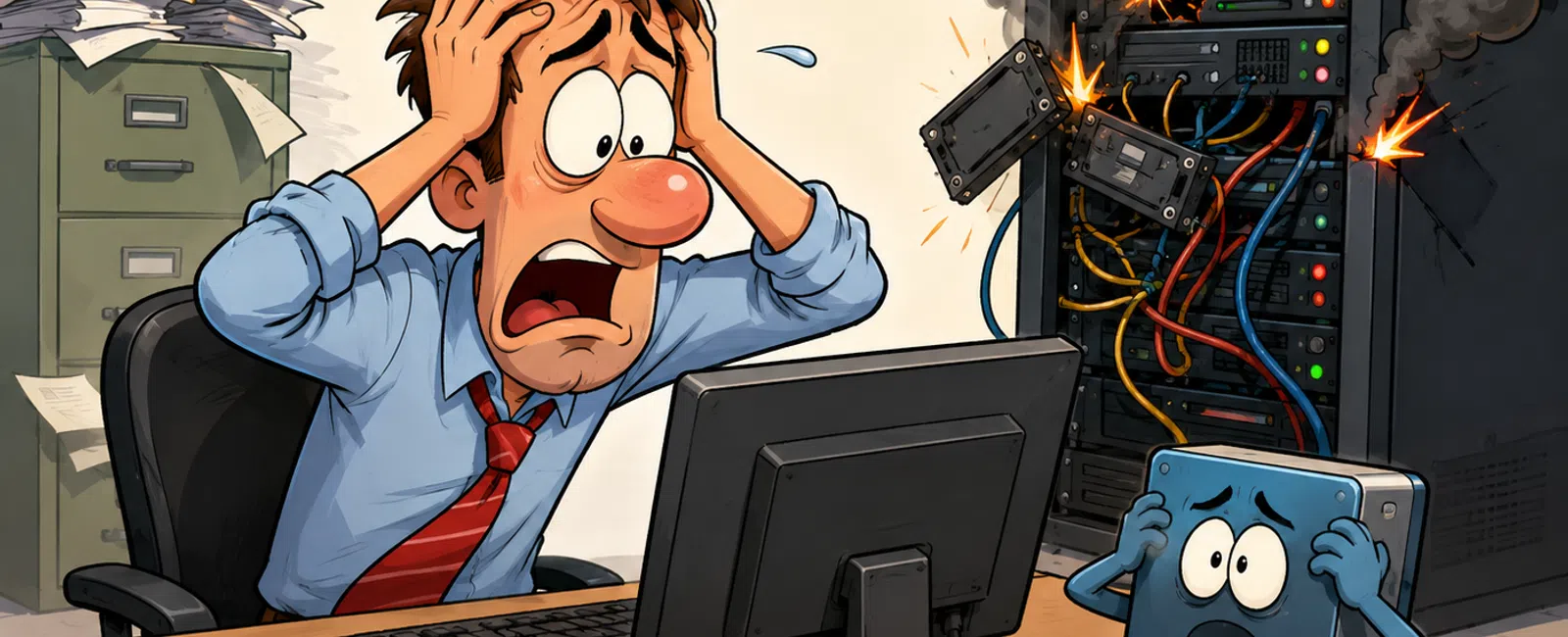
The Real Reason "We'll Fix It Later" Turns Into a Business Disruption
If you're responsible for uptime, compliance, and client data, this is
the part that creates pressure over time.
It's not the obvious failures.
It's the quiet ones—the alert that gets acknowledged but not resolved,
the update that keeps getting pushed, the backup that's assumed to be working
because no one has needed it yet.
Nothing feels urgent in the moment.
Until it is.
And when it surfaces, it doesn't show up alone.
Where This Recently Happened
This pattern shows up repeatedly in environments where systems are
"working" but not actively verified.
A mid-sized financial firm ran into this scenario:
- Failure point: Backup job had
been partially failing for multiple days
- Missed signal: Alerts were
seen, but no one owned resolution
- Trigger event: A file needed
to be restored after accidental deletion
What followed
- Restore attempt
failed
- Internal team
started troubleshooting
- Work slowed
across multiple roles
- Client delivery
slipped
Time comparison
- Prevention:
about 20 minutes to review and correct the backup job
- Recovery: more
than 4 hours of disruption, including escalations and lost output
This is the moment most teams realize something critical:
Backup systems don't prove themselves during normal operation.
They prove themselves when something breaks.
The 4-Control Rule (Minimum IT Control Standard)
If any of these are missing, the environment is running on assumption
instead of control.
Monitoring
- Alerts reviewed
within 15 minutes
- Any alert
sitting longer than 24 hours triggers immediate escalation
Patching
- Critical
updates applied weekly
- No system
allowed to fall more than 30 days behind
Backup Validation
- Backup success
rate actively reviewed
- Full restore
tested quarterly
- Restore
completes in under 1 hour
Escalation
- One clearly
defined owner
- Response
expectations documented and followed
- Coverage exists
regardless of who is out
This is baseline control. Not optimization.
Recovery Standards (What "Good" Actually Looks Like)
If you had to restore a system right now, these are the minimum
acceptable targets:
- Restore time: under 1 hour
- Data recovery
point: no more than 24 hours old
If you can't meet both, you're accepting operational risk—whether it's
visible or not.
If You Only Have 30 Minutes, Do This First
When everything feels urgent, you need a clear order of operations.
Start here:
- Confirm the
last successful backup
- Not that it
ran—confirm it completed cleanly
- Review
unresolved alerts
- Anything open
longer than 48 hours gets addressed immediately
- Check patch
status
- Identify any
systems behind more than 30 days
This gives you the fastest reduction in risk.
Quick Self-Score (0-4)
Use this to quickly assess your current state:
- Monitoring
enforced → ✅ / ❌
- Patch cadence
followed → ✅ / ❌
- Backup tested
and verified → ✅ / ❌
- Clear ownership
and escalation → ✅ / ❌
Score meaning
- 4 = controlled
- 2-3 = partially
exposed
- 0-1 = reactive
Red Flags You Already Have This Problem
These aren't future concerns. These are present conditions.
- Systems have
been slow for more than 3 days
- Updates have
been skipped multiple times
- No one can
confirm the last full restore test
- Alerts are
acknowledged but not tracked to resolution
If one is true, the issue is already developing.
Why This Keeps Happening
The root issue isn't lack of effort.
It's lack of ownership over verification.
Tasks are completed. Systems are configured. Tools are in place.
But no one is responsible for confirming they actually work under failure
conditions.
That's where risk builds.
What To Do Next Week
Run a full restore test in a separate environment.
Document:
- How long it
takes
- How current the
data is
- Where it
breaks, if it does
That single action removes guesswork instantly.
Run the Check Most Teams Skip
Schedule your 10 minute discovery call with 911 IT.
We'll walk through a backup reliability check and confirm if your systems would
restore today.
This helps you verify whether this risk applies—and it only takes 10 minutes.


