
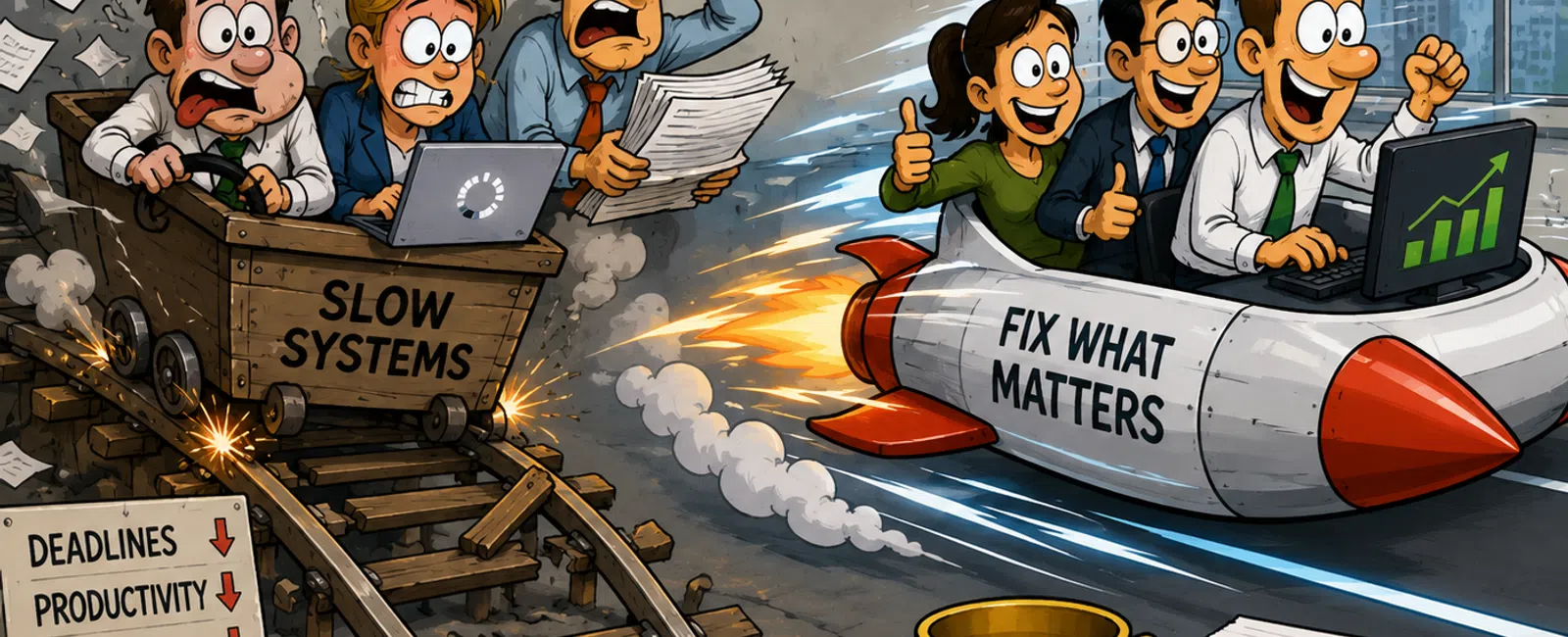
If Your Team Has Learned to Work Around Slow Systems, You're Already Paying Too Much
If you're responsible for IT in a financial firm, the pressure doesn't
come from one system failing.
It comes from knowing your systems are just slow enough to create
constant friction—but not broken enough to force action.
Reports take longer than expected.
Audit prep stretches into extra days.
Teams retry processes that should work the first time.
No one escalates it, because everything still technically works.
That's the trap.
Because once your team adapts to delay, the cost becomes permanent.
The Pattern Most Teams Miss
Across financial environments, one pattern shows up over and over:
60-80% of total productivity loss comes from just 2-3 systems.
Not the entire environment.
Just the systems tied to:
- Reporting
pipelines
- Client
documentation workflows
- Compliance and
audit preparation
Those systems carry the most important work—and they're used every day.
That's where the cost concentrates.
What This Is Costing You (Quick Math)
Use this formula:
(Minutes lost per employee per day ÷ 60) × employees × hourly rate ×
workdays per month
Example:
10 minutes/day ÷ 60 × 15 employees × $35/hour × 20 days = $1,750/month
That's over $20,000 per year from one slow workflow.
Most environments are dealing with more than one.
What This Looked Like in a Real Environment
A financial operations team:
- 12 employees
- Daily reporting
and client document processing
- ~18 minutes
lost per employee per day
- ~$3,150/month
in lost productivity
The issue wasn't widespread.
It was concentrated in:
- A reporting
workstation setup
- A document
retrieval bottleneck
- A system
freezing during peak processing
Instead of replacing everything:
- 6 high-impact
systems were replaced
- All
non-critical systems were left alone
Result:
- Time loss
dropped to under 4 minutes per user
- ~$2,400/month
recovered
- Payback in just
over 3 months
The pattern is repeatable:
The biggest cost doesn't come from everywhere.
It sits inside a few systems doing your most important work.
When Replacement Pays for Itself
This is where decisions become simple.
- Ongoing loss:
$1,750/month
- Targeted
upgrade: $6,000
Break-even:
3.4 months
After that:
You are no longer "saving money" by keeping old systems.
You are choosing to absorb avoidable loss.
How You Compare
Use this benchmark to quickly assess your environment:
|
Indicator |
Healthy |
At Risk |
|
App load time |
Under 3 seconds |
Over 5 seconds |
|
Interruptions |
Less than 1/day |
2+ per user |
|
Time lost |
Under 5 min/day |
10+ min/day |
|
Workflow |
Completes cleanly |
Requires retries |
|
System age |
3-4 years |
4+ years |
If you fall into "at risk" in two or more categories, the problem is
already costing you.
5-Step Audit You Can Run in 30 Minutes
Pick one team and run this:
|
Step |
Measure |
How to Check |
Flag if… |
|
1 |
Login time |
Time 3 logins |
Over 60 sec |
|
2 |
App load |
Launch core apps |
Over 3 sec |
|
3 |
Interruptions |
Ask users or review tickets |
2+ per day |
|
4 |
Workflow delay |
Time one real process |
10+ min lost |
|
5 |
System age |
Check asset list |
4+ years |
Two or more flags = workflow problem, not just a device issue.
How to Prioritize What to Fix First
When multiple systems fail the audit, don't treat them equally.
Rank them like this:
|
System |
Revenue Impact |
Compliance Risk |
Frequency |
Priority |
|
Reporting system |
High |
High |
Daily |
1 |
|
Document system |
Medium |
High |
Daily |
2 |
|
Admin workstation |
Low |
Low |
Occasional |
3 |
Always fix Priority 1 first.
Where This Turns Into Financial Risk
In financial firms, slow systems don't stay isolated.
They show up as:
- Delayed
regulatory filings
- Slower audit
preparation cycles
- Reduced
visibility into systems handling sensitive financial data
This is where the issue changes.
It stops being about performance.
It becomes about control.
A Specific Failure Point to Watch For
A daily reporting workflow:
- System loads
slowly
- Data pull
stalls mid-process
- Export fails
and must be rerun
Each user loses 15 minutes.
Across a team:
- Reporting
deadlines compress
- Audit prep
becomes reactive
- Confidence in
the process drops
Nothing breaks.
But everything gets riskier.
How to Prevent This From Happening Again
Fixing it once is not enough.
To stay ahead:
- Refresh
critical systems every 3-4 years
- Flag any system
with 2+ daily interruptions
- Reassess
workflows annually—not just devices
- Track repeat
issues through your helpdesk system
- Monitor
performance trends across key applications
This is what separates reactive IT from controlled environments.
One Next-Week Action
Pick one workflow your team complains about.
Time it end to end
Count interruptions
Calculate lost time
Then rank each system involved by priority.
One workflow is enough to reveal where your cost actually lives.
What Better Looks Like
When the right systems are fixed:
- Reporting runs
on time
- Audit prep
stabilizes
- Workflows stop
breaking mid-process
- Your team stops
working around problems
The result is not just speed.
It is control.
Run the Assessment Where It Actually Matters
Schedule your 10 minute discovery call with 911 IT.
We'll walk through one real workflow and calculate exactly what it's costing
you.
You'll leave with a clear replace, upgrade, or maintain decision you can act on
immediately.


