
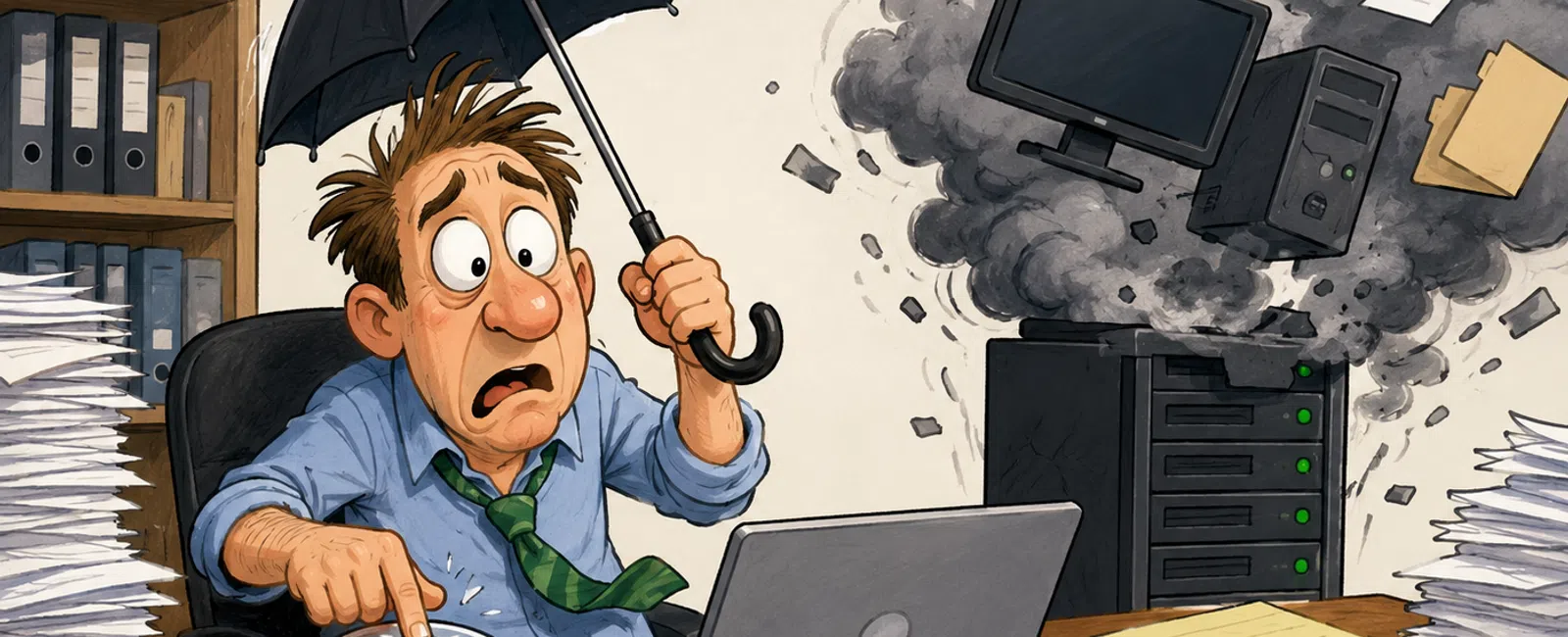
The Recovery Problem Most CPA Firms Think They've Solved
Here's the thing.
Most CPA firms don't have a backup problem.
They have a recovery proof problem.
Backups may be running. Reports may look clean. Nothing has failed. But
none of that proves your firm can bring systems back, in the right order, with
the right data, fast enough to protect deadlines and client trust.
And if you're the one accountable, that gap matters more than anything
else.
Why This Catches Good Firms Off Guard
This doesn't come from bad management.
It comes from a reasonable assumption:
"If backups are working, recovery will work."
But recovery isn't a tool.
It's a process.
It depends on timing, ownership, system dependencies, and validation. If
any one of those breaks under pressure, recovery slows down fast—and that's
when stress shows up.
Most firms don't realize how fragile that process is until they try to
run it for real.
The CPA Recovery Validation Model
This is the model that separates backup confidence from recovery
certainty.
1. Define Critical Systems
Identify what your firm cannot operate without:
- Identity and
login systems
- Core file
storage
- Tax and
accounting software
- Email
- Supporting
applications
If this isn't clearly defined, recovery becomes guesswork.
2. Set Recovery Targets
Two numbers matter:
- RTO: How fast
systems must be restored
- RPO: How much data
loss is acceptable
If these aren't defined, every recovery feels like a failure—even if it
technically works.
3. Restore the Full Environment
A file restore is not a recovery test.
You need to simulate real conditions and bring systems back as a working
environment.
That's where dependencies and bottlenecks show up.
4. Validate Real Data
Open live client files.
Check completeness. Confirm permissions.
Recovery isn't successful until your team can actually work again.
5. Measure Actual Recovery Time
Track everything from detection to full operation.
Estimates create comfort. Measured time creates control.
6. Fix the Gaps
Every test exposes friction points.
That list matters more than the test itself.
Most firms we assess uncover at least one critical gap in the first three
steps. And recovery tests almost always take longer than expected—often two to
three times longer.
The Missing Layer: Recovery Order
This is where most firms fall apart.
You can't restore everything at once.
And restoring in the wrong order slows everything down.
A practical recovery sequence looks like this:
- Identity
systems (logins, authentication)
- Core file
storage
- Tax and
accounting software
- Email systems
- Secondary tools
and integrations
If identity isn't restored first, nothing else works properly.
If file storage isn't stable, applications fail.
If the order isn't defined in advance, recovery turns into trial and
error.
That's where hours—and sometimes days—get lost.
What Good Recovery Actually Looks Like
Prepared firms don't feel lucky.
They feel clear.
A strong recovery position looks like this:
- Systems are
defined
- Targets are
real
- Restore order
is documented
- Full testing
has been done
- Data has been
validated
- Ownership is
clear
And most importantly:
They can explain it simply, without hesitation.
That's the difference between hoping things will work and knowing they
will.
A Practical Benchmark
|
System |
Target Recovery Time |
What Usually Happens Without
Testing |
|
Identity systems |
Under 1 hour |
Access delays stall everything |
|
File storage |
Under 2 hours |
Unknown until tested |
|
Tax software |
Under 4 hours |
Work stops for a day or more |
|
Email |
Under 1 hour |
Several hours of disruption |
|
Secondary systems |
Same day |
Dependency issues cause delay |
Most firms assume they're close to these targets.
They don't know until they measure.
What Failure Actually Looks Like (In Sequence)
Here's how this usually unfolds.
Day 1 — Issue Hits
A system problem shows up during a busy period. The assumption is that restore
will be straightforward.
Day 2 — Reality Sets In
Restore begins. The last usable point is older than expected. Dependencies slow
everything down. Access problems appear.
Day 3 — Operational Drag
Now the team is rebuilding work, chasing files, and trying to protect deadlines
while under pressure.
No single moment looks catastrophic.
But together, it becomes exhausting—and avoidable.
The Five Failure Points That Show Up Most
When recovery struggles, it's usually one of these:
- Backup
completed, but data is unusable
- Credentials or
permissions are missing
- No defined
restore order
- Cloud recovery
is slower than expected
- Only one person
understands the process
These aren't rare.
They're patterns.
The Outside Lens That Matters
If someone external reviewed your firm, they wouldn't ask if backups
exist.
They would ask:
- When was the
last full restore test?
- What is your
verified recovery time?
- What is your
restore order?
- Who runs this
if your IT contact is unavailable?
- Can you explain
your process clearly?
These are the same questions auditors and cyber insurance providers are
increasingly asking.
And they're fair questions.
Because they get to the real issue: can your firm prove it's prepared?
Score Your Firm in Five Minutes
Give yourself one point for each "yes":
- We tested a
full restore in the last 90 days
- We know our
actual RTO and RPO
- We have a
documented recovery order
- More than one
person can execute the process
- We validated
real client data
Your Score
0-2: High risk
You're relying on assumptions.
Next step: define recovery order and run a full test.
3-4: Moderate risk
You have structure, but there are gaps.
Next step: measure actual recovery time and validate data.
5: Strong position
You likely have control.
Next step: keep testing and keep documentation current.
What to Do Next Week
Block 30 minutes.
Sit down with your IT provider and ask:
- When was our
last full restore?
- What is our
real recovery time?
- What order do
systems come back?
- Who runs this
if you're unavailable?
Don't settle for general answers.
Look for clarity.
That single conversation will tell you more than any report.
The Next Step
Schedule your 10 minute discovery call with 911 IT.
Use it to walk through your recovery order, your measured recovery times,
and your ownership gaps. You'll leave with a clear answer on whether your
process would actually hold up—and exactly what to test next if it won't.


