
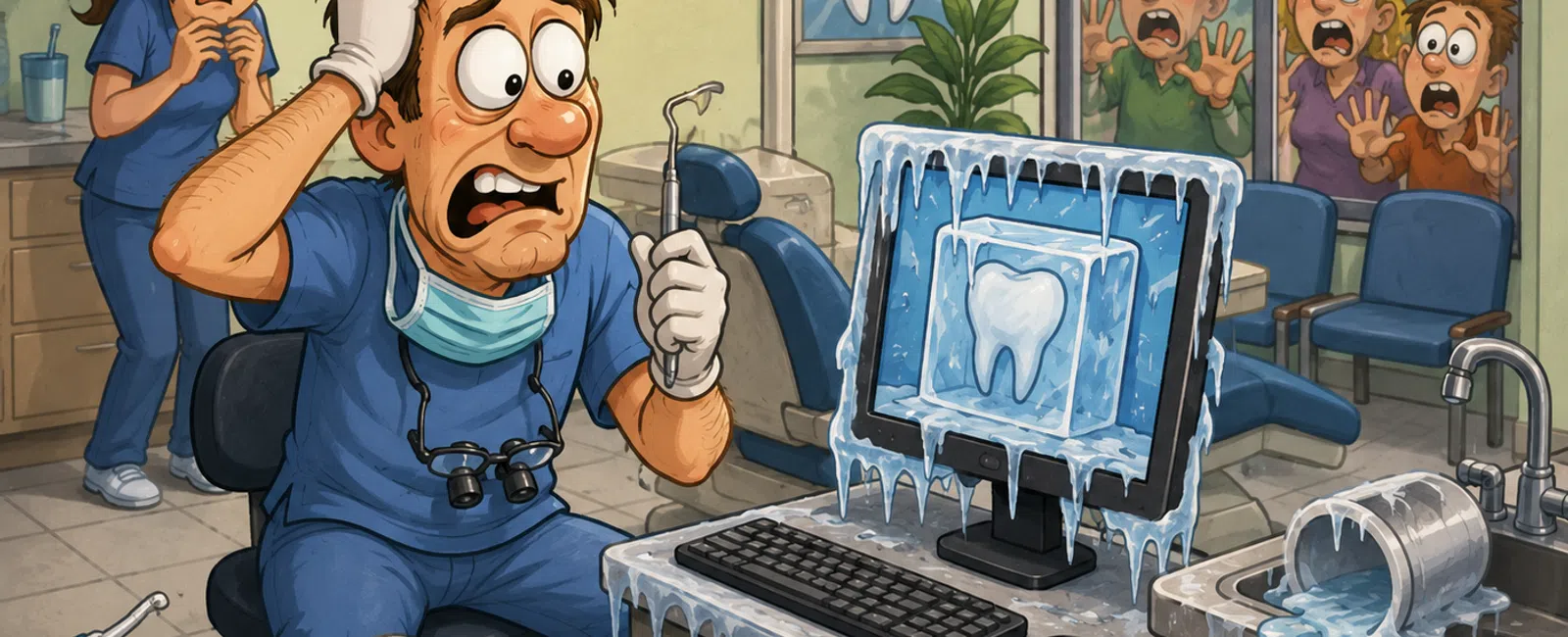
The Hidden Risk Inside Your Practice That No One Is Talking About
Your practice runs on trust.
Patients trust you with their health. Your team trusts your systems to
work. And every single day, you trust that your technology will hold up when it
matters most.
But here's the reality most practice owners never slow down to verify:
That trust is usually built on assumptions—not proof.
And across the practices we evaluate, this pattern shows up consistently:
backup systems exist, reports look clean, but restore capability has never been
tested.
When something breaks, it doesn't expose a technical issue.
It exposes whether your systems were ever truly reliable in the first
place.
Why Most Practices Feel "Fine" Until They're Not
Most dental practices don't think they have a problem.
Everything appears stable:
- The schedule is
full
- Systems log in
- The network
stays up
So it feels under control.
But in reality, most practices operate for months—or years—without ever
validating that their recovery process works.
That's why the failure never shows up gradually.
It shows up all at once:
A server won't boot
A database won't open
A restore fails
And at that moment, everything depends on something that has never been
tested.
The External Lens: How Your Practice Is Judged
When your systems fail, no one cares about the technical explanation.
They evaluate outcomes.
Patients see:
- delays and
confusion
- canceled
appointments
- a practice that
feels unprepared
Your team sees:
- loss of control
- broken workflow
- leadership
under pressure
Those moments shape perception instantly.
And in a healthcare environment, trust is tied directly to consistency.
If operations break, trust breaks with it.
The Failure Pattern We See in Real Practices
This pattern comes up repeatedly.
A small office is running Dentrix on a local server. Backups are
configured. Everything looks normal.
Until one morning, the server doesn't restart.
IT is called in. They begin a restore process.
Then the gap shows up:
Backups have been "running," but no one ever tested restoration.
Recent data is missing. Some files are unusable. The recovery takes far
longer than expected.
What looked stable was never confirmed.
And that difference is what determines whether a practice loses
minutes—or loses days.
The Reliability Scorecard You Should Be Using
This is not conceptual. This is operational.
Every single item below must be a confirmed "yes":
✅ Backup completed in the last 24 hours
✅ Weekly restore test performed
✅ Backup stored offsite or cloud
✅ Named owner responsible
✅ Alerts configured for failures
If any answer is unclear or assumed, that's a failure point.
This is not about having backups.
This is about controlling whether recovery actually works.
How to Verify Your Backup Actually Works
This is the step most practices skip—and it's the one that determines
everything.
Step 1: Check Last Successful Backup
(10-15 minutes)
Log into your backup system:
- Confirm the
last successful run time
- Check for
warnings or partial failures
- Review logs,
not just "completed" status
A completed job doesn't guarantee a usable backup.
Step 2: Define What Healthy Actually
Means
A valid backup must include:
- Your practice
management database
- Imaging and
attachments
- Configuration
and access structure
Missing any of these creates a broken restore.
Step 3: Run a Test Restore (30-60
minutes)
This is the real validation step:
- Restore into a
test environment
- Launch your
system
- Confirm it
functions as expected
If this step hasn't happened recently, you don't know if recovery works.
Step 4: Validate the Output
After restoring:
- Open current
patient charts
- Verify
scheduling data
- Confirm imaging
loads correctly
Until those checks pass, the backup isn't verified.
A Real Downtime Scenario (What Actually Happens)
System goes down at 8:10 AM.
What happens next determines everything.
Phones
Front desk continues answering:
"We're experiencing a temporary system issue, but we are still assisting
patients."
Scheduling
Fallback options:
- printed
schedule
- manual tracking
- temporary
updates
Clinical Workflow
Providers continue:
- using paper
- documenting
manually
- entering data
later
Patient Communication
Consistency matters:
"We're working through a system issue. Your care is continuing as
planned."
If this process isn't defined ahead of time, every team member
improvises.
And that's where breakdown happens.
Who Owns What (And Where Breakdowns Occur)
This is where most practices lose control.
Practice Owner
- owns
accountability
- confirms
validation is happening
- ensures
expectations are defined
IT Vendor
- manages
infrastructure
- configures and
monitors backups
- responds to
technical issues
The Gap
No one explicitly owns:
- restore testing
- verification
frequency
- documentation
That gap is where assumptions live.
And assumptions are what fail under pressure.
What Most Practice Owners Get Wrong
The mistake is not ignoring technology.
It's assuming it's already handled.
It sounds like:
- "IT has that
covered"
- "We've never
had a problem"
- "Our backups
are running"
What's missing is proof.
The practices that recover quickly don't rely on reports.
They run tests.
They document outcomes.
They remove uncertainty before it matters.
What You Should Do in the Next 7 Days
Choose one system: backups.
Run a full restore test.
Not a status check. Not a visual review. A real restore into a working
environment.
If anything fails—from timing to data integrity—you've identified your
highest-risk area.
That's where control begins.
The Bottom Line
Your practice doesn't lose control because of technology.
It loses control because verification never happened.
Control comes from:
- monitoring
- alerting
- testing
- documented
response
Without those, you're relying on assumptions.
And assumptions don't survive real failure.
Take the Next Step
Schedule your 10 minute discovery call with 911 IT to walk through your
backup validation, restore process, and responsibility gaps. You'll get a clear
answer on whether your current setup actually works the way you expect. It's a
simple way to confirm what's solid—and identify what still needs verification.


