
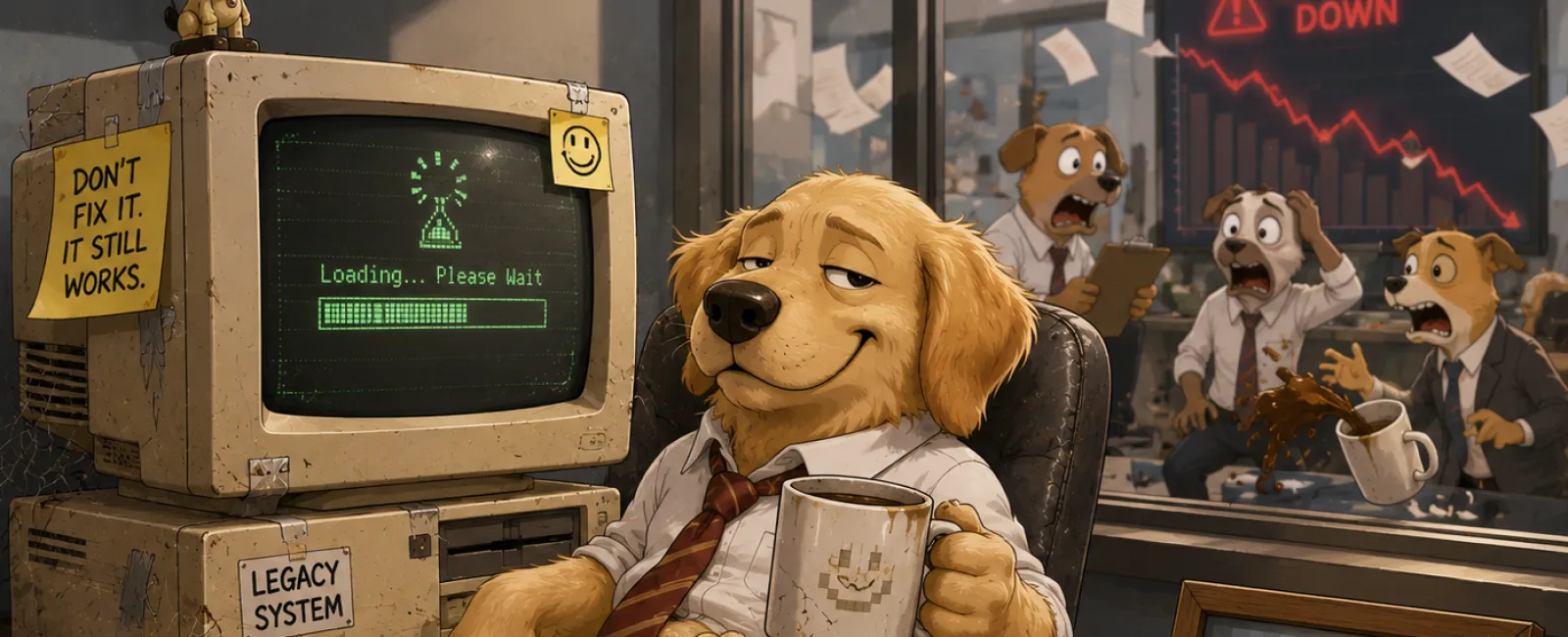
When Old Technology Quietly Becomes a Business Risk
Most businesses
don't notice outdated technology all at once. It accumulates slowly. A laptop
replaced but never retired. A printer pushed into a storage room. A server
decommissioned but never documented. Nothing feels urgent—until someone asks
the wrong question.
The issue isn't
clutter. It's that technology has a lifecycle, and many organizations only plan
the front half of it.
Purchasing decisions
are usually intentional. Retirement decisions are often accidental.
That gap is where
documentation breaks down, accountability blurs, and otherwise well‑run
businesses struggle to answer simple external questions.
Technology Retirement Is an Operational Process, Not a Cleanup Task
Every device that
enters your business eventually needs a defined exit. Not "we'll deal with it
later." A real, repeatable process.
Without one, the
same issues show up again and again:
- Access lingers
longer than expected
- Equipment with
residual value sits unused
- Records exist
only in someone's memory
This usually doesn't
surface during daily operations. It's most often discovered when an insurer,
auditor, or outside party asks for written confirmation of how retired
equipment is handled.
A Simple, Repeatable Framework for Retiring Technology
This process doesn't
need to be complex. It needs to be consistent and provable.
Step 1: Inventory What's Being Retired
Identify the device
and record that it is leaving active use.
Step 2: Decide the Destination
Reuse, recycle, or
destroy—chosen intentionally, not by default.
Step 3: Remove Access and Handle Data
Revoke access,
address stored data, and ensure the handling method can be explained later.
Step 4: Document and Close the Loop
Record what happened
and move on. No loose ends.
Audit‑Ready Execution Checklist
- Identify the
device
Outcome: Device is formally marked as retired
Proof created: Asset retirement entry or inventory log update - Select the
disposition path
Outcome: Device is categorized as reuse, recycle, or destroy
Proof created: Retirement decision field completed - Address access
and data
Outcome: No user access or recoverable business data remains
Proof created: Data handling method recorded - Record
responsibility and date
Outcome: Clear accountability and timing
Proof created: Completed retirement record
If each proof
exists, the process is complete.
Minimum Viable Technology Retirement Record
This is the minimum
documentation most external reviewers expect to see. Nothing more.
Technology
Retirement Record
- Device type
- Serial number
or asset tag
- Date retired
- Data handling
method (verified wipe, drive destruction, no data present)
- Responsible
role (Operations, IT, Office Management)
Example (Completed
Record)
- Device type:
Leased multifunction copier
- Serial number /
asset tag: COP‑44721
- Date retired:
March 18, 2026
- Data handling
method: Internal storage removed and destroyed prior to return
- Responsible
role: Operations
This record can live
in a simple spreadsheet, an asset inventory, or a ticketing or service system.
The location matters far less than using the same place every time.
Where Gaps Usually Appear
Laptops are rarely
the issue. Shared and leased devices are.
We usually see gaps
when documentation was assumed rather than recorded—especially for printers,
copiers, phones, tablets, external drives, and returned equipment. The problem
isn't intent. It's incomplete records.
What Auditors and Insurers Actually Ask
These questions are
typically asked verbatim:
- "Can you show
how retired devices were handled last year?"
- "Who is
responsible for maintaining device retirement records?"
- "How do you
ensure leased equipment doesn't retain customer data?"
- "What events
trigger your device retirement process?"
If the record above
exists, these questions are already answered.
Ownership and Timing: Removing the Ambiguity
This process is
usually owned by Operations or Office Management, with IT supporting
execution rather than owning documentation.
It should trigger
automatically during:
- Employee
offboarding
- Hardware
refresh cycles
- Lease returns
- Office moves or
consolidations
If it only happens
during clean‑ups, it's already reactive.
What to Do Next Week
Choose one recent
device retirement.
Create the record
shown above for it. If you can complete it without guessing or chasing context,
your process is working. If not, you've found the gap while it's still small.
Call to Action
If someone asked for
your device retirement records tomorrow, you should be able to produce them
without scrambling.
Schedule your 10 minute discovery call to sanity‑check your
documentation readiness and identify gaps that tend to surface during audits or
insurance reviews.
911IT keeps it focused, practical, and limited to what actually gets asked.


