
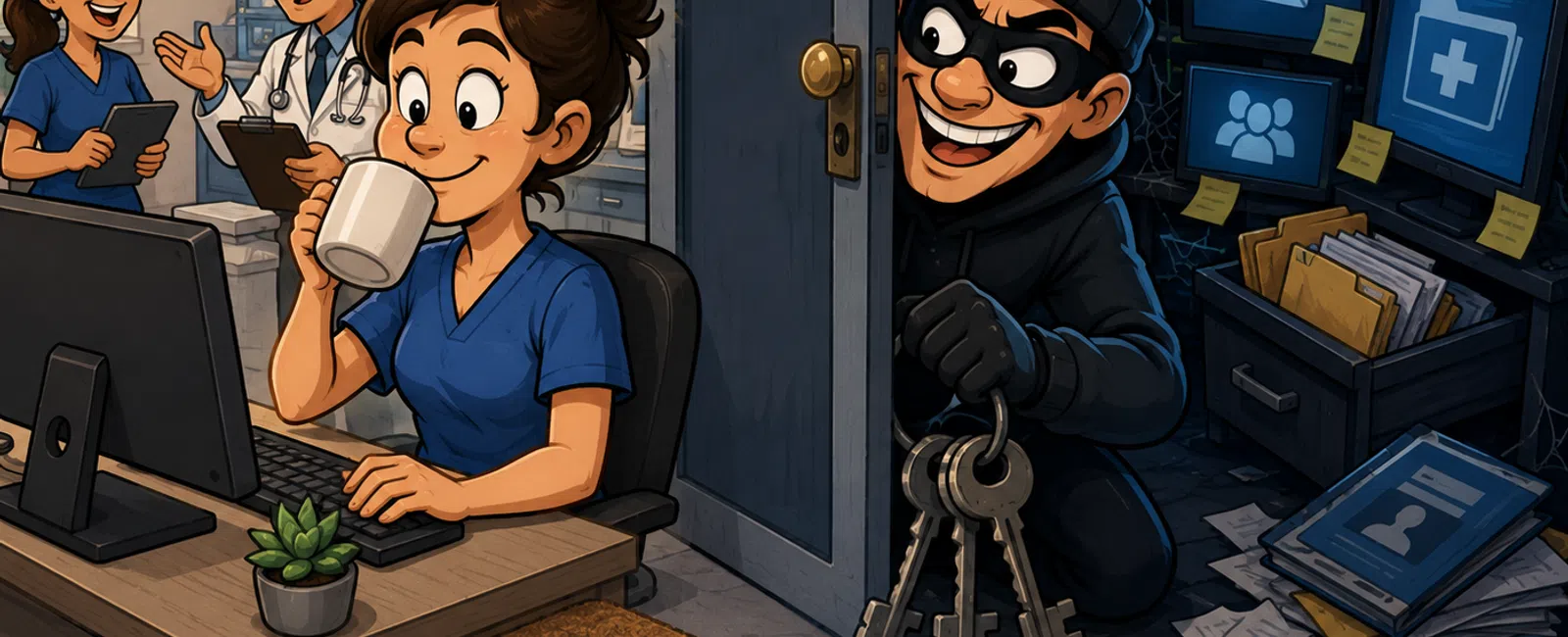
Your Password Is Still the Key Under the Doormat — Even If It "Looks" Strong
If you've ever been the person responsible for keeping a clinic running
while juggling compliance, patient flow, and a dozen vendor systems, you
already know this:
security doesn't fail in dramatic ways. It fails quietly.
Usually at the worst possible moment.
Picture this. You walk into work, open your email, and nothing loads.
Your EHR times out. A staff member says they can't log into scheduling. You
assume it's a system glitch.
It's not.
Someone logged in overnight using a password that wasn't even stolen from
you.
That's the mistake most teams are still making.
The Real Problem Isn't Weak Passwords
It's Reused Ones
Most breaches don't start inside your organization. They start somewhere
forgettable — a retail account, a food delivery login, a tool someone signed up
for three years ago and never deleted.
That account gets breached.
Your email and password get exposed.
And from there, everything starts to unravel.
Attackers don't guess anymore. They reuse.
They take one working combination and try it everywhere:
email, remote access, billing platforms, cloud systems.
We see this pattern constantly. And the moment it lands is always the
same:
someone realizes too late that one password opened multiple doors.
The False Assumption
"If my password is strong, I'm protected."
That's what most people believe.
Capital letter. Number. Symbol. Maybe even something long.
It feels responsible.
But here's the reality: a strong password protects one account.
A unique password protects your entire environment.
There's a difference.
What It Actually Costs You When This Goes Wrong
This isn't about abstract cybersecurity threats. It's operational.
When reused credentials get in, it doesn't announce itself. It blends in.
Here's what that looks like in a real clinic scenario:
- Billing access
quietly changes routing details
- Email gets used
to send legitimate-looking requests to staff
- Files are
downloaded, not deleted — so no one notices immediately
- Weeks later, a
compliance issue surfaces with no clear cause
Now you're not just dealing with IT. You're dealing with:
- Lost time
trying to trace what happened
- Staff confusion
and disruption
- Exposure risk
tied to patient data
- Stress that
falls directly on you to resolve
This is where most leaders say the same thing:
"We thought we were fine."
What "Prepared" Actually Looks Like
This isn't about asking your team to try harder. People are busy. They
reuse passwords. They forget.
Good systems assume that.
At minimum, your environment should meet this baseline:
The Minimum Acceptable Setup
Use this as a quick internal check:
- Every account
has a unique password (no reuse, anywhere)
- Passwords are generated
and stored — not memorized or written down
- A password
manager is actively used across the team
- Multi-factor
authentication (MFA) is enabled on all critical
systems
- Email access is
protected with MFA (no exceptions)
- Shared logins
are eliminated or tightly controlled
If even one of these is inconsistent, the system still has openings.
Why Teams Get Stuck Here
No one ignores security on purpose.
What we usually see is this:
- "We'll fix it
after things slow down"
- "It hasn't been
an issue so far"
- "Everyone
already has passwords set up"
That's the trap.
Because credential-based attacks don't require anything sophisticated.
They just require something predictable.
And reused passwords are predictable.
A Simple System That Actually Holds
The fix isn't complicated, but it is specific.
Two changes close most of the gap:
1. Use a password manager across the entire team
This removes the need to remember or reuse anything. Every login becomes unique
automatically.
2. Turn on MFA everywhere it's available
This ensures that even if a password is exposed, it isn't enough to get in.
Together, these turn a fragile system into one that tolerates normal
human behavior.
No perfection required.
A Real-World Lens to Measure Yourself Against
If you had to answer this — right now, without checking:
Could someone reuse a password from outside your organization and
successfully log into one of your systems?
If the answer isn't a confident no, there's still exposure.
Not because your team isn't careful.
Because the system is still relying on something it shouldn't.
What To Do This Week
Choose one day this week and do just this:
Pick 10 critical accounts across your clinic (email, EHR, billing, remote
access).
Verify two things for each:
- The password is
unique
- MFA is turned
on
That's it.
You don't need to solve everything immediately.
You just need to see clearly where you stand.
The Bottom Line
Most break-ins don't feel like break-ins.
They feel like normal activity — until they don't.
Reused passwords don't just weaken security.
They connect systems that should never be connected.
And once one door opens, the rest aren't far behind.
Your Next Step
If you're not completely sure how exposed your environment is, this is
something worth confirming while it's still quiet.
Schedule your 10 minute discovery call with 911 IT to quickly validate
whether reused credentials or missing MFA are still creating risk in your
systems. It's a simple check to confirm what's already working — and what
isn't.


