
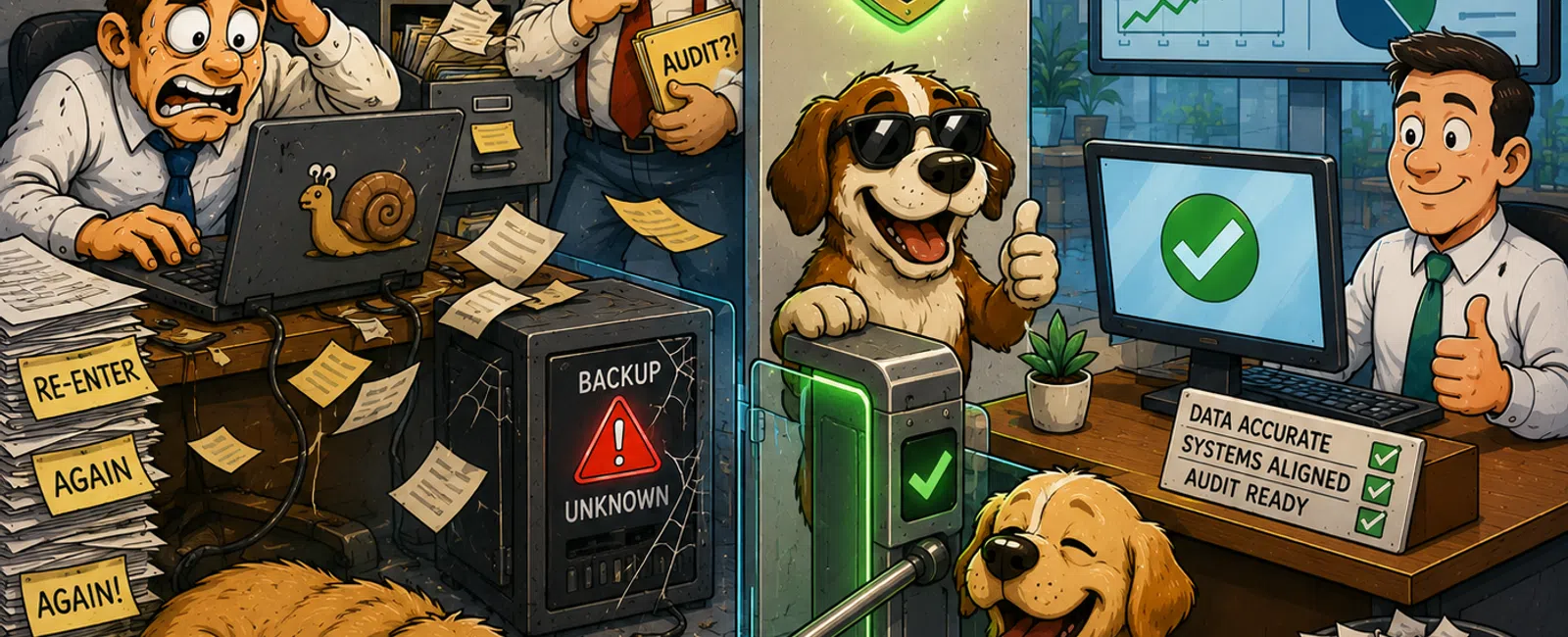
Your Technology Isn't Just Inefficient. It's Quietly Failing Your Controls.
Nothing is down.
No alarms. No outage reports. No crisis calls.
But if you're responsible for operations, compliance, or
audit readiness, you already feel it:
Logins that take longer than they should
Data that gets entered twice
Systems that don't quite align
Individually, these feel manageable.
Collectively, they represent something much more serious:
A loss of control.
What This Is Costing You (Across Different Team Sizes)
Most firms underestimate this because they measure
incidents—not friction.
Here's what quiet inefficiency actually looks like:
Small Team (10 Employees)
- 15
minutes lost per day
- $40/hour
loaded cost
Monthly Loss: $2,000
Annual Loss: $24,000
Mid-Size Team (25 Employees)
- Same
assumptions
Monthly Loss: $5,000
Annual Loss: $60,000
Larger Team (50 Employees)
- Same
assumptions
Monthly Loss: $10,000
Annual Loss: $120,000
This doesn't include compliance exposure, audit remediation,
or incident response costs.
It's just friction.
And in regulated environments, inefficiency and risk scale
together—not separately.
Benchmark Ranges: What "Good" vs "Risk" Actually Looks Like
Without benchmarks, everything feels subjective.
Use this as your baseline:
- Login
Time
- 15-30
seconds = normal
- 45+
seconds = infrastructure or identity issue
- Update
Lag
- 0-7
days = controlled
- 14+
days = management gap
- Backup
Testing
- Quarterly
restore tests = minimum standard
- "Backups
running" without validation = high risk
- System
Duplication
- 0-1
overlapping tools = optimized
- 2+
systems doing the same function = inefficiency + audit complexity
Most agencies don't fall in the "optimized" category.
They cluster in the middle—and drift toward risk without
realizing it.
Office Performance Score™ (0-20)
Score one to four points in each category:
- Workstation
age
- Update
lag
- Duplicate
systems
- Manual
data entry
- Backup
verification
Score Bands
- 0-5
= Controlled and optimized
- 6-12
= Inefficient, but stable
- 13-20
= High-loss, high-risk environment
Across the environments we assess, most agencies land
between 10-16.
Not broken.
Just quietly expensive—and increasingly difficult to defend
in an audit.
Root Causes Behind What You're Seeing
These symptoms don't exist on their own. They point to
deeper system-level issues:
Identity Architecture Gaps
Misconfigured authentication, domain, or access structures
create login delays, inconsistent permissions, and poor audit visibility.
Endpoint Resource Constraints
Aging devices without proper RAM or SSD support slow down
core systems—especially AMS platforms like Applied Epic or AMS360.
Lack of Centralized Management
Without unified visibility across endpoints, updates, and
security controls, maintenance becomes reactive instead of controlled.
SaaS Lifecycle Mismanagement
Tools get added, but rarely removed or integrated—creating
fragmented workflows and inconsistent data records.
These aren't user problems.
They're design problems.
And most environments weren't designed—they were
accumulated.
The 5 Hidden Issues We See Every Week
Across insurance agencies, the same patterns repeat:
- Login
latency tied to identity or DNS misconfiguration
- Devices
under-resourced for production workloads
- SaaS
tools operating without centralized identity sync
- Duplicate
storage environments with no single source of truth
- Backup
systems that report success—but haven't been tested
These issues directly impact your ability to demonstrate
control, continuity, and compliance.
What This Looks Like in a Real Environment
Independent insurance agency
42 employees
Timeline: 60 days
Before
- 90+
second login times
- ~12
hours/week of duplicate data entry
- Backups
monitored—but never restored
What Was Addressed
- Identity
and access configuration
- Endpoint
performance constraints
- System
overlap between file storage and CRM workflows
- Backup
validation and restore testing
After
- Login
times reduced by over 60%
- Duplicate
entry reduced by 80%
- Documented,
tested recovery aligned with RTO/RPO targets
Validation Method
Measured through login telemetry, workflow time tracking,
and verified restore testing.
Nothing dramatic changed.
The environment simply became defensible.
How This Fails an Audit
This is where inefficiency turns into liability.
- Missing
audit trails from fragmented systems
- Inconsistent
data records across duplicated platforms
- Unverified
backups that fail during recovery
- Delayed
patching exposing known vulnerabilities
In regulated environments, "best effort" is not acceptable.
You need provable control over systems, data, and recovery
processes.
The 911 IT Friction Audit™
This isn't a checklist. It's a structured evaluation model.
What Gets Measured
- System
overlap and redundancy
- Endpoint
performance capacity
- Patch
and update consistency
- Identity
and access alignment
- Backup
integrity and validation
What Gets Scored
Each category is evaluated for:
- Performance
impact
- Compliance
exposure
- Operational
dependency
What You Receive
- A
scored environment (0-20)
- Ranked
inefficiencies by cost and risk
- A
prioritized correction plan
- Clear
separation between productivity issues and compliance risks
This turns uncertainty into visibility.
And visibility into control.
External Lens: What a Regulator or Board Sees
They aren't asking if your systems work.
They're asking:
- Can
you prove data consistency across platforms?
- Can
you demonstrate recovery capability?
- Are
controls enforced or implied?
- Is
your environment proactively managed or reactively maintained?
Your answers aren't verbal.
They're operational.
What To Do Next Week
Set aside 30 minutes with your team and document:
- Every
system where data is entered more than once
- Every
login or performance complaint
- The
last confirmed backup restore
- Any
system that overlaps in purpose
Don't optimize yet.
Just expose the reality.
That list will tell you exactly where you're losing
money—and where your audit gaps are forming.
The Only Step That Matters Right Now
Schedule your 10 minute discovery call.
We'll run your environment through the 911 IT Friction Audit™ and show you
exactly where inefficiency and compliance risk exist.
You'll leave with a scored breakdown and the highest-impact fixes to prioritize
first.


