
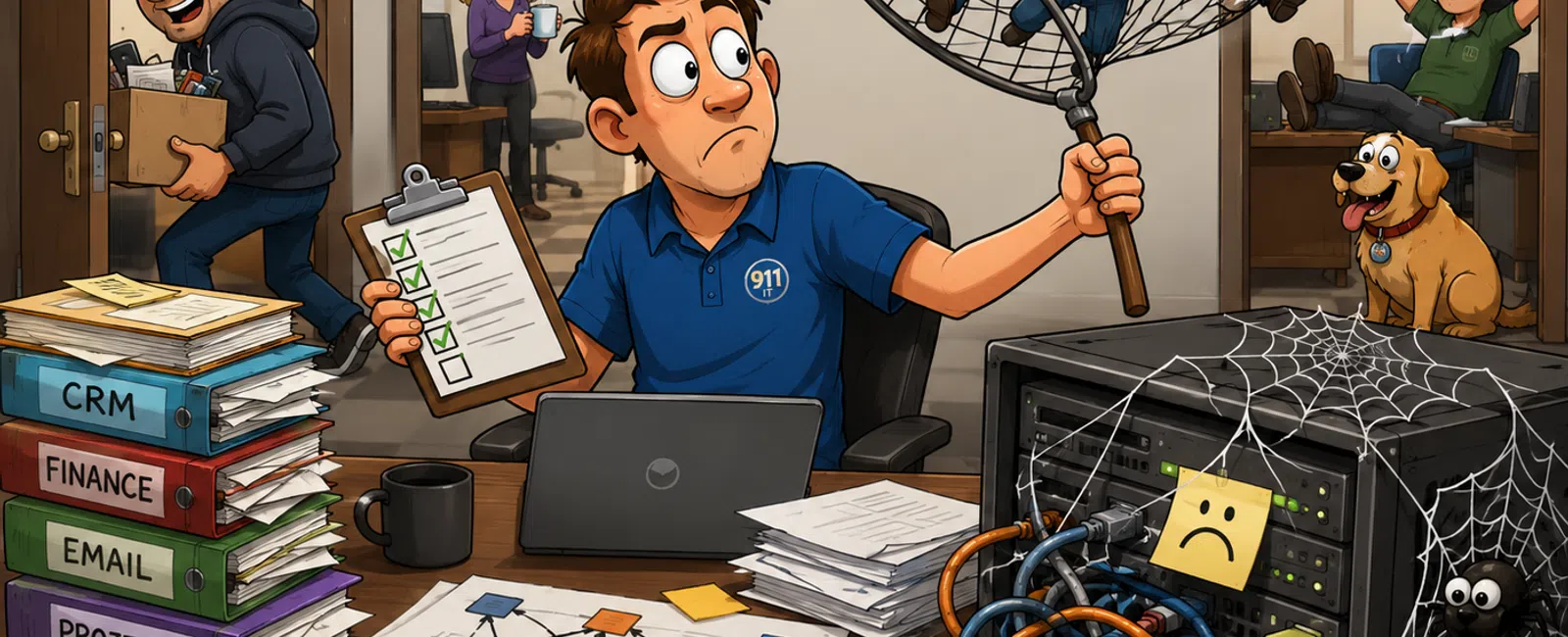
Midyear Reality Check: The Drift You Didn't See (And How to Fix It in 30 Minutes)
January felt structured.
Access made sense. Systems matched reality. Ownership was clear enough to
function.
Now it's July—and things still "work," but nobody can clearly explain
how.
That's the problem.
Not outages. Not failures.
Drift.
It builds quietly until it shows up as delayed decisions, lost time, or
exposure you didn't realize you had.
The 3 Risks to Fix First (If You Only Have 30 Minutes)
If you try to fix everything, you'll fix nothing.
Start here:
1. Former employee access
People who no longer work for you still have access to email, CRM, finance, or
files.
2. Systems without clear owners
If something breaks, nobody leads. It gets passed around.
3. Revenue and reporting mismatches
Sales and finance don't align, and decisions stall while teams reconcile
numbers.
These three are where drift becomes visible—and expensive.
What This Audit Typically Uncovers
We run this audit with new clients and see the same patterns repeatedly:
- Most businesses
uncover at least one former employee with active access
- Multiple
systems have no clear owner
- Reporting
discrepancies exist between at least two platforms
- Vendor access
is rarely reviewed and often left open
This isn't rare. It's normal.
And that's the risk.
What a Good Access Map Actually Looks Like
You shouldn't describe access. You should be able to show it.
|
User |
System |
Access Level |
Owner |
Last Reviewed |
Reason |
|
J. Carter |
Microsoft 365 |
Admin |
IT Manager |
Jan 2026 |
Role-based admin |
|
A. Lopez |
CRM |
Full Access |
Sales Director |
Oct 2025 |
Sales role |
|
M. Grant |
QuickBooks |
Admin |
CFO |
Feb 2024 |
Finance access |
|
T. Bell (former) |
CRM |
Full Access |
Unknown |
— |
— |
|
S. Kim |
Project Tool |
Admin |
Operations |
Dec 2024 |
Temporary project lead |
|
Vendor-Dev |
Server |
SSH Access |
External Vendor |
Jan 2025 |
Migration |
What stands out immediately:
- A former
employee still has access
- A system has no
owner
- Temporary
access is still active
- Review
discipline doesn't exist
If an external auditor asked for this, could you produce it cleanly and
confidently?
The 30-Minute System Drift Audit (Do This Exactly)
Block 30 minutes. Do not overthink it.
Step 1: Export user lists
- Microsoft 365 →
Admin Center → Users
- CRM → User
roles or permissions export
- Finance system
→ Active users
Step 2: Identify risk quickly
- Former
employees with access
- Users with
admin-level permissions
Step 3: Compare role vs access
- Sales should
not have admin access in finance
- Vendors should
not have persistent system-wide access
Step 4: Identify ownership gaps
- If you can't
name one person responsible for a system, it's unowned
Step 5: Map integrations
- List
connections (CRM ↔ Finance, Email ↔ CRM, etc.)
- Highlight
anything unclear
Step 6: Build one unified table
- One view across
systems, not separate lists
Do not fix anything yet.
Expose reality first.
Integration Mapping (Where Hidden Risk Lives)
Most teams mention integrations. Very few map them.
|
System A |
System B |
Data Shared |
Owner |
Risk |
|
CRM |
QuickBooks |
Revenue + invoices |
Finance |
Numbers don't match |
|
CRM |
Email |
Customer communication |
Marketing |
Data duplication |
|
Project Tool |
CRM |
Client status |
Operations |
Manual updates |
This is where drift creates decision friction.
If data moves but no one owns it, accuracy becomes optional.
Biggest Mistakes During This Audit
Avoid these or you'll lose clarity fast:
- Fixing issues
while auditing (you'll miss patterns)
- Splitting the
audit across tools instead of one table
- Ignoring vendor
and external access
- Assuming
integrations "probably work"
- Stopping after
identifying issues without assigning ownership
The goal isn't cleanup.
It's visibility.
What to Do After the Audit (Next 7 Days)
Most teams stop too early. This is where it becomes real.
Day 1:
Remove all former employee access.
Day 2-3:
Assign a single owner to each critical system:
- Email
- CRM
- Finance
- File storage
Day 4-7:
Document integrations:
- What systems
connect
- What data flows
- Who owns and
validates each connection
At the end of the week, you now have:
- Clean access
- Defined
ownership
- Clear system
relationships
What This Looks Like When Done vs Ignored
Drift:
Revenue numbers don't match
Decisions are delayed 2-3 days while teams reconcile
Controlled:
Revenue is owned in one system
Discrepancies are known and resolved quickly
Drift:
Access accumulates without review
Security risk increases silently
Controlled:
Quarterly access reviews remove unnecessary permissions
Drift:
No ownership across systems
Issues take hours just to assign
Controlled:
Clear ownership reduces resolution to minutes
We've seen teams lose multiple hours per incident simply figuring out who
is responsible.
That's not a technical problem.
That's a clarity problem.
Backup and Recovery: Make It Real
If email went down at 9am on a Monday, what happens?
The first 15 minutes should look like this:
- Incident
confirmed
- One person
leading immediately
- Email
prioritized as first system to recover
- Communication
sent internally
Define targets:
- Email recovery:
4 hours
- File system
recovery: 24 hours
Assign roles:
- One lead
- One technical
executor
- One
communication owner
If that's not written down, it won't happen cleanly.
Make This an Ongoing System
Drift returns unless you control it.
Set the rhythm:
- Access review →
Quarterly
- System
ownership check → Monthly
- Integration
validation → Quarterly
This turns a one-time audit into a stable operating system.
What to Do Next Week
Block 30 minutes.
Run the audit exactly as written.
Remove one former employee's access, assign one missing owner, and
document one integration.
That alone will expose more risk than you expect.
The Fastest Way to Confirm If This Applies to You
Schedule your 10 minute discovery call with 911 IT and walk through your
drift audit.
You'll leave with a clear map of your biggest risks and what to fix first.
This helps you confirm whether this applies to your business—and it only takes
10 minutes.


