
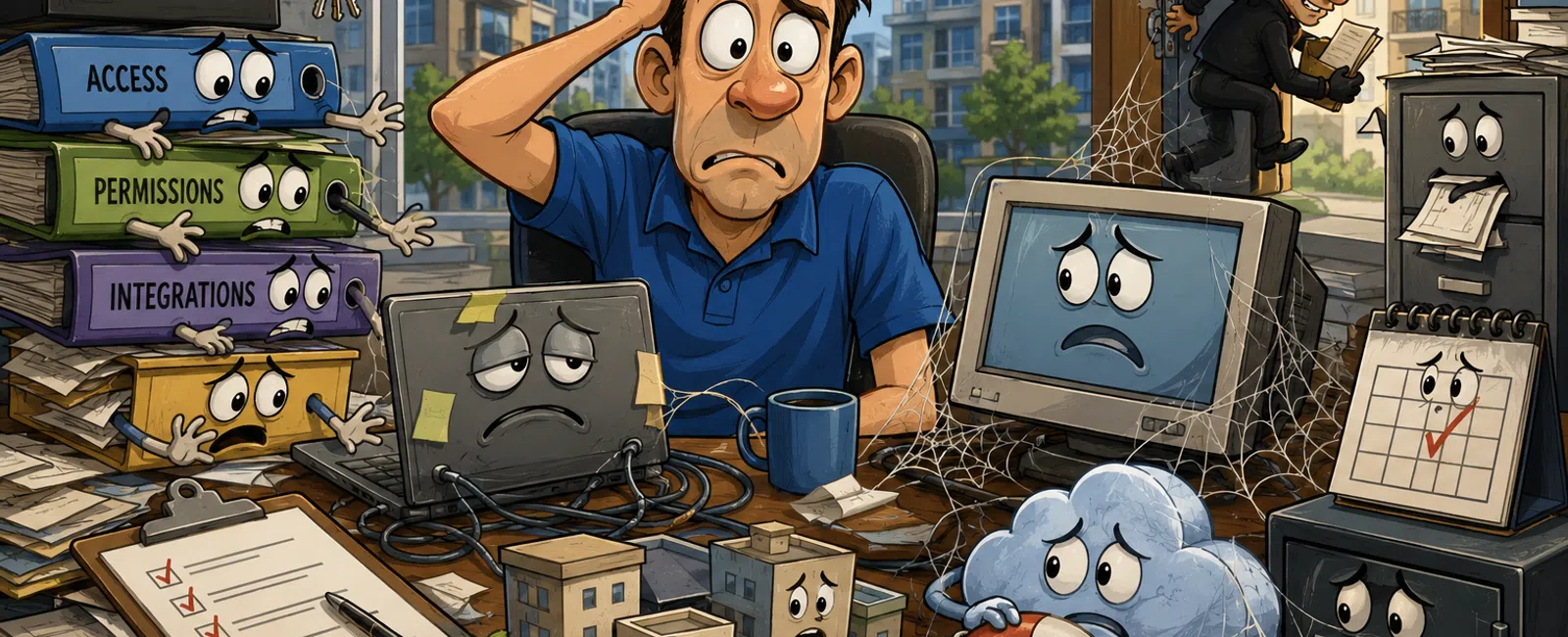
Midyear Reality Check: What Changed in Your Systems Since January?
If you run operations in property management, July is usually when the
quiet problems start getting expensive.
Not because something failed all at once.
Because six months of growth changed your environment faster than your
systems were reviewed.
New hires needed access quickly. Vendors were added to keep leasing,
maintenance, or accounting moving. A new portal got turned on. A reporting
shortcut became a permanent workaround. A role changed, but the permissions
stayed. A file system expanded, but no one clarified ownership.
That is what makes midyear dangerous.
Most growing property management firms are not running on broken systems.
They are running on unreviewed change.
And once you pass a few hundred doors, this pattern shows up
consistently. Access grows faster than role structure. Reporting becomes
spreadsheet-dependent. Vendors keep access longer than active use. Recovery
exists in theory, not in a tested sequence.
That is not consultant theory. It is what this looks like in real
environments.
The Mistake Most Teams Make by July
The mistake is assuming a system that is still functioning is still
controlled.
Those are not the same thing.
Your team may still be collecting rent, sending notices, processing
maintenance, and pushing owner reports. But if someone asked you today:
Who has access to trust accounting data? Which system is the record for
owner communication? Who restores SharePoint versus your accounting
environment? Which vendor accounts are still active but no longer needed?
Would you have the answers immediately, or would the room go quiet while
everyone starts checking different systems?
That hesitation is the problem.
Because in property management, you are not judged on whether your
systems feel stable. You are judged on whether you can prove control when
something is questioned.
What Good Looks Like vs What We Actually See
Access
What good looks like:
Role-based access in AppFolio, Buildium, Yardi, QuickBooks, Microsoft
365, and tenant communication tools. Reviews happen on a schedule. Shared
logins do not exist. Former employees are disabled quickly. Vendor access is
limited to a defined purpose.
What we actually see:
In Buildium, admin roles copied during onboarding instead of assigned per
role. In Yardi, access that expanded over time because it was easier than
cleaning up exceptions. In QuickBooks or trust accounting environments, users
with more visibility than their current job requires. In Microsoft 365, former
staff still present in groups, SharePoint permissions, or OneDrive sharing
paths long after departure.
This usually does not happen because people are careless. It happens
because growth moves faster than governance.
Recovery
What good looks like:
A documented recovery plan. Clear ownership. A known sequence. Someone
can tell you exactly what gets restored first, who leads, and how long each
step is expected to take.
What we actually see:
Backups exist, but recovery has never been tested as a business process.
SharePoint is one owner. Property data is another. Accounting is another.
Nobody has walked through what happens if two systems must be recovered in
order. Everyone assumes someone else has that mapped out.
That assumption is where downtime gets longer than expected.
System Alignment
What good looks like:
One clear system of record. Defined integrations. Reporting that matches
across the property platform, trust accounting, document systems, and owner
communications. Teams trust the output.
What we actually see:
AppFolio says one thing. QuickBooks says another. A manually maintained
spreadsheet exists because nobody fully trusts either one. Tenant messages live
in one portal. Owner updates are stored elsewhere. Supporting documents are
split between SharePoint, OneDrive, inboxes, and exports.
Nothing looks catastrophic. But the operation is already leaning on
workarounds.
Ownership
What good looks like:
Each major system has one accountable owner. Cross-system issues do not
bounce between vendors, IT, and operations. Escalation is clear.
What we actually see:
The property platform vendor owns part of it. Internal admin owns part of
it. IT owns part of it. Operations owns the consequences. So when something
crosses systems, nobody takes immediate lead.
That is when small problems linger long enough to affect money and trust.
The Most Common Break Points
These are the failure patterns that show up over and over in growing
property management environments.
1. Access grows faster than role
structure
People keep the permissions of the last role while adding access for the
new one. Temporary vendor access becomes standard access. No one revisits
permissions after the urgent moment passes.
2. Reporting becomes
spreadsheet-dependent
Once the property platform, accounting platform, and communication
records stop lining up perfectly, teams create reconciliation spreadsheets.
That works for a while, until leadership assumes the spreadsheet is telling the
truth and no one can trace where the numbers actually came from.
3. Vendors retain access after active
use ends
A portal consultant, integration vendor, or outside support contact keeps
access because nobody wants to break a sync, interrupt billing, or trigger a
support issue. Months later, that inactive account still has visibility it no
longer needs.
What a Clean System Looks Like in Practice
This is what operational clarity actually looks like when it exists.
Example: Clean User Access Output
System: Buildium
User: Leasing Coordinator
Role: Leasing only
Financial access: No
Admin access: No
Last login: Current
Status: Active
System: QuickBooks
User: Controller
Role: Accounting Admin
Financial access: Yes
Admin access: Limited to accounting scope
Last login: Current
Status: Active
System: Microsoft 365
User: Former Maintenance Coordinator
Role: None
Financial access: No
Admin access: No
Status: Disabled and removed from shared groups
That is what good looks like. Every user has a reason to exist, a role
that matches reality, and access that fits the job.
Example: Clean Ownership Map
Property platform: Operations Manager
Trust accounting: Controller
SharePoint and OneDrive: Internal IT or managed IT lead
Tenant portal communications: Operations lead
VoIP and emergency routing: IT owner with documented escalation
Cross-system incident lead: One named decision-maker
That is what prevents finger-pointing when something breaks.
Example: Clean Recovery Plan Summary
Priority 1: Trust accounting and owner distribution systems
Priority 2: Property platform and tenant communications
Priority 3: SharePoint and document repositories
Priority 4: Archived records and lower-priority internal files
Each item has an owner, a recovery step, and a verification step.
If that does not exist in writing, recovery is still theoretical.
The Midyear Audit Playbook
If you want this blog to be useful, here is the practical version.
1. Access Review
What to check: Pull the active user list from every core system: Property
management software
Accounting and trust accounting
Microsoft 365
SharePoint and OneDrive
Tenant communication tools
Remote access tools
Phone and VoIP admin portals
Where to check it: Each admin dashboard, identity directory, and
vendor-managed environment with login access
What bad looks like: Former employees still active
Inactive users older than 30 days
Shared logins
Admin rights not tied to job role
Vendors with broad visibility
2. System Alignment Review
What to check: List every system touching tenants, owners, maintenance,
accounting, files, and reporting
Where to check it: Vendor bills, bookmarks, saved reports, integrations,
team SOPs, and the spreadsheets people rely on when the official reports do not
match
What bad looks like: Two systems both acting like the source of truth
Manual reports needed to reconcile owner or financial data
Critical records split across inboxes, SharePoint, and local exports
No one can say where the final answer should come from
3. Recovery Review
What to check: What is backed up, what is actually restorable, who owns
recovery, and what order recovery follows
Where to check it: Backup platforms, internal procedures, vendor
agreements, and continuity documentation
What bad looks like: Backups never tested
No recovery sequence
No named recovery owner
No verified recovery workflow across multiple systems
4. Ownership Review
What to check: One accountable owner per major system and one lead for
cross-system incidents
Where to check it: Internal SOPs, escalation lists, and real-world
behavior when a problem hits
What bad looks like: "It depends"
"The vendor usually handles that"
"I think IT owns it"
Problems sitting because nobody has final authority
A Real Midyear Scenario
A 650-door property management firm triggered a review after an owner
reporting issue exposed inconsistent numbers between the property platform and
accounting.
They were using Buildium for operations, QuickBooks for accounting, and
SharePoint plus OneDrive for documents and internal collaboration.
The midyear review found four separate problems.
First, access had expanded far past role design. Old staff accounts were
still present, and a vendor account that had not been used in months still had
billing visibility.
Second, reporting had become spreadsheet-dependent. The finance team had
built manual reconciliation steps because Buildium and QuickBooks were not
always aligning cleanly.
Third, records were fragmented. Owner statements, lease support, and
communication history were spread across inboxes, shared folders, and exports.
Fourth, recovery ownership was not clear. Everyone believed backups
existed, but nobody had mapped who restored what first when multiple systems
were involved.
Once they fixed it, three things changed.
User access matched current job roles.
Owner reporting stopped depending on side spreadsheets for routine
reconciliation.
System ownership became clear enough that when questions came in, the answer
was immediate instead of assembled in real time.
That is the value of this work. Not abstract security. Operational
control.
Why This Matters Financially
If this stays unreviewed, the consequences are not vague.
You get delayed owner distributions because reports need manual cleanup.
You get incorrect financial reporting because the numbers came from too
many systems and too many unofficial fixes.
You get tenant issues falling through cracks because communications,
documents, and workflows are split.
You get loss of owner confidence because hesitation reads like loss of
control.
And when a regulator, attorney, auditor, or ownership group asks for
proof, the problem is no longer internal inconvenience. It becomes a
credibility issue.
Fast Self-Score
Score each question from 1 to 5.
1 means you do not know. 3 means you think so, but have not verified it.
5 means you can prove it quickly.
Can you list every user with financial access right now?
Can you identify every inactive vendor account still present in your systems?
Can you name your system of record for owner communication, trust accounting,
and property operations?
Can you produce a clean ownership map for every major platform?
Do you know the actual recovery sequence if SharePoint, accounting, and your
property platform all need attention?
Can you explain where reporting still depends on spreadsheets?
If your score is under 25, do not treat this as a future cleanup project.
Treat it as an active operational risk.
What To Do Next Week
Run a 60-minute midyear systems review with operations, accounting, and
whoever owns your core platforms.
Do not let anyone prepare the answers in advance. The speed and clarity
of the answers is part of the test. If the room hesitates, you found the gap.
Final Word
Most risk in property management does not come from what is obviously
broken.
It comes from what kept changing without being re-verified.
That is why midyear matters. It is the point where assumptions need to be
replaced with proof.
Schedule your 10 minute discovery call with 911 IT. This helps you
confirm whether these gaps exist in your environment and what to verify first.
It is a quick diagnostic step that gives you a straight answer.


