
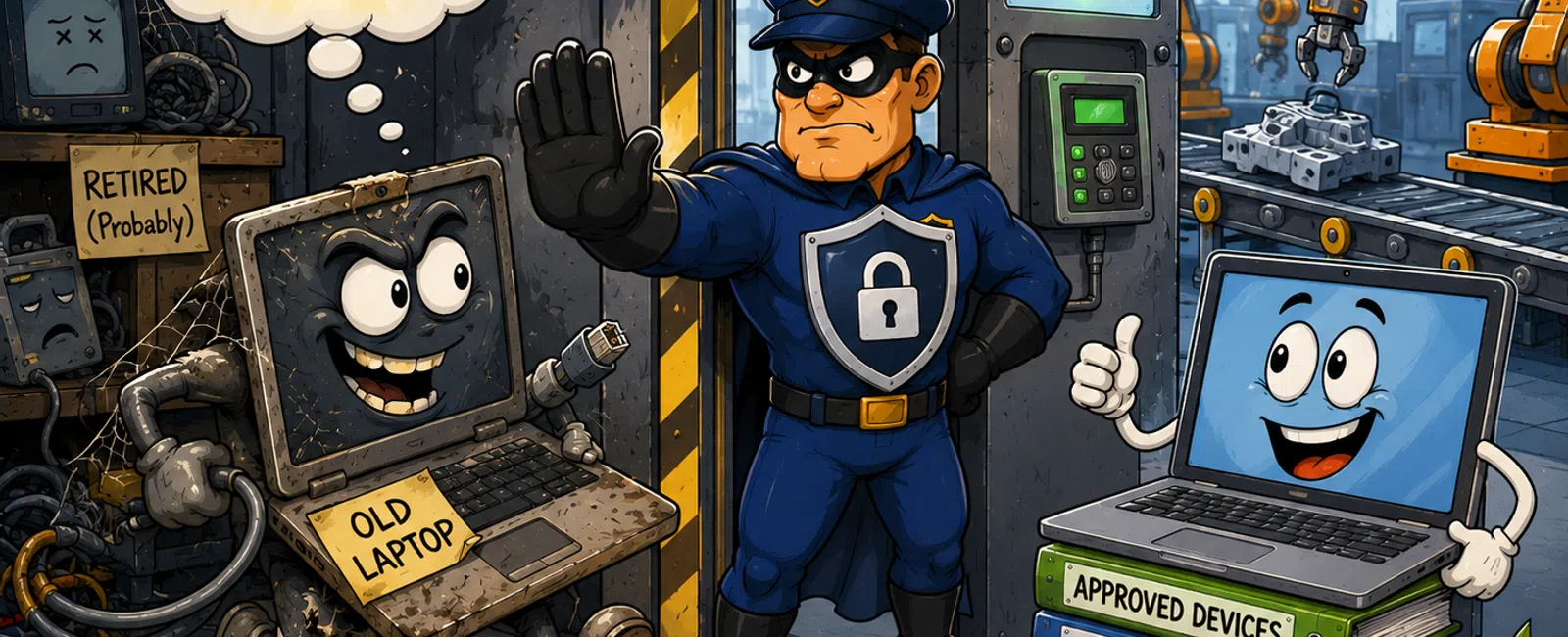
Old Technology Isn't the Risk — Uncontrolled Access Is
If you own uptime and compliance, this is the part that
should bother you:
Most plants know where their old devices are.
They just don't control what those devices are still
capable of doing.
That's the real issue.
Because in manufacturing, nothing breaks because a device is
sitting in a cabinet.
It breaks because that device can still connect,
authenticate, and change something when the line is down.
And when that happens, the problem isn't theoretical
anymore.
It's on your floor, on your shift, and on your name.
What Actually Happens Without Controls (Step-by-Step Failure)
Here's exactly how this plays out in a real environment:
- Fault
occurs
A production line stops due to a sensor or timing issue. - Technician
grabs nearest workstation
It's a legacy laptop—already has software, already works, no setup needed. - Device
connects successfully
No segmentation block. No identity restriction. Controller accepts connection. - Old
logic is loaded
No validation. No version check. No approval required. - Line
resumes — but with incorrect state
Sequence timing no longer matches updated machine behavior. - Hidden
production impact begins
- Parts
pass initial checks
- Downstream
tolerance starts drifting
- QA
flags inconsistencies hours later
At that point, the problem is no longer "the fault."
The problem is:
You now have two versions of reality inside your
production system.
And no immediate way to prove which one is correct.
What the System Does With Controls (Step-by-Step Block)
Here's the same situation in a controlled environment:
- Fault
occurs
Same starting point. - Technician
attempts to use old laptop
→ Blocked by network segmentation
Device not allowed in OT zone - Attempts
to authenticate
→ Denied by identity control
Device not registered, user not authorized - Alternative
attempt to load logic
→ Rejected by controller
Program version mismatch detected - Engineer
uses approved system
→ Correct version pulled from controlled repository - Change
is logged and traceable
→ Production recovers with correct state maintained
Nothing here depends on behavior.
The system enforces it.
That's the difference.
Typical Exposure Ranges We See
Across manufacturing environments, this pattern is
consistent:
- Multiple
devices per production line still capable of accessing controllers
- At
least one engineering workstation not tracked in a formal system
- Logic
versions stored outside the approved repository in most plants
- Devices
considered "retired" that still authenticate or connect
This is not rare.
It's normal in environments where retirement is a task—not a
controlled system.
Why Most Teams Think They're Covered (But Aren't)
Most teams fall into this trap:
They've done the work.
- Devices
moved off the floor
- Processes
documented
- Access
"should be removed"
That's Level 2 thinking.
But during a real fault?
They operate at Level 1:
- Use
what works
- Skip
what slows things down
- Rely
on memory instead of enforcement
That's why teams feel blindsided.
The controls exist.
They're just not enforced when it matters.
What This Looks Like in a Real System Stack (During an Event)
This is how the layers actually work together under
pressure:
- Asset
System (CMDB / OT platform)
Flags device as unapproved → triggers access denial - Network
Segmentation
Blocks device from reaching PLC network - Identity
& Access Control
Rejects authentication attempt - Controller-Level
Protection
Refuses unapproved logic write - Version-Controlled
Repository
Provides only current approved logic - Change
Control / CMMS
Logs change tied to maintenance activity
These are not separate systems.
They are linked enforcement layers.
One fails → others still block the mistake.
Allowed vs Blocked Actions During a Fault
|
Action |
Allowed |
Blocked |
|
Connect to PLC |
Approved workstation only |
Unknown/legacy device |
|
Authenticate |
Role-based access |
Unregistered user/device |
|
Load logic |
Approved version only |
Local/outdated copy |
|
Make change |
Logged + approved |
Direct untracked write |
|
Remote access |
MFA + monitored session |
Open/unmanaged access |
Clean. Direct. No ambiguity.
Hyper-Specific Example: One Fault, Two Outcomes
Uncontrolled Environment:
- Technician
uses old laptop
- Loads
outdated program
- Line
runs—but timing mismatch begins
- QA
flags inconsistencies 4 hours later
- Two
shifts affected
Controlled Environment:
- Same
technician uses old laptop
- Connection
blocked immediately
- Switches
to approved system
- Loads
correct version
- Line
recovers with no downstream impact
Same fault.
Completely different outcome.
What an External Auditor Sees Immediately
An auditor doesn't care what your process says.
They check:
- Can an
untracked device still connect?
- Can
logic be loaded without validation?
- Is
there one proven source of truth?
- Can
you show exactly what changed and when?
If the answer is unclear—even once—
That's not a documentation issue.
That's a control failure.
And that's where audit exposure starts.
Retirement Enforcement Checklist (Supervisor-Level SOP)
Use this, not assumptions:
- Device
is tracked in asset system
- Owner
is assigned
- Credentials
removed and verified
- Network
access path blocked
- Device
cannot authenticate
- No
usable logic remains on device
- Isolation
is tested (not assumed)
- Retirement
recorded in system of record
- Linked
to maintenance/change record
- Final
signoff documented
If even one fails, it's still active risk.
What To Do Next Week
Pick one production line.
Find three devices everyone "knows" are retired.
Test them:
- Can
they still connect?
- Can
they still authenticate?
- Can
they still push logic?
That 30-minute test will tell you exactly where your real
exposure is.
What To Do Next
Schedule your 10 minute discovery call.
We'll validate one production line against real enforcement controls and show
you exactly where your environment still allows failure under pressure. 911 IT
will help you confirm whether this risk actually applies to your operation.


