
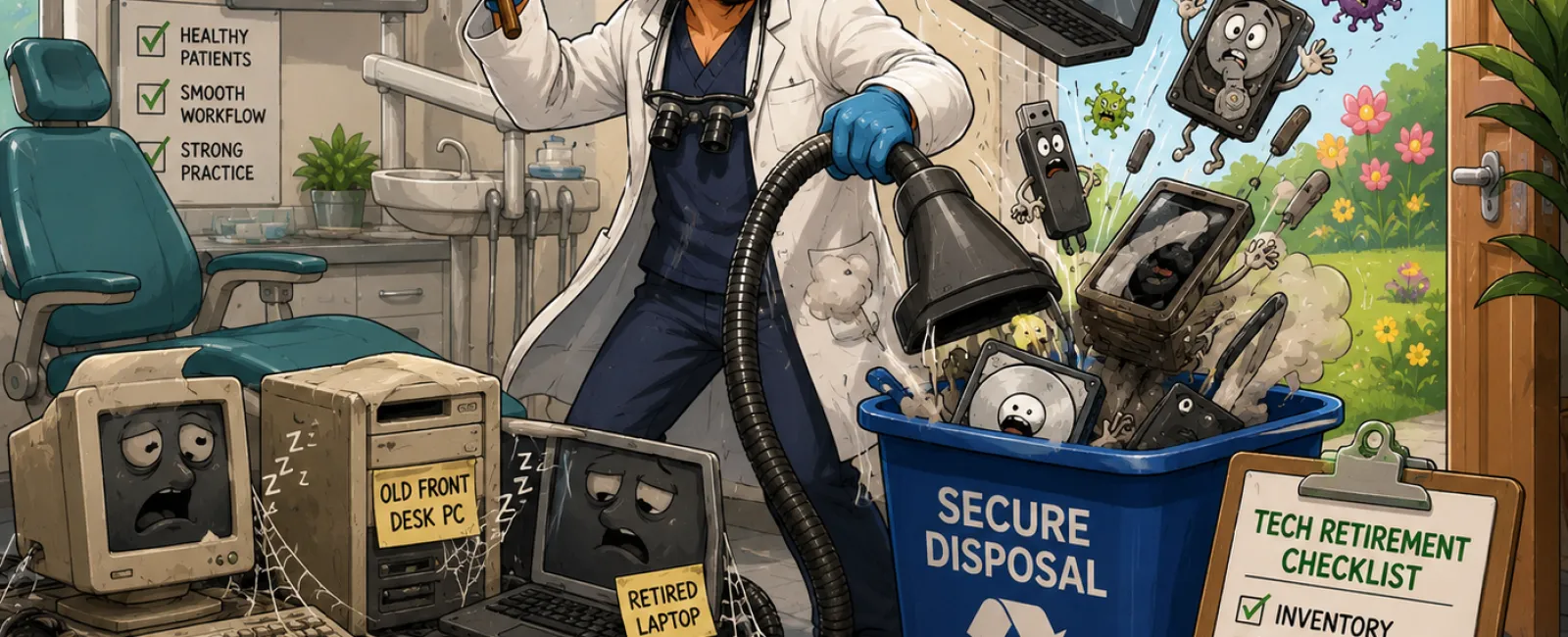
Spring Cleaning Your Dental Technology: What Quietly Puts Practices at Risk
Spring cleaning
usually starts with operatories, supply closets, and storage rooms.
But in most dental
practices, the real clutter isn't visible during a walk‑through.
It's sitting in a
back office. A cabinet. A server closet no one opens anymore. A box labeled
"old equipment — still works."
Retired laptops. Old
front‑desk computers. Backup drives from a software upgrade two systems ago. A
copier lease return no one double‑checked.
Every dental
practice accumulates this over time.
The difference
between a calm, well‑run practice and one exposed to silent risk is whether
anyone is intentionally managing what happens after technology is
replaced.
The Dental Technology Retirement Control Loop™
Most dentists are
careful about buying technology.
You replace systems
because something is slow, unsupported, or incompatible with imaging, EHRs, or
patient communication tools.
What rarely gets
planned is retirement.
Old devices don't
cause immediate problems. They fade into storage. But even powered off, they
may still contain patient records, images, credentials, or access pathways.
The Dental
Technology Retirement Control Loop™ exists to prevent that quiet exposure
by treating retirement as a controlled process, not an afterthought.
Why This Matters Under Real Standards
This isn't about
preference or opinion.
The HIPAA Security
Rule requires covered entities to implement media controls governing the
movement, reuse, disposal, and accountability of devices containing electronic
protected health information.
When data is
removed, NIST 800‑88 is the recognized standard for data sanitization.
It defines when clearing is insufficient and when proper wiping or physical
destruction is required.
Auditors, insurers,
and buyers don't ask whether you tried. They ask whether your process aligns
with these standards — and whether you can show it.
Quick Start Checklist: Retire Dental Technology Correctly
Use this exactly as
written. This is the minimum viable control loop.
Quick Start: Dental
Technology Retirement Checklist
- Inventory the
device before it moves
- Classify its
data exposure (clinical, admin, imaging, billing)
- Revoke all user
and system access
- Apply the
correct wipe or destruction method
- Confirm copier
or scanner hard‑drive handling in writing
- Document the
action taken
- Dispose or
recycle through a verified vendor
If any step is
skipped, the loop is broken — and the risk stays alive.
Sample Inventory Record (Use This Format)
This is what
"documentation" actually looks like in a real practice.
|
Device |
Serial |
Data Exposure |
Method |
Date |
Vendor |
|
Front Desk PC |
SN‑A19384 |
Scheduling, Billing |
NIST 800‑88 Wipe |
04/18/26 |
ABC ITAD |
|
Copier |
CN‑55201 |
Scans, Faxes |
Drive Removed |
04/18/26 |
LeaseCo |
|
Imaging Server |
IMG‑7712 |
X‑rays, Charts |
Drive Shredded |
04/19/26 |
SecureShred |
This table — not
memory, not emails — is what external reviewers expect to see.
Who Owns This Inside the Practice
In most dental
practices, this process should live with the office manager.
Not IT day‑to‑day.
Not the dentist.
The office manager
maintains the inventory and documentation. IT executes technical steps and
reviews the process annually. The dentist retains oversight, not execution.
When ownership is
unclear, devices get forgotten. When ownership is named, this becomes routine.
A Real‑World Failure Pattern (Anonymized)
During a practice
sale, diligence stalled after an imaging server was discovered in a storage
closet.
The server was no
longer in use — but it still contained patient images. No documentation existed
showing how data had been handled. The buyer required forensic review and
remediation before proceeding.
The delay cost
weeks, legal fees, and trust — all from equipment no one remembered owning.
This is how risk
surfaces: late, expensive, and under pressure.
If You Do Nothing: How This Actually Unfolds
Month 0: Device is
replaced and stored
Month 6: Staff member who knew its history leaves
Month 18: Office reorganizes; equipment is discarded casually
Month 36: Audit, insurance review, or sale triggers questions
Month 36 + 1 day: You're reconstructing decisions with no records
Nothing dramatic
happened. That's the problem.
When to Run the Dental Technology Retirement Control Loop™
Run this loop at
these moments:
- After any new
system or major hardware upgrade
- Following staff
turnover involving front desk, billing, or IT access
- During your
annual HIPAA or compliance review
- Before any
practice sale, partnership, or DSO diligence
At a minimum, review
the full inventory annually and after every significant technology change.
A Note for Multi‑Location Practices and DSOs
For multi‑location
practices or DSOs, this process should be standardized across all locations
using a single inventory format with centralized oversight, even if devices are
retired locally. Inconsistent handling between locations is a common red flag
during audits and diligence reviews.
Why This Matters for Cyber‑Insurance
Cyber‑insurance
underwriters increasingly ask how retired devices containing patient data are
tracked, wiped, and documented, and practices that can produce a clean
retirement log typically move through underwriting with fewer exclusions and
follow‑up questions.
Your Next‑Week Action
Within the next
seven days, assign one person — by name — to inventory all retired or unused
technology currently stored in your practice using the table above.
That single step
restores visibility. Everything else flows from there.
Call to Action
Schedule your 10
minute discovery call to confirm whether your retired technology is fully
closed out under the Dental Technology Retirement Control Loop™.
911IT will help you verify what's already handled correctly and identify any
quiet gaps — quickly and calmly.


