
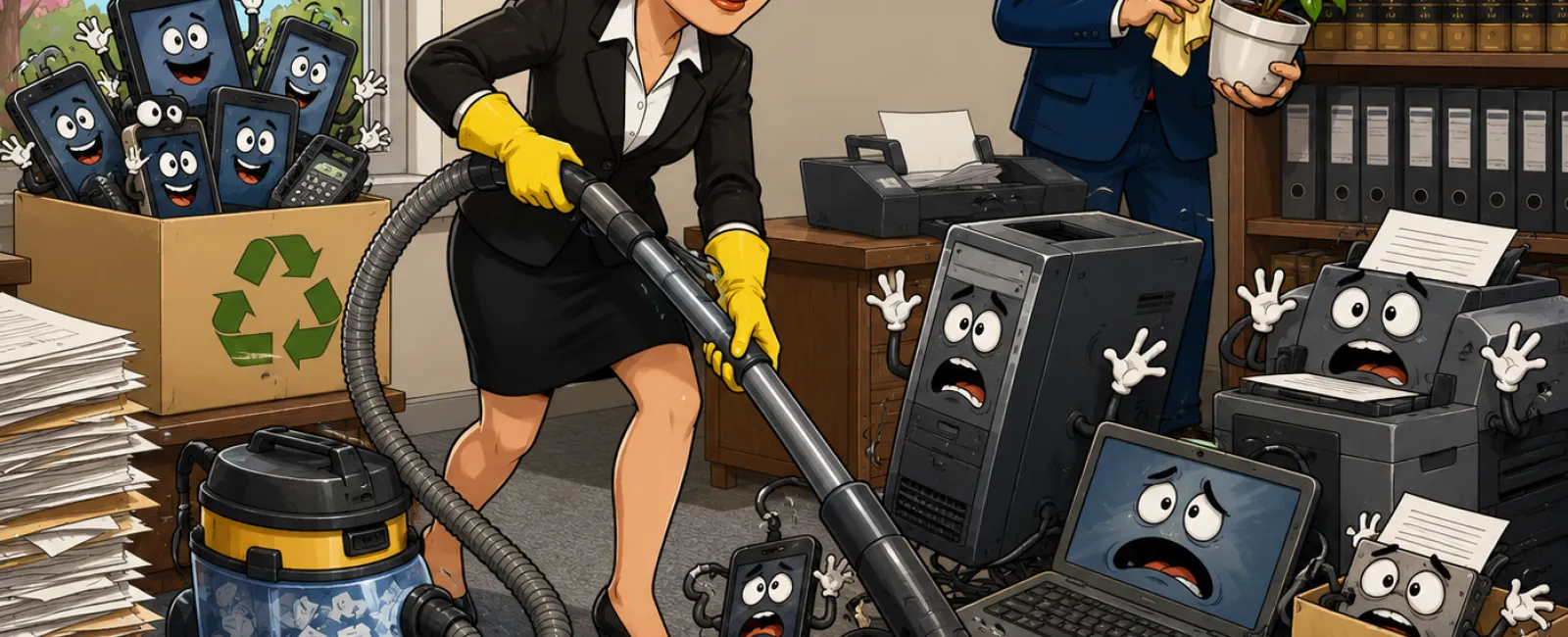
Spring Cleaning Your Law Firm's Technology Isn't Optional
Most law firms think of spring cleaning as an administrative
chore. Old files boxed up. Storage rooms reorganized. Maybe a few outdated
devices set aside "to deal with later." What rarely gets the same attention is
the legal and operational risk tied to retired technology.
Old laptops, phones, printers, backup drives, and servers
don't stop mattering just because they're no longer in daily use. They still
contain access, data, and identifiers tied directly to client confidentiality.
From a compliance standpoint, retired devices aren't neutral. They are either
handled correctly or they become a liability.
Why Technology Retirement Is a Compliance Issue, Not an IT Preference
Most firms plan carefully when they buy technology. They
rarely apply the same discipline when they retire it. Devices get replaced
quietly, stored temporarily, and eventually cleared out when space becomes an
issue. That gap is where risk accumulates.
If a discarded device resurfaces with recoverable client
data, it is no longer an internal IT mistake. It becomes an external problem.
Regulators, opposing counsel, insurers, and clients do not care that the device
was "old." They care that confidential information was exposed.
This is how firms end up answering uncomfortable questions
after the fact instead of closing the loop properly at the start.
Where This Usually Breaks Down
The most common failure point is not servers or network
gear. It's laptops and phones that are retired during upgrades and set aside
without formal processing. A device is factory reset, removed from a desk, and
later donated or recycled without verified erasure or documentation. Months
later, cached email access, saved credentials, or recoverable files are
discovered by someone else.
Studies consistently show that a large percentage of resold
drives still contain sensitive information, even when the seller believed they
had been wiped. Deleting files or performing a quick format does not remove the
data. It only removes the index. Without certified erasure, the information
remains accessible.
A Minimum Acceptable Device Retirement Framework for Law Firms
This is not a best-practice wishlist. This is the minimum
standard that closes risk instead of deferring it.
Step one is inventory. Identify every device being retired,
including laptops, phones, printers, copiers, external drives, servers, and
network equipment. If it stored data or provided access, it counts. You cannot
manage what you have not identified.
Step two is destination. Every device must be intentionally
assigned to one of three paths: reuse, recycle, or destroy. Reuse includes
internal reassignment or donation. Recycling must go through a certified e‑waste
or IT asset disposition provider. Destruction applies when data sensitivity
requires physical or certified digital destruction. Letting devices drift into
storage is not a destination.
Step three is preparation. Before a device leaves your
control, it must be removed from device management systems, user access
revoked, and data wiped using a certified erasure method. A factory reset alone
is not sufficient. Printers and copiers with internal drives must be confirmed
wiped or have drives removed before return or resale. Batteries must be handled
as hazardous waste where applicable.
Step four is documentation. Record the device type, serial
number, disposition method, date, and who handled it. This documentation is
what allows you to answer future questions quickly and confidently instead of
reconstructing events under pressure.
Who Owns This Inside the Firm
This process fails most often because ownership is unclear.
Managing partners should own the policy and accountability. Office managers
typically manage inventory tracking and physical handoff. Your IT provider
should be responsible for certified wiping, disposal coordination, and
documentation. When ownership is assigned, the process actually happens. When
it isn't, devices linger and risk follows.
A Checklist You Can Use Immediately
Use this as your baseline device retirement checklist:
Identify the device and serial number
Confirm data sensitivity level
Remove from device management systems
Revoke all user access
Perform certified data erasure or physical destruction
Select certified reuse, recycling, or destruction provider
Document method, date, and responsible party
Confirm device has left firm custody
If any step is skipped, the process is not complete.
What an External Reviewer Would Ask
If this were examined during a breach investigation,
insurance review, or client audit, the question would be simple: can you show
what happened to the device and how data was protected after it left use?
Documentation answers that question. Assumptions do not.
What You Can Do This Week
Within the next seven days, walk your office or storage area
and list every device that is no longer in active use. Do not evaluate yet.
Just inventory. That single step usually reveals more exposure than firms
expect.
What to Do Next
Reach out right now and have us review how your firm retires
old devices before one of them turns into a data exposure. This is a
straightforward process when it's handled deliberately, and it closes risk you
don't want lingering in the background.


