
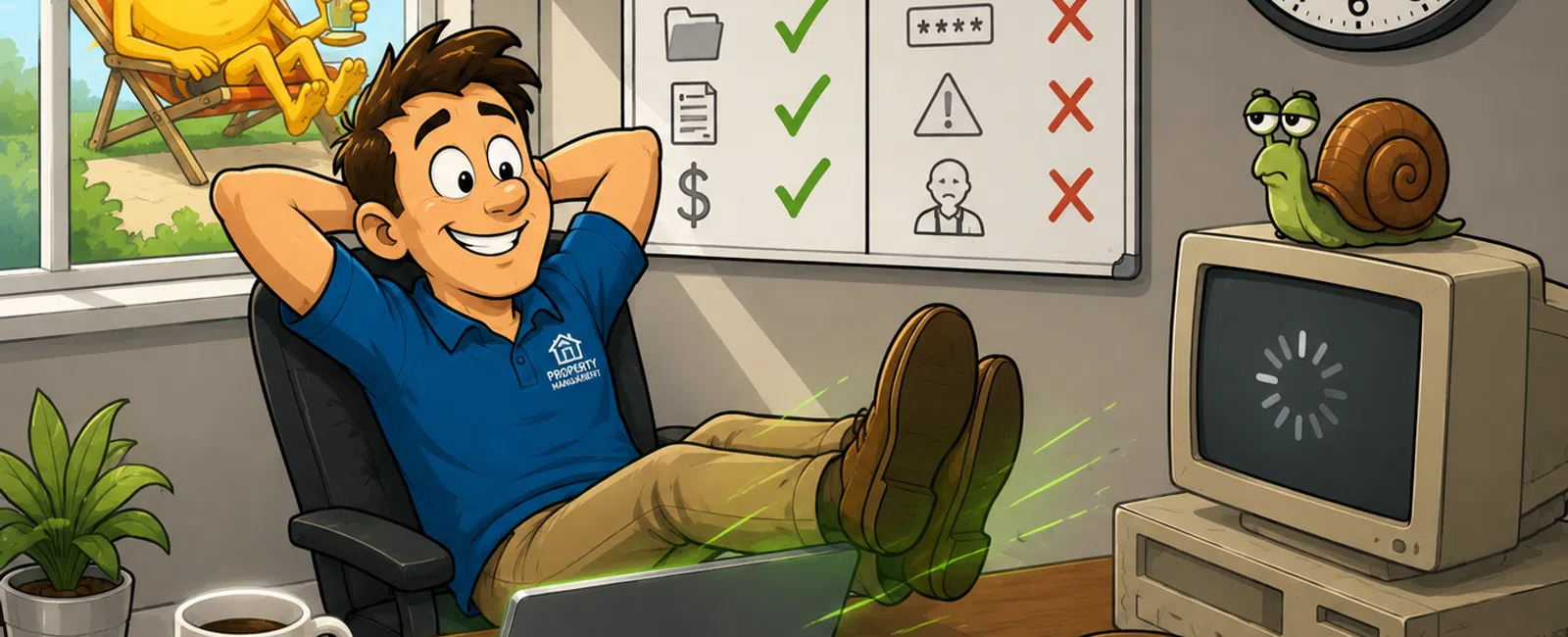
The Longest Day of the Year and You're Still Out of Time
Every June gives you the same promise. More daylight. More hours. A
chance to finally catch up.
But if you're running operations inside a property management company, it
never works that way.
The day still ends the same: behind, interrupted, and wondering why
everything took longer than it should.
That's the uncomfortable truth most teams avoid.
You don't have a time problem.
You have a system friction problem.
Where This Actually Breaks
The 5 Most Common Sources of System
Friction in Property Management
1. Access failures
Multiple logins. MFA issues. Permission errors. People simply can't get into
the tools they need without friction.
2. System performance lag
Yardi, AppFolio, CRM platforms—everything technically works, but slowly enough
to stretch every task.
3. File and document chaos
Leases, owner docs, compliance records, and SOPs are scattered across email,
shared drives, and desktops.
4. Integration failures
Tenant portals, accounting systems, and CRMs fall out of sync, forcing manual
rework.
5. Permission confusion
Staff either have too much access (risk) or not enough (delay). Both disrupt
the workflow.
None of these stop the day.
They slow it down—every hour.
What This Looked Like in a Real Property Management Team
One mid-sized firm with 1,200+ doors and a 9-person operations team came
in with a familiar complaint:
"Everyone is busy, but nothing is moving faster."
Before:
- 45-60 minutes
lost per employee per day
- Repeated login
failures across 4 systems
- Files split
between SharePoint, desktops, and email
- Daily
interruptions across Teams for access and document issues
What was fixed:
- Consolidated
identity into a single login system
- Cleaned up
permissions across core platforms
- Defined a
single source of truth for documents
- Removed
duplicate credentials and legacy access points
After:
- 30+ hours
recovered weekly across the team
- Near
elimination of daily access interruptions
- Faster owner
reporting and fewer escalations
Nothing about their people changed.
The environment did.
Why These Issues Keep Repeating
This is where most firms underestimate the problem.
These aren't random annoyances. They're structural.
Identity sprawl
Multiple logins across systems with no centralized control
Poor permission architecture
Access is assigned ad hoc instead of designed intentionally
Lack of monitoring
Problems are only fixed after they interrupt someone
Legacy system limitations
Older PMS and integrations weren't built for modern workflows
When these exist together, the same issues don't just happen again.
They happen daily.
What This Actually Costs You
Let's make it real:
- 5 employees
- 60 minutes lost
per day
- 5 days per week
= 100 hours lost per month
Now attach a conservative loaded labor cost of $35/hour:
= $3,500/month
= $42,000/year in lost capacity
That's not inefficiency.
That's a hidden operating cost.
The Friction Scorecard
Green
- Systems load
fast
- Access works
consistently
- Files are easy
to locate
Yellow
- Recurring minor
issues
- Workarounds
exist
- Managers
occasionally step in
Red
- Daily login
problems
- Frequent "where
is this?" messages
- Data mismatches
- Leaders
constantly unblocking work
If three or more are red, your operation is unstable.
Pattern Recognition: What It Really Means
If you see this… it usually means this is broken:
- Repeated login
issues → identity fragmentation
- File confusion
→ no defined system of record
- Duplicate data
→ integration failure
- Constant help
requests → permission structure failure
- Leaders
stepping in → no ownership or system clarity
This is the fastest way to diagnose your operation without guessing.
What to Fix First (With Micro-Steps)
1. Access Reliability
Start here:
- List every
system your team logs into
- Identify
duplicate or separate credentials
- Audit MFA
failures and login friction
- Standardize one
identity provider
- Remove outdated
or unused accounts
2. System Performance
- Identify the
slowest system your team uses daily
- Test load times
during peak usage
- Confirm
device/browser compatibility
- Eliminate
outdated hardware bottlenecks
3. File Organization
- Choose a single
system of record
- Move critical
documents into it
- Define naming
and access rules
- Remove
duplicate storage locations
4. Recurring Issue Elimination
- Track repeated
tickets for one week
- Identify root
cause (not symptom)
- Assign
ownership for permanent fix
5. Monitoring and Prevention
- Set alerts for
system failures
- Implement
proactive maintenance
- Ensure issues
are caught before users feel them
Quick Wins (1-2 Week Fixes)
If you need immediate traction:
- Clean up your
shared drive structure
- Reset
permissions on your top 3 systems
- Define where
key documents live
- Remove
duplicate logins for core tools
- Standardize
access levels for each role
These alone can reduce daily friction within days, not months.
The External Test
If an outside auditor or operations investor reviewed your business, they
wouldn't ask how hard your team works.
They would ask:
- Is access
consistent and secure?
- Is there a
clear system of record?
- Are records
trackable and controlled?
- Do systems
support operations—or interrupt them?
Most firms pass "functional."
Very few pass "efficient."
That gap is where your time is going.
Your Next Week Action
Track the top 5 interruptions your team experiences over one week.
For each one, write:
- how often it
happens
- how many people
it affects
- how many
minutes it costs
- whether it's a
system or people issue
By Friday, you'll have a clear map of where your operation is losing
time.
The Real Problem Isn't Time
If the longest day of the year still isn't enough, the issue isn't
effort.
It's how your business is built to run.
Schedule your 10 minute discovery call with 911 IT. This helps you
confirm exactly where your operation is losing time and what to fix first. It's
a fast way to see if these friction points are costing you more than you think.


