
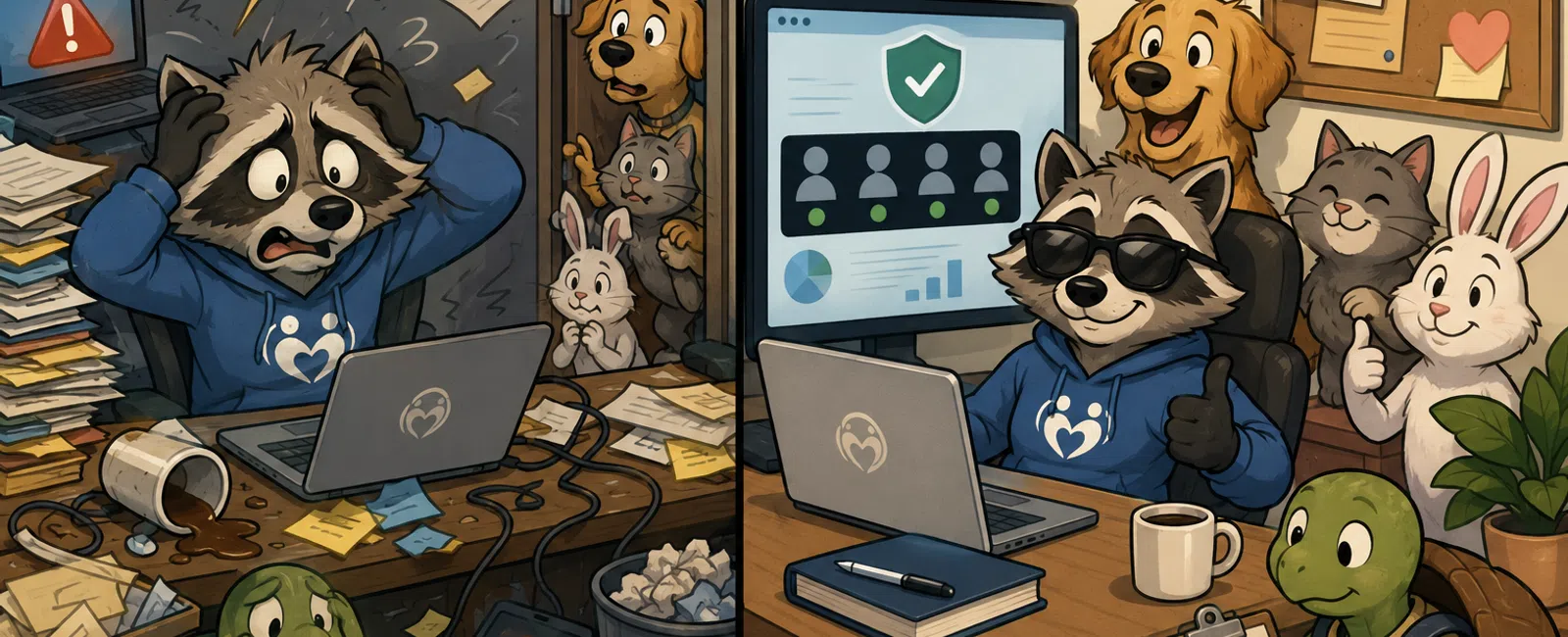
The Risk Nonprofits Don't See—Until It Shows Up in a Board Meeting
If you're running operations at a nonprofit, you already know the
reality.
You are the one expected to keep everything steady—staff, systems, donor
trust, compliance, reporting. And when something technical happens, even if
it's not "your role," it still lands on you.
So you do what most organizations do:
You trust your systems are "set up well enough"
You assume someone would catch an issue
You keep moving
And for a while, that works.
Until the moment comes when leadership asks:
"Can we prove we had control of this?"
That's where most nonprofits realize the real problem isn't tools.
It's ownership.
What This Looked Like in a Real Nonprofit (Before/After)
We've worked with dozens of nonprofits under 100 staff, and this pattern
shows up almost identically.
Here's one example.
Before
No clear owner for Microsoft 365 or file sharing
Alerts existed, but no one checked them consistently
Donor exports lived in shared folders without review
Access had never been formally audited
The Event
A suspicious login from an unfamiliar location
At the same time, a donor export file had been overshared
No one knew:
- Who should
validate the alert
- Whether access
should be revoked
- Whether
leadership needed to be notified
Response was delayed over 24 hours while people "figured it out."
After
We assigned ownership (one person per system)
Defined alert review responsibility (daily)
Documented escalation rules
Locked down sharing and access
Result
Response time dropped from "next day" to under 15 minutes
Leadership had a clear log of actions taken
Board-level confidence increased immediately
Same tools.
Different outcome.
Where This Breaks (Even When You Try)
This is important.
Even when nonprofits try to fix this, here's where it usually fails:
Ownership is assigned—but not enforced
Alerts are enabled—but not actually reviewed
Access is documented once—but never revisited
Policies exist—but staff still guess in real situations
That's why this persists.
Because it's not a setup problem.
It's a consistency problem.
What Happens When You Don't Have This (48-Hour Failure Timeline)
This is what we see over and over:
Hour 0
Suspicious login alert hits inbox
Hour 3
No one has reviewed it yet
Hour 8
Someone notices, unsure if it matters
Hour 16
Internal messages: "Does anyone own this?"
Hour 24
Leadership becomes aware
Hour 36
Investigation begins—reactive, unclear
Hour 48
Board or executive leadership asks for explanation
At this point, the issue is no longer technical.
It's credibility.
What Good Response Actually Looks Like (Real Sequence)
This is what changes when ownership exists:
9:12am: Suspicious login alert appears
9:20am: Assigned owner checks IP/device mismatch
9:25am: Account forced sign-out + password reset
9:40am: Activity review (files, sharing, access)
10:15am: Internal log + leadership brief
No confusion.
No delay.
No guessing.
Set Ownership in 3 Steps (No IT
Required)
You can fix most of this in under 30 minutes.
Step 1: List Your Systems
At minimum:
- Email
(Microsoft 365)
- File sharing
(SharePoint / OneDrive)
- Donor platform
These are core nonprofit systems tied to data, communication, and trust.
Step 2: Assign One Name Per System
Not a team.
A person.
Example:
- Email →
Operations
- File sharing →
Program lead
- Donor platform
→ Development
Step 3: Define 3 Responsibilities Per
Owner
Each owner is responsible for:
- Monthly access
review
- Daily alert
check
- Immediate
incident decision
That's your control layer.
When to Act vs When to Monitor
This is where most teams hesitate.
Use this baseline:
Lock Access Immediately If:
- Login from
impossible location (same-day distant geography)
- Multiple failed
attempts followed by success
- Admin-level
activity you can't explain
Investigate Same-Day If:
- New device
login + unusual file access
- Unexpected
file-sharing activity (external links, downloads)
- Export activity
from donor systems
Monitor If:
- Known device,
known user, explainable behavior
- Routine login
pattern
No guessing.
You now have thresholds.
What to Lock Down in Microsoft 365 (Baseline)
Most nonprofits already have access to these controls—but they're not
always configured.
At minimum:
- Disable
anonymous sharing links
- Require MFA for
all users
- Restrict file
export permissions
- Enable audit
logging
- Assign
read-only security visibility roles
Nonprofits rely heavily on Microsoft 365 for daily operations, making
these controls foundational—not optional.
The "Clear Enough to Defend" Decision Tool
Use this as your working artifact.
System:
Owner:
Last Reviewed:
Where Documented:
- Access reviewed
monthly
- Status: Yes /
No
- Risk if
missing: High
- Alerts checked
daily
- Status: Yes /
No
- Risk: High
- MFA enforced
- Status: Yes /
No
- Risk: High
- Sharing
permissions restricted
- Status: Yes /
No
- Risk: Medium
- Activity
logging enabled
- Status: Yes /
No
- Risk: High
- Incident steps
defined
- Status: Yes /
No
- Risk: High
If any "High" item is No, you already have exposure.
What "Documented" Actually Means
This is where most teams are vague.
Here's the simple version:
Where it lives:
- SharePoint
- Internal SOP
doc
- Operations
folder
What gets recorded:
- Date of review
- Who performed
it
- What was
checked
- What actions
were taken
Nothing complex.
Just proof.
What Leadership Will Ask When This Happens
When something surfaces, boards don't ask technical questions.
They ask:
Who approved access?
When was it last reviewed?
Who saw the alert?
What actions were taken—and when?
Nonprofits are expected to show evidence of security and governance, not
just intent, especially when handling donor and client data.
That's the real standard.
How Far Is Far Enough?
You don't need perfection.
You need:
- Named owners
- Defined
response behavior
- Evidence you
followed it
That's what separates "risk" from "controlled risk."
What to Do Next Week
Pick one system.
Email or file sharing.
Then answer:
Who owns it?
Who checks alerts daily?
What triggers a lock vs investigation?
Where is this documented?
What's the first action if something looks wrong?
Write it down.
That one exercise will show you exactly where you stand.
The Hard Truth
This doesn't fail because nonprofits don't care.
It fails because the responsibility is invisible.
And invisible responsibility always becomes inconsistent execution.
You don't need more tools.
You need clarity that holds under pressure.
Schedule your 10 minute discovery call. We'll walk through one system and
show exactly where ownership breaks and where it holds. If you're already
covered, you'll leave with proof—and if not, you'll know the one thing to fix
first.


