
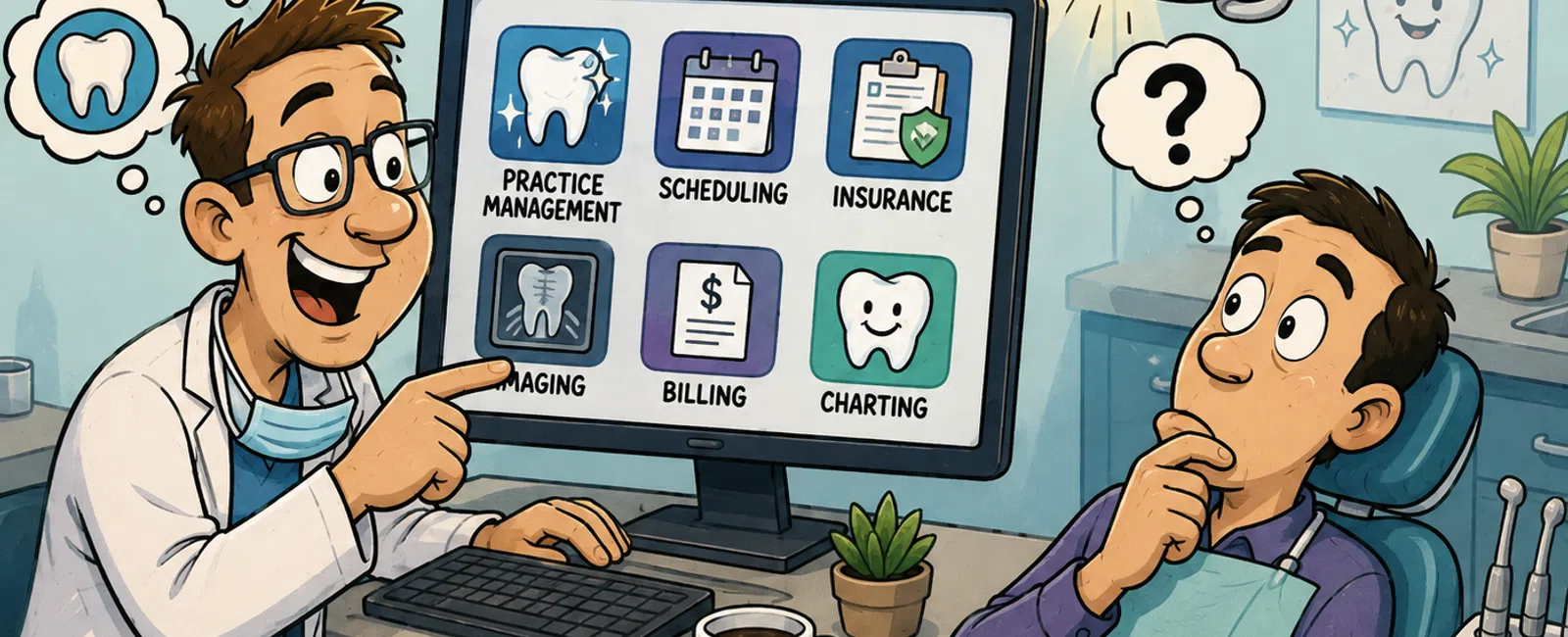
Most dentists use practice management software like Dentrix (approximately 35% market share), Eaglesoft (20%), or Open Dental (15%) to handle scheduling, billing, and patient records. These systems integrate with digital imaging platforms such as Dexis or Carestream for radiographs, and many practices add patient communication tools like Weave or Solutionreach to streamline appointment reminders and reviews.
What Are the Core Software Categories Every Dental Practice Needs?
Dental practices rely on three essential software categories to operate efficiently. Practice management systems handle the business side: scheduling, billing, insurance claims, and patient demographics. These platforms serve as the operational backbone of your practice.
Digital imaging software manages radiographs, intraoral photos, and diagnostic images. Systems like Dexis, Carestream, and Schick integrate with sensors and cameras to capture, store, and retrieve patient images. Most modern imaging platforms include measurement tools and comparison features that help with treatment planning.
Patient communication platforms automate appointment reminders, recall notices, and review requests. Tools like Weave, Solutionreach, and Lighthouse 360 reduce no-shows and keep your schedule full. These systems integrate with your practice management software to pull appointment data automatically.
Sarah, a Salt Lake City dental practice owner, experienced this integration firsthand when she called 911 IT after multiple techs failed to resolve persistent phone line issues. "Adam came out within a few hours and FIXED our phones immediately! He took the time to LOOK what was wrong instead of just glancing at the issues and bidding us out at thousands of dollars," she reported, saving her practice thousands while restoring critical patient communication capabilities.
Your software ecosystem must work together seamlessly to protect patient data and maintain HIPAA compliance across all platforms.
Which Practice Management Systems Lead the Dental Market?
Dentrix dominates the dental practice management market with approximately 35% market share, making it the most widely adopted system in North America. Owned by Henry Schein, Dentrix offers comprehensive scheduling, charting, billing, and reporting features with extensive third-party integrations.
Eaglesoft holds roughly 20% of the market and is known for its intuitive interface and strong imaging integration. Patterson Dental owns Eaglesoft, which appeals to practices that prioritize ease of use and visual treatment presentation tools.
Open Dental captures about 15% market share as the leading open-source option. Its lower cost structure and customization flexibility attract budget-conscious practices and those with specific workflow requirements. The platform requires more technical expertise but offers significant cost savings over proprietary systems.
Curve Dental and Carestack represent the cloud-based category, gaining traction among practices that want remote access and automatic updates without server maintenance. These systems charge monthly per-provider fees rather than large upfront licensing costs.
Practice management software typically costs $300 - $800 per month for small to mid-sized dental practices, depending on the number of providers and modules.
The right choice depends on your practice size, budget, and whether you prefer cloud-based or server-based architecture.
How Do Dental Imaging Systems Integrate With Practice Management Software?
Digital imaging systems connect to practice management platforms through standardized protocols and proprietary bridges. Most modern integrations use TWAIN drivers or manufacturer-specific plugins that allow images to attach directly to patient charts with a single click.
Dexis imaging software integrates seamlessly with Dentrix, Eaglesoft, and most major practice management systems. When a hygienist captures a radiograph, the image automatically appears in the patient's chart under the correct date and tooth number, eliminating manual file management.
Carestream Dental and Schick offer similar integration capabilities, with some systems providing advanced features like automatic image enhancement and diagnostic measurement tools. These platforms store images in DICOM format, the healthcare standard for medical imaging.
Integration quality matters significantly for workflow efficiency. Poor integration forces staff to manually export, rename, and import image files - a time-consuming process that increases the risk of attaching images to wrong patient records, creating both operational headaches and potential HIPAA violations.
Network configuration and security protocols must support these integrations while protecting electronic protected health information (ePHI). Healthcare IT support specialists ensure imaging workstations, servers, and practice management systems communicate securely without exposing patient data to unauthorized access.
Proper integration eliminates duplicate data entry and keeps your clinical workflow moving efficiently.
What Communication and Patient Engagement Tools Do Dental Practices Use?
Patient communication platforms have become essential for reducing no-shows and improving patient retention. Weave leads this category by combining appointment reminders, two-way texting, online scheduling, and reputation management in a single platform that integrates with major practice management systems.
Solutionreach offers similar functionality with strong emphasis on automated recall campaigns and patient education content. The system sends targeted messages based on treatment history, helping practices fill schedule gaps with hygiene appointments and treatment follow-ups.
Lighthouse 360 focuses on reputation management and online reviews alongside appointment reminders. Practices using these tools report 20-30% reductions in no-show rates and significant increases in online review volume, which directly impacts new patient acquisition.
VoIP phone systems like those offered through managed VoIP services integrate with patient communication platforms to display caller information from your practice management system automatically. This integration allows front desk staff to greet patients by name and see appointment details before answering.
Amy, who runs a healthcare practice in Salt Lake City, found that having dedicated IT support transformed her communication infrastructure: "Having a dedicated IT team, not a tech person that does it 'on the side' has saved me time and money. Since outsourcing our IT to 911, the 911 team has setup our new location and everything was running great before we opened our doors."
These communication tools only deliver value when properly configured and integrated with your existing systems.
What Security and Compliance Considerations Affect Dental Software Choices?
HIPAA compliance governs every software decision in dental practices. Any system that stores, transmits, or processes patient health information must meet HIPAA Security Rule requirements, including encryption, access controls, and audit logging capabilities.
Business Associate Agreements (BAAs) are mandatory for every software vendor that handles ePHI. Your practice management system vendor, imaging software provider, patient communication platform, and even your cloud backup service must sign BAAs acknowledging their compliance responsibilities.
Encryption requirements apply both to data at rest (stored on servers or workstations) and data in transit (moving across networks or to the cloud). Cloud-based dental software must use TLS 1.2 or higher for all data transmission, and stored data should use AES-256 encryption standards.
Access controls limit which staff members can view or modify patient records. Role-based permissions ensure front desk staff can schedule appointments but cannot access clinical notes, while dentists and hygienists have full chart access. Audit logs track every user action, creating accountability and supporting breach investigation if unauthorized access occurs.
Utah dental practices must also comply with Utah's Health Data Authority requirements, which add state-specific reporting obligations for certain data breaches. Practices serving patients across state lines - common in the Salt Lake City area with patients from Wyoming and Idaho - must understand multi-state compliance requirements.
Cybersecurity services specifically designed for healthcare providers address these complex requirements while protecting against ransomware attacks that have increasingly targeted dental practices in recent years.
Compliance isn't optional - it's a legal requirement that protects both your patients and your practice.
How Should Dental Practices Approach Software Selection and Implementation?
Software selection begins with identifying your practice's specific needs rather than chasing the most popular option. A solo practitioner has different requirements than a multi-location group practice, and a pediatric specialist needs different charting tools than a general dentist.
Create a requirements list that includes must-have features, integration needs, and budget constraints. Evaluate whether cloud-based or server-based architecture fits your practice better. Cloud systems eliminate server maintenance but require reliable internet connectivity, while server-based systems offer more control but demand ongoing IT management.
Request demonstrations from at least three vendors and involve staff members who will use the systems daily. Front desk staff should evaluate scheduling interfaces, hygienists should test charting workflows, and dentists should assess treatment planning tools. Software that looks impressive in a sales demo often reveals usability issues during daily clinical work.
- Assess your current workflow: Document existing processes, pain points, and staff feedback before evaluating new systems.
- Define your budget: Include software licensing, hardware upgrades, training costs, and ongoing support in your total cost calculation.
- Verify integration capabilities: Confirm that your chosen practice management system works with your imaging software, patient communication tools, and payment processors.
- Plan data migration: Schedule sufficient time for transferring patient records, verifying data accuracy, and testing system functionality before go-live.
- Arrange comprehensive training: Ensure every staff member receives role-specific training and has access to ongoing support resources.
- Schedule a phased rollout: Consider implementing new software during slower periods to minimize disruption to patient care.
Partner with IT professionals who understand dental practice workflows and compliance requirements. Managed IT services designed for healthcare practices handle the technical complexity while you focus on patient care. This approach proved valuable for Ying, a healthcare practice owner who noted: "What really sets them apart is their proactive approach. They don't just fix problems; they prevent them, which gives us real confidence in our IT operations."
The right software, properly implemented and supported, becomes invisible - it simply works.
Frequently Asked Questions
What is the most popular dental practice management software?
Dentrix is the most popular dental practice management software, holding approximately 35% market share in North America. Eaglesoft follows with roughly 20% market share, and Open Dental captures about 15%. These three platforms dominate the dental software market, with dozens of smaller competitors serving niche segments and specific practice types.
Do dental practices need separate software for imaging and practice management?
Most dental practices use separate but integrated software for imaging and practice management. Practice management systems handle scheduling, billing, and patient demographics, while imaging software manages radiographs and diagnostic photos. These systems integrate so images automatically attach to patient charts, but they typically come from different vendors with specialized expertise in each area.
How much does dental practice management software cost?
Dental practice management software typically costs $300 - $800 per month for small to mid-sized practices, depending on the number of providers and features. Server-based systems like Dentrix and Eaglesoft often require larger upfront licensing fees plus annual support contracts, while cloud-based options like Curve Dental use monthly subscription pricing with lower initial costs but ongoing fees.
What HIPAA requirements apply to dental software?
Dental software must encrypt patient data both at rest and in transit, implement role-based access controls, maintain audit logs of all user activity, and support automatic session timeouts. Vendors must sign Business Associate Agreements acknowledging HIPAA compliance responsibilities. Practices must conduct risk assessments, train staff on security protocols, and maintain documentation of all compliance efforts and security incidents.
Can dental practices use cloud-based software while maintaining HIPAA compliance?
Yes, dental practices can use cloud-based software while maintaining HIPAA compliance if the vendor provides appropriate security controls and signs a Business Associate Agreement. Cloud providers must encrypt data, implement strong access controls, maintain audit logs, and meet HIPAA Security Rule requirements. Many modern cloud dental platforms are specifically designed for HIPAA compliance and may offer better security than on-premise servers.


