
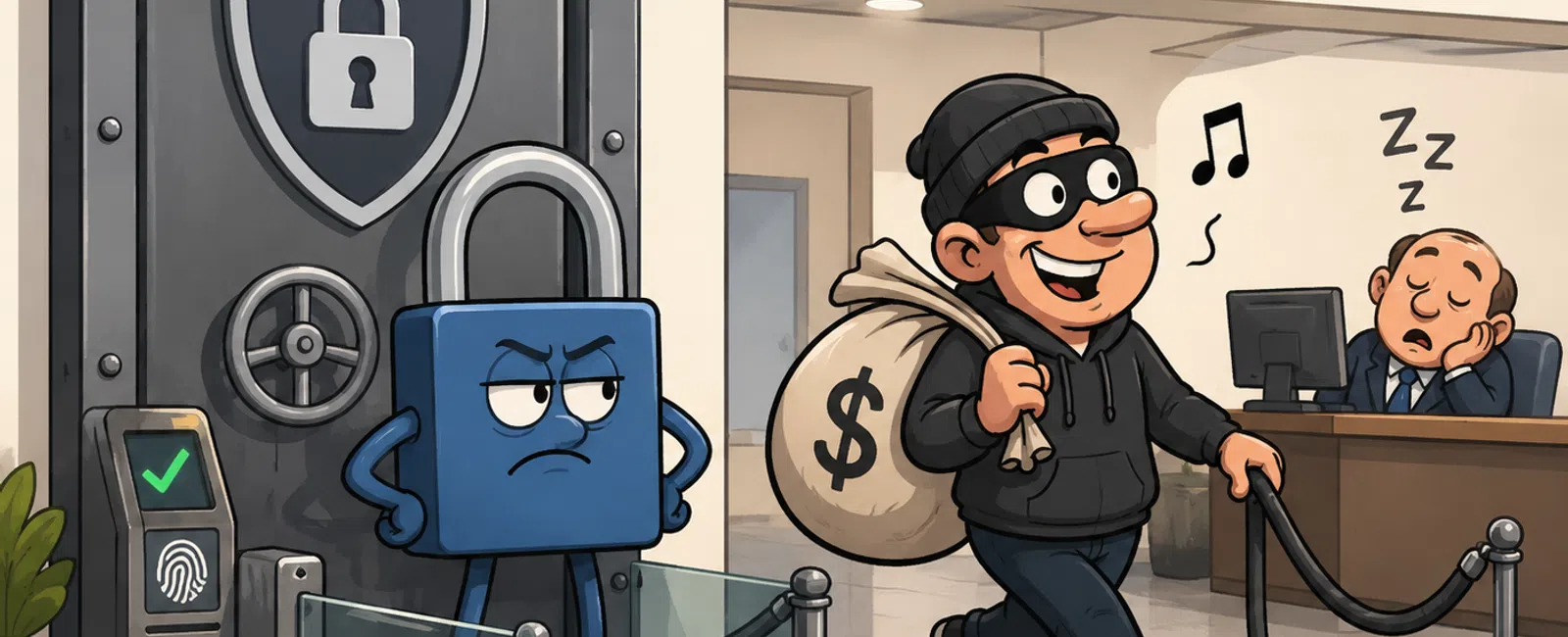
Your Password System Is Not Broken. It Is Just Not Enforced.
Most teams do not get into trouble because they ignored security.
They get into trouble because they assumed security was already working.
MFA looks enabled. Password policies exist. Access is "managed." On
paper, everything appears fine.
Then an auditor asks for proof. Or a login shows up from the wrong place.
Or a former employee still has access to a shared vendor account no one
remembered to rotate.
That is the real issue. Most businesses are not dealing with a missing
security program. They are dealing with a security program that depends too
heavily on people doing the right thing every time.
That is not a control model. That is trust.
The Real Threat Is Not Weak Passwords
It is password reuse, inconsistent MFA, and access that is broader than
anyone wants to admit.
A reused password is dangerous because it rarely lives in one place. It
follows the user from email to CRM to finance tools to vendor portals to older
systems no one has reviewed in years.
That is why a strong password can still become a weak point.
If the same credential opens multiple doors, one external exposure can
become an internal problem fast.
The issue is not whether your team understands security. The issue is
whether your environment is built to protect the business when normal human
behavior shows up.
Because it will.
What Auditors Actually Ask You to Prove
Auditors rarely care how confident your team feels.
They care what you can show.
In a real review, you will usually be asked to produce things like:
- MFA enforcement
evidence
- Access control
policies by role
- Offboarding
records
- System
ownership documentation
- Shared account
handling procedures
- Proof that
privileged accounts are treated differently from standard users
That is the moment where vague security language falls apart.
"Most people use MFA" is not evidence.
"We require stronger controls for admin, finance, and customer-data
systems, and we can show that enforcement" is evidence.
How This Gets Enforced in Real Environments
This is where the difference shows up between awareness content and
operational reality.
MFA Is Enforced Through an Identity
Provider
In mature environments, users are not deciding whether MFA matters.
A central identity system enforces it.
That usually means business systems are tied into a platform such as
Microsoft 365, Google Workspace, Entra, or Okta so authentication rules can be
applied consistently across email, CRM, file systems, remote access, and
line-of-business tools.
The goal is simple:
- one identity
- one set of
rules
- no system-level
exceptions hiding in the background
If one critical platform still allows weaker sign-in behavior than the
rest, that is where the control model starts to split.
High-Risk Roles Get Stricter Access Rules
Not everyone should be protected the same way.
A front-desk employee and a global admin should not pass through the
exact same authentication flow.
In real environments, stricter rules are applied to:
- admin accounts
- finance and
banking access
- CRM
administrators
- executive
support roles
- anyone who can
reset access, approve payments, or see regulated customer data
This is where conditional access matters.
It allows the business to require stronger authentication for higher-risk
roles without adding unnecessary friction everywhere else.
That is what control looks like in practice. Same environment. Different
rules based on risk.
Passwords Are Centrally Managed, Not Casually Stored
If your team still relies on memory, browser storage, or shared
spreadsheets, the system is not really under control.
In working environments, passwords are handled through a centralized tool
such as Bitwarden or 1Password. That changes behavior in very practical ways:
- credentials are
stored in one managed location
- access is
assigned by role
- shared access
is visible
- removal is
controlled centrally
- no one has to
text a password to someone else to keep work moving
That is the difference between password convenience and password
governance.
What a Controlled Environment Looks Like
Here is the simplest before-and-after snapshot.
Weak State
- MFA is enabled
inconsistently
- High-risk users
follow the same rules as everyone else
- Passwords are
reused or stored casually
- Shared logins
exist with unclear ownership
- Offboarding
depends on memory and follow-up
- No one can
quickly show who owns what
Controlled State
- MFA is enforced
by role
- High-risk
access requires stronger authentication
- Passwords are
centrally managed
- Shared access
is documented and limited
- Offboarding is
immediate and verified
- Ownership
exists for every critical system
That shift is what makes an environment defensible.
Not more policy. More control.
A 30-Minute Password and Access Review
If you want a repeatable framework, use this.
Step 1: Review Only High-Impact Access
Start with:
- admin accounts
- email
- finance systems
- CRM
- vendor portals
- shared
credentials
Do not try to review everything. Start where one mistake actually
matters.
Step 2: Check Enforcement, Not Just
Settings
For each system, ask:
- Is MFA enforced
or merely available
- Is the
authentication method appropriate for the risk
- Are privileged
accounts treated differently
- Are there any
exceptions still in place
This is where weak spots usually appear.
Step 3: Check Credential Behavior
Ask:
- Where are
passwords stored
- Are any shared
informally
- Who owns shared
accounts
- Can access be
removed quickly from one place
If the answer depends on asking around, the system is not controlled.
Step 4: Test Offboarding Reality
Pick one recently departed employee and confirm:
- all access was
removed
- shared
credentials were rotated if needed
- ownership was
reassigned
- no vendor or
legacy access remained behind
This is one of the fastest ways to see whether your controls are real.
Score Your Risk, Then Decide What Happens Next
Give yourself one point for each statement that is fully true.
- All admin
accounts have enforced MFA
- High-risk roles
use stronger authentication than standard users
- Email access is
centrally controlled
- Finance systems
require layered authentication
- CRM access is
role-based and restricted
- Shared
credentials are controlled and documented
- Passwords are
centrally managed
- Offboarding is
complete and verified
- Every critical
system has a clear owner
- Your team can
prove all of this quickly
If Your Score Is 0 to 5
Do these this week:
- enforce MFA for
all privileged accounts
- replace
SMS-based MFA for high-risk roles with authenticator apps or device-based
prompts
- eliminate or
control shared credentials
- identify owners
for critical systems
If Your Score Is 6 to 8
Do these next:
- tighten access
rules for finance, CRM, and admin roles
- review any
remaining weak authentication methods
- test
offboarding on one recent employee
- document
evidence for audit review
If Your Score Is 9 or 10
Do not coast.
Validate enforcement quarterly.
Strong environments stay strong because someone keeps checking whether
the controls still match reality.
Where This Breaks in Real Life
One financial team had what looked like a solid setup.
MFA was on. Policies existed. Systems were modern enough.
But one employee reused a password tied to an outside service. That same
credential still worked on a vendor login connected to internal systems.
Nothing looked malicious at first because the access was valid.
That is what made it dangerous.
There was no loud alarm. No ransomware screen. Just ordinary access
happening in the wrong place.
That is how a lot of incidents unfold now.
Not as dramatic technical failures.
As normal-looking activity the business was never meant to trust.
Here is another common failure pattern.
A shared third-party account gets passed between multiple employees
because it is "easier." One person leaves. No one changes the login. Months
later, activity still appears under the same generic account.
Now there is no attribution, no real accountability, and delayed
detection because everything blends together.
That is not just a password problem.
That is an operations problem.
What to Fix Next Week
If you want a short action order, use this:
- Enforce MFA for
admin, finance, and CRM roles
- Replace
SMS-based MFA for high-risk roles with authenticator apps or device-based
prompts
- Move shared
credentials into a managed system or eliminate them
- Assign an owner
to every critical system
- Test one
offboarding case from the last 60 days
That is enough to reveal whether your environment is actually being
enforced or just assumed secure.
The Part Most Teams Delay Too Long
Most breaches do not happen because everything is broken.
They happen because one weak control stayed invisible longer than it
should have.
One exception. One reused login. One forgotten vendor account. One
offboarding miss.
That is usually all it takes.
Schedule your 10 minute discovery call. In that conversation, you will
quickly confirm whether password reuse, weak MFA, or access ownership is still
creating risk in your environment. 911 IT can help you identify the exact gap
without turning this into a larger project than it needs to be.


