
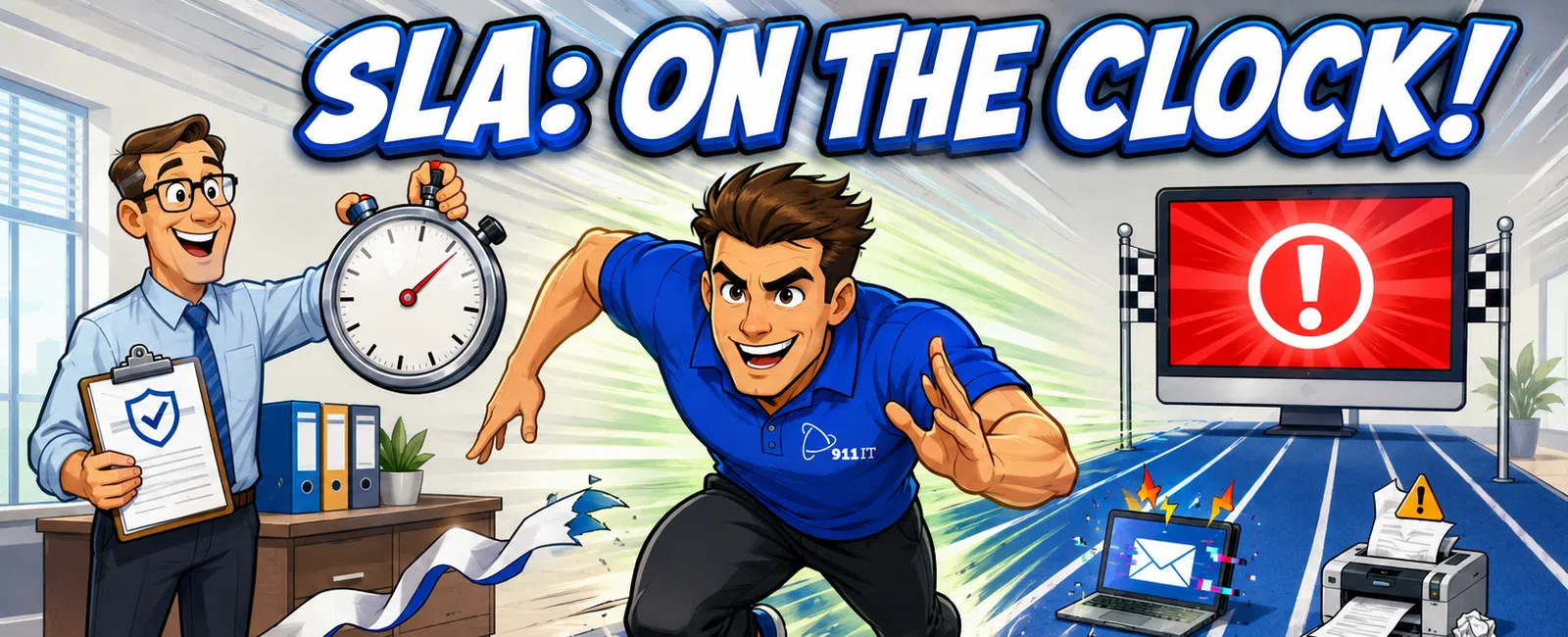
An IT Service Level Agreement (SLA) is a formal contract defining the response and resolution times your managed IT provider commits to when you report an issue. For CPA firms, typical SLAs guarantee initial response times ranging from 15 minutes for critical outages to 4 hours for low-priority requests, with resolution timeframes varying by severity and complexity.
What exactly does an IT SLA cover for accounting firms?
An IT SLA establishes measurable commitments between your CPA firm and your IT provider. It defines response times, resolution targets, availability guarantees, and the support channels available to your team.
The agreement categorizes issues by priority level. Critical issues - like your tax software crashing during busy season or your client portal going offline - receive the fastest response. Medium-priority issues might include email problems affecting one user or printer malfunctions. Low-priority requests cover password resets or software training questions.
For Salt Lake City CPA firms handling sensitive client data under IRS Publication 4557 guidelines, SLAs should also specify security incident response protocols. Your provider should commit to immediate notification if they detect a potential data breach or ransomware attempt targeting your engagement files or taxpayer data.
The SLA documents which services are covered during business hours versus after-hours. Many accounting firms need 24/7 coverage during tax season when partners and staff work extended hours to meet filing deadlines.
Alex, an accounting professional working with 911 IT, noted the value of having "an entire IT department at my fingertips, without the hefty salary of a full-time IT person who would require paid vacation." The firm previously relied on an independent contractor whose response times stretched to "hours or days," but now receives prompt support that has "improved our IT systems" significantly.
A strong SLA protects your firm by creating accountability and setting clear expectations for technology support.
What response times should CPA firms expect for critical issues?
Critical issues demand immediate attention because they directly impact your ability to serve clients or meet regulatory deadlines. These include complete network outages, tax software failures, e-file system crashes, or security breaches.
Industry-standard critical response times range from 15 minutes to 1 hour, with many providers targeting initial contact within 30 minutes.
Response time measures how quickly your IT provider acknowledges your ticket and begins working on it - not how long until the problem is fully resolved. For a complete network outage during tax season, you should expect a technician to contact you within 15-30 minutes and begin troubleshooting immediately.
Resolution time varies by complexity. A server reboot might take 30 minutes, while recovering from a failed backup could take several hours. Your SLA should specify resolution targets, often expressed as "best effort" for complex issues or specific timeframes for common problems.
Salt Lake City firms benefit from providers offering 24/7 monitoring that detects issues before you notice them. Proactive monitoring can identify failing hard drives, unusual network traffic indicating a cyberattack, or backup failures - often resolving problems before they impact your workday.
For CPA firms, critical response speed directly correlates to revenue protection and client satisfaction during your busiest periods.
How do response times differ by priority level?
Most IT SLAs use a three- or four-tier priority system that balances urgency against available resources. Understanding these tiers helps you communicate issues effectively and set realistic expectations with your team.
- Priority 1 (Critical): Complete system outages, security breaches, or issues preventing multiple users from working. Response time: 15-30 minutes. These issues receive immediate escalation to senior technicians.
- Priority 2 (High): Problems affecting multiple users but with workarounds available, such as email server slowness or one office location losing internet connectivity. Response time: 1-2 hours. Technicians address these promptly but may coordinate scheduled fixes if workarounds exist.
- Priority 3 (Medium): Single-user issues like workstation problems, software glitches, or printer malfunctions that don't block critical work. Response time: 4 hours to same business day. These are queued and handled in order unless they escalate.
- Priority 4 (Low): Requests for new features, training, password resets, or general questions. Response time: 24-48 hours or next business day. These are scheduled around higher-priority work.
During tax season - January through April 15 for most calendar-year filers - some providers offer enhanced SLAs that treat more issues as high-priority. A printer failure that would normally be Priority 3 might escalate to Priority 2 when you're printing hundreds of tax returns for client signatures.
Utah CPA firms should clarify how their provider handles multi-state compliance issues, especially when serving Wyoming clients (no state income tax) or Arizona clients (different filing deadlines and requirements).
Clear priority definitions prevent frustration and ensure your most urgent needs receive appropriate attention.
What support channels should your SLA include?
The methods you use to contact IT support significantly impact your actual response experience. Your SLA should specify multiple channels with clear guidance on which to use for different situations.
Phone support remains essential for urgent issues. When your tax software freezes with a client waiting, you need to speak with a technician immediately, not submit a ticket and wait for email. Look for providers offering direct phone lines with live answering - not endless phone trees or voicemail systems.
Rhonda from a construction firm captured this perfectly: "I never panic anymore when something isn't working right, I just call anyone on the team, and they pleasantly take over, and the problem is gone." That immediate availability eliminates the anxiety of technology failures.
Email and ticketing systems work well for non-urgent requests and create documentation trails. When you need a new user account created or want to schedule a software upgrade, email provides a written record and allows you to include screenshots or detailed descriptions.
Client portals give you 24/7 access to submit tickets, check status, and review your support history. For CPA firms, portals should offer secure file sharing for sending logs or configuration details without exposing sensitive client data.
Remote access tools enable technicians to control your screen and fix issues without traveling to your office. This dramatically reduces resolution time for software problems, configuration issues, or user training. Ensure your SLA specifies that remote access requires your explicit permission and uses encrypted, audited connections.
After-hours emergency lines are critical during tax season when staff work evenings and weekends. Your SLA should clarify whether 24/7 support means live technicians or on-call escalation, and whether after-hours support incurs additional fees.
For CPA firms requiring specialized IT support, having multiple contact methods ensures you can reach help regardless of the situation.
What should CPA firms look for beyond basic response times?
Response time represents just one component of effective IT support. Salt Lake City accounting firms should evaluate several additional SLA elements that directly impact your practice operations.
Uptime guarantees specify the percentage of time your systems will be available. Industry-standard SLAs promise 99.9% uptime, which allows approximately 8.7 hours of downtime per year. For CPA firms, that downtime should never occur during tax season. Ask whether your provider offers enhanced uptime commitments during your busy season.
Proactive maintenance windows define when your provider performs updates, patches, and system maintenance. These should be scheduled during your off-hours - evenings or weekends - and communicated in advance. During tax season, many firms request that all non-emergency maintenance be postponed until after April 15.
Security incident response protocols matter tremendously for firms handling taxpayer data. Your SLA should specify how quickly your provider will respond to suspected breaches, what forensic analysis they'll perform, and how they'll help you meet Utah's data breach notification requirements under Utah Code § 13-44.
Backup and recovery commitments define your Recovery Time Objective (RTO) and Recovery Point Objective (RPO). RTO specifies how quickly your systems will be restored after a disaster - typically 4-24 hours. RPO defines how much data you might lose - usually no more than 24 hours' worth. For engagement files and workpapers, even one day of lost work represents significant cost.
Escalation procedures outline what happens if initial response times aren't met or issues remain unresolved. Your SLA should name specific escalation contacts and define automatic escalation triggers, such as any ticket open longer than 4 hours without progress updates.
Performance reporting provides transparency into whether your provider is meeting their commitments. Monthly or quarterly reports should show average response times by priority, resolution rates, and uptime percentages. This data helps you evaluate whether you're receiving the service level you're paying for.
Firms seeking comprehensive managed IT services benefit from providers who view SLAs as minimum commitments rather than aspirational goals.
A complete SLA protects your firm's productivity, client relationships, and regulatory compliance throughout the year.
How do Utah CPA firms balance cost with SLA guarantees?
Faster response times and more comprehensive coverage increase IT support costs. Salt Lake City accounting firms must balance their budget constraints against the very real costs of technology downtime during critical periods.
Calculate your downtime cost by estimating hourly revenue per employee. If your five-person firm bills an average of $200 per hour per professional, a four-hour outage costs approximately $4,000 in lost billable time - not counting the client frustration and deadline pressure created by delays.
During tax season, when realization rates peak and every hour counts toward meeting filing deadlines, that cost multiplies. A full-day outage in early April could cost a small firm $10,000-$15,000 in lost revenue and require expensive weekend overtime to catch up.
Many providers offer tiered SLA options. A basic plan might include business-hours support with 2-hour response times, while premium plans provide 24/7 coverage with 30-minute response guarantees. For CPA firms, a hybrid approach often makes sense: standard SLAs during most of the year with enhanced coverage from January through April.
Flat-rate pricing models with transparent SLAs help you budget accurately. You know exactly what you'll pay monthly and what service levels you'll receive, eliminating surprise bills during your busiest season when you can least afford budget disruptions.
When evaluating costs, consider the alternative. Hiring a full-time IT person in Salt Lake City costs $60,000-$80,000 annually plus benefits, and that person can't provide 24/7 coverage or the specialized expertise needed for tax software, cloud hosting, or cybersecurity. As Alex noted, working with a managed provider delivers "an entire IT department at my fingertips" without those fixed costs.
Utah's competitive IT services market offers CPA firms strong options for local IT support in Salt Lake City with transparent pricing and solid SLA commitments.
The right SLA investment protects your revenue, reputation, and peace of mind when technology issues arise.
Frequently asked questions
What happens if my IT provider misses their SLA commitments?
Most SLAs include service credits or fee reductions when providers fail to meet response time guarantees. The agreement should specify the credit amount - often a percentage of your monthly fee - and the process for claiming it. Review your monthly performance reports to identify SLA violations and request applicable credits. Repeated failures may justify contract termination without penalty.
Do SLAs cover issues caused by third-party software vendors?
SLAs typically cover your IT provider's response and troubleshooting efforts, but not resolution timeframes for issues requiring vendor involvement. If your tax software vendor's servers go down, your IT provider can quickly diagnose the problem and contact the vendor, but can't control the vendor's repair timeline. Clarify these boundaries in your agreement to set realistic expectations.
Should CPA firms request different SLAs during tax season?
Yes, many accounting firms negotiate seasonal SLA enhancements for January through April. These might include faster response times, extended support hours, priority escalation for tax software issues, or dedicated technician assignments. Discuss seasonal needs during contract negotiations and confirm any additional costs for enhanced busy-season coverage before signing.
How do I know if my current IT response times are acceptable?
Track your actual experience over several months. Document when you report issues, when you receive initial responses, and when problems are resolved. Compare these metrics against your SLA commitments and industry standards. If you're consistently waiting hours for responses to urgent issues or experiencing frequent outages, your current arrangement isn't meeting professional standards.
What IT issues should receive immediate response for accounting firms?
Complete network or server outages, tax software crashes preventing e-filing, security breaches or ransomware attacks, client portal failures, and email system outages all warrant immediate response. Issues affecting multiple users or blocking time-sensitive work like filing deadlines should receive priority treatment. Your SLA should explicitly list critical scenarios relevant to accounting operations.


