
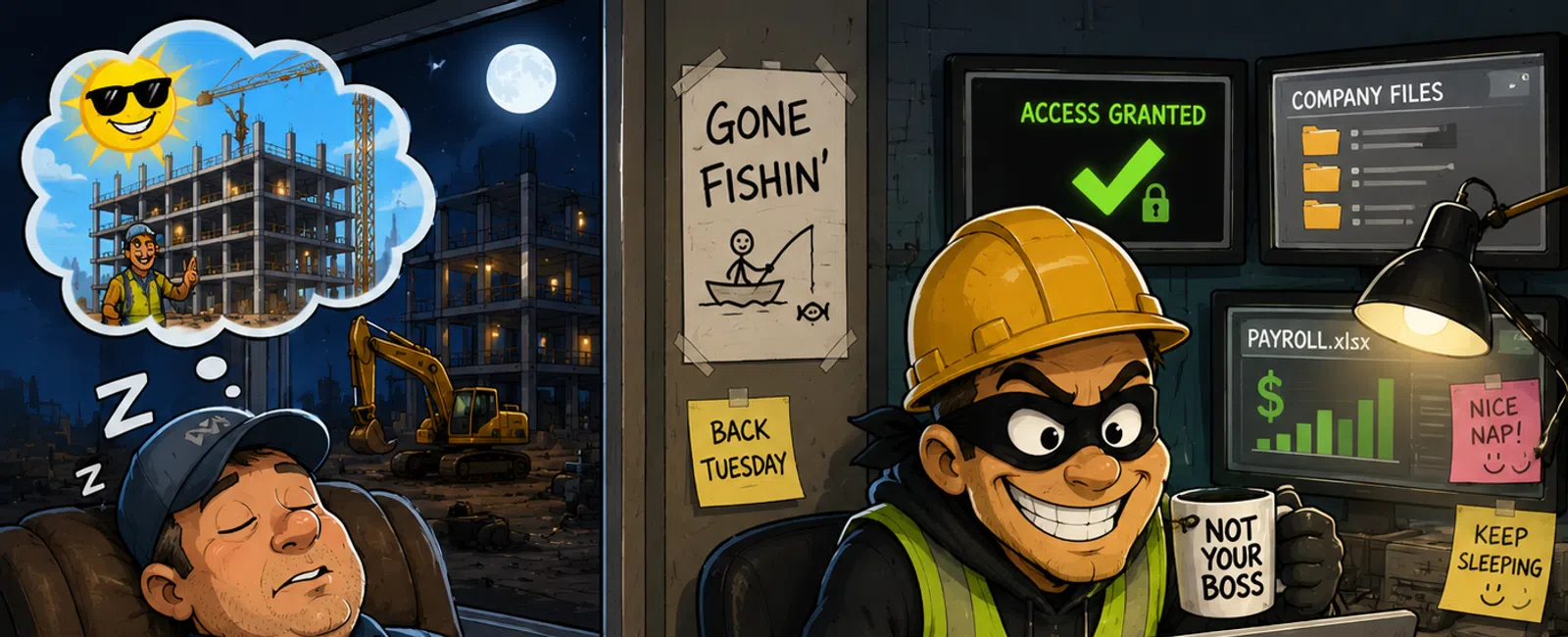
While You're Out of Office, Someone Else Is Working Your Systems
While you're jumping in the truck or heading out for a long weekend,
something else is happening.
Quietly.
Logins still work. Access still exists. Systems are still live.
The only difference is nobody's watching.
And in construction, that's usually when things start moving in the wrong
direction.
Most owners assume they're covered because they have IT support. What
they don't realize is this:
Support and monitoring are not the same thing.
That gap is where things break.
The Part Most People Miss About "Monitoring"
Here's the simple version.
Monitoring isn't a tool. It's a response system.
It's not just detecting something unusual—it's what happens next.
Because if nothing happens next, it doesn't matter that you detected it.
Real monitoring means:
- Someone sees an
alert in minutes, not hours
- Someone knows
what it means, not just that it exists
- Someone takes
action before it turns into downtime
Construction companies are high-risk here for a reason:
- Remote job site
access
- Shared files
across subs and vendors
- Constant
onboarding and offboarding
That creates exposure by default.
What Happens When an Alert Triggers (Real Flow)
This is where most assumptions fall apart.
Here's what an actual response looks like in a properly monitored
environment:
1) Alert triggered
Example: login from an unfamiliar location at 1:42 a.m.
2) Triage within minutes
An analyst reviews:
- User identity
- Device history
- Location
patterns
- Recent activity
3) Validation or escalation
If it doesn't match normal behavior, it moves forward immediately.
4) Containment action
Depending on severity:
- Disable the
account
- Force password
reset
- Isolate the
device from the network
5) Notification
You're contacted with:
- What happened
- What was done
- What still
needs to be checked
All of that happens while your team is asleep.
If your current setup can't clearly define this flow, then nothing is
actually being monitored.
3 Coverage Models (And Where They Break)
Most construction companies fall into one of these:
1) Reactive support (most common)
You call when something breaks.
Break: Nothing is actively watched.
2) MSP with basic monitoring
Tools generate alerts. Someone may check them during business hours.
Break: Nights and weekends are a blind spot.
3) 24/7 monitored environment (SOC/MDR)
Alerts are reviewed and acted on around the clock.
Tradeoff: Requires a defined response model and investment.
The problem isn't choosing the wrong model.
It's thinking you're in one when you're actually in another.
Where This Actually Fails
A project wraps.
A subcontractor keeps their VPN access.
No one removes it.
Saturday night, someone logs in using that account.
No alert gets acted on. No one sees it.
By Monday morning:
- Files have been
accessed
- Data may be
copied
- You don't know
when it started
The issue wasn't the password.
It was that no one was watching when it mattered.
What It Looks Like to Fix This (Without Overcomplicating It)
You don't have to rebuild everything.
But you do need to close the gap intentionally.
Here's how most companies move from reactive to real coverage:
Step 1: Audit what's actually being alerted
What events generate alerts today? Who sees them?
Step 2: Identify the after-hours gap
Be honest—what happens at 9 p.m.? Saturday? Holidays?
Step 3: Decide build vs outsource
- Internal team
(rare in construction)
- MSP-supported
- MDR/SOC (most
common upgrade path)
Step 4: Define response ownership
Who takes action within minutes—not hours?
If this isn't defined, monitoring doesn't exist. It just sounds like it
does.
Right-Sized Options (Based on How Construction Companies Actually Operate)
This doesn't have to be overengineered.
What we typically see:
Smaller contractors (<$5M)
Outsource monitoring (MDR)
Keep it simple. Focus on coverage.
Mid-sized firms ($5M-$20M)
MSP + MDR hybrid
Support plus after-hours visibility.
Larger firms ($20M+)
Co-managed or dedicated monitoring
More control, more accountability.
Most companies we assess fall into the middle—but assume they're already
covered.
Patterns We See in the Field
Across multiple construction environments, a few patterns show up
consistently:
- Orphaned
accounts tied to closed projects
- Alerts
configured but not actively reviewed
- No defined
after-hours response
- Unclear
ownership when something triggers
This isn't negligence.
It's just how fast-moving construction businesses operate.
But under pressure—or in a dispute—that explanation doesn't hold.
What It Actually Costs When This Goes Wrong
In construction, downtime isn't abstract.
It shows up as:
- Delayed bids
because systems are unavailable
- Project
slowdowns waiting on access to files
- Crews standing
still while issues get figured out
And when this gets reviewed—by insurance, legal, or an auditor—the
question is simple:
Were reasonable monitoring and response controls in place?
That's where this either holds up—or it doesn't.
Holiday Monitoring Checklist (Testable Version)
Run this before your next long weekend:
- Export active
VPN users → remove anyone tied to closed projects older than 30 days
- Review admin
accounts → confirm each has a current owner
- Trigger a login
from a new location → verify alert reaches a real person
- Disable a test
account → confirm an alert is generated and seen
- Review last 30
days of login anomalies → confirm they were actually reviewed
- Verify MFA is
enforced on all remote access
If you can't confirm these without guessing, there's a gap.
Your Next-Week Action
Pick one evening this week.
Ask a simple question:
"If an alert triggers tonight at 11 p.m., who sees it—and what do they do?"
Don't accept a vague answer.
You're looking for a name and a process.
Do This Now
Schedule your 10 minute discovery call with 911 IT and walk through
exactly what happens when an alert triggers in your environment.
You'll see quickly whether you have real monitoring—or just assumptions that
haven't been tested.


