
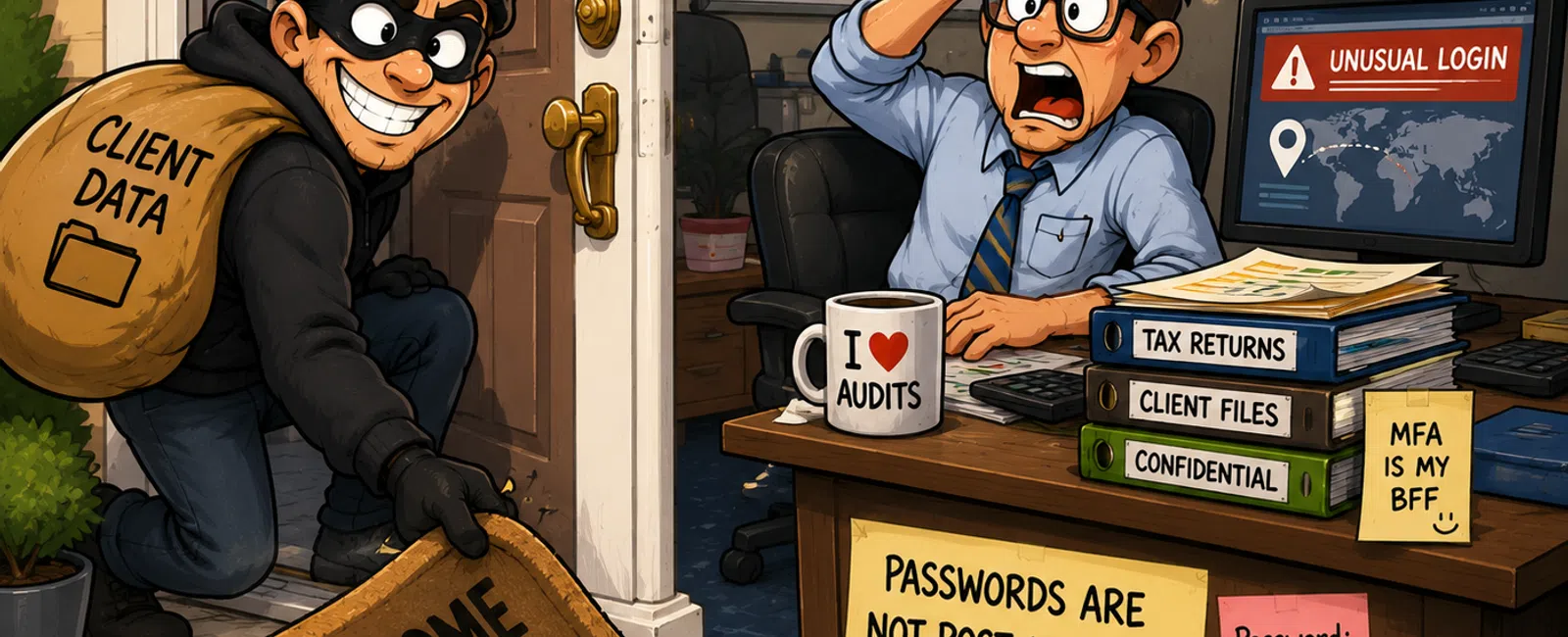
Your Password Is the Key Under the Doormat
Picture walking up to a house and lifting the welcome mat.
The key is right there.
Convenient. Predictable. Easy.
That's exactly why it works—for you and for anyone else looking.
Most CPA firms don't think of their passwords this way. But over time,
that's exactly what they become—something simple, reused, and quietly exposed.
The Real Problem Isn't Weak Passwords
This usually doesn't start inside your firm.
It starts somewhere else—a vendor, a tool, a system no one has thought
about in years.
That account gets breached.
The credentials get exposed.
From there, attackers don't guess.
They reuse.
They try the same login across your:
- Email
- Client portal
- Tax software
- File storage
And eventually, one works.
This is the pattern.
In most CPA firms we review, at least one system still allows
password-only access without a second layer.
That's all it takes.
What This Looks Like at a CPA Firm
Here's how this actually plays out.
Day 1
A staff tax preparer reuses their password on a third-party site.
Day 3
An attacker logs into the firm's client portal using that same password.
No alert. No disruption. Just access.
Day 10
A client calls asking why their tax return was accessed outside of normal
activity.
Now the firm is:
- Reviewing
access logs
- Notifying
affected clients
- Answering to
insurance
- Documenting the
incident for compliance
Nothing was "hacked."
A password was reused.
Why This Fails Under Audit or Insurance Review
If your firm is reviewed—by an auditor, insurer, or even a large
client—the first questions are simple:
- Are passwords
unique across systems?
- Is multi-factor
authentication enforced?
Under IRS Safeguards expectations and modern cyber insurance
requirements, these aren't advanced controls.
They are baseline controls.
If the answers sound like:
- "Mostly"
- "We believe so"
- "It depends on
the system"
That gets flagged immediately.
Not because something happened.
Because it easily could.
The Minimum Acceptable Setup (And Who Owns It)
This only works when it's treated as a system—not a one-time fix.
Password and Access Control System
Partners (Ownership)
- Set clear
policy: no shared logins, no reuse
- Require MFA
across all firm-critical systems
Admin / Office Manager (Coordination)
- Maintain a
system inventory (email, tax software, portals, remote tools)
- Confirm MFA is
enabled across each system
- Eliminate
shared credentials
IT / MSP (Enforcement)
- Deploy a
business password manager
- Enforce MFA
settings where possible
- Identify and
document exceptions
Ongoing Ownership
- This should be
reviewed quarterly or after any major system change
What "Done" Looks Like
- Every user has
their own login
- Every password
is unique
- MFA is
required—not optional—on core systems
- Passwords are
stored in a secure manager
If any of these are missing, the system isn't complete.
How to Confirm This Isn't Just Assumed
Most firms believe this is in place.
Fewer have verified it.
Quick Verification Checklist
- Review MFA
enforcement settings in your admin dashboards
- Pull a user
access report and confirm MFA is required for all users
- Spot-check that
passwords are being stored in a manager—not reused or written down
- Confirm there
are no shared credentials still in use
This step is where assumptions turn into certainty.
Or gaps.
Where CPA Firms Get Stuck (And What to Do)
This isn't usually a technical problem.
It's operational friction.
Shared Logins for Convenience
Move shared access into a password manager with controlled sharing
instead of one login used by everyone.
Partners Resist MFA
Use push-based authentication (approve on a phone) to reduce disruption
instead of codes.
Legacy Tools Without MFA
Restrict access and document them as exceptions while planning
replacement.
These are normal constraints.
Ignoring them is what creates risk.
What This Means in Practice
When this is handled correctly:
- You can clearly
answer client security questions
- Audit and
insurance reviews move smoothly
- One issue stays
contained instead of spreading
More importantly, you're not relying on "we've been fine so far."
You have a system you can explain—and defend.
A Simple Playbook for This Week
Don't try to fix everything.
Run this once:
- List your core
systems (email, client portal, tax software, remote access)
- Identify the
highest-risk login (usually email or portal)
- Turn on MFA and
enforce it
- Move that
account into a business password manager
- Confirm the
password is not reused anywhere else
- Document that
system as "compliant" and move to the next
One system, done properly.
Then repeat.
What to Do Next
Schedule your 10 minute discovery call with 911 IT. We'll walk through
one of your systems live and confirm whether MFA, password controls, and access
are actually enforced or just assumed. You'll leave with a clear answer on
where you stand and what needs attention first.


