
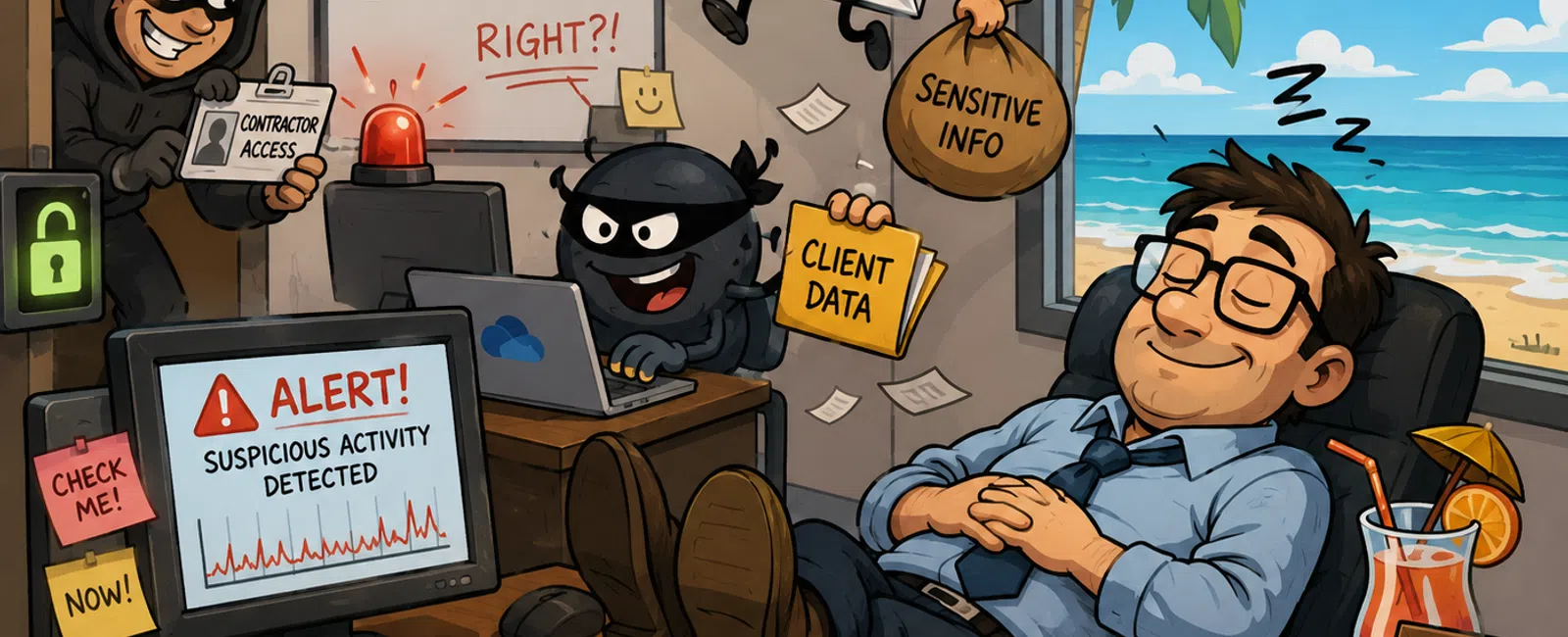
While You're Out of Office, They're Just Getting Started
I remember the first time I walked into a post-weekend incident review at
a community bank.
Nothing had "broken."
Every control was technically in place. Logs were collecting. Alerts were
firing. Systems were running exactly as configured.
But no one had acted on any of it.
If you've ever double-checked a system late at night before a long
weekend, you already understand the pressure behind that moment.
Because deep down, the question isn't whether your tools are working.
It's whether anyone is accountable when they do.
The Real Problem Isn't Coverage—It's Continuity
In regulated environments like banking, monitoring isn't optional.
You already have:
- SIEM logging
- Authentication
tracking
- Endpoint
protection
- Alerting rules
The issue isn't whether these exist.
It's whether they still function operationally when your team steps away.
And in more environments than most leaders are comfortable admitting,
they don't.
What Happens Across Real Environments (Patterns We See)
Across multiple financial environments we support, these aren't rare
failures. They're recurring patterns:
Contractor access left active after project close
Ownership isn't clear. The account stays live longer than it should.
Authentication alerts triggered—but not reviewed for 24-48 hours
The system detects the event. No one verifies it in real time.
Escalation paths defined—but not executed
Alerts route correctly, but land in inboxes or queues that aren't actively
monitored after hours.
These aren't technical gaps.
They're operational ones.
And they show up most clearly when coverage drops—weekends, holidays, and
off-hours.
Where This Breaks (Microsoft 365 + Banking Reality)
Let's walk this through in a banking environment.
A contractor account in Microsoft 365 remains active after a project tied
to loan processing integration.
Saturday, 1:18 AM:
- A login occurs
from a new geographic location
- Azure AD logs
capture the event
- Access begins
across SharePoint document libraries containing client data
What should trigger immediate concern:
- New or
impossible travel login signals
- Off-hours
access to sensitive financial documents
- Access patterns
inconsistent with normal behavior
What actually happens in a failed model:
- Alerts are
generated within the monitoring system
- No active
review occurs until business hours resume
- No validation
is performed while the activity is happening
By Monday, activity has already expanded.
By Tuesday, you're answering questions—internally and externally.
Nothing failed from a tooling perspective.
But from an audit perspective, everything did.
What "Active Monitoring" Actually Means in Practice
In a regulated banking environment, monitoring has to go beyond
visibility.
At minimum, it includes:
Authentication Visibility
- Login anomalies
(new locations, impossible travel, off-hours access)
- Failed
authentication patterns suggesting credential misuse
Endpoint and Device Signals
- Suspicious
processes or unauthorized changes
- Device behavior
outside established baselines
Access and Data Movement
- Off-hours file
access to sensitive systems
- Privileged
account activity
- Irregular data
movement patterns across systems
Most banks already generate this data.
The differentiator is whether it's actively interpreted and acted on.
Not All Alerts Are Equal—Here's What Gets Immediate Action
One of the most common breakdowns is prioritization.
Everything gets treated the same.
But in reality:
Immediate Action Required
- Suspicious or
anomalous login activity
- Privilege
escalation events
- Access from new
or high-risk locations
Rapid Validation Required
- Off-hours
access to financial or client data
- Unusual data
movement
- Access to
systems outside normal responsibilities
Lower Priority / Triage
- Routine system
alerts
- Expected
configuration changes
If your team can't clearly separate these categories, response breaks
down under pressure.
Where Monitoring Looks Right—But Still Fails
From the outside, most environments appear compliant.
But failures tend to cluster in three places:
- Alerts are
generated—but not actively reviewed
- Alerts are
reviewed—but not escalated quickly enough
- Escalation
paths exist—but haven't been tested under real conditions
That last one is where most risk hides.
Because on paper, everything looks complete.
Until it's not.
Where This Shows Up in Audits
This isn't theoretical.
In banking environments, this gap maps directly to audit expectations.
It surfaces in:
- SOC 2
monitoring and incident response controls
- HIPAA audit and
access control requirements
- PCI log review
and response obligations
Examiners aren't asking whether logs exist.
They're asking who reviewed them, when, and what action was taken.
If the answer includes a 24-48 hour delay, that's not a gray area.
That's a finding.
Coverage Model: Where the Real Gap Lives
Most institutions operate in a split model:
Business Hours
- Active
oversight
- Immediate
response
- Clear
accountability
After Hours
- Alerts continue
- Oversight drops
- Response
becomes reactive
Operational Standard
- Continuous
monitoring
- Defined
ownership at all times
- No gap between
alert and action
Security isn't measured when you're fully staffed.
It's measured when you're not.
If You Only Fix 3 Things Before a Long Weekend
If you're preparing for reduced coverage, start here:
- Disable or
validate all temporary and contractor access
- Confirm alerts
are actively reviewed in real time—not just logged
- Test your
escalation path end-to-end with a live scenario
If these three hold, most exposure windows shrink immediately.
Pre-Weekend Readiness Playbook
Before your next long weekend, validate this:
Access
- All users
reviewed for necessity
- Temporary
accounts removed or time-bound
- Privileged
access confirmed and documented
Monitoring
- Real-time alert
review is active after hours
- High-risk
alerts clearly defined and prioritized
- Escalation
reaches a responsible human
Visibility
- Authentication
logs actively monitored
- Endpoint
signals integrated into alerting
- Data access
patterns reviewed for anomalies
Accountability
- One person or
team owns response during the full downtime window
- Escalation
paths are tested—not assumed
If any of these are unclear, the gap already exists.
What To Do Next Week
Pick your next weekend or off-hours window.
Run a live test:
- Trigger an
authentication alert
- Follow it
through your system
- Track who sees
it, how fast, and what they do
Don't rely on assumptions.
Validate it.
That single exercise will show you exactly where your coverage breaks.
The Decision You're Actually Making
This isn't about adding more tools.
It's about deciding whether your environment is secure by design—or
secure by routine.
Routine disappears when your team steps away.
Controls should not.
Schedule your 10 minute discovery call to run an After-Hours Exposure
Check with 911 IT. We'll walk through your monitoring coverage, alert response,
and escalation path so you can see exactly where visibility drops. In 10
minutes, you'll know if your environment actually holds when no one is
watching.


